

URI Handler - Open With Picker 1.9
Screenshots
Click to enlarge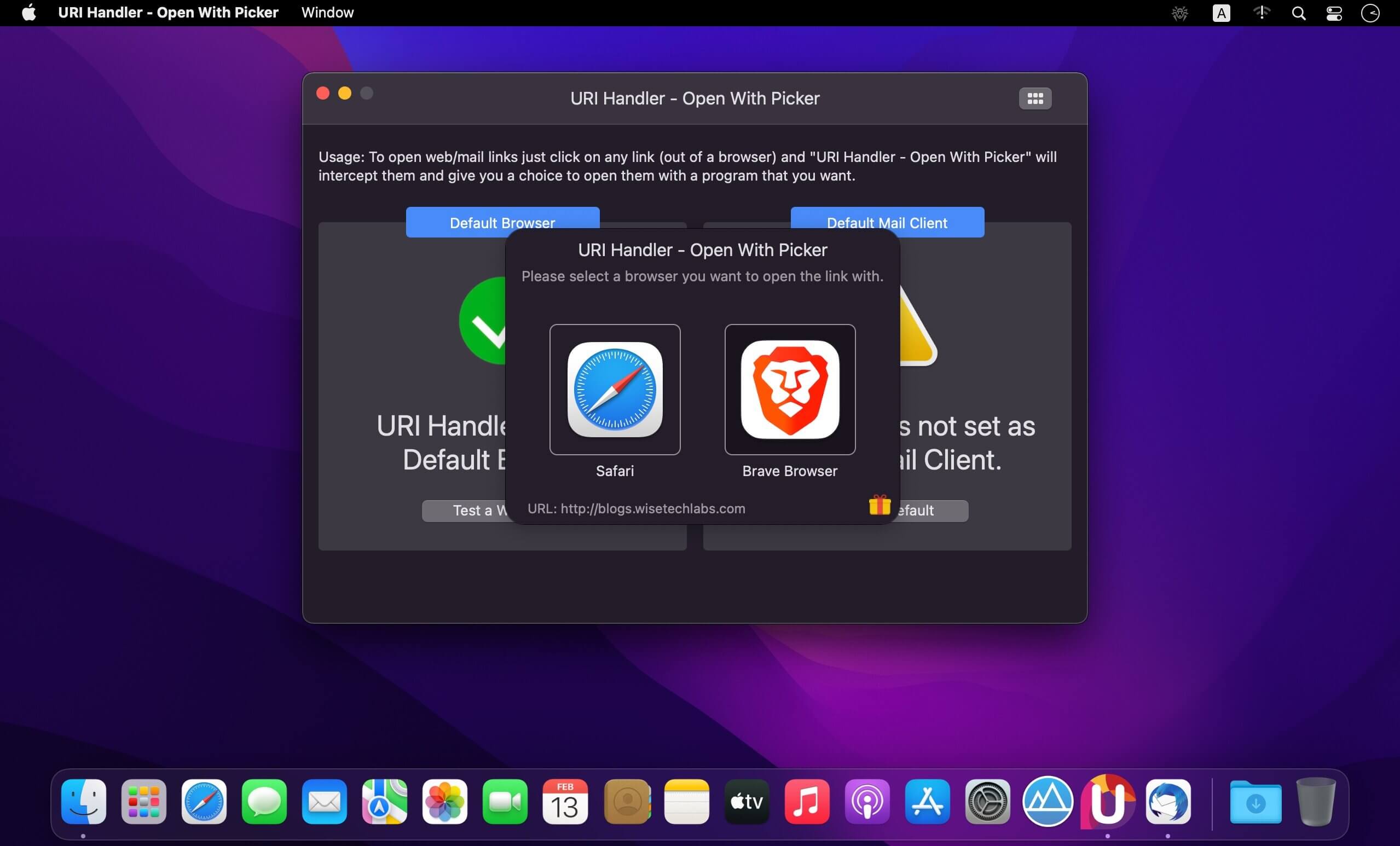
Open with browser and mail picker to allow you easily open links with preferred browser and email address links with preferred email client installed on your Mac.
Opening URLs on a modern Mac is pretty simple. Your MAC computer, your phone and your tablet all have default apps, the preloaded software that springs into action whenever a specific task needs doing. Click an image you've just received over email, for example, and it opens in your default image viewer. Follow a web link someone sends you, and your default web browser opens up.
When you click on any link outside of your web browser, it opens in the Default Web Browser. But if you prefer to open that URL in another specific browser installed on your Mac, without falling into the nightmare of manually opening that preferred browser for one link and copying/pasting the URL, you can simply use "URI Handler - Open With Picker" to see a list of installed browsers and swap in one of those instead, automatically.
When you click any URL outside your Web Browser, "URI Handler - Open With Picker" will present you a beautiful list of all installed browsers to seek your choice and open the link in the chosen browser.
Similarly if you click on a "mailto" link to open a mail client, with "URI Handler - Open With Picker", you get a beautiful list of all email clients installed on your Mac to choose one that you want to open the mail link into.
Take control of how URLs open on your Mac in your preferred browser.
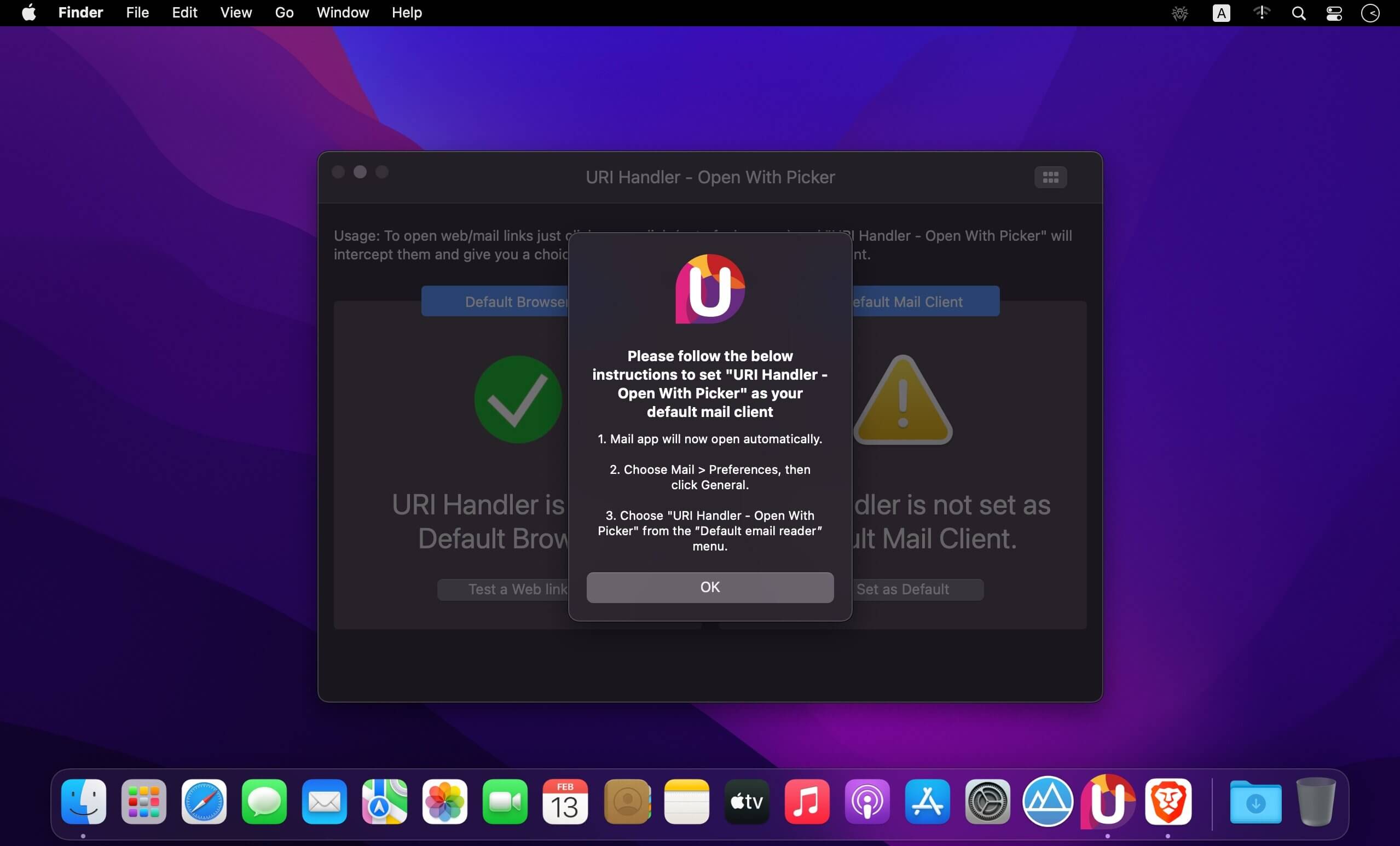
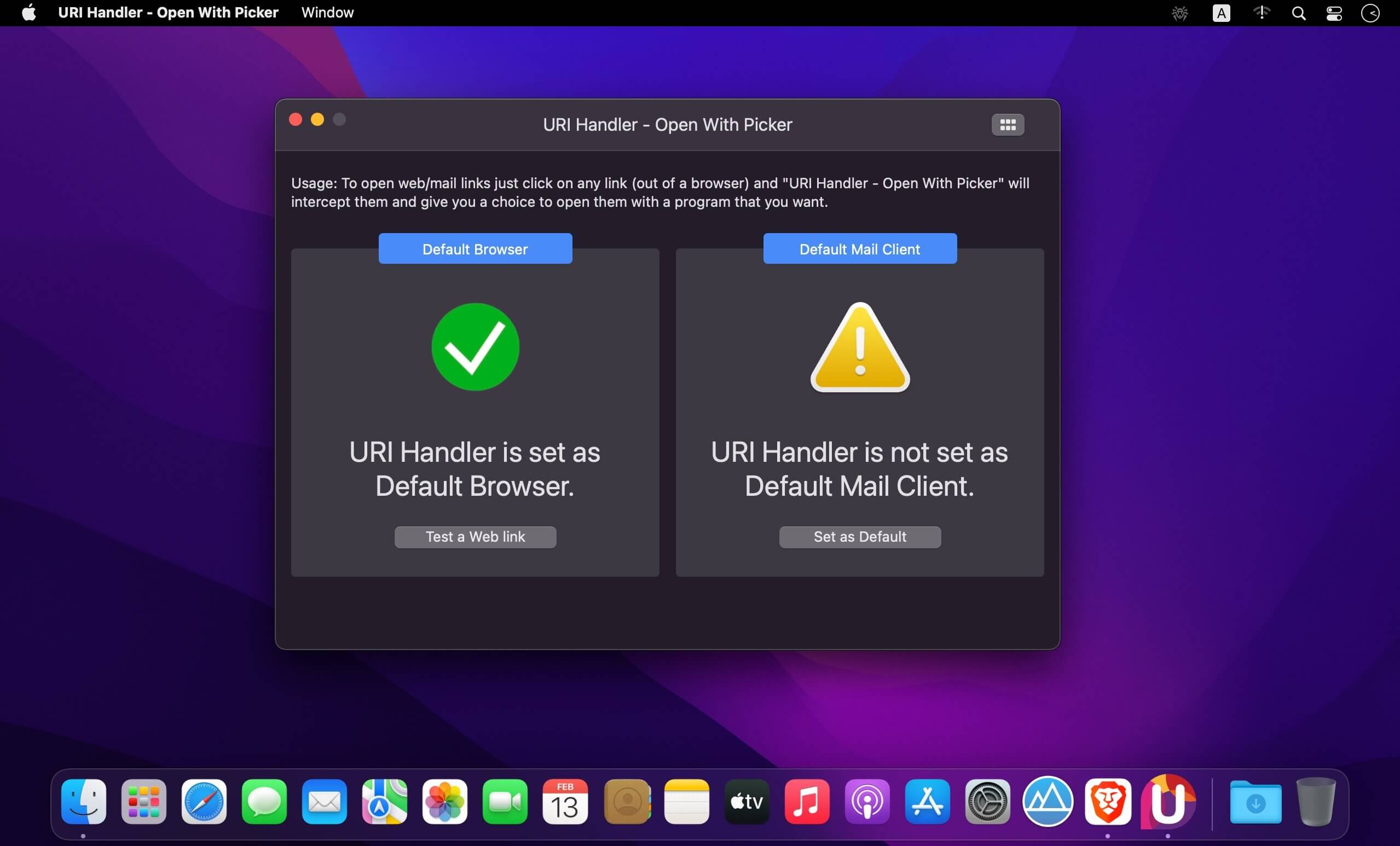
Note: You'll have to set "URI Handler - Open With Picker" as your default browser as well as you default Mail Client. When you will install the app, it will ask the permission from you and do the needful or will guide you with the steps.
Version 1.9
- Optimized workflow.
Comments
No comments yet. Be the first.