
Browserism 2.3.1
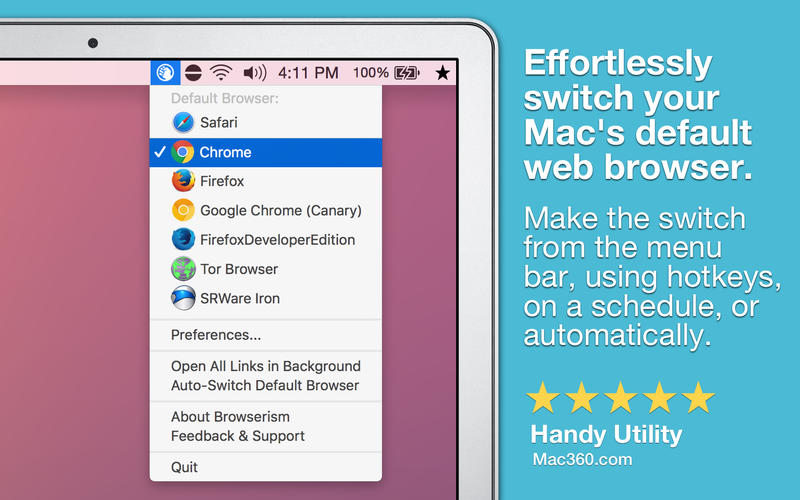
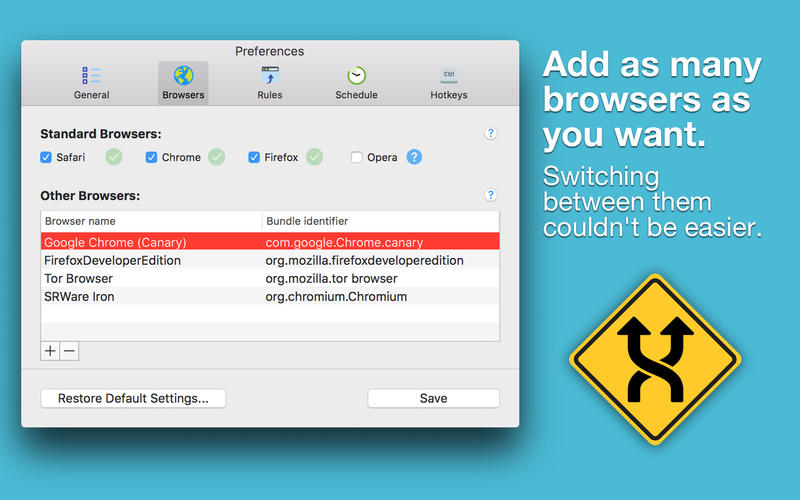
Browserism is a little app that lives in your menu bar and helps you quickly switch your Mac's default web browser. Out of the box, Browserism supports Safari, Google Chrome, Firefox, and Opera, but you can also tell Browserism to use any other browser you have installed.
Features:
- Change the default web browser from the menu bar or using hotkeys
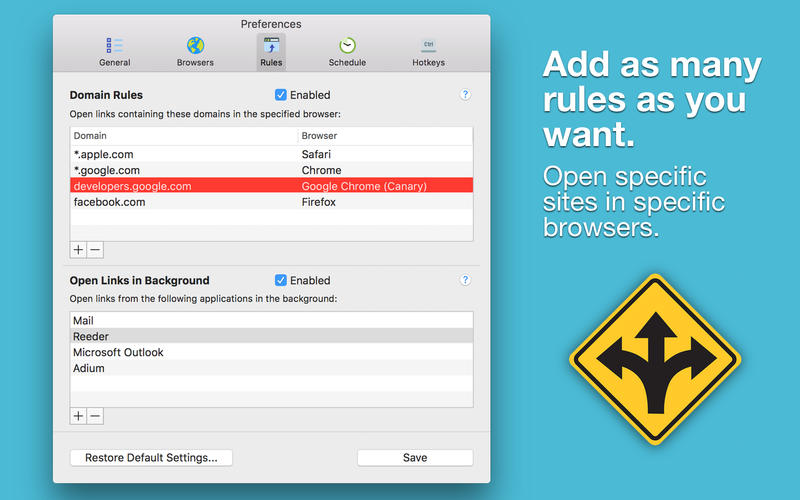
- Automatically open specific links in specific browsers
- Automatically set the default browser to the one you're using
- Turn on/off opening links in the background
- Show the default browser's name and icon* in the menu bar
- Automatically switch the default browser on a schedule
- Wildcard URL rules, such as *.apple.com or apple.*
Browserism can be configured to open specific sites/links in specific browsers. As an example, you could have YouTube links open in Google Chrome, and Facebook links open in Safari.
Use a different browser at work than you do at home? Browserism can schedule your work browser to activate at 9:00 AM and your personal browser to activate at 5:00 PM (or whatever your work schedule is).
Are you a web developer who constantly needs to switch browsers? With Browserism's Silent Switching feature and system-wide hotkey support, you'll instantly notice how Browserism improves your workflow.
Anytime you have a need to switch your default browser, or control which links open in what browsers, Browserism is the quickest and easiest way to do it. No more looking for hard-to-find settings and menus or dealing with nagging system prompts.
WHAT’S NEW
Version 2.3.1
- Fix for Rules on exact URL match
SCREENSHOTS
Frequently asked questions
How do I install the app?
Mount the image, drag the app into the "Applications" folder and launch it. If the system blocks the launch, allow it in "System Settings → Privacy & Security".
The app is damaged or won't launch
Reinstalling from a fresh image usually helps. Make sure your macOS version matches the one listed in the compatibility specs.
How do I update?
Download the new version from the site and install it over the current one — your settings will be preserved.
The download link doesn't work
Try a mirror or a download manager. For large files the browser often drops the connection.
How do I completely remove the app?
Use an uninstaller utility — it cleans up the service files that remain after moving the app to the trash.
VersionBrowserism 2.3.1
DeveloperWilliam Gustafson
CompatibilityOS X 10.8 or later, 64-bit processor
LanguageEnglish
IncludesPre-K'ed





Information
Visitors in the group Guests cannot leave comments on this publication.
Choose a download source
Browserism 2.3.1 · 4.87 MB