
Bumpr 1.4.5
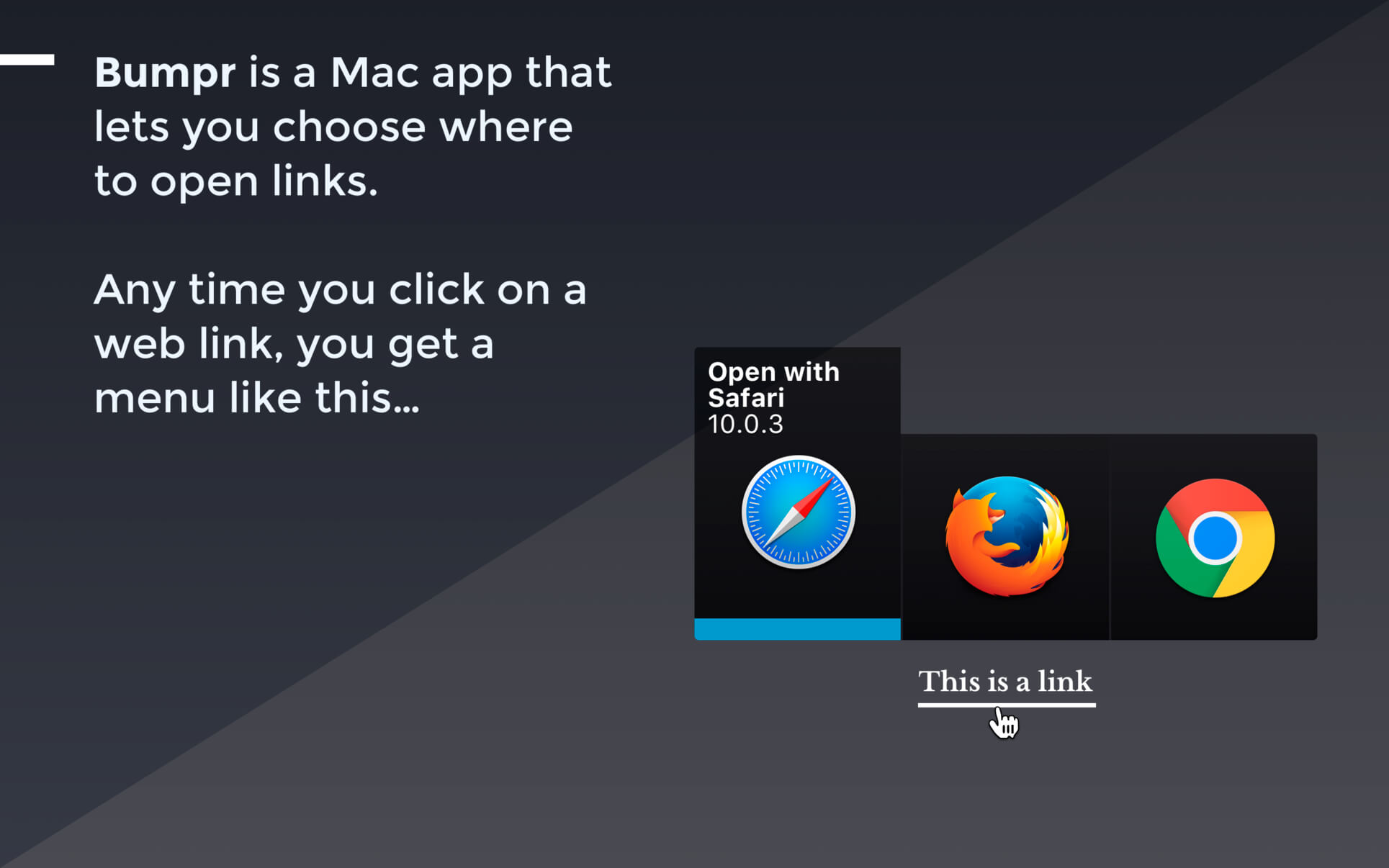
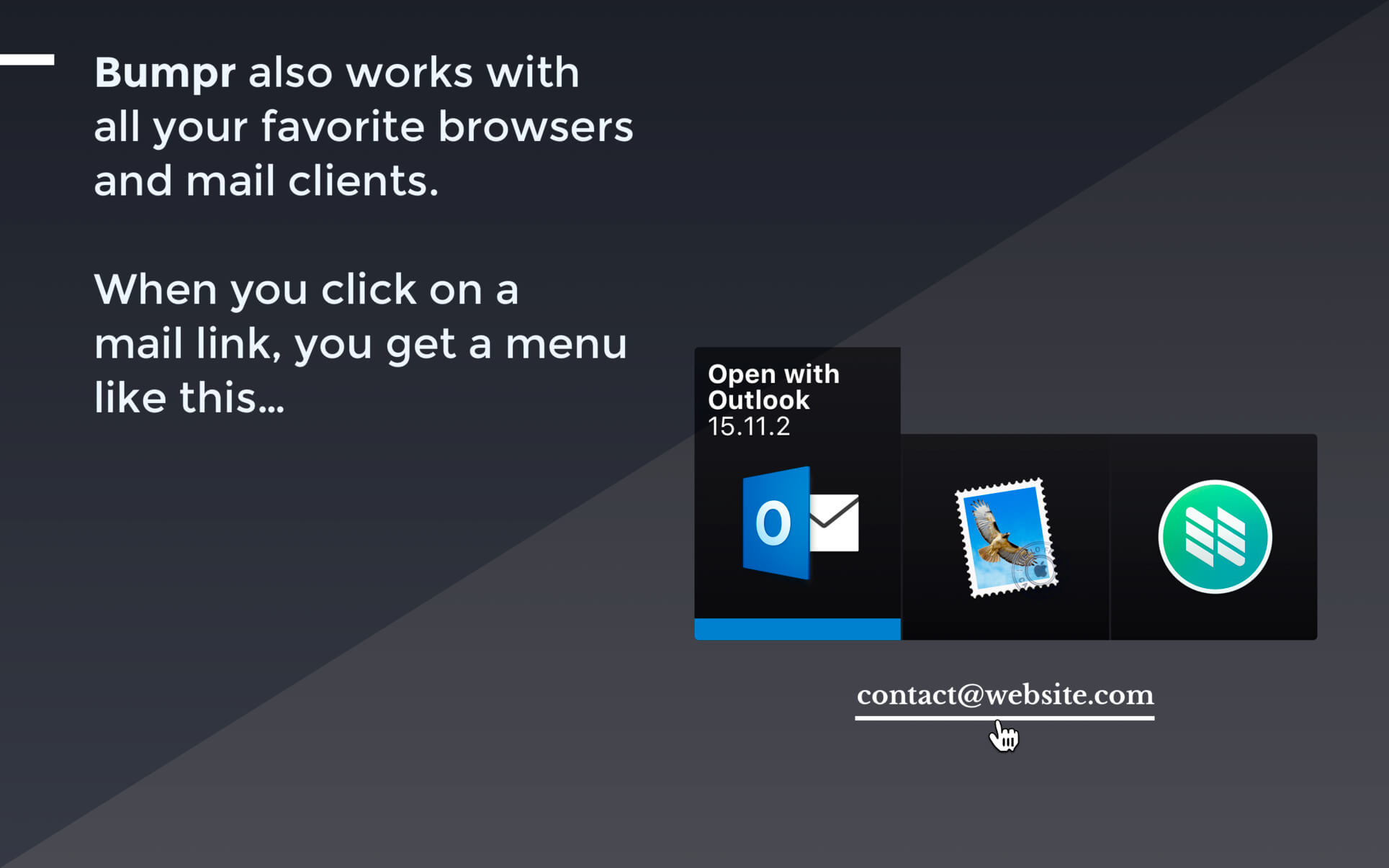
Bumpr is a handy, beautiful Mac app that lets you choose where to open links. Anytime you click on a web link, a compact, elegant menu pops up right in place and lets you choose which browser to open that link with. Bumpr also works with mail links.
Bumpr is particularly effective if you use more than one browser to run separate Google accounts, for cross-browser testing, to keep certain kinds of browsing activities restricted to certain browsers, and more. Its email handling is great if you use separate email clients for different email accounts.
Version 1.4.5
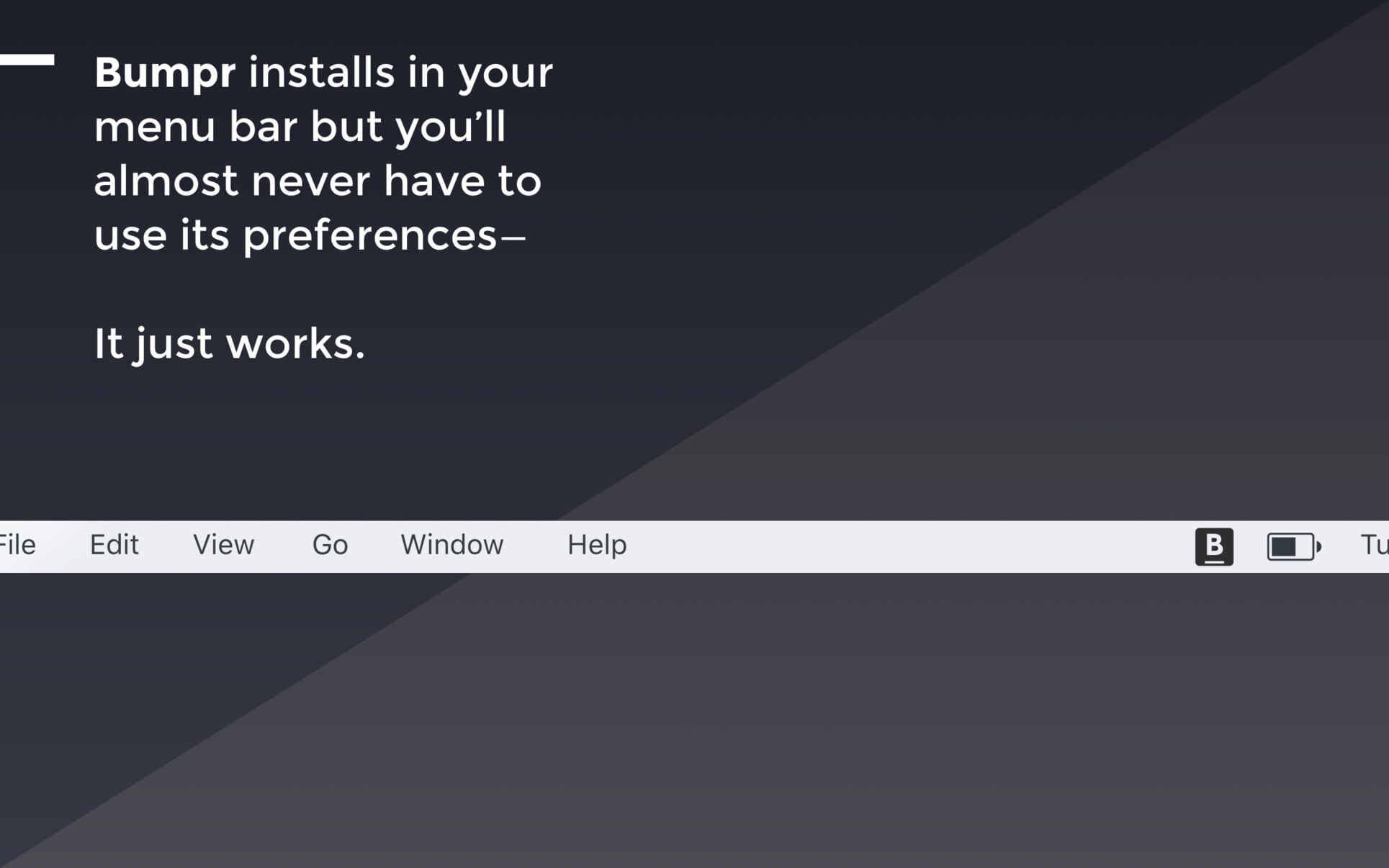
- Want to remove the Bumpr icon from the menu bar? Open Bumpr's settings to show it in your Dock instead.
Frequently asked questions
How do I install the app?
Mount the image, drag the app into the "Applications" folder and launch it. If the system blocks the launch, allow it in "System Settings → Privacy & Security".
The app is damaged or won't launch
Reinstalling from a fresh image usually helps. Make sure your macOS version matches the one listed in the compatibility specs.
How do I update?
Download the new version from the site and install it over the current one — your settings will be preserved.
The download link doesn't work
Try a mirror or a download manager. For large files the browser often drops the connection.
How do I completely remove the app?
Use an uninstaller utility — it cleans up the service files that remain after moving the app to the trash.





Choose a download source
Bumpr 1.4.5 · 8.92 MB
Previous versions
Bumpr 1.4.5
Previous versions are available to registered users.