
Enfocus PitStop Pro 2022 v22.0.1378944


Have you ever printed thousands of copies of a faulty PDF? Ever crossed your fingers, hoping the file you're about to print is okay? Do you spend hours checking customers' PDF files for errors? PitStop Pro is your solution for these problems!
The comprehensive PDF tool for prepress
- Confidently preflight and edit PDF files for print
- Automatic fixes make prepress more efficient
- Global user base of over 135,000
- Adobe Acrobat® plug-in ensures standardized PDF
PDF preflight check
PitStop Pro is the industry standard for PDF validation. It is the one tool that gives prepress power over PDF. PitStop solves preflighting, editing, repairing and reporting for any PDF challenge your team will face.
Interactive preflight report
PitStop Pro will generate a preflight report based on benchmarks that you choose. The interactive report can be as basic or detailed as you require to suit your customers. A PitStop Pro preflight report contains a clickable list of warnings and errors that visually indicate exactly where the issue is located.
Truly powerful PDF editing
PitStop Pro can edit any element in a PDF file from within Adobe Acrobat®
- Paths
- Images
- Colors
- Layers
- Pages
PDF inspection
PitStop provides a molecular look into the construction of a PDF file.
Get information about
- Page geometry
- Object containers
- Fonts
- Color modes
- Image resolutions
- Transparency
- Object stacks
- Hidden non-printing item
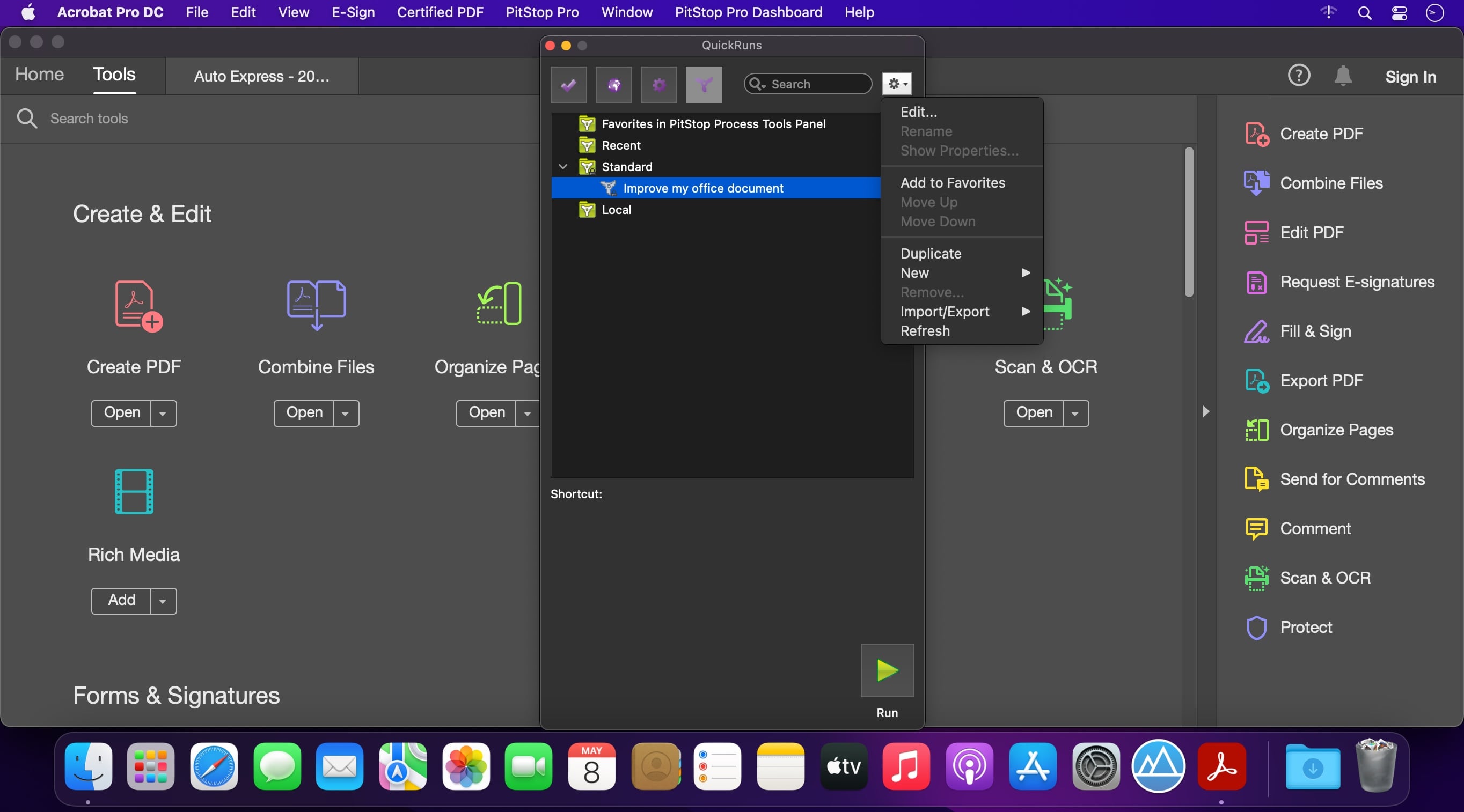
Action Lists: automated tasks
- Create a series of actions to be performed in one click.
- Select objects and elements according to specific criteria.
- Manipulate selections in a myriad of ways to perform corrections.
- Place new objects on pages to suit production.
Ships with many pre-defined Action Lists
With a library of Action Lists to get you started, you'll be making one-click fixes immediately after install. Creating your own Action Lists is simpler and more intuitive than ever.
Conquer Color
Gain control over issues with PDF color specifications that emerge from incorrect modes and naming.
- Check color mode
- Naming consistency
- Remapping
- Converting
- Spot and special color functions
Version 22.0.1378944:
- Release notes were unavailable when this listing was updated.
Frequently asked questions
How do I install the app?
Mount the image, drag the app into the "Applications" folder and launch it. If the system blocks the launch, allow it in "System Settings → Privacy & Security".
The app is damaged or won't launch
Reinstalling from a fresh image usually helps. Make sure your macOS version matches the one listed in the compatibility specs.
How do I update?
Download the new version from the site and install it over the current one — your settings will be preserved.
The download link doesn't work
Try a mirror or a download manager. For large files the browser often drops the connection.
How do I completely remove the app?
Use an uninstaller utility — it cleans up the service files that remain after moving the app to the trash.



Choose a download source
Enfocus PitStop Pro 2022 v22.0.1378944 · 1.27 GB