Art Files 3.4
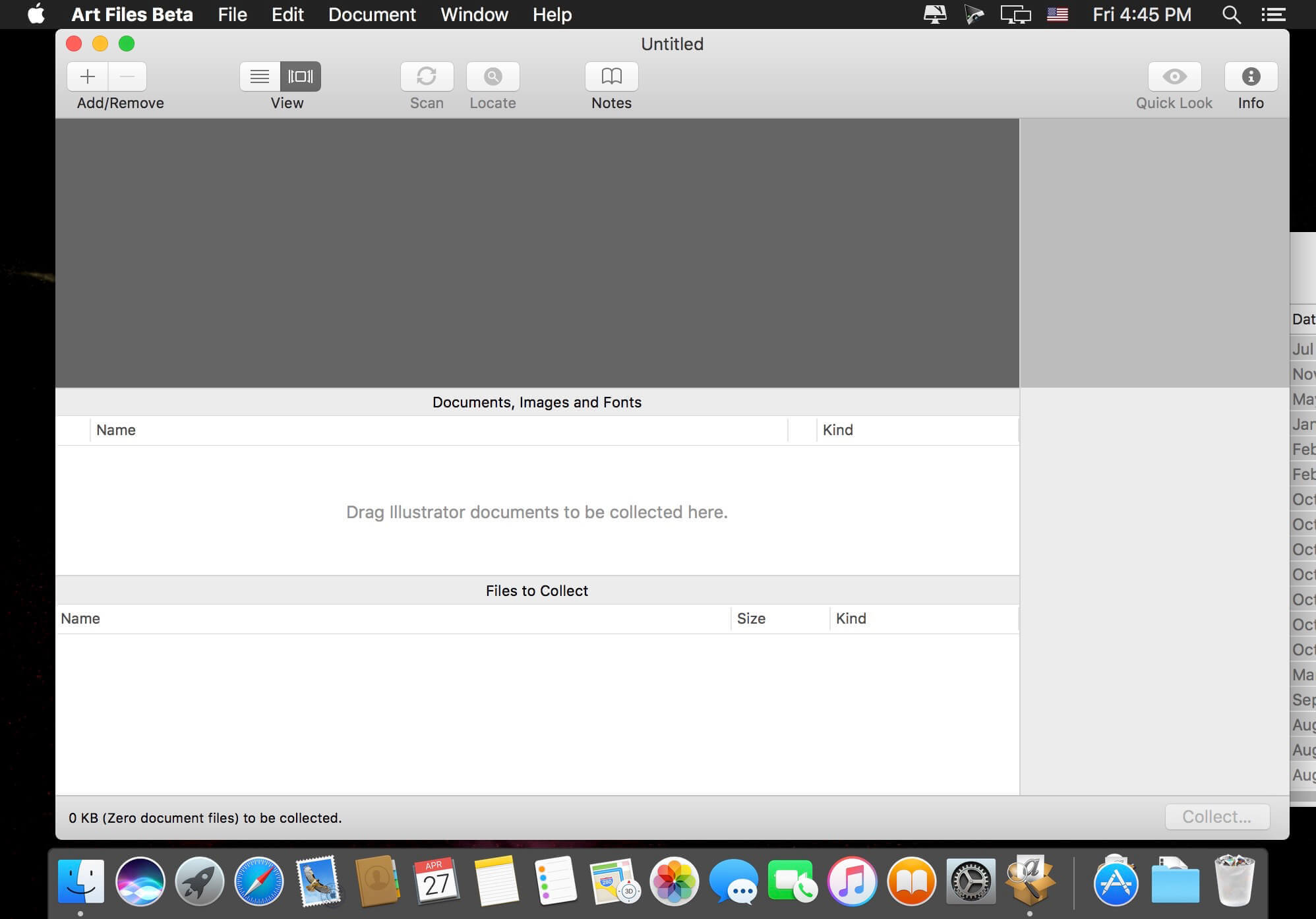
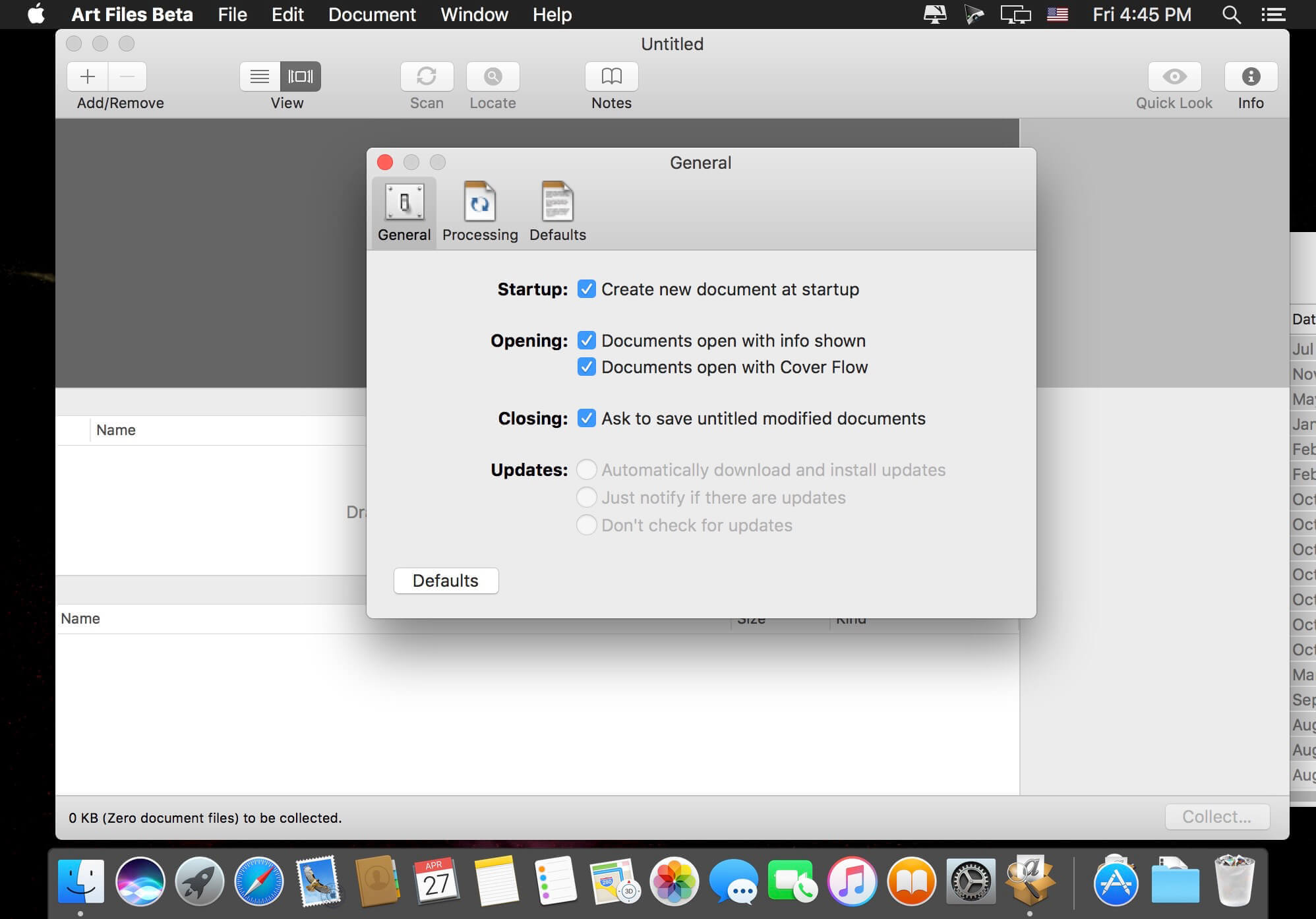
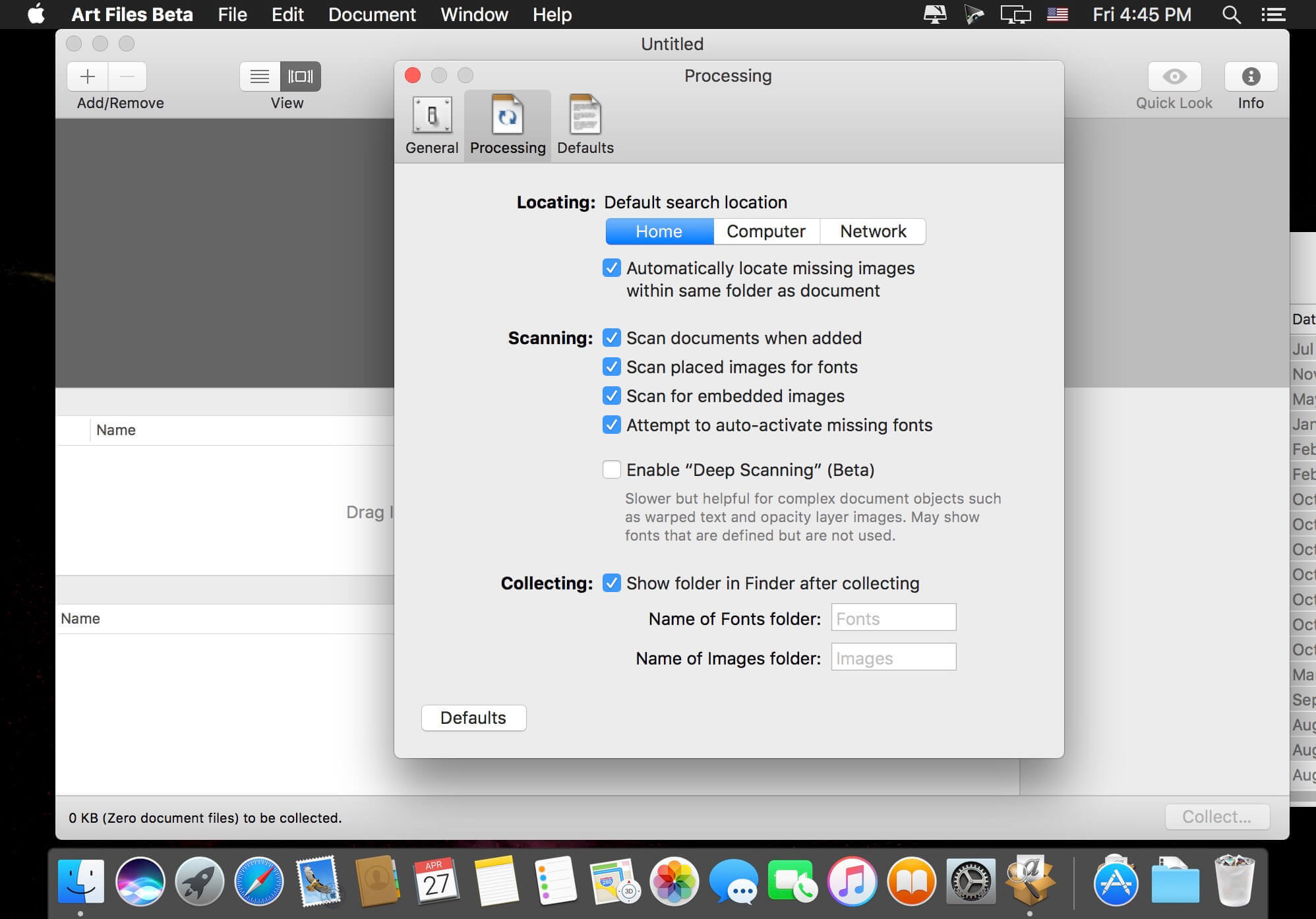
Art Files is a stand-alone application that takes the tedious task of collecting Illustrator documents, linked images, and fonts for graphics files, and turns it into a simple point-and-click operation. Rather than focus on the in-depth "preflight" nitty-gritty that other applications have done in the past, Art Files focuses on gathering just the information you need to get your files packaged up for your service provider.
Art Files also has the unique ability to collect several documents at once, saving precious time when only minutes stand between overnighting your artwork to the printer and having to hire a high-price door-to-door courier to meet your deadline. In addition to saving time, this feature also cuts down on disk space by collecting shared images and fonts between documents only once.
Art Files is perfect for archiving your important graphics documents. It's also perfectly tailored for anyone who works with graphics files and needs the portability of sending documents to others for editing or printing. Its simple, straight-forward user-interface is sure to make file collection nightmares a thing of the past.
Version 3.0:
- Updated Adobe Creative Cloud SDK
- 64-bit Native
- Improved stability while scanning, especially PDFs
- Mac OS X 10.14 Compatibility
- Adobe Creative Cloud Compatibility 2019
- Improved User Interace
- Metadata displayed for each document, image and font
- Compatible with Mac OS X 10.10 or later
- Ability to collect several documents in separate folders coming soon!
- Improved parsing of OpenType Type 1 fonts.
- Improved stability for handling exceptions during collection.
- Added "Dark" appearance for macOS 10.14 users.
Frequently asked questions
How do I install the app?
Mount the image, drag the app into the "Applications" folder and launch it. If the system blocks the launch, allow it in "System Settings → Privacy & Security".
The app is damaged or won't launch
Reinstalling from a fresh image usually helps. Make sure your macOS version matches the one listed in the compatibility specs.
How do I update?
Download the new version from the site and install it over the current one — your settings will be preserved.
The download link doesn't work
Try a mirror or a download manager. For large files the browser often drops the connection.
How do I completely remove the app?
Use an uninstaller utility — it cleans up the service files that remain after moving the app to the trash.

Choose a download source
Art Files 3.4 · 8.46 MB