
Adobe InDesign 2022 17.4
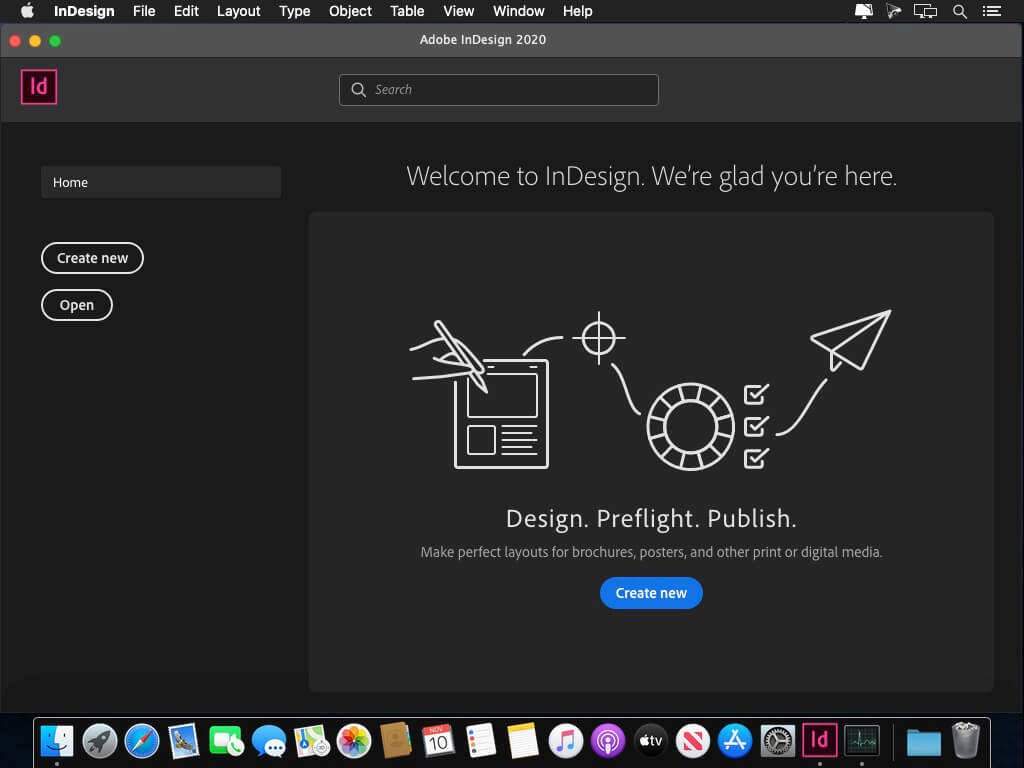
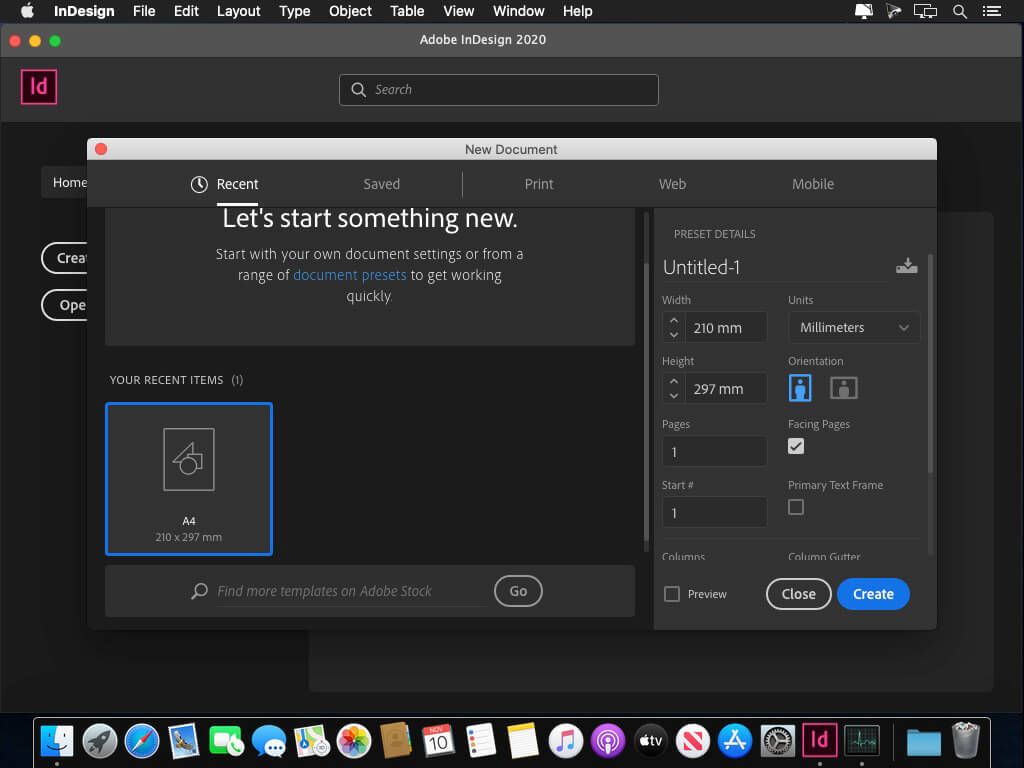
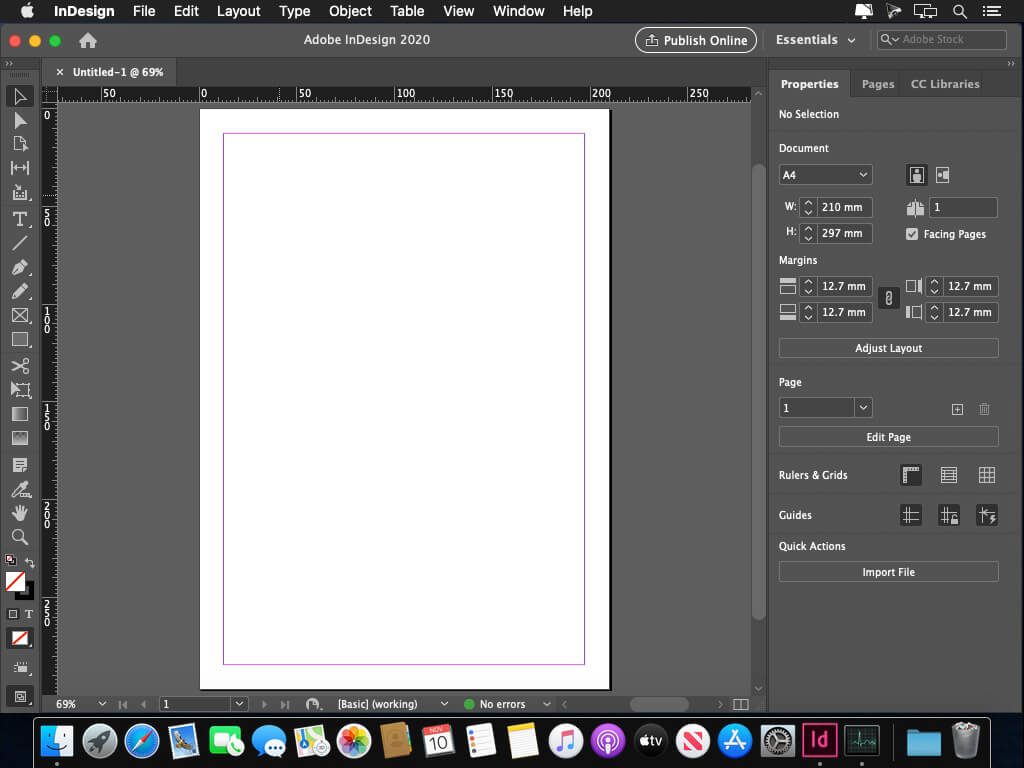
The next page in layout design. The industry-leading page design and layout app lets you create, preflight, and publish beautiful documents for print and digital media. InDesign has everything you need to make posters, books, digital magazines, eBooks, interactive PDFs, and more. Standout layouts. Only with InDesign. Whether you work in print or digital media, InDesign can help you create layouts that leap off the page.
Benefits of Adobe InDesign 2020:
- New features add footnotes
- Improvements to the OpenType
- Control scale arrow pointers
- Simplified search as Adobe Stock
- New features the Creative Cloud the Libraries
- Improving the Creative Cloud the Assets
- Access to store Typekit the Marketplace
- Integration with the Animate 2020
- And more other
Version 17.4:
Core feature and workflow:
- Continuous flickering while scrolling a review in a browser with varying page sizes.
- Review comments disappear after updating the Share for Review link.
- Issue printing variable fonts.
- Turning on Preview in Data merge applies incorrect Paragraph styles if the Remove Blank Lines option is also checked.
- [macOS Only] Negative numeric value stripped off while importing an excel.
- [macOS Only] Issue recognizing document fonts when the parent folder's name contains #.
- Issue with Type on a path when converted to outline.
- [InDesign Server] Locked layers are unlocked on save.
- [InDesign Server] Doesn't recognize certain fonts on PDF export.
Improvement to new features:
- [macOS Only] At higher UI scaling, the status bar disappears while switching from Presentation Mode to Normal Mode.
- [macOS Only] Unable to move the InDesign window at higher UI scaling.
Frequently asked questions
How do I install the app?
Mount the image, drag the app into the "Applications" folder and launch it. If the system blocks the launch, allow it in "System Settings → Privacy & Security".
The app is damaged or won't launch
Reinstalling from a fresh image usually helps. Make sure your macOS version matches the one listed in the compatibility specs.
How do I update?
Download the new version from the site and install it over the current one — your settings will be preserved.
The download link doesn't work
Try a mirror or a download manager. For large files the browser often drops the connection.
How do I completely remove the app?
Use an uninstaller utility — it cleans up the service files that remain after moving the app to the trash.
Choose a download source
Adobe InDesign 2022 17.4 · 912.02 MB
Previous versions
Adobe InDesign 2022 17.4
Previous versions are available to registered users.