

Enfocus PitStop Pro 21 update 1 Build 1323417
Screenshots
Click to enlarge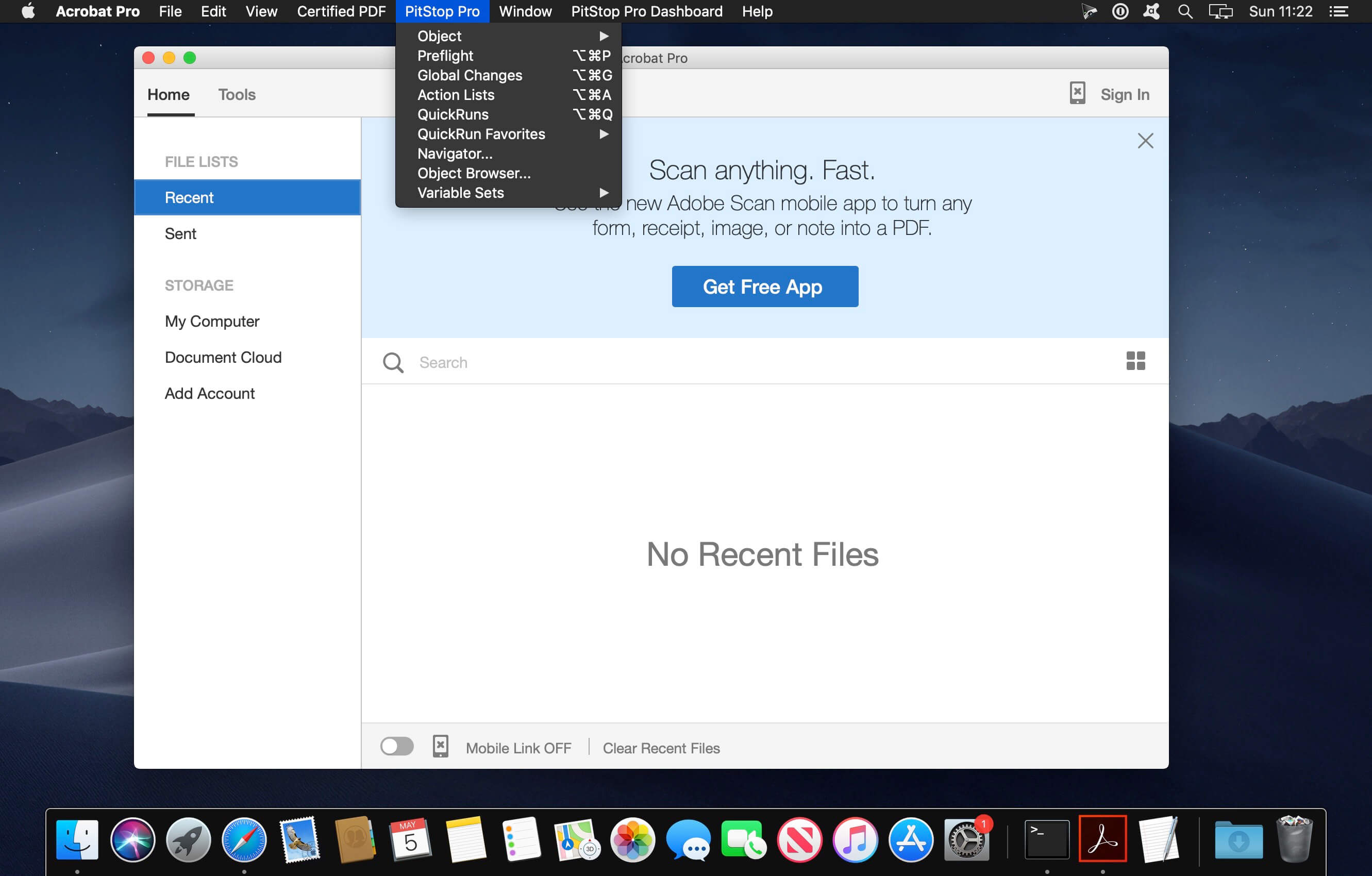

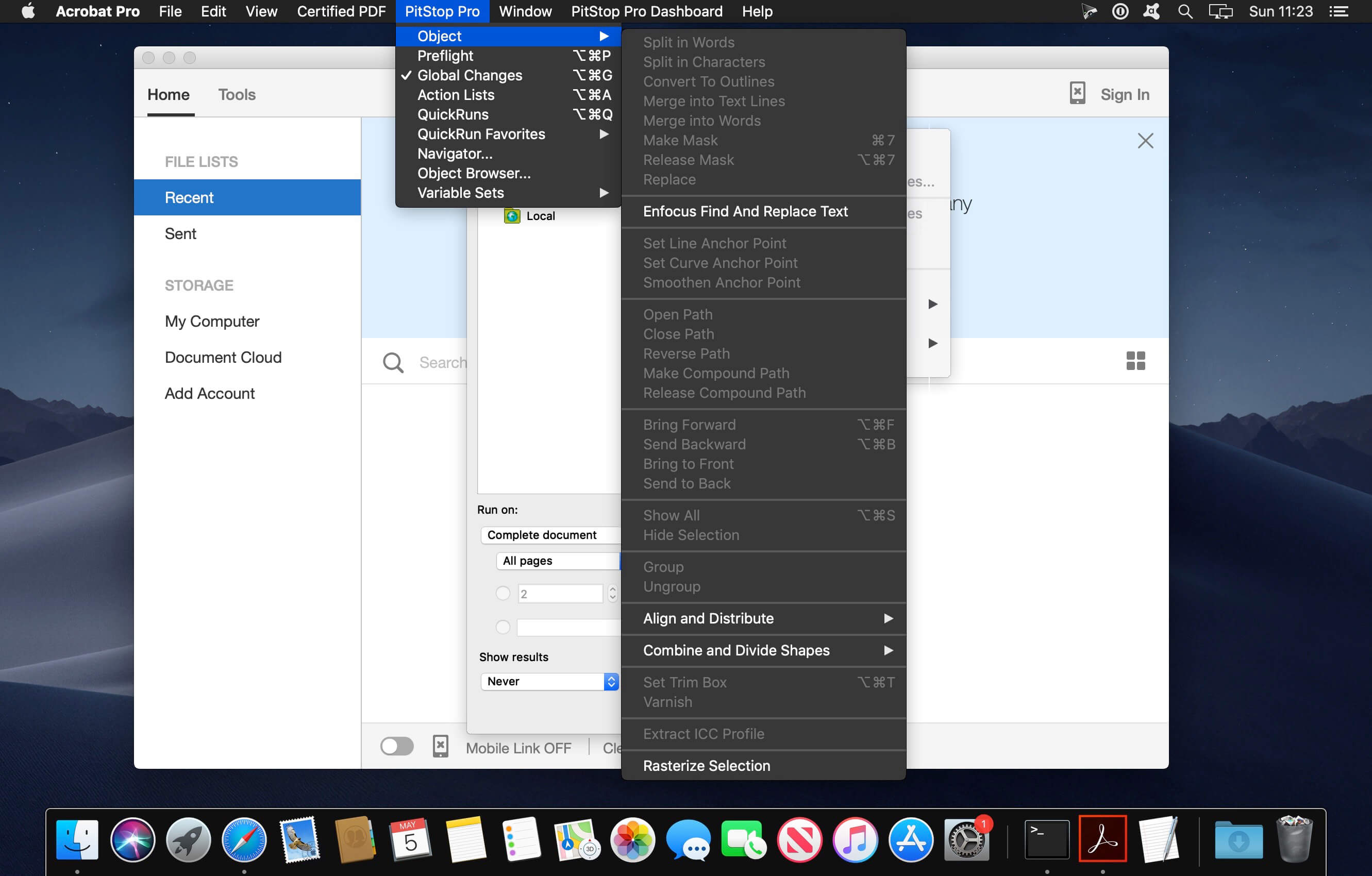
Have you ever printed thousands of copies of a faulty PDF? Ever crossed your fingers, hoping the file you're about to print is okay? Do you spend hours checking customers' PDF files for errors? PitStop Pro is your solution for these problems!
PDF Quality Control (Preflight)
Tired of manually checking every page of a PDF for errors? PitStop Pro automatically detects pretty much every possible error in PDF files.
Automatic corrections
Not only does PitStop Pro detect errors, it also gives you the possibility to fix them yourself or have it done automatically.
PDF editing
PitStop Pro also lets you manually edit almost everything in a PDF file without leaving Adobe Acrobat.
PitStop Pro 2020 highlights:
The following videos highlight new features available in this latest release.
Tracing
- Make vectors from raster images
- A huge time-saver for wide format printers
- Color swatches in PitStop Inspector
Visually look for objects - PATENT PENDING
- Using computer vision, PitStop will scan a document for certain objects
- Verify branding, logo placement, etc
Overlay PDF
- Overlay one multi-page PDF over another
- Page-based check for bleed
- 20 new action lists
- Search and replace text
List of new features, improvements and Actions:
- Add Page Numbers Action
- Extended Rasterize Selection
- Normalize Pantone Names Action
- Flip Selection
- Check Page Bleed Action
- Select Tiling Patterns Action
- Check for Corrupt Images
- Color Swatches in the Inspector
- Crop to Clip in the Inspector
- Pantone v4 Libraries Added
- Select by PDF version (PDF 2.0)
- Change PDF version (PDF 2.0)
- Check Acrobat Compatibility
- Overlay PDF Action
- Check if Visual Content Exists Action
- Check for Tiling Patterns
- Check for Number of Images on a Page
- Offset shapes in the Inspector
- Trace in the Inspector
- Updated Transparency Flattener
- Add Copied Graphics using variables
- Add Pages using variables
- Grab Page Box Coordinates
- Select Areas of Dense Graphics Action
- Select Process Colorants Action
- Search and Replace Text Action
- Check for Zero-Width Fill
- Stroke to Fill in the Inspector
- Add Barcode Action
- Add QR Code
Comments
No comments yet. Be the first.