
NeoOffice 2017.33
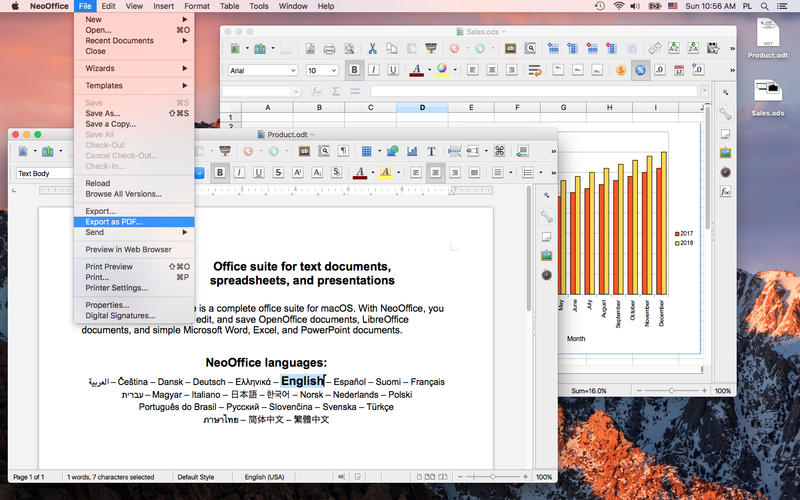
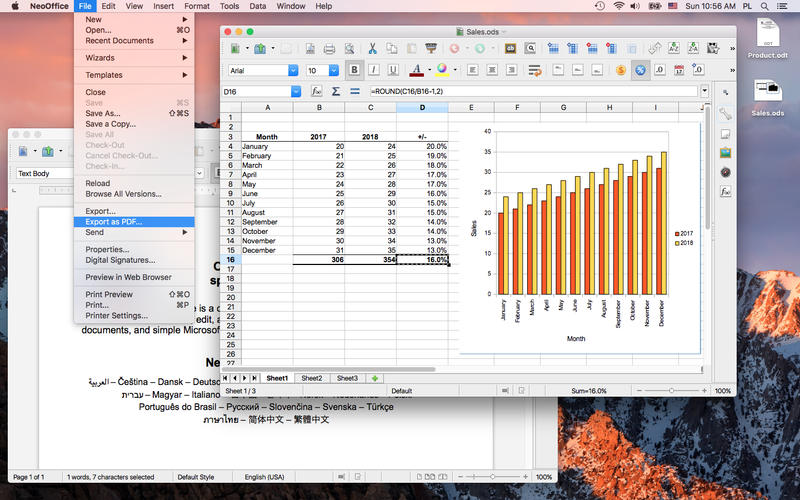
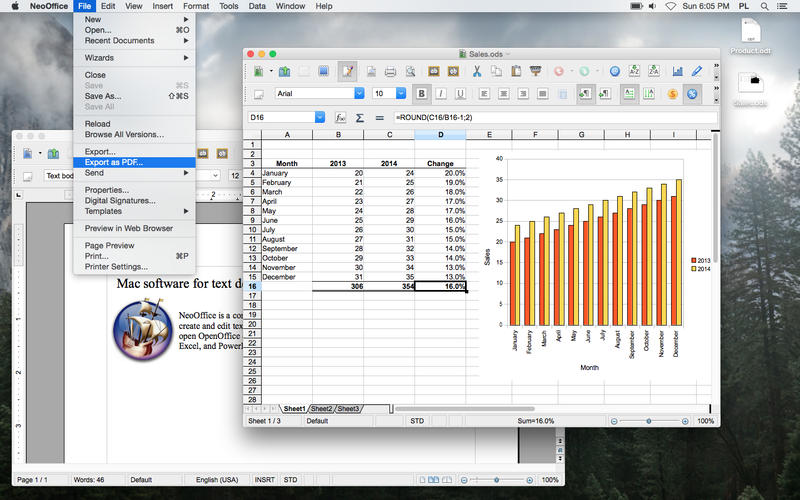
NeoOffice is an office suite for Mac that is based on OpenOffice and LibreOffice. With NeoOffice, you can view, edit, and save OpenOffice documents, LibreOffice documents, and simple Microsoft Word, Excel, and PowerPoint documents.
Two engineers created NeoOffice in 2003 when they made OpenOffice run natively on OS X for the first time. Since then, the NeoOffice engineers have continually added improvements to NeoOffice that you will not find in OpenOffice or LibreOffice such as:
- NeoOffice > Open at Launch menu to open Calc or Impress instead of Writer at launch
- File > Browse All Versions menu to restore previous versions of your documents
- Native file locking to safely edit files in iCloud Drive, Dropbox, or network drives
- Native Mac grammar checking
- Native Mac text highlighting
- Support for Mac Services
- Native floating tool windows
Version 2017.33
Before you buy NeoOffice, please click on the "Support" link and read the installation notes.
This version of NeoOffice fixes the following bug:
- When using the hyperlink dialog, LibreOffice bug #86845 would occur in NeoOffice
Frequently asked questions
How do I install the app?
Mount the image, drag the app into the "Applications" folder and launch it. If the system blocks the launch, allow it in "System Settings → Privacy & Security".
The app is damaged or won't launch
Reinstalling from a fresh image usually helps. Make sure your macOS version matches the one listed in the compatibility specs.
How do I update?
Download the new version from the site and install it over the current one — your settings will be preserved.
The download link doesn't work
Try a mirror or a download manager. For large files the browser often drops the connection.
How do I completely remove the app?
Use an uninstaller utility — it cleans up the service files that remain after moving the app to the trash.



Choose a download source
NeoOffice 2017.33 · 269.44 MB
Previous versions
NeoOffice 2017.33
Previous versions are available to registered users.