

Crop Any Video 2.0.5
Screenshots
Click to enlarge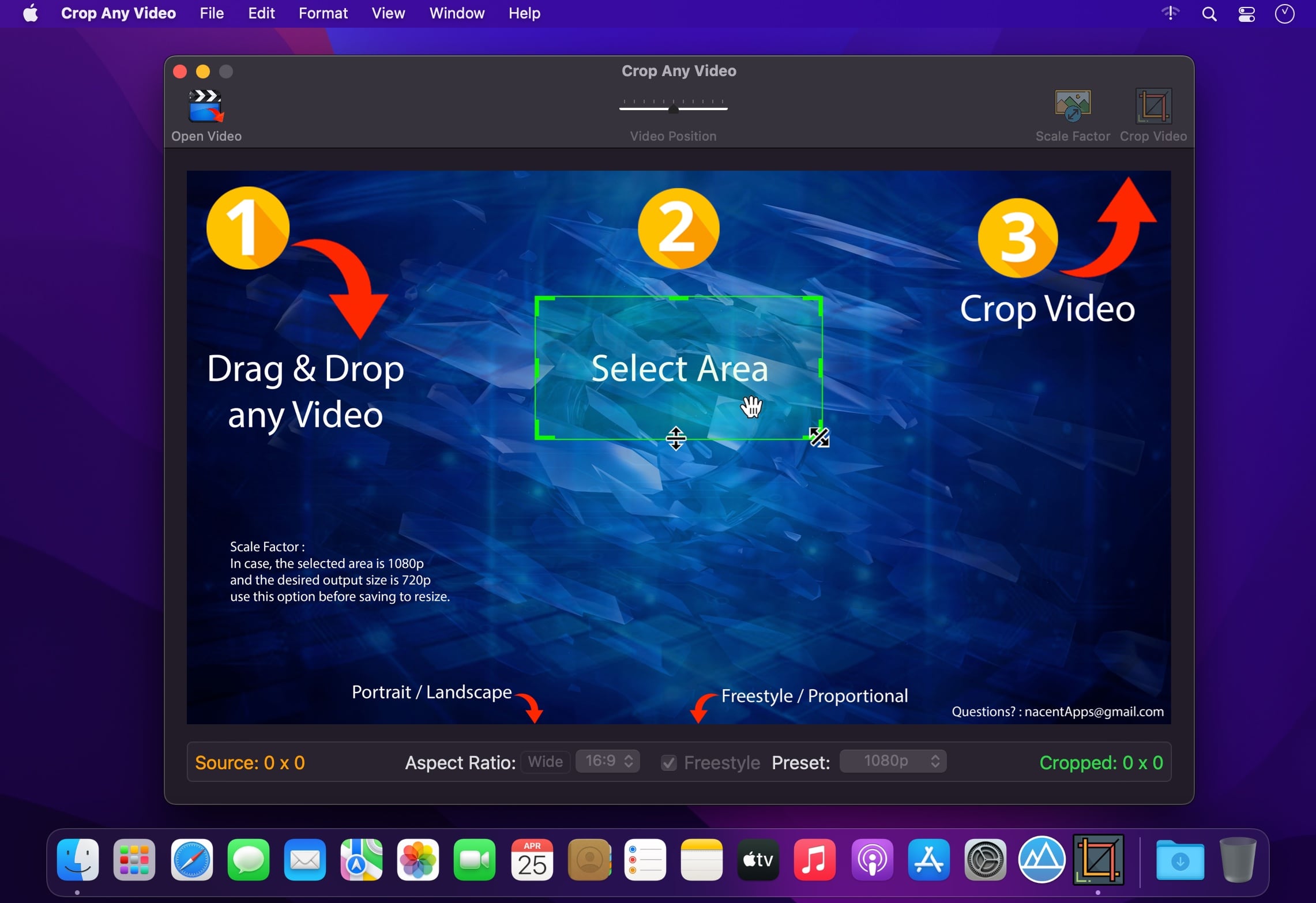
Super simple to use. Just 3 Steps:
- Drag & Drop any Video.
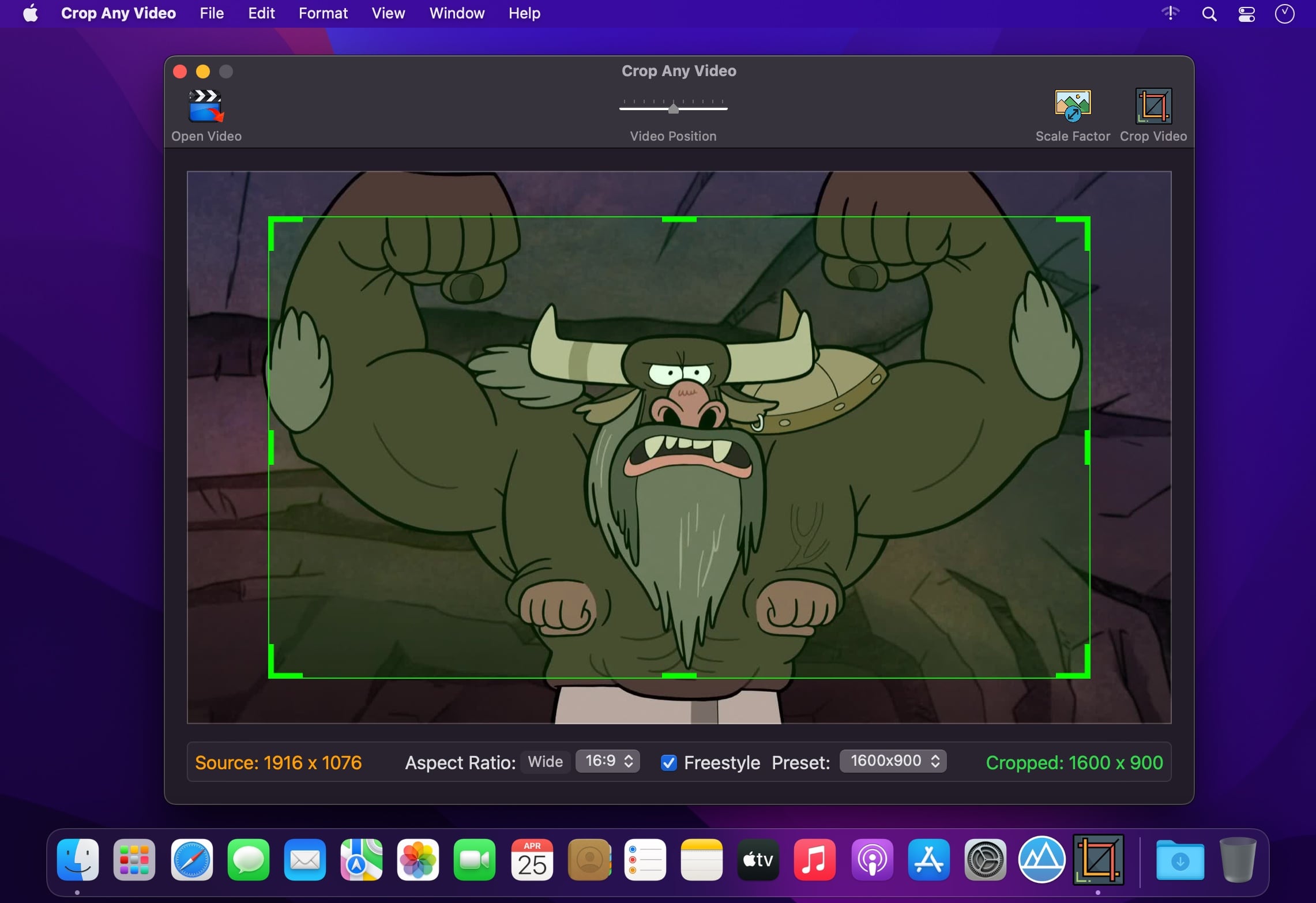
- Select the desired area to keep using draggable Selection Rectangle.
- Click Crop Video. That's it!
- Any Input Video. Supports almost all input video formats, codecs, containers and file extensions.
- Pixel Level Accuracy. Precisely choose the width and height to retain with accurate area selection.
- Easy. The draggable handles are just natural in selecting the crop rectangle.
- Ability to crop to widely used resolutions such as 720p, 1080p, 4k etc., via Presets.
- Ability to crop in different Aspect Ratios : 16:9, 4:3, 1:1(Square), 7:5, 5:4, 5:3, 3:2.
- Ability to select proportionally or freestyle.
- Availability of Portrait/Landscape (Tall/Wide) selection modes.
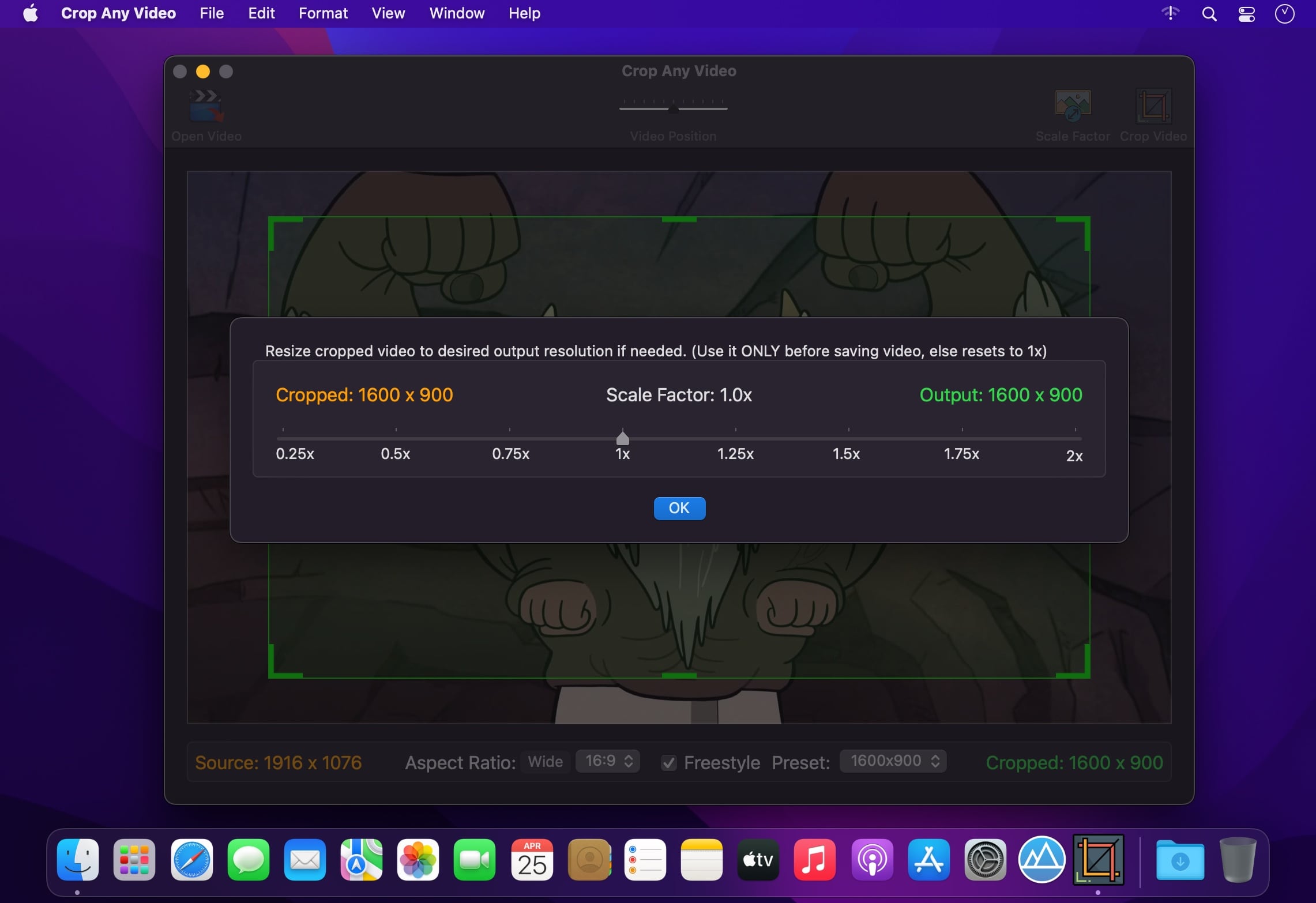
- Option to scale up/down the cropped area to desired output resolution.
- Considerable file size reduction while retaining quality.
- Fast transcoding engine that gets the job done quickly.
- Input file extensions supported are : .mp4, .mov, .m4v, .mpg, .mkv, .avi, .dv, .flv, .ts, .mts, .m2ts, .oog, .webm, .wmv, and many more…
- A widely compatible .mp4 (H264/AAC) output video gets created.
Version 2.0.5
- Now with the option to scale the cropped area to desired output resolution.
Comments
No comments yet. Be the first.
Information
Visitors in the group Guests cannot leave comments on this publication.