

Convert to MP4 PRO 2.0.2
Screenshots
Click to enlarge
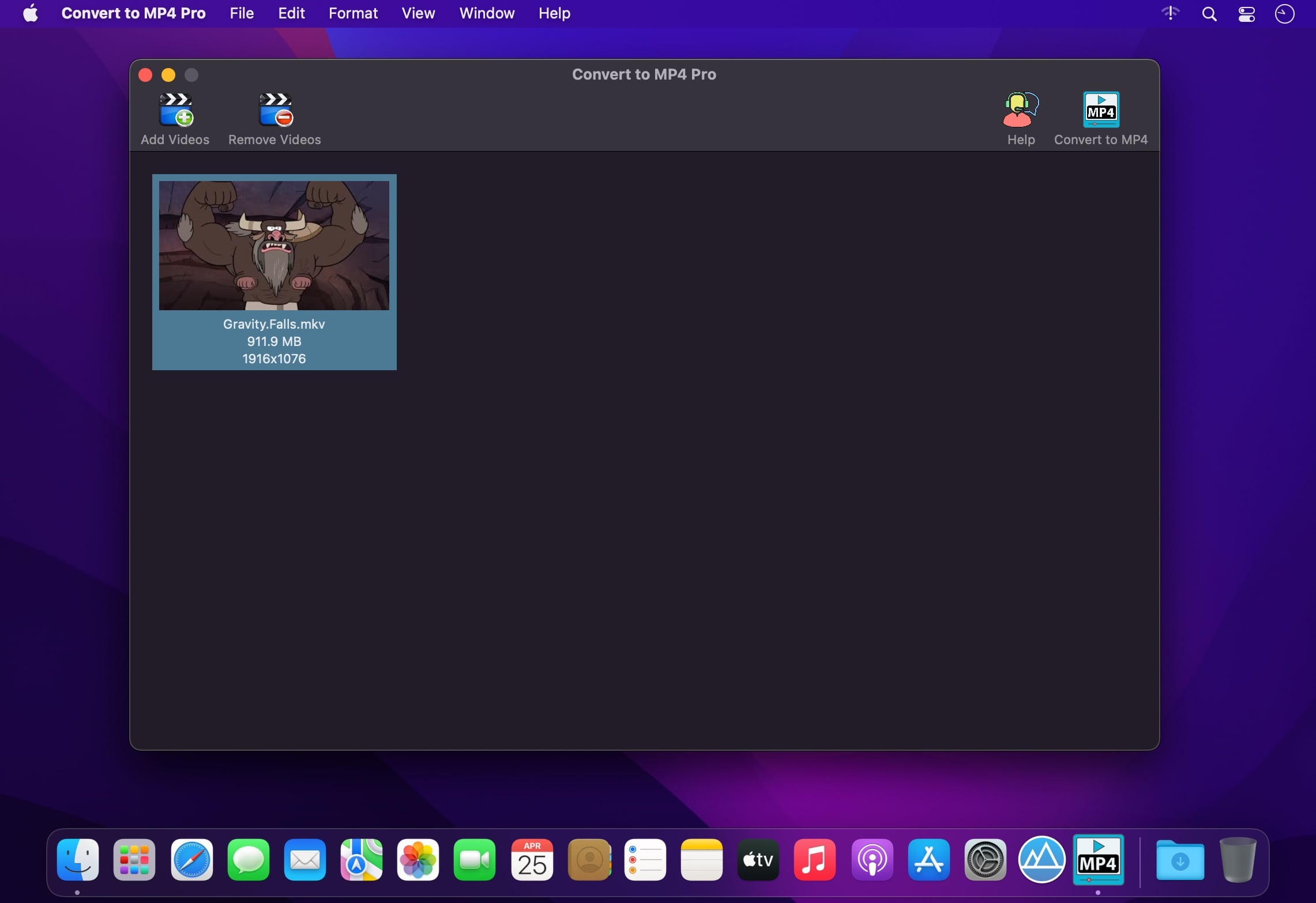
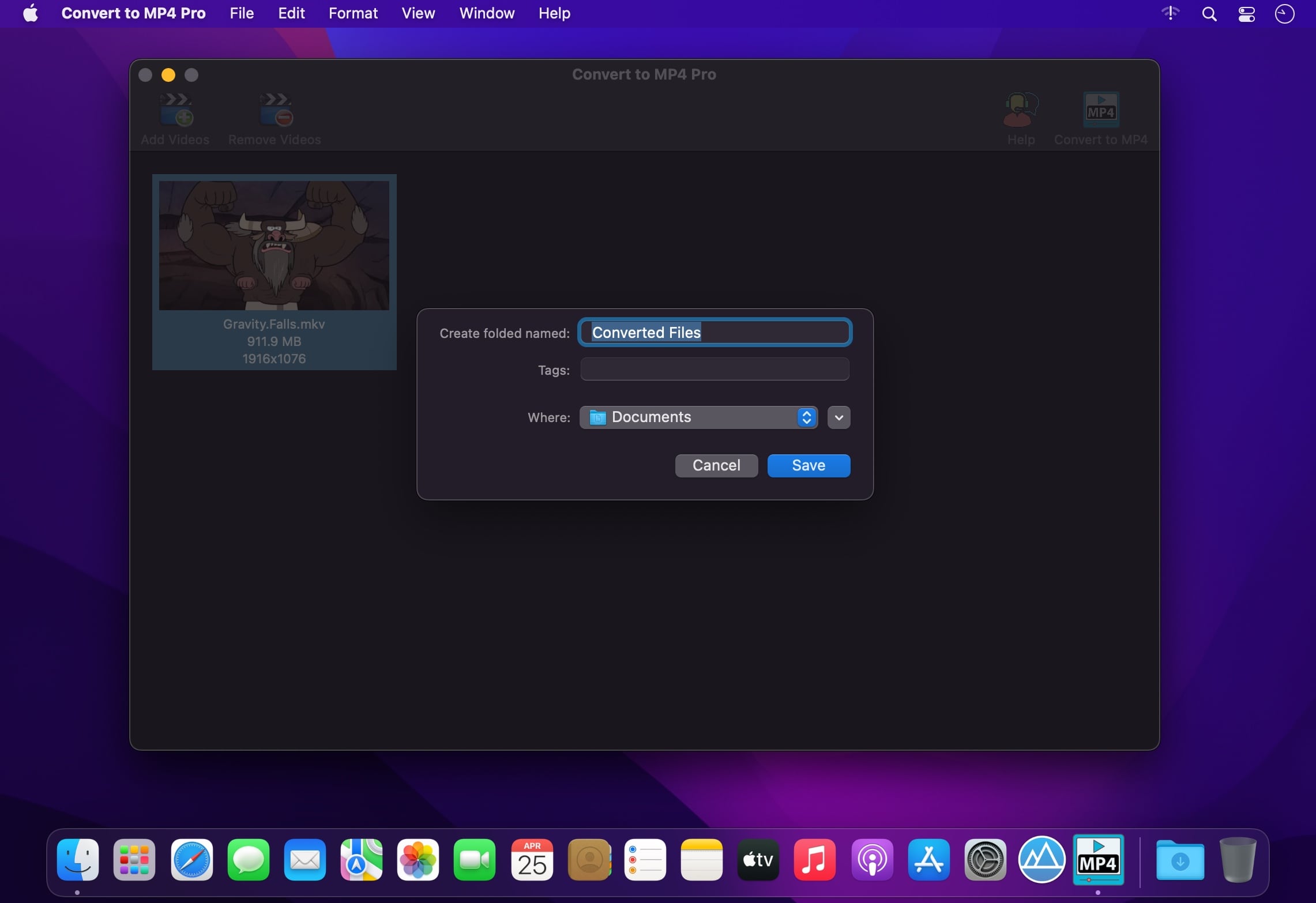
Any Type. Any count. Just one click. Convert them All.
Super simple to use. Just 2 steps:
- Drag & Drop any number of videos.
- Click Convert to MP4. That's all!
- Any Input Video. Supports almost all video formats, codecs, containers and file extensions.
- A high quality, widely compatible .mp4 (H264/AAC) video gets created.
- Completely Automatic. No settings at all. Get great quality QuickTime compatible MP4s.
Input file extensions supported are : .mp4, .mov, .m4v, .mpg, .mkv, .avi, .dv, .flv, .ts, .mts, .m2ts, .ogg, .webm, .wmv, .3gp, .asf, .hevc, .m2v, .mjpeg, .mpeg, .ogv, .mxf, .swf, .wtv., and many more…
Version 2.0.2
- Minor UI fix for macOS Big Sur
Comments
No comments yet. Be the first.
Information
Visitors in the group Guests cannot leave comments on this publication.