

Compress Any Video 3.3.2
Screenshots
Click to enlarge

Updated to work with macOS Catalina.
UI changes, usability improvements and various bug fixes.
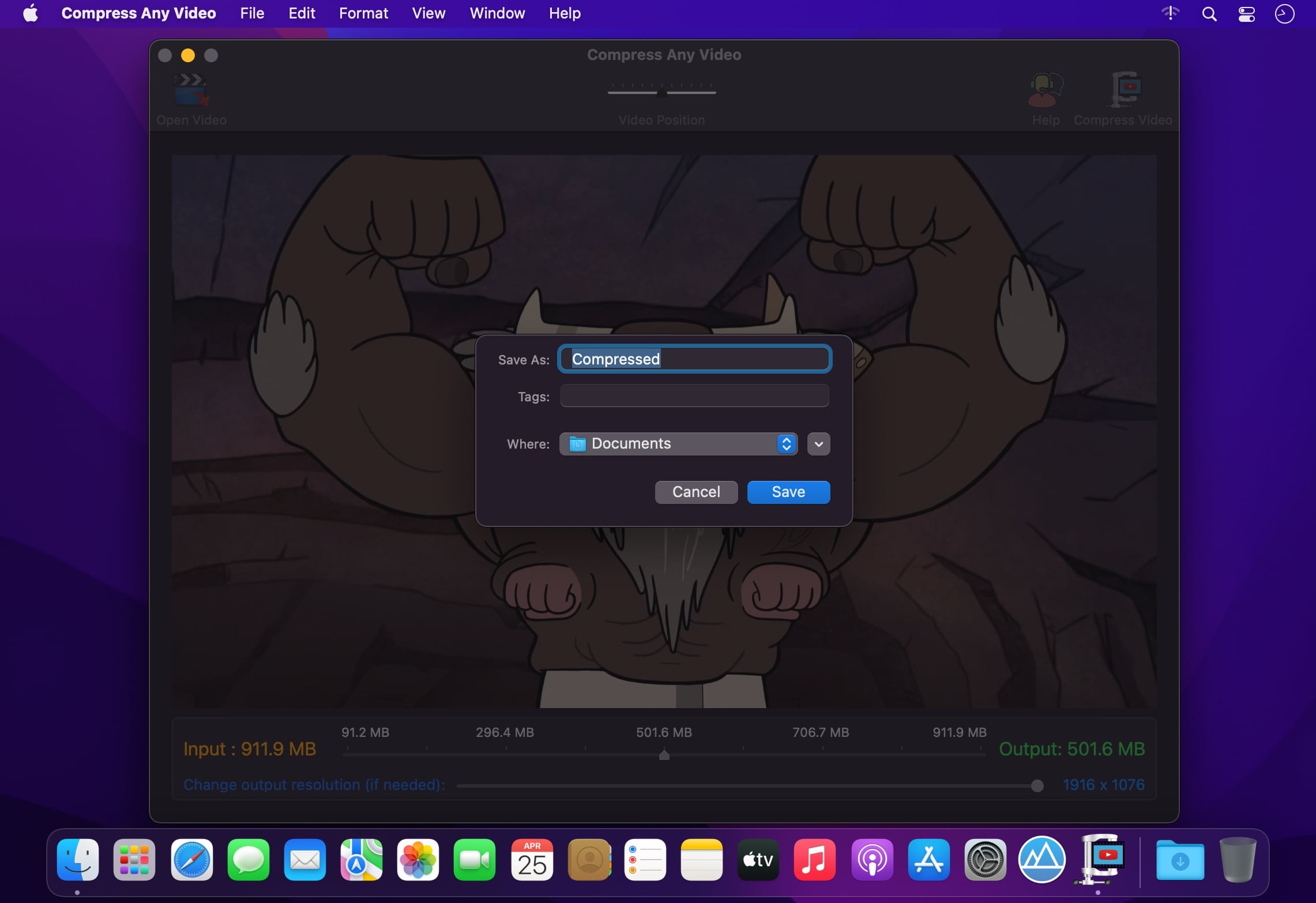
Super simple to use. Just 3 Steps:
- Drag & Drop any Video.
- Enter the file size or use the slider to specify the output file size.
- Click Compress Video. That's it!
- Any Input Video. Supports almost all input video formats, codecs, containers and file extensions.
- Accurate. Uses efficient logic to compress the input video to the specified output file size
- Great Quality. Maintains best possible quality for specified output video file size.
- Faster. Considerably faster than the previous version.
- Compress up-to 10x smaller than the original file size.
- Option to change output resolution as well.
- Can also be used as a Video Resizer when no file size compression is specified.
- Can also be used as a .mp4 convertor when no file size or no resolution reduction is specified.
- A widely compatible .mp4 (H264/AAC) output video gets created.
- File extensions supported are : .mp4, .mov, .m4v, .mpg, .mkv, .avi, .dv, .flv, .ts, .mts, .m2ts, .oog, .webm, .wmv, and many more...
Version 3.3.2
- Improved compression logic to accurately compress to the specified output file size.
- Renamed app name from Video Compressor to Compress Any Video.
- Minor Bug fix.
Comments
No comments yet. Be the first.
Information
Visitors in the group Guests cannot leave comments on this publication.