
Cutter - Cut & Crop Video 3.1.0
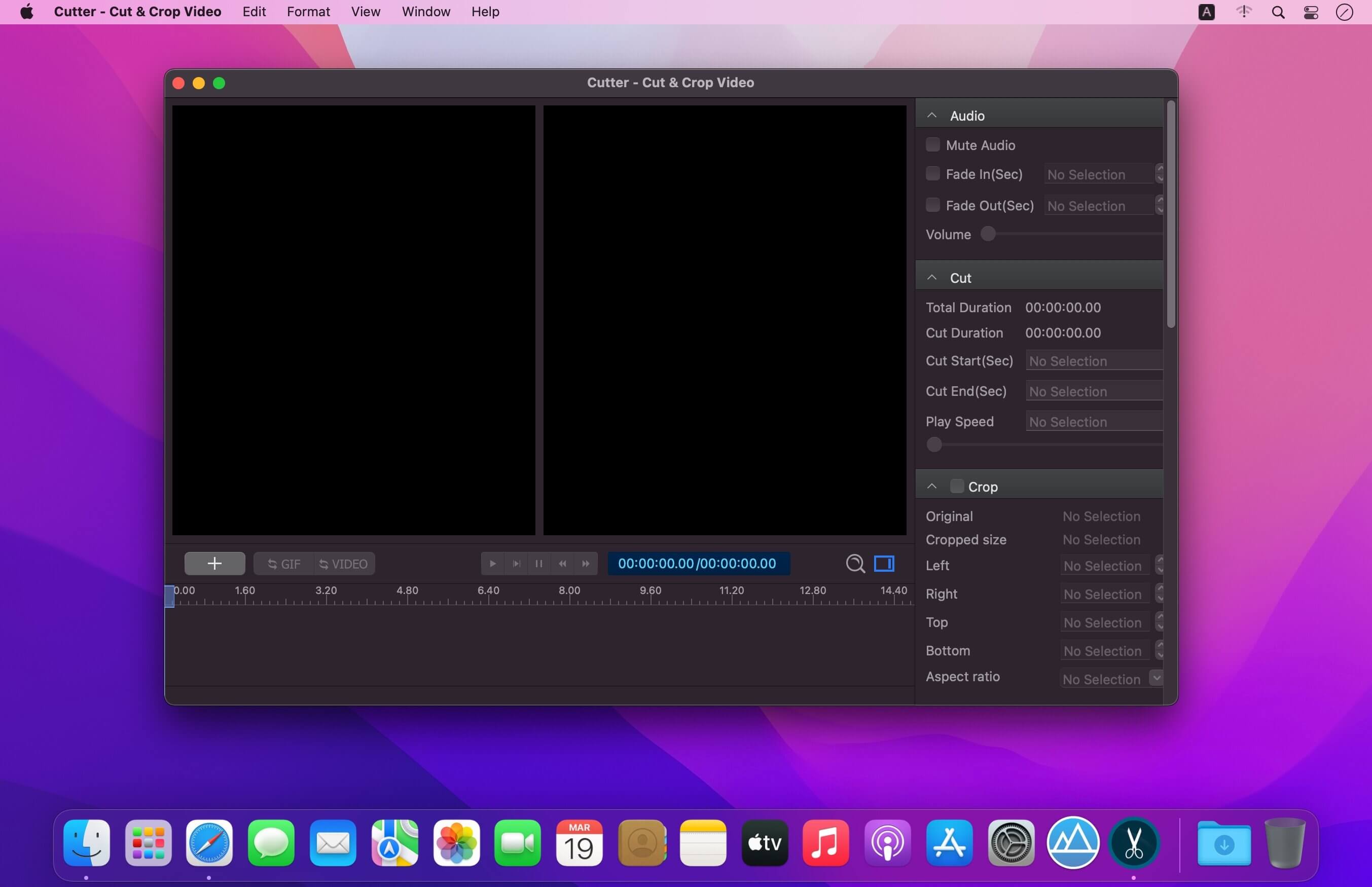
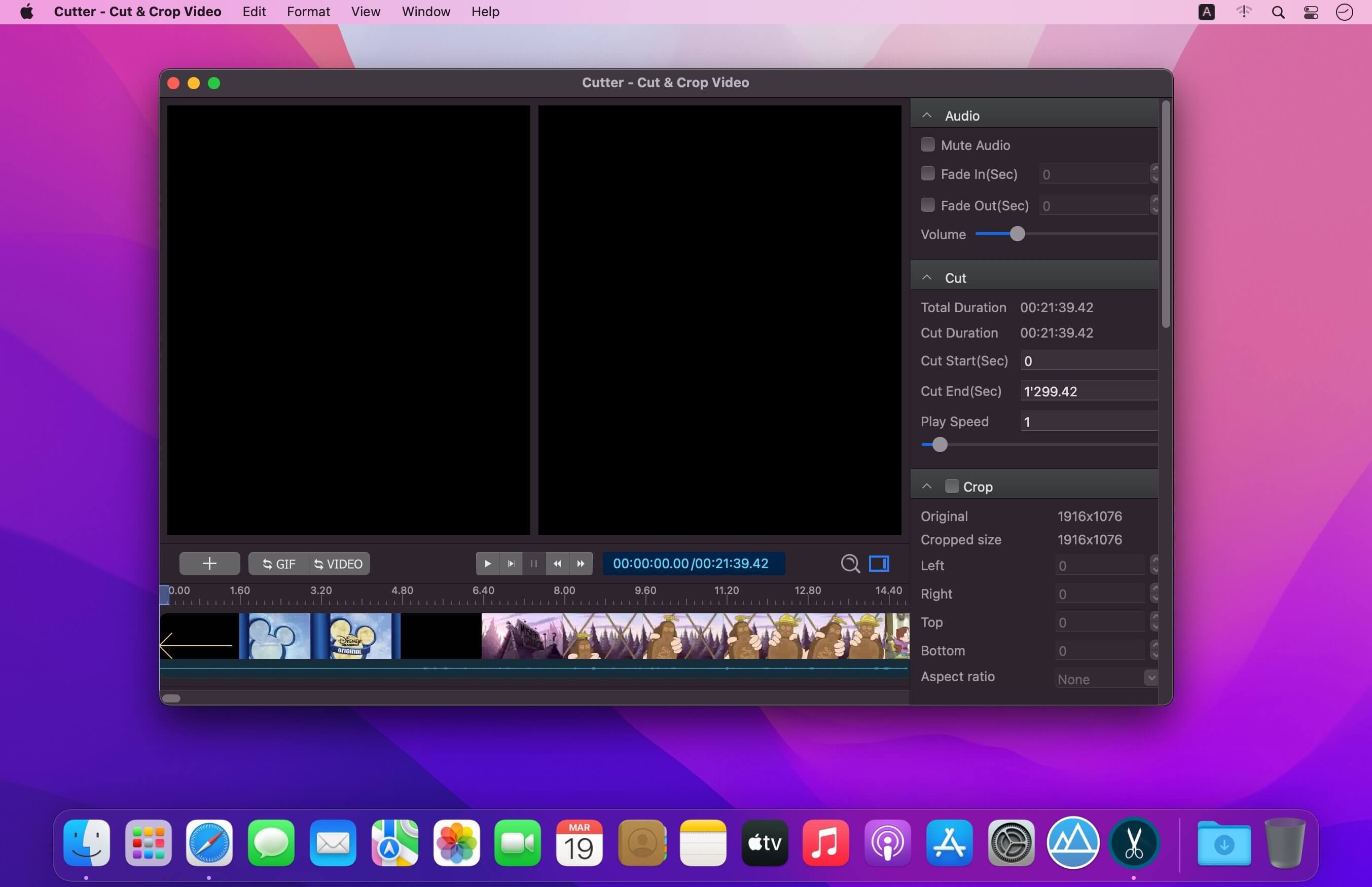
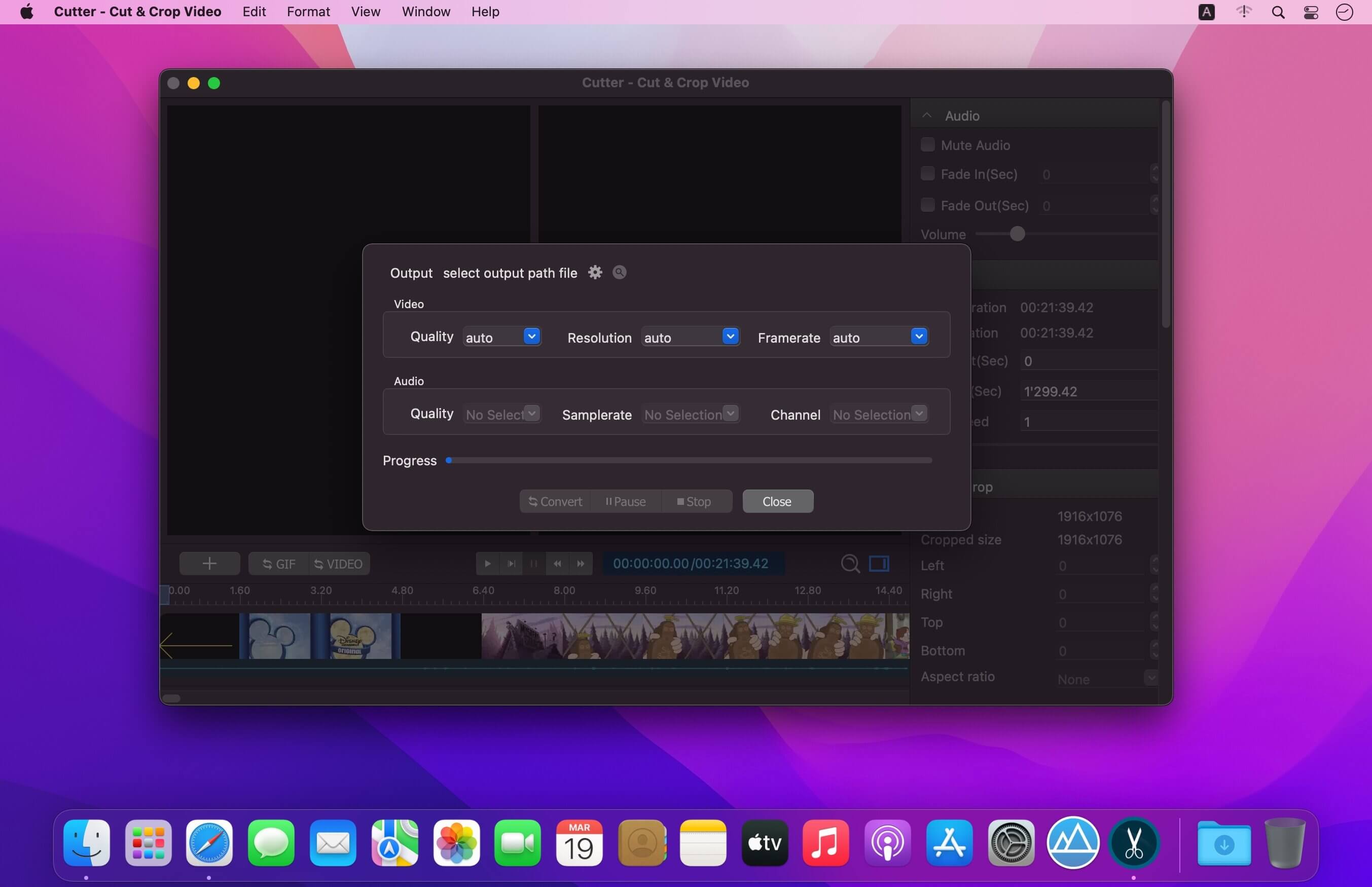
Easily cut and crop any videos with the most powerful video software. Cutter is the best tool for cutting video into high-quality GIFs. Cut and filter videos more intuitively and efficiently with an easy-to-use interface. Exporting videos in various formats for any device has never been easier and faster
Cut videos easily and accurately
- Supports many videos like mp4, mov, avi, mkv, ts, and more
- Automatic GPU acceleration
- Apply effects to your video in one click
- Add watermarks for copyright protection
Cut video into high-quality animated GIFs
- Create high-resolution GIFs up to 720p
- GIF frame rate from 5 fps to 30 fps
- Best color palette to avoid dithering in GIF
Easily speed up or slow down your videos
- Instantly change video speed
- Speed your video from 0.2X to 16X
- Mute its sound if you want
- Create an amazing post for your social media account
Intuitive and easy-to-use interface
- Instant preview of editing results
- Real-time comparison with original video
- Instant crop to quickly remove black borders from videos
- Edit frame by frame and never miss a moment
- Quickly drag the cursor to clip the video
Cut videos for all devices
- Export to mp4, mov, avi and other popular formats.
- Custom export options for all needs
- Automatic export options
- GPU auto-accelerated export
Version 3.0.0:
- Release notes were unavailable when this listing was updated.
Frequently asked questions
How do I install the app?
Mount the image, drag the app into the "Applications" folder and launch it. If the system blocks the launch, allow it in "System Settings → Privacy & Security".
The app is damaged or won't launch
Reinstalling from a fresh image usually helps. Make sure your macOS version matches the one listed in the compatibility specs.
How do I update?
Download the new version from the site and install it over the current one — your settings will be preserved.
The download link doesn't work
Try a mirror or a download manager. For large files the browser often drops the connection.
How do I completely remove the app?
Use an uninstaller utility — it cleans up the service files that remain after moving the app to the trash.





Choose a download source
Cutter - Cut & Crop Video 3.1.0 · 47.88 MB