
Join Any Video 3.0.2
Join videos without Re-Encoding. Incredibly fast due to the lack of encoding process.
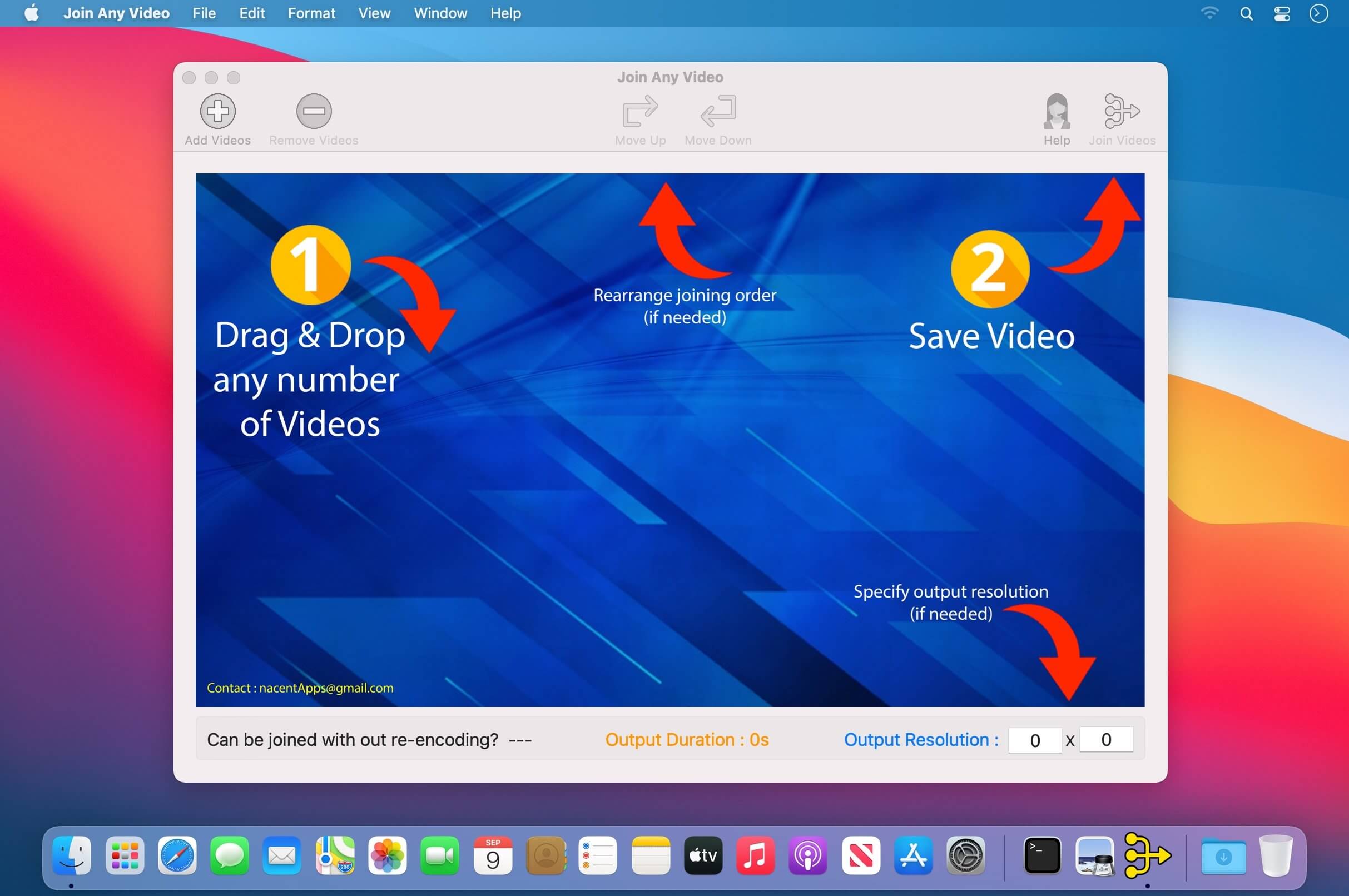
Super simple to use. Just 2 Steps:
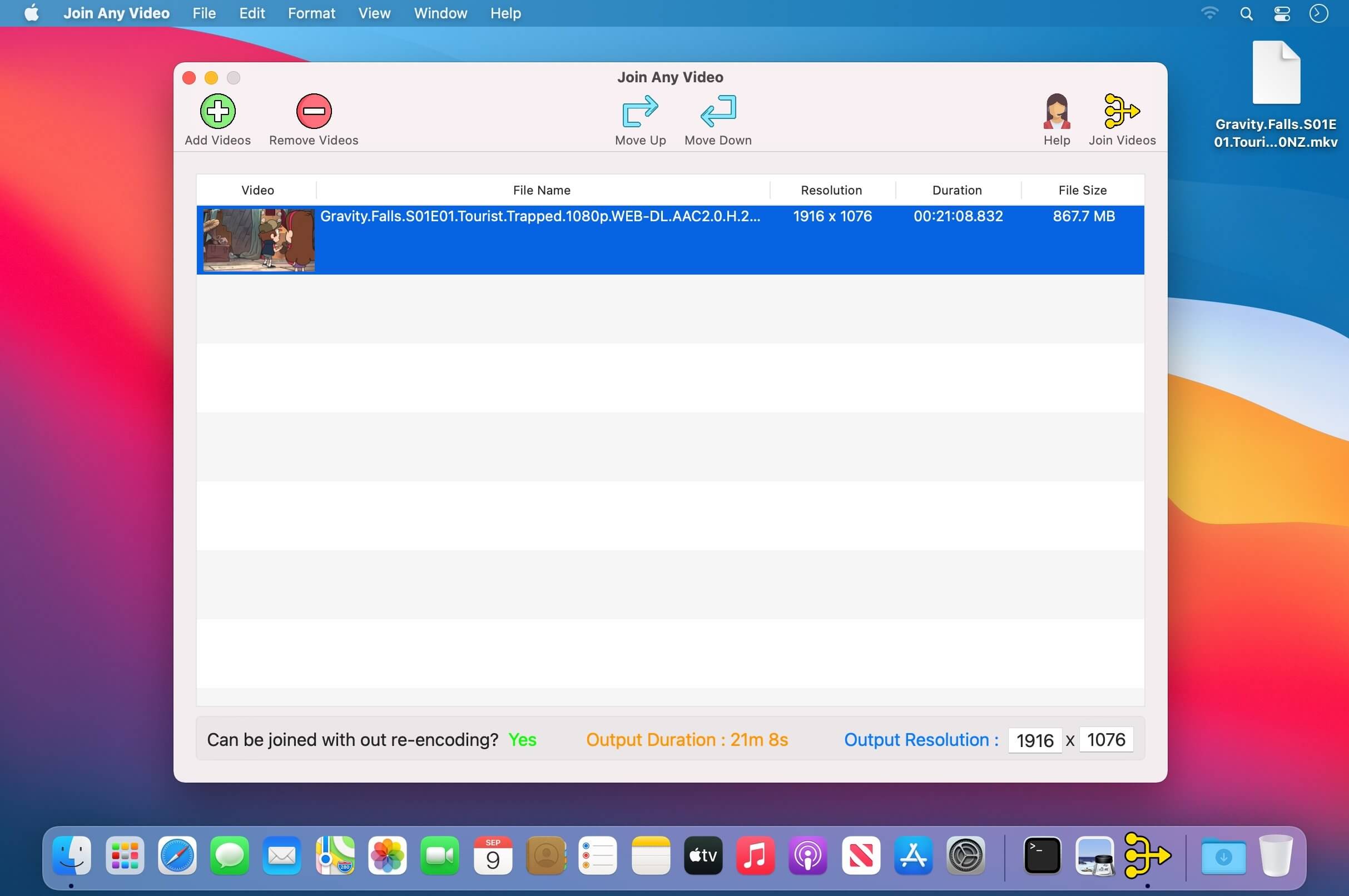
- Drag & Drop any number of Videos.
- Click Join Videos. That’s it!
Any Input Video. Joins multiple videos irrespective of resolution, format, codecs, container or file extension.
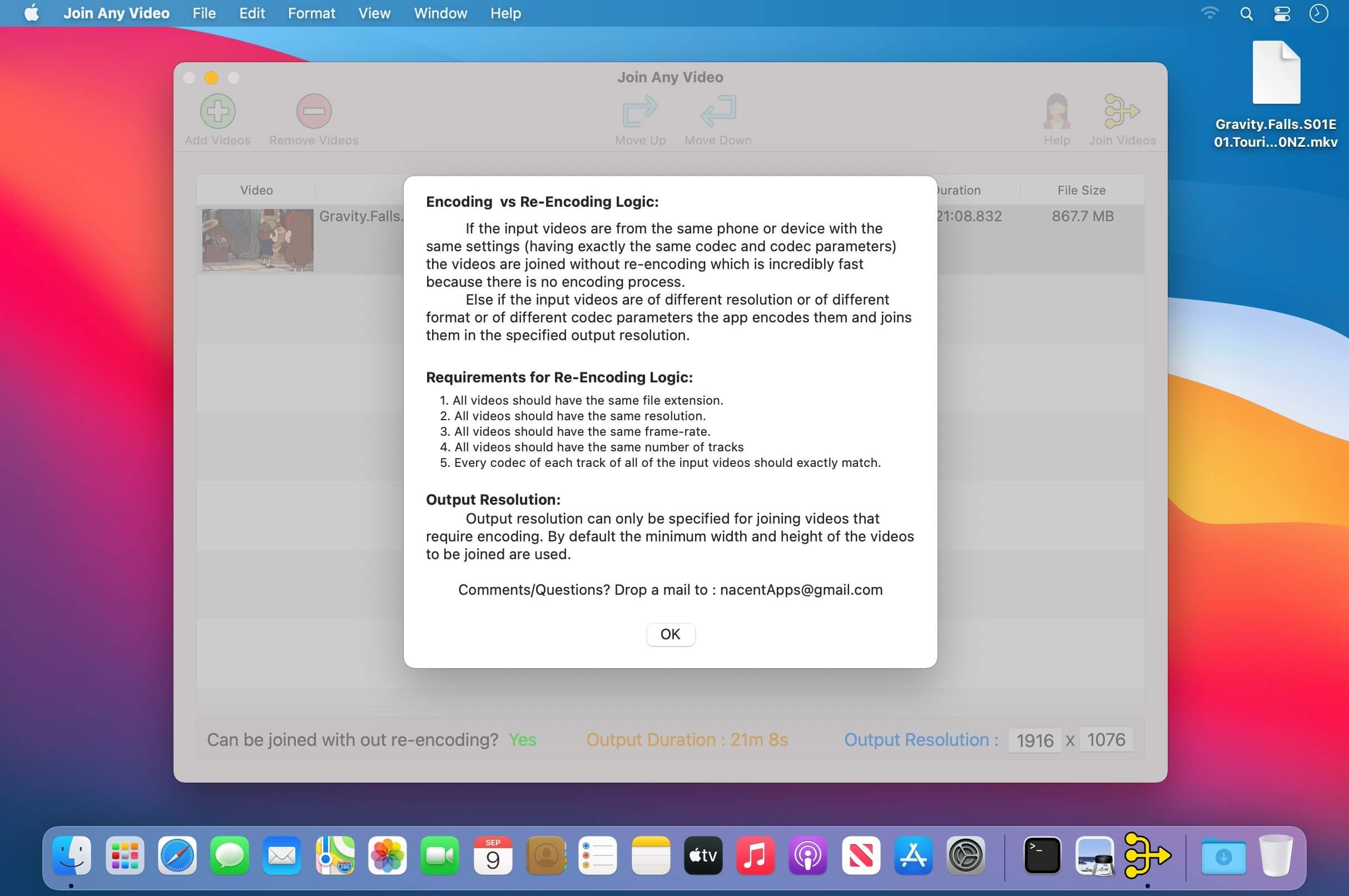
Encoding Logic :
- If the input videos are of different resolution or of different format or of different codec parameters the app encodes automatically to the best quality and joins them.
- Ability to specify the output resolution.
- A widely compatible .mp4 (H264/AAC) output video gets created
Re-Encoding Logic :
- If the input videos are from the same phone or device with the same settings (having exactly the same codec and codec parameters) the videos are joined without re-encoding which is incredibly fast because there is no encoding process involved which saves tremendous amount of time.
- Incredibly Fast. Joining process takes just seconds, not minutes.
Lossless. Input video format and extension are retained, so the quality is maintained as it is.
Ability to rearrange or remove the added videos if needed.
Supports both Portrait/Landscape (Tall/Wide) videos.
- Input file extensions supported are : .mp4, .mov, .m4v, .mpg, .mkv, .avi, .dv, .flv, .ts, .mts, .m2ts, .ogg, .webm, .wmv, and many more…
Requirements for Re-Encoding Logic:
- All videos should have the same file extension.
- All videos should have the same resolution.
- All videos should have the same frame-rate.
- All videos should have the same number of tracks
- Every codec of each track of all of the input videos should exactly match.
Version 3.0.2
- Minor bug fix.
Frequently asked questions
How do I install the app?
Mount the image, drag the app into the "Applications" folder and launch it. If the system blocks the launch, allow it in "System Settings → Privacy & Security".
The app is damaged or won't launch
Reinstalling from a fresh image usually helps. Make sure your macOS version matches the one listed in the compatibility specs.
How do I update?
Download the new version from the site and install it over the current one — your settings will be preserved.
The download link doesn't work
Try a mirror or a download manager. For large files the browser often drops the connection.
How do I completely remove the app?
Use an uninstaller utility — it cleans up the service files that remain after moving the app to the trash.




Choose a download source
Join Any Video 3.0.2 · 38.41 MB