Magic Disk Cleaner 5.4.0
Magic Disk Cleaner temporary files cleaner to free disk space fast
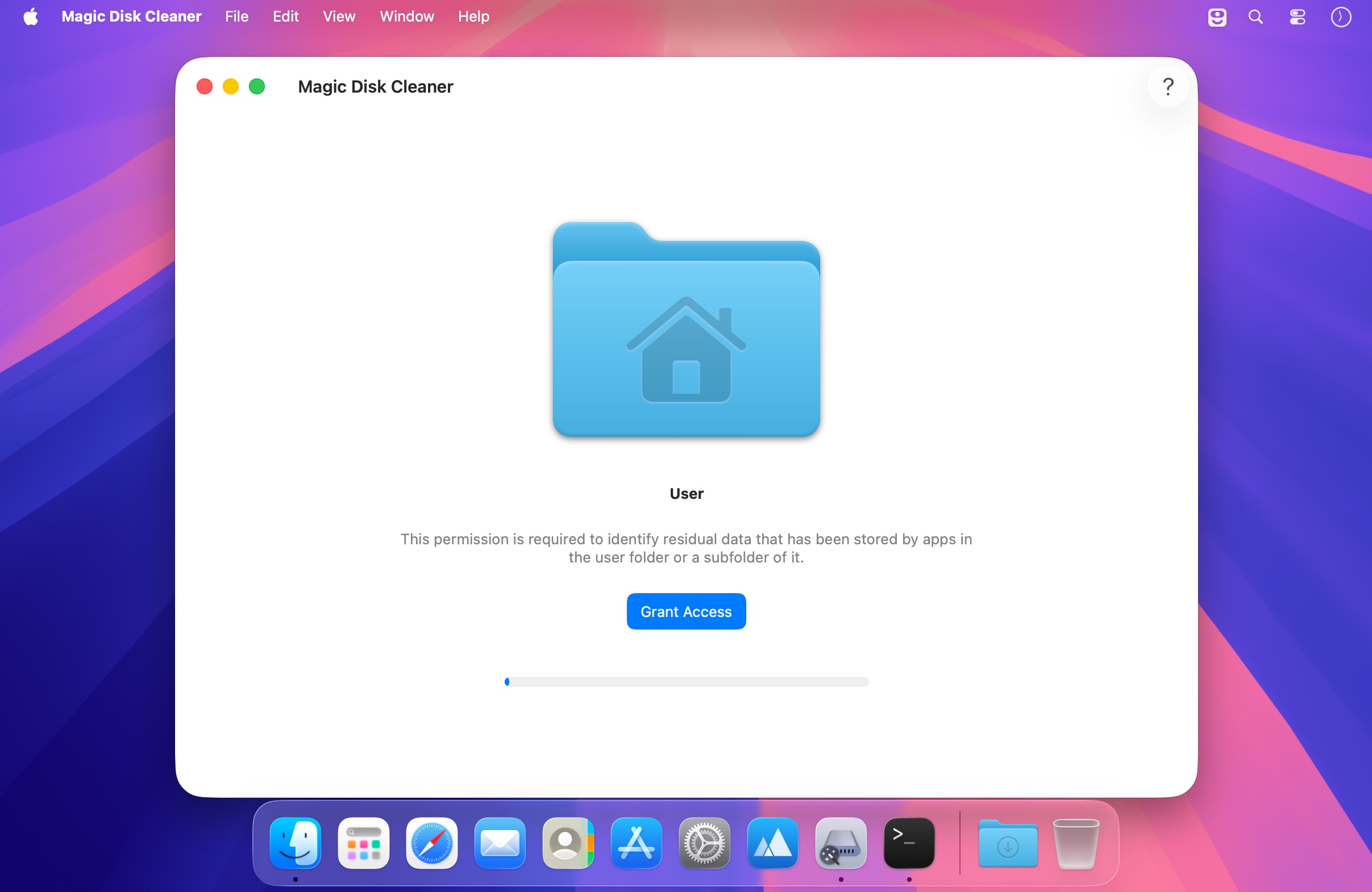
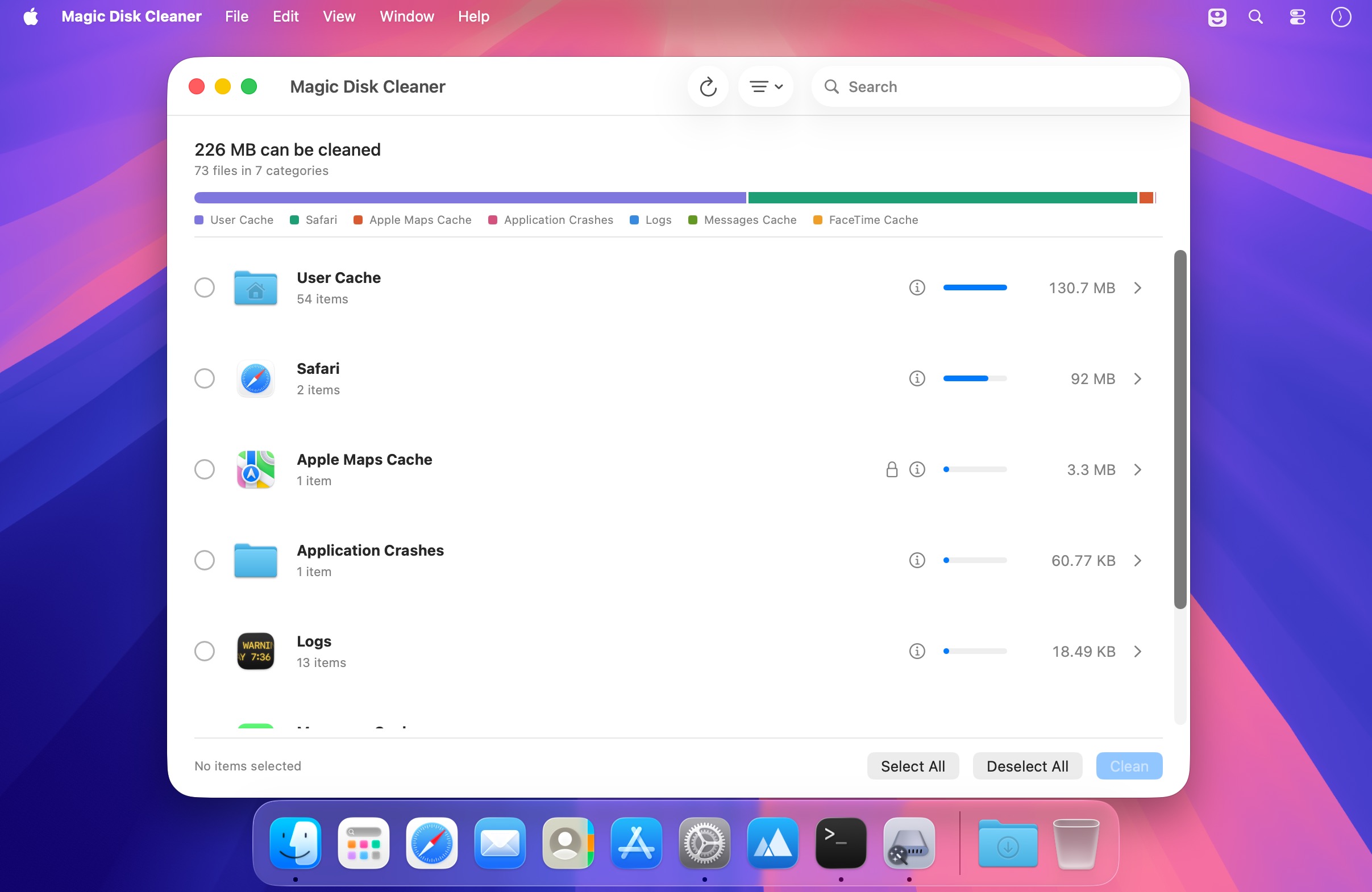
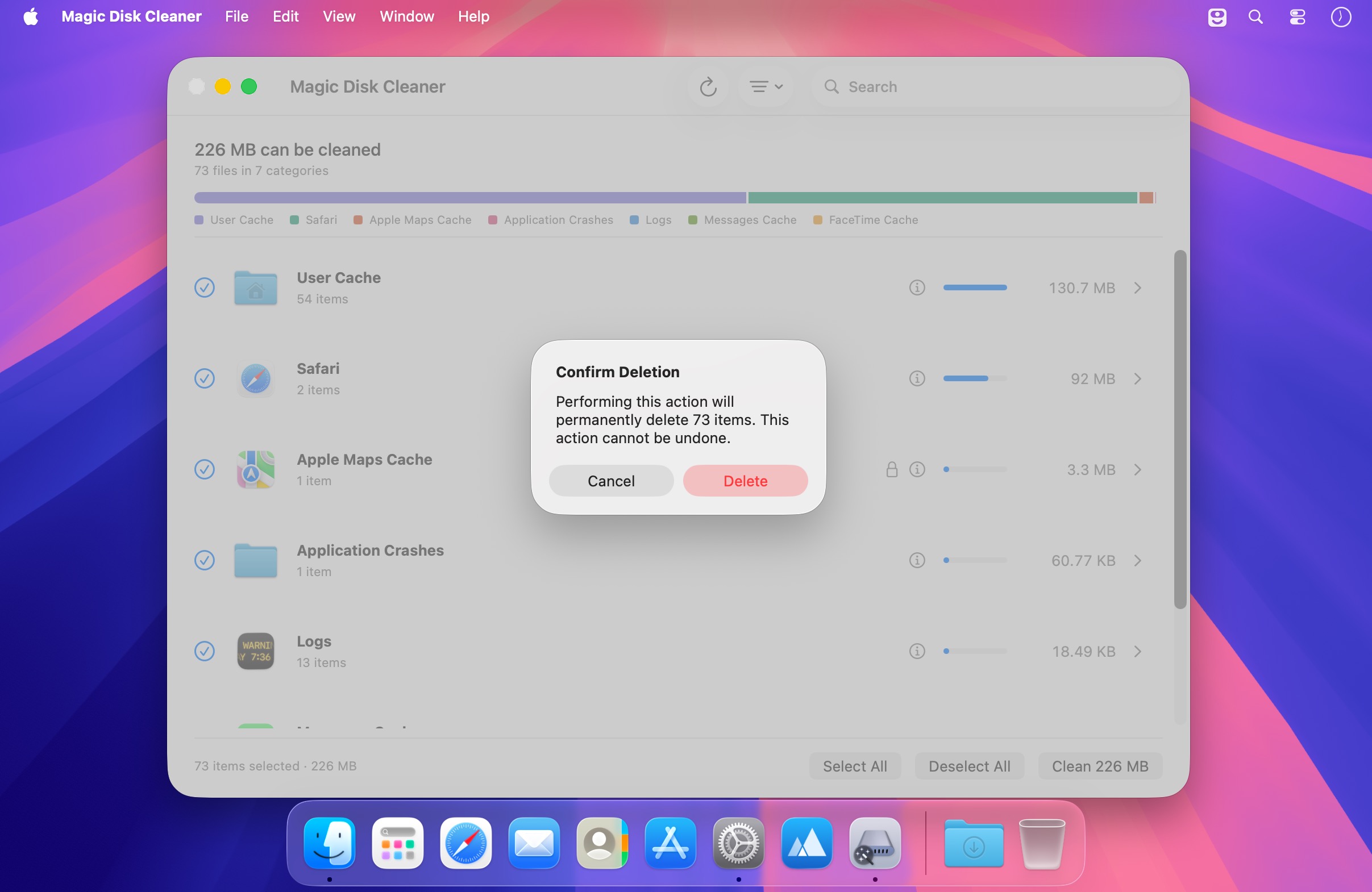
Your Mac fills up with cache files you never asked for. Magic Disk Cleaner finds all of it in one pass, across browsers, chat apps, dev tools, and macOS itself, and clears it in a single click.
Key features:
- One-click scan across 28 finders — cover Safari, Chrome, Discord, Slack, Xcode, Homebrew, npm, and more without checking each app separately
- See your total before you clean — view how much space you can reclaim and which categories hold the most, right from the start
- Full control over what's deleted — expand any category to see every file's path and size, and pick exactly what goes
- Nothing removed automatically — the app never deletes anything on its own, so you stay in control
- Trash or permanent delete — choose to send files to Trash so you can recover them, or clear space immediately
- Search and sort results — filter by name or path, and sort by size to find the biggest space savers first
- Safe by design — only touches caches and temporary data, never your documents, settings, or libraries
Version 5.4:
- New app icon for macOS 27, designed by Hugo Santos.
Frequently asked questions
How do I install the app?
Mount the image, drag the app into the "Applications" folder and launch it. If the system blocks the launch, allow it in "System Settings → Privacy & Security".
The app is damaged or won't launch
Reinstalling from a fresh image usually helps. Make sure your macOS version matches the one listed in the compatibility specs.
How do I update?
Download the new version from the site and install it over the current one — your settings will be preserved.
The download link doesn't work
Try a mirror or a download manager. For large files the browser often drops the connection.
How do I completely remove the app?
Use an uninstaller utility — it cleans up the service files that remain after moving the app to the trash.





Choose a download source
Magic Disk Cleaner 5.4.0 · 6.71 MB
Previous versions
Magic Disk Cleaner 5.4.0
Previous versions are available to registered users.