
Fluid 2.1.2
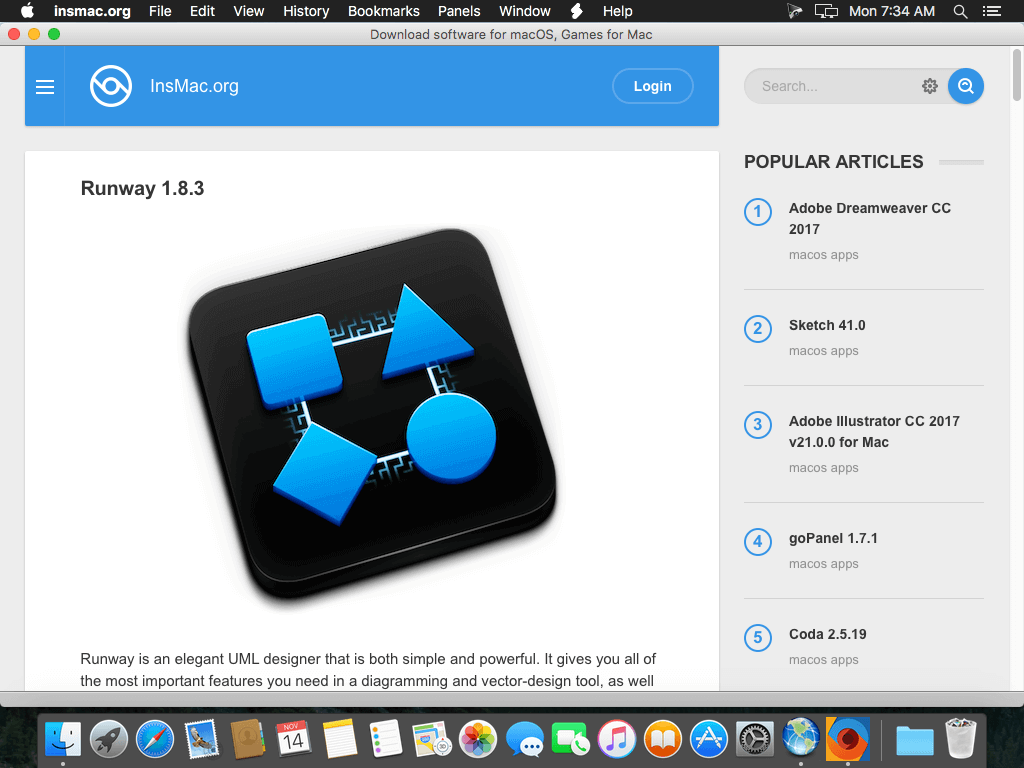
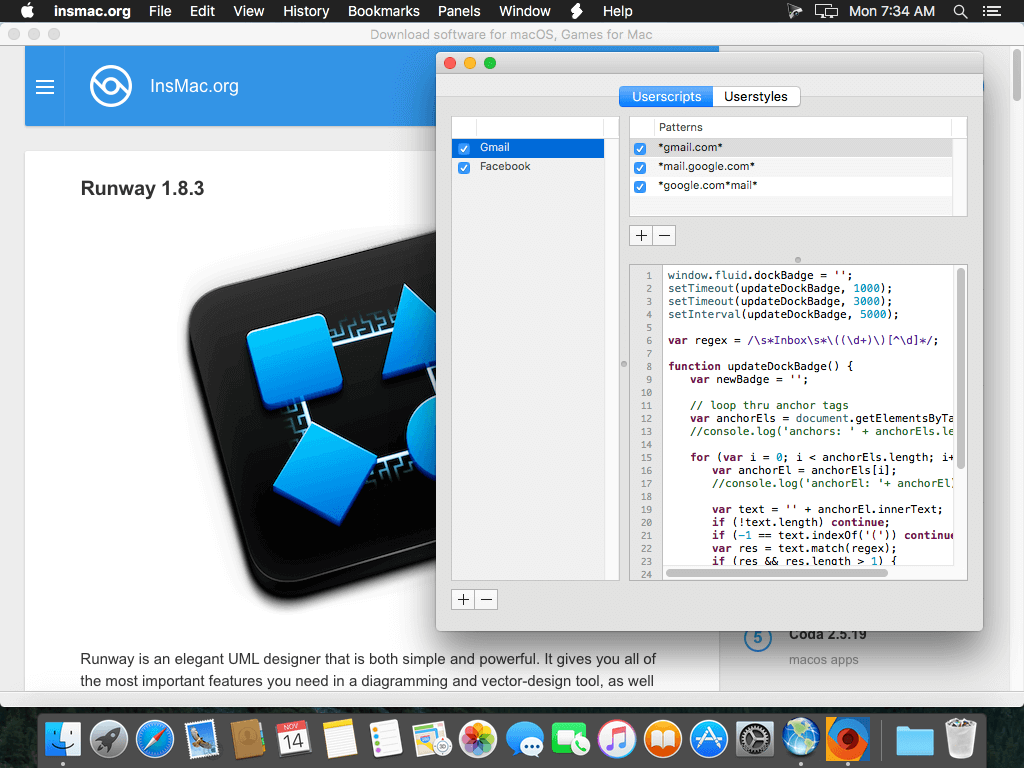
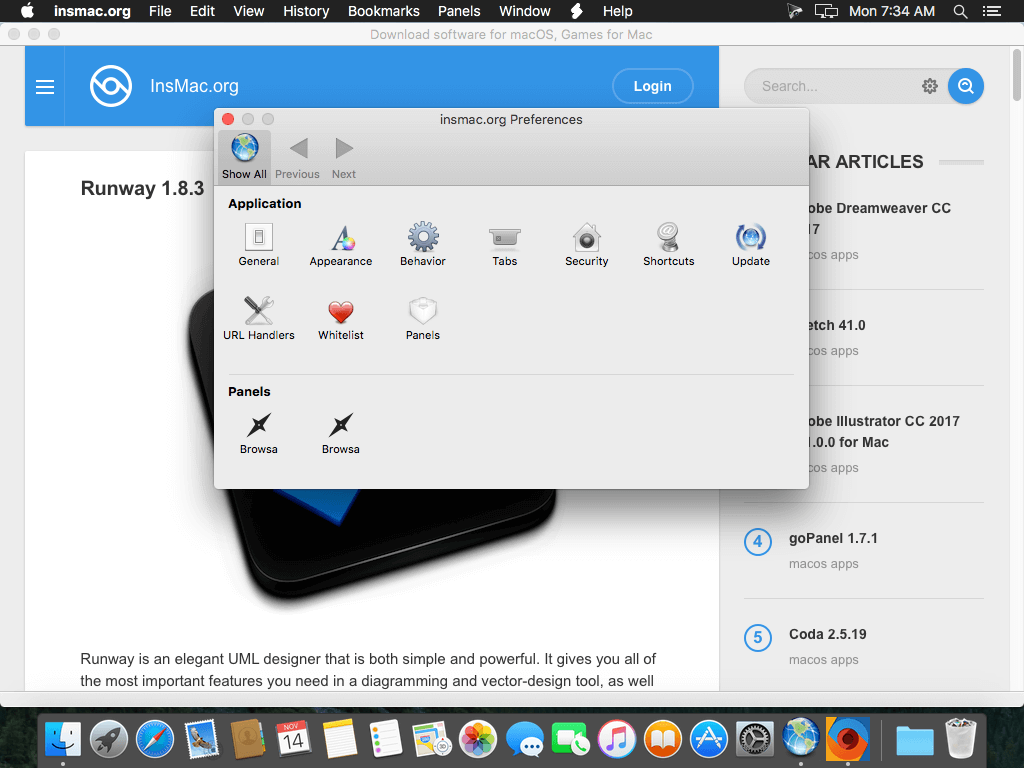
Fluid gives your favorite Web apps a home on your macOS Desktop.
Are you a Gmail, Facebook, Campfire or an insert-your-favorite-webapp-here fanatic? Do you have 20 or more browser tabs open at all times? Are you tired of some random site crashing your browser and causing you to lose your (say) Google Docs data in another tab? If so, site-specific browsers (SSBs) provide a great solution for your webapp woes. Using Fluid, you can create SSBs to run each of your favorite Web apps as a separate desktop application. Fluid gives any webapp a home on your macOS desktop including Dock icon, menu bar, and logical separation from your other Web browsing activity.
How does it work? Fluid itself is a very small application. When launched, Fluid displays a small window where you specify the URL of a webapp you'd like to run in a site-specific browser. Then provide a name, click 'Create' and you'll be prompted to launch the new native Mac app you've just created. Use it to run YouTube, GTalk, Flickr, Basecamp, Delicious, .Mac webmail, or any other webapp as a separate desktop application. Anytime you click a link to another site in an SSB, the link is opened in your system default Web browser, keeping your SSB dedicated to the original site you've specified.
Version 2.1:
- Release notes were unavailable when this listing was updated.
Frequently asked questions
How do I install the app?
Mount the image, drag the app into the "Applications" folder and launch it. If the system blocks the launch, allow it in "System Settings → Privacy & Security".
The app is damaged or won't launch
Reinstalling from a fresh image usually helps. Make sure your macOS version matches the one listed in the compatibility specs.
How do I update?
Download the new version from the site and install it over the current one — your settings will be preserved.
The download link doesn't work
Try a mirror or a download manager. For large files the browser often drops the connection.
How do I completely remove the app?
Use an uninstaller utility — it cleans up the service files that remain after moving the app to the trash.
VersionFluid 2.1.2
DeveloperTodd Ditchendorf
CompatibilitymacOS 10.12 or later, 64-bit processor
LanguageEnglish
IncludesK'ed by TNT





Choose a download source
Fluid 2.1.2 · 9 MB
Comments 1