
Paw HTTP Client 3.3.5
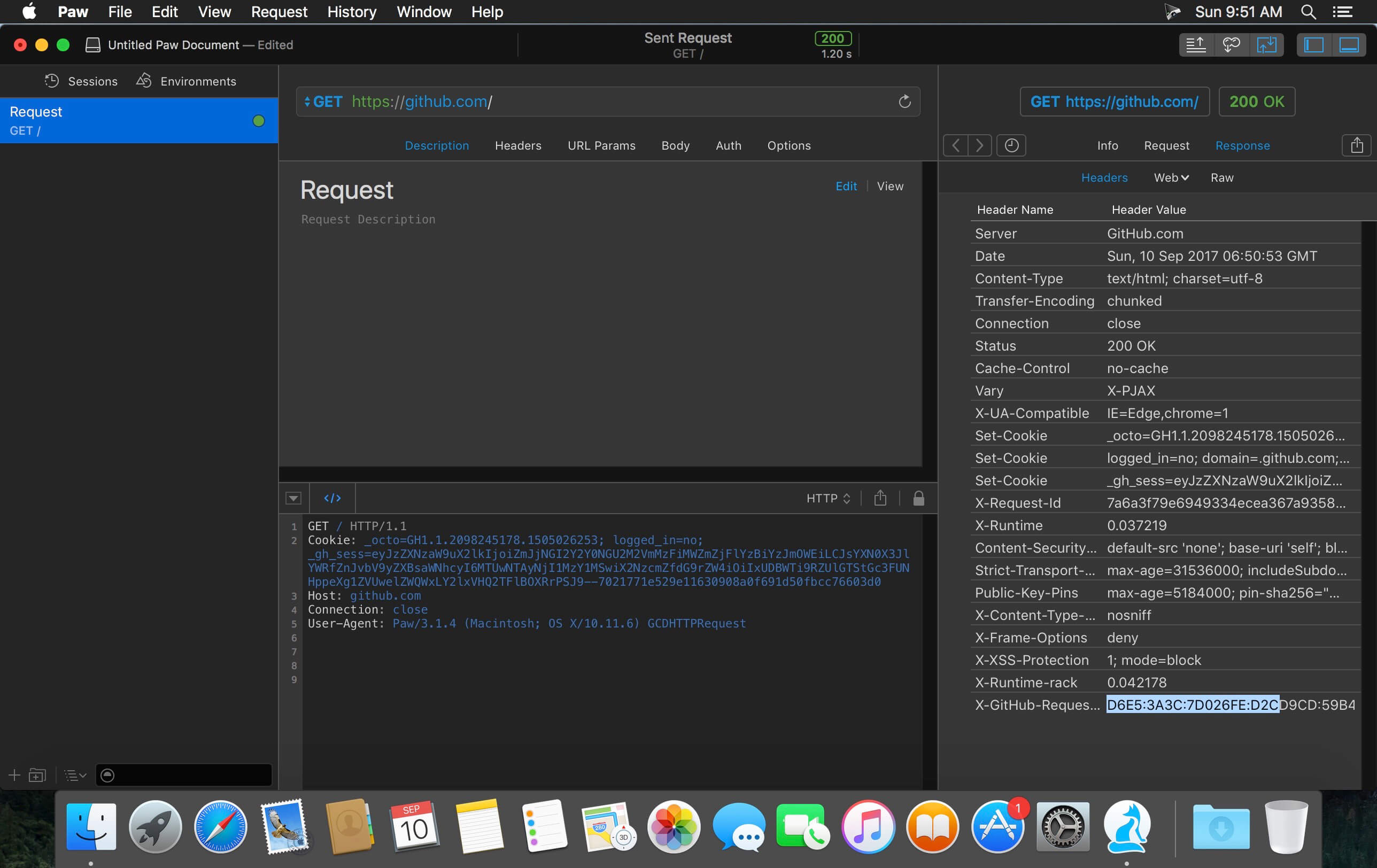

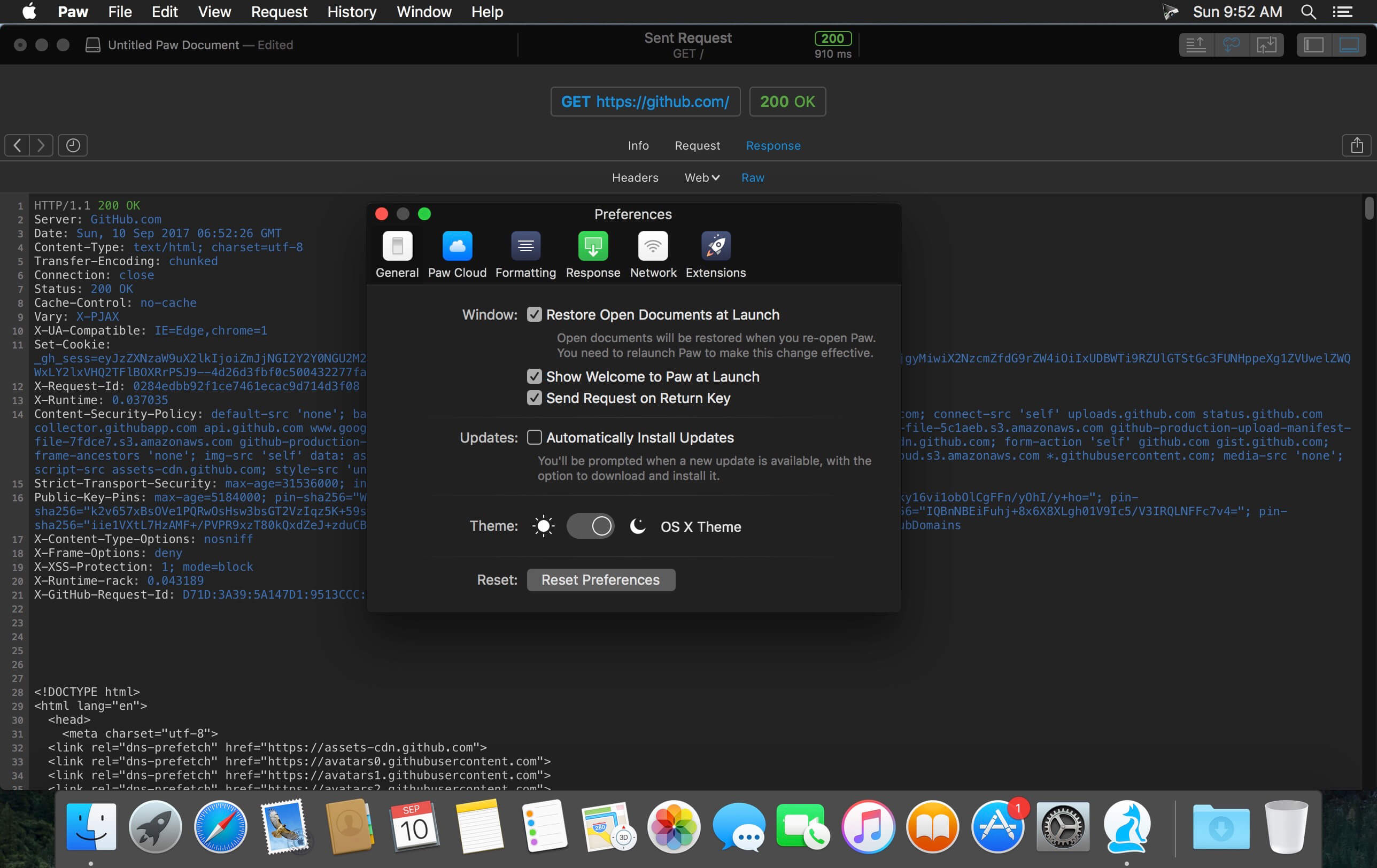
Paw is a full-featured and beautifully designed Mac app that makes interaction with REST services delightful. Either you are an API maker or consumer, Paw helps you build HTTP requests, inspect the server's response and even generate client code.
Features
- Code Generation - Build your HTTP requests with Paw, try them out, and just copy/paste code in your app. We support most popular languages. Build your custom code generator via Extensions.
- Dynamic Values - Unleash your capabilities. Access data from previous responses, so you can send back whatever the server returned. Compute hashes, authentication tokens, signatures, randomize data for testing, do some maths, or anything you want. Paw comes with a large set of Dynamic Values, and you can write your own in jаvascript via Extensions.
- Environments - Parametrize your Requests with Environment Variables, then seamlessly switch between Environments to give differents values to your variables. Ideal to setup production or test servers, or have multiple users profiles.
- Formatters - Time matters. Paw helps you build HTTP requests quickly thanks to formatters that matches the kind of input you need.
- Extensions - You can now extend the already broad features Paw offers through easy to build jаvascript-based Extensions. Either you want to have generated client code for your favorite yet exotic language or you want to compute custom authentication schemes on the fly, extensions give a way to make this happen.
Version 3.3.5:
- Fixed issue where welcome screen would appear out of nowhere
- Fixed issue where Request Variables cannot be inserted
- Fixed issue where text of selected Request is unreadable
- Fixed crash when displaying tooltips in environment variables view
Frequently asked questions
How do I install the app?
Mount the image, drag the app into the "Applications" folder and launch it. If the system blocks the launch, allow it in "System Settings → Privacy & Security".
The app is damaged or won't launch
Reinstalling from a fresh image usually helps. Make sure your macOS version matches the one listed in the compatibility specs.
How do I update?
Download the new version from the site and install it over the current one — your settings will be preserved.
The download link doesn't work
Try a mirror or a download manager. For large files the browser often drops the connection.
How do I completely remove the app?
Use an uninstaller utility — it cleans up the service files that remain after moving the app to the trash.





Choose a download source
Paw HTTP Client 3.3.5 · 18.4 MB
Previous versions
Paw HTTP Client 3.3.5
Previous versions are available to registered users.