

Click Search + 1.1.0
Screenshots
Click to enlarge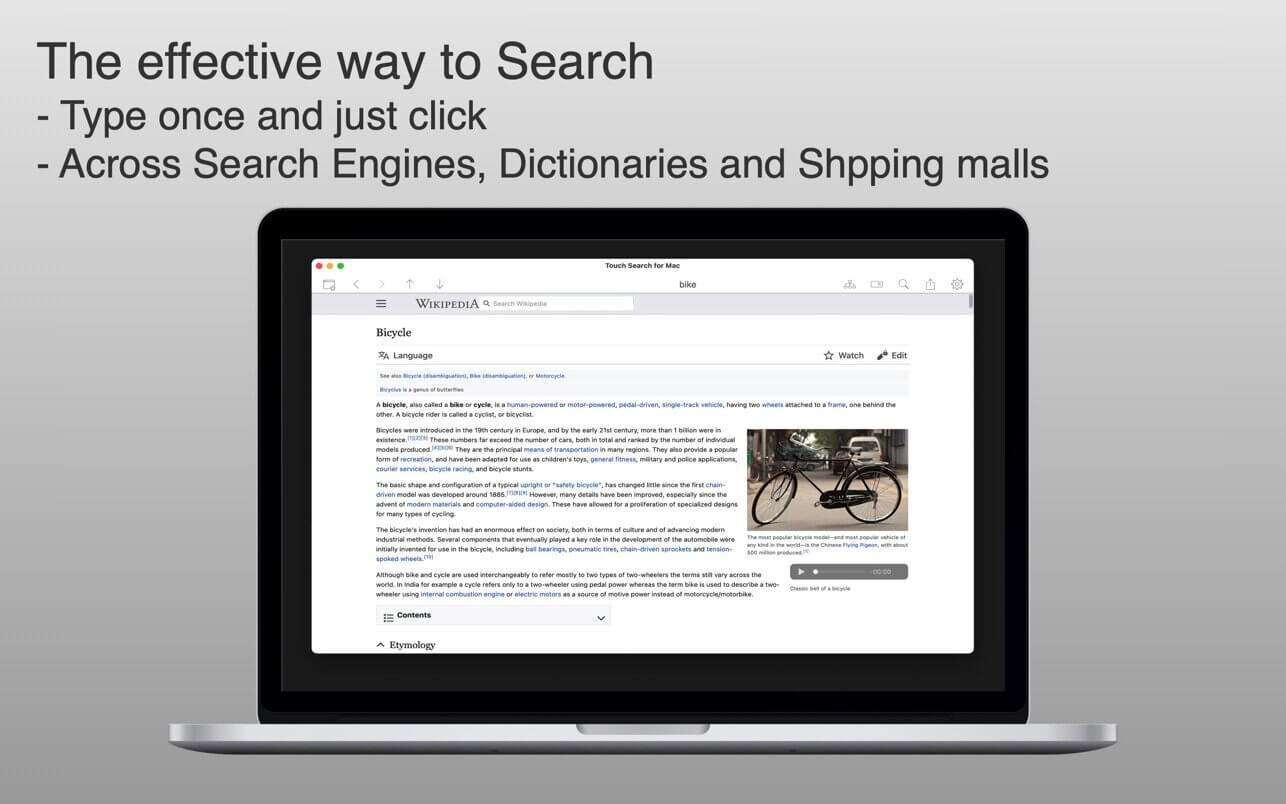
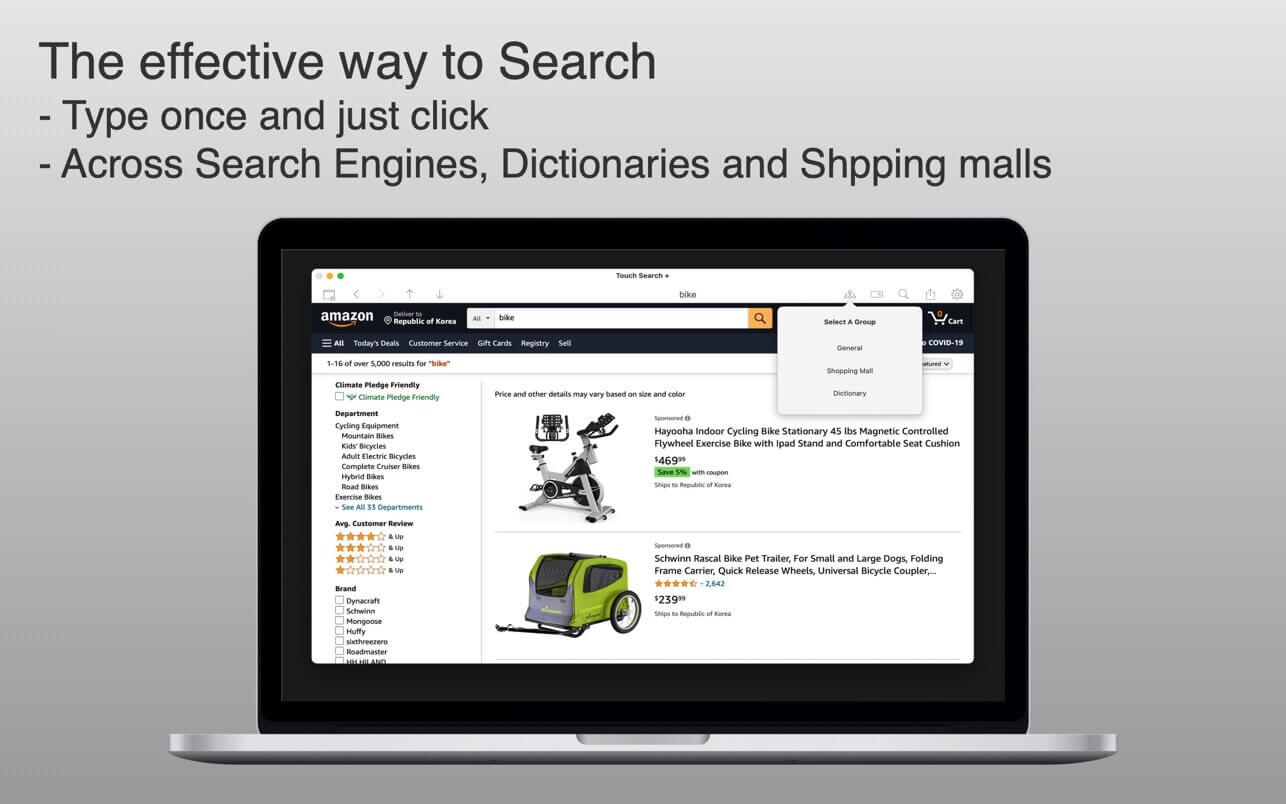
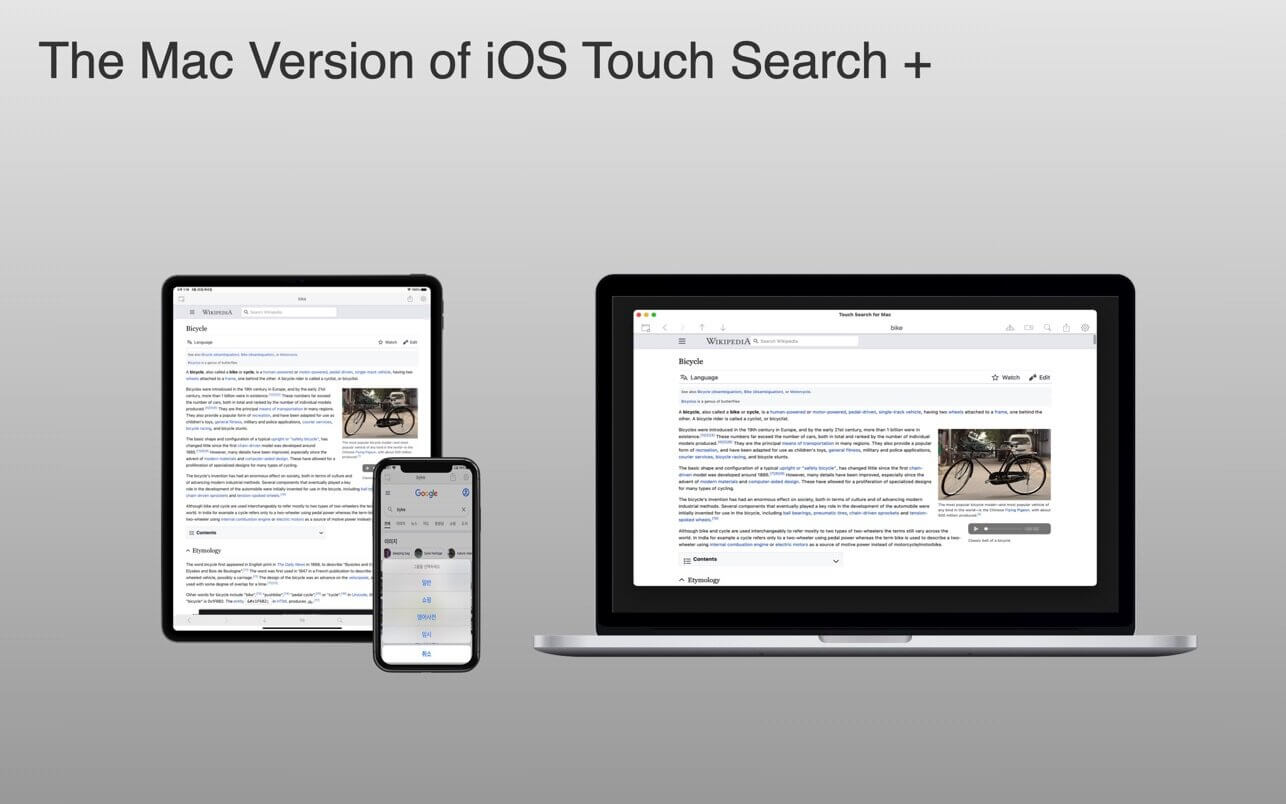
Click Search + is More than a browser! This is the Mac version of Touch Search +
* For this information era Touch Search + is the most convenient tool for most of users
* Before "Touch Search +" - Tedious & inefficient
- Open Web Browser.
- Type keywords
- Open another tab for another search engine
- Type keywords
- Again, again and again
* With "Touch Search +" - Type once & Just click across search engines
- No retyping same keywords on every search engine
* Special functionality
- Customizable Search engines (Search engines, Dictionaries, Shopping sites and more)
- Reorder Search engines and former search engines displayed first.
* When you read books or news paper, you can use dictionary.
Version 1.1.0
- Ads-block functionality added
Comments
No comments yet. Be the first.
Information
Visitors in the group Guests cannot leave comments on this publication.