

Text Scanner - PDF & Document 1.5.3
Screenshots
Click to enlarge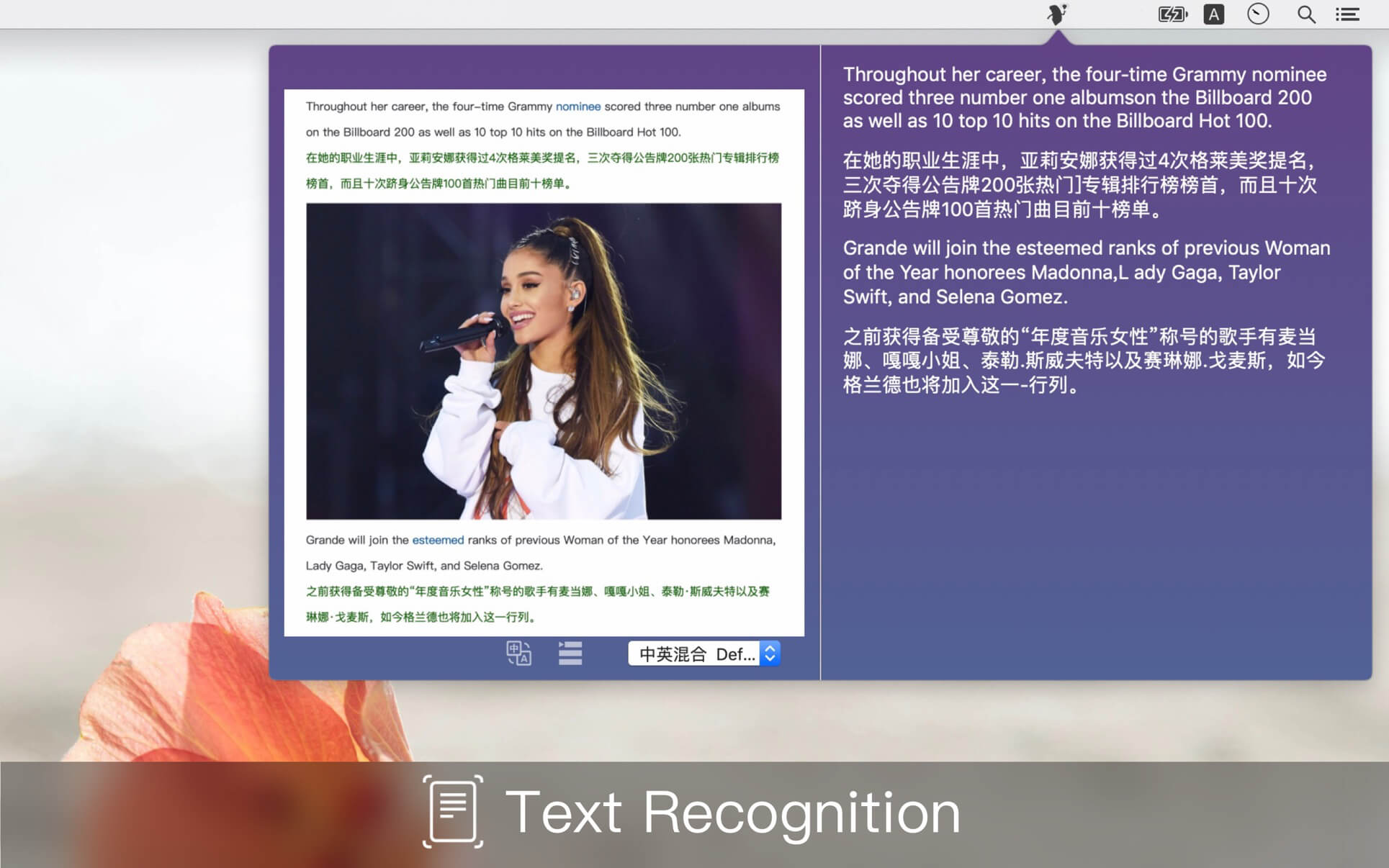
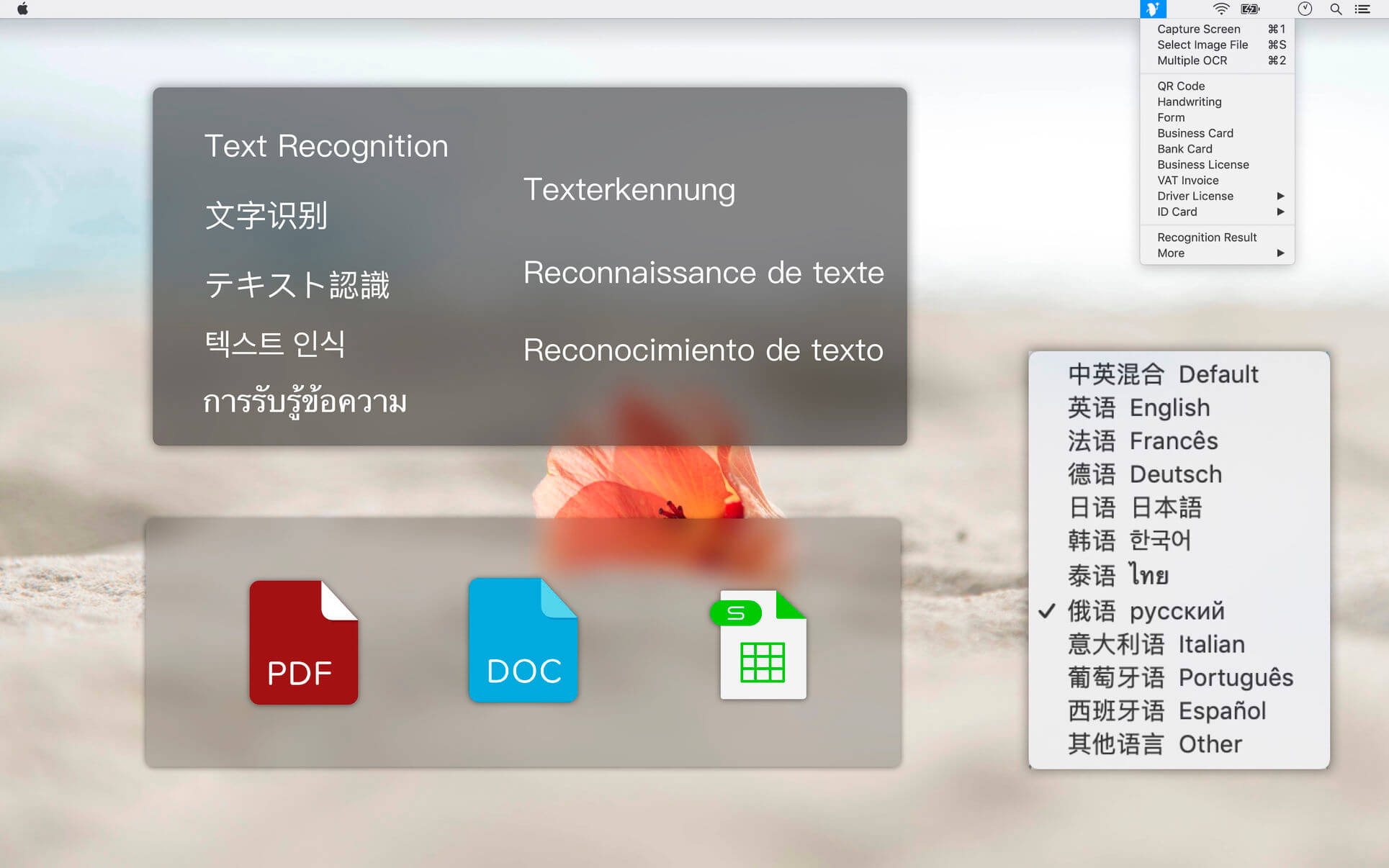
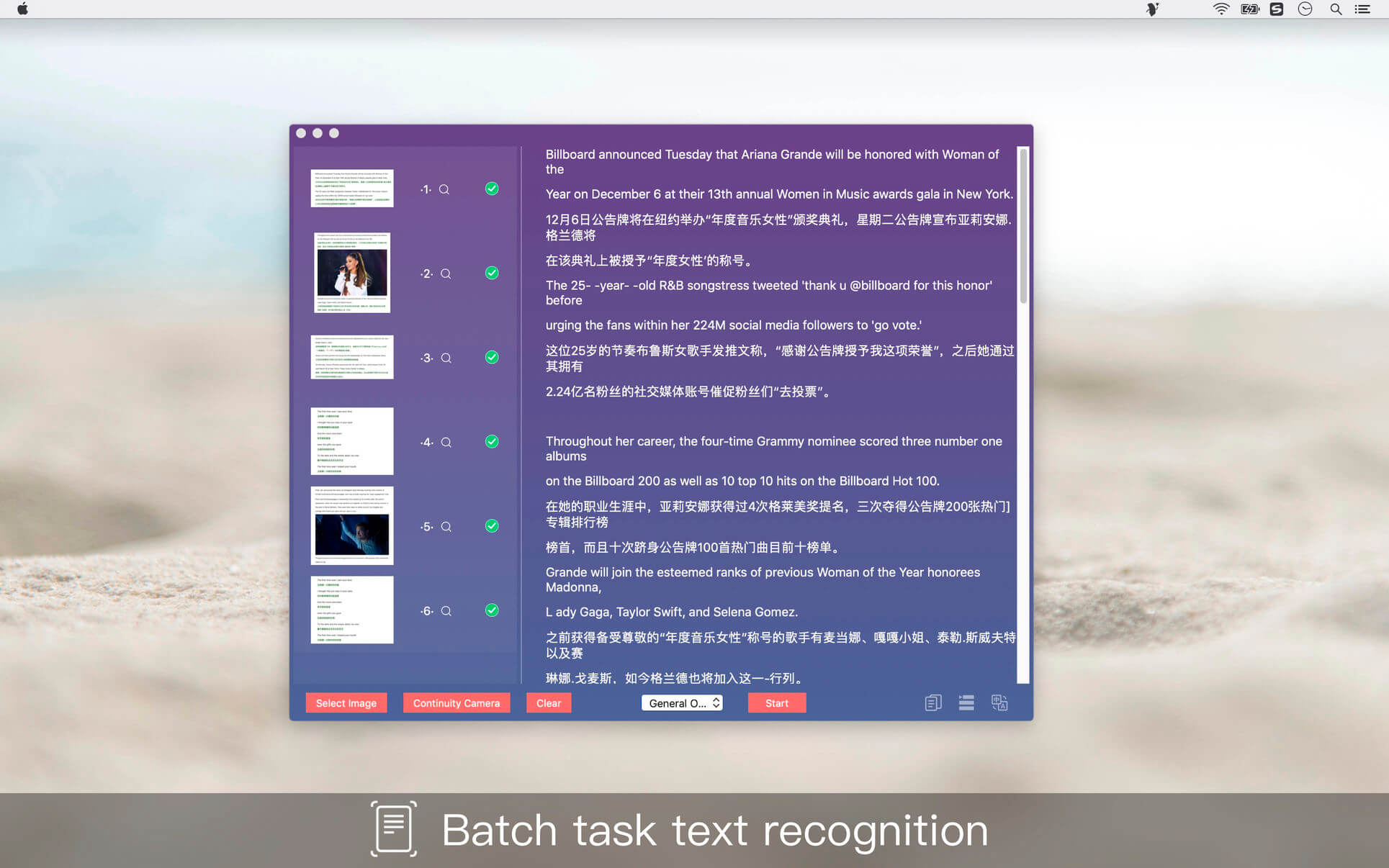
A text information tool for identifying pictures, which mainly includes text recognition, form recognition, card identification, and supports more than ten language special recognition.
Introduction
Text Scanner - is a powerful image scanning tool based on AI's leading deep learning algorithm that uses optical character recognition technology to convert text content directly into editable text.
Scene function
- Text recognition, identifying the text on the image
- QR code recognition
- Handwriting recognition
- ID card identification
- Business card recognition
- Bank card identification
- Driver's license identification
- Business license identification
- VAT invoice
- Form identification
Accurate identification
Automatically and accurately identify images, providing accurate image recognition technology in a variety of scenarios, allowing you to view literacy, extract desired content, improve input efficiency, and save valuable time.
Language recognition
Supports Chinese, English, French, German, Japanese, Korean, Thai, Russian, Italian, Portuguese, Spanish and other special recognitions in more than ten languages, basically globalized.
Version 1.5.3
- Optimize language recognition
- Improve software compatibility