
Gamepedia 6.1.1
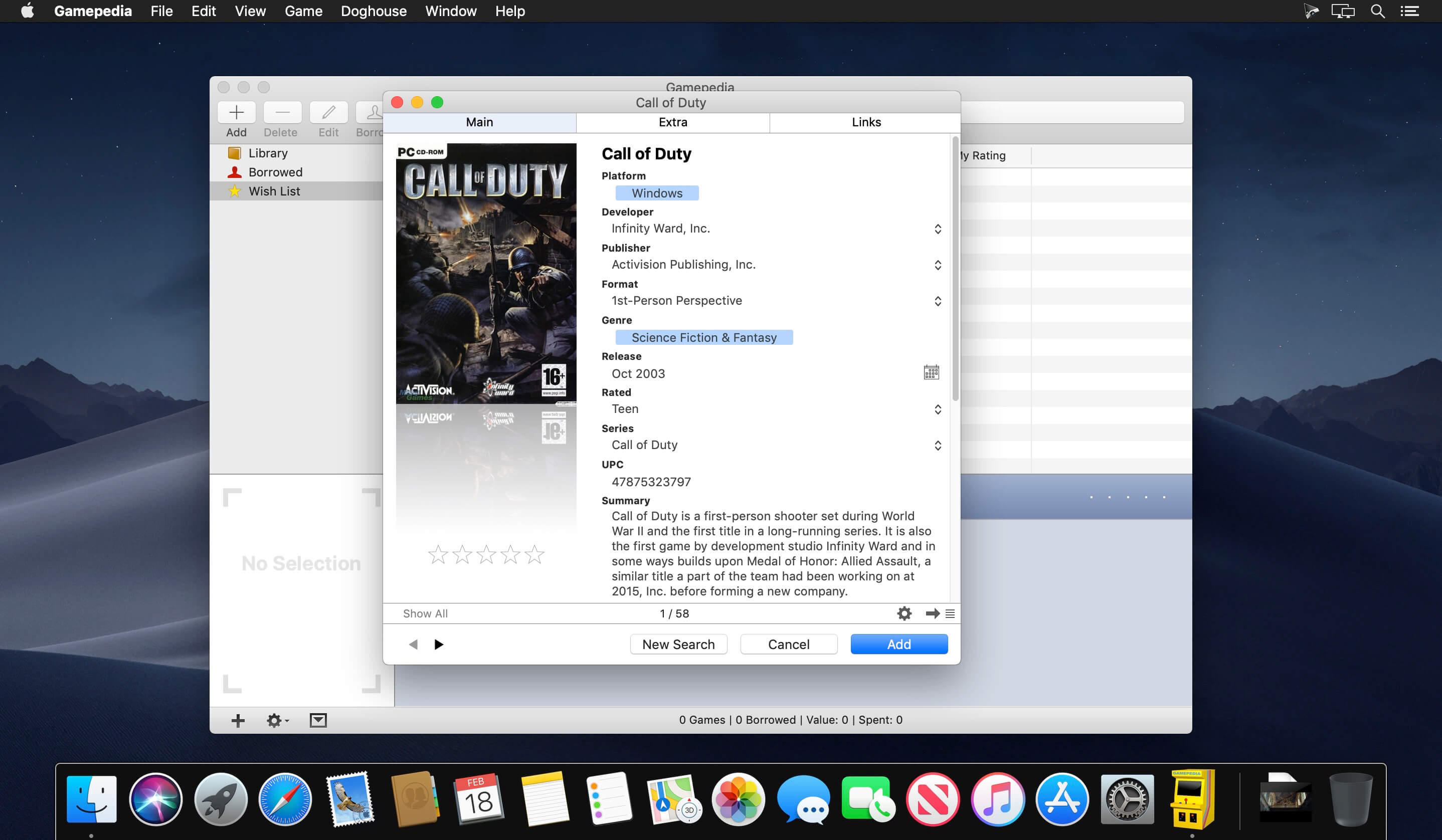

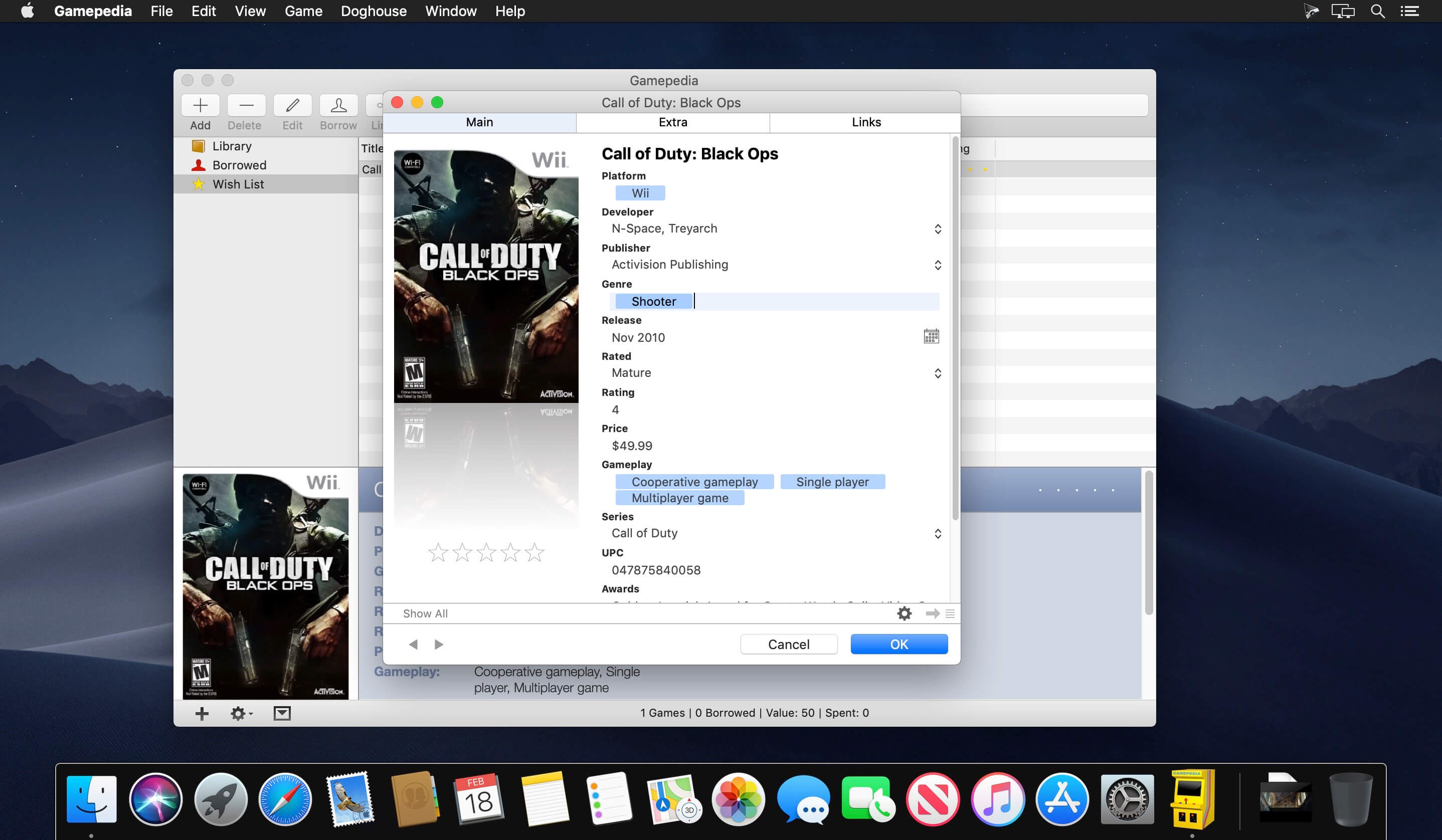
Gamepedia is a powerful cataloging application for video and computer games which allows you to retrieve all your game information from the Internet, either by using keywords or using an iSight or a scanner for the search.
Gamepedia lets you to search several international gaming sites for information about your video and board games. It also lets you add links to reviews, walk-throughs and screenshots from any other site.
You can keep a wish list for those games you don't own yet and a borrowed list for those you want back. To get even more organized, create smart collections that update themselves automatically whenever a new entry is added to the program. Display your collections in a table view, browse only the covers with the cover view or use the info view for a more personalized look. Share your collections with friends, using the customizable HTML export templates or one of the other three export formats. Gamepedia comes with full Spotlight integration and is localized in Spanish, Dutch, Italian French and German.
Version 6.1.1:
- MacOS Big Sur interface changes
Frequently asked questions
How do I install the app?
Mount the image, drag the app into the "Applications" folder and launch it. If the system blocks the launch, allow it in "System Settings → Privacy & Security".
The app is damaged or won't launch
Reinstalling from a fresh image usually helps. Make sure your macOS version matches the one listed in the compatibility specs.
How do I update?
Download the new version from the site and install it over the current one — your settings will be preserved.
The download link doesn't work
Try a mirror or a download manager. For large files the browser often drops the connection.
How do I completely remove the app?
Use an uninstaller utility — it cleans up the service files that remain after moving the app to the trash.





Choose a download source
Gamepedia 6.1.1 · 13.24 MB