Murasaki - EPUB Reader 2.4.1
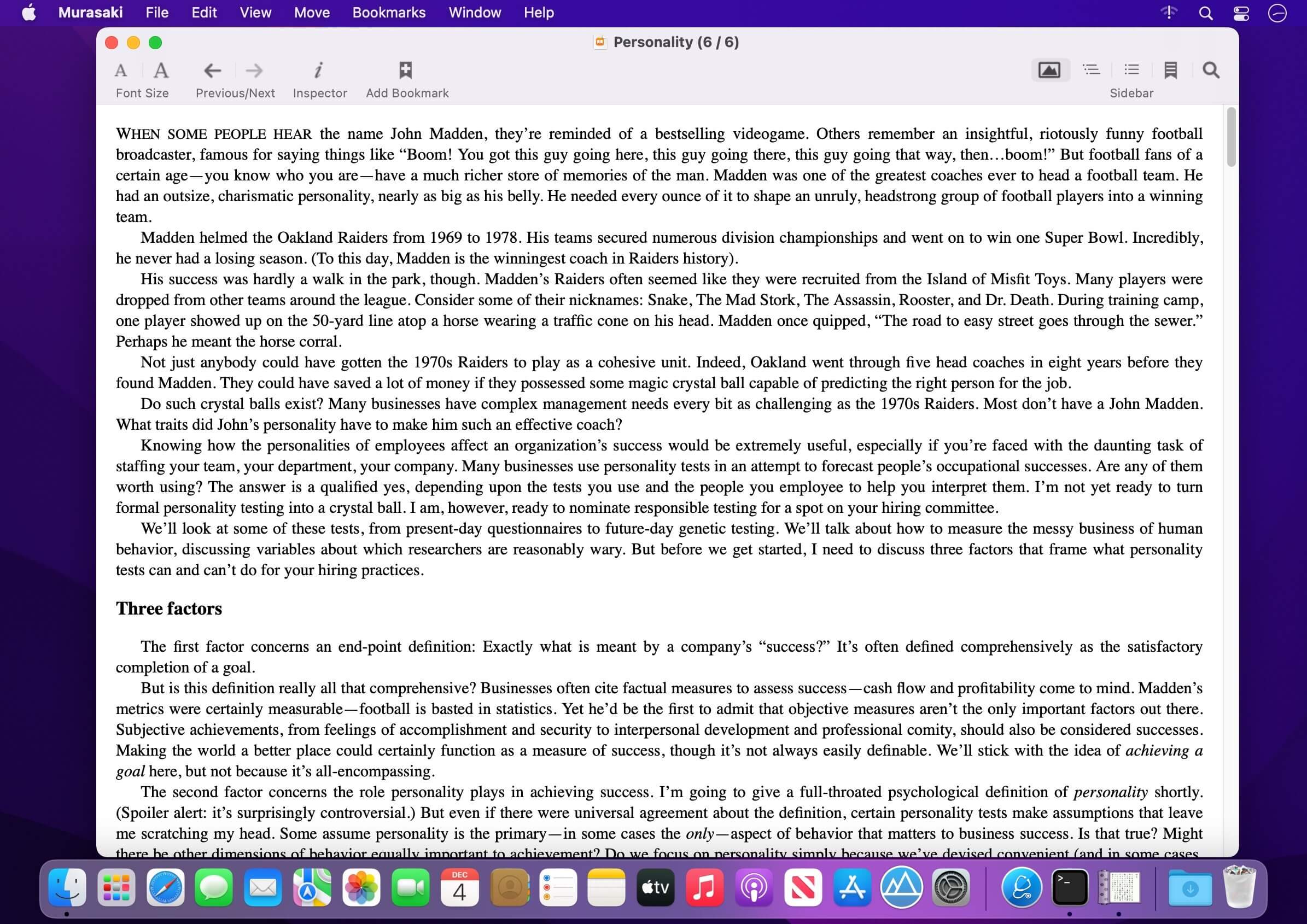
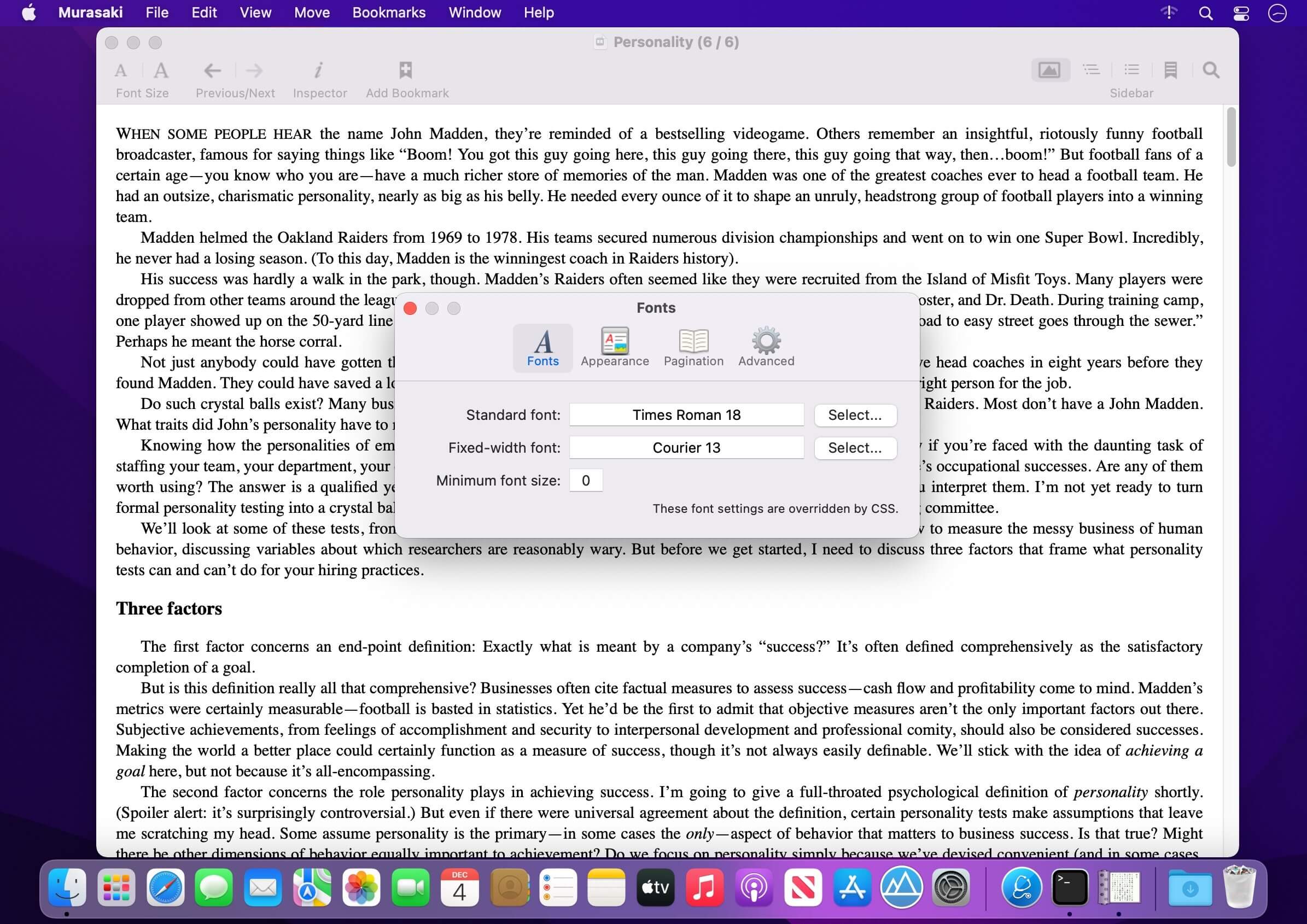
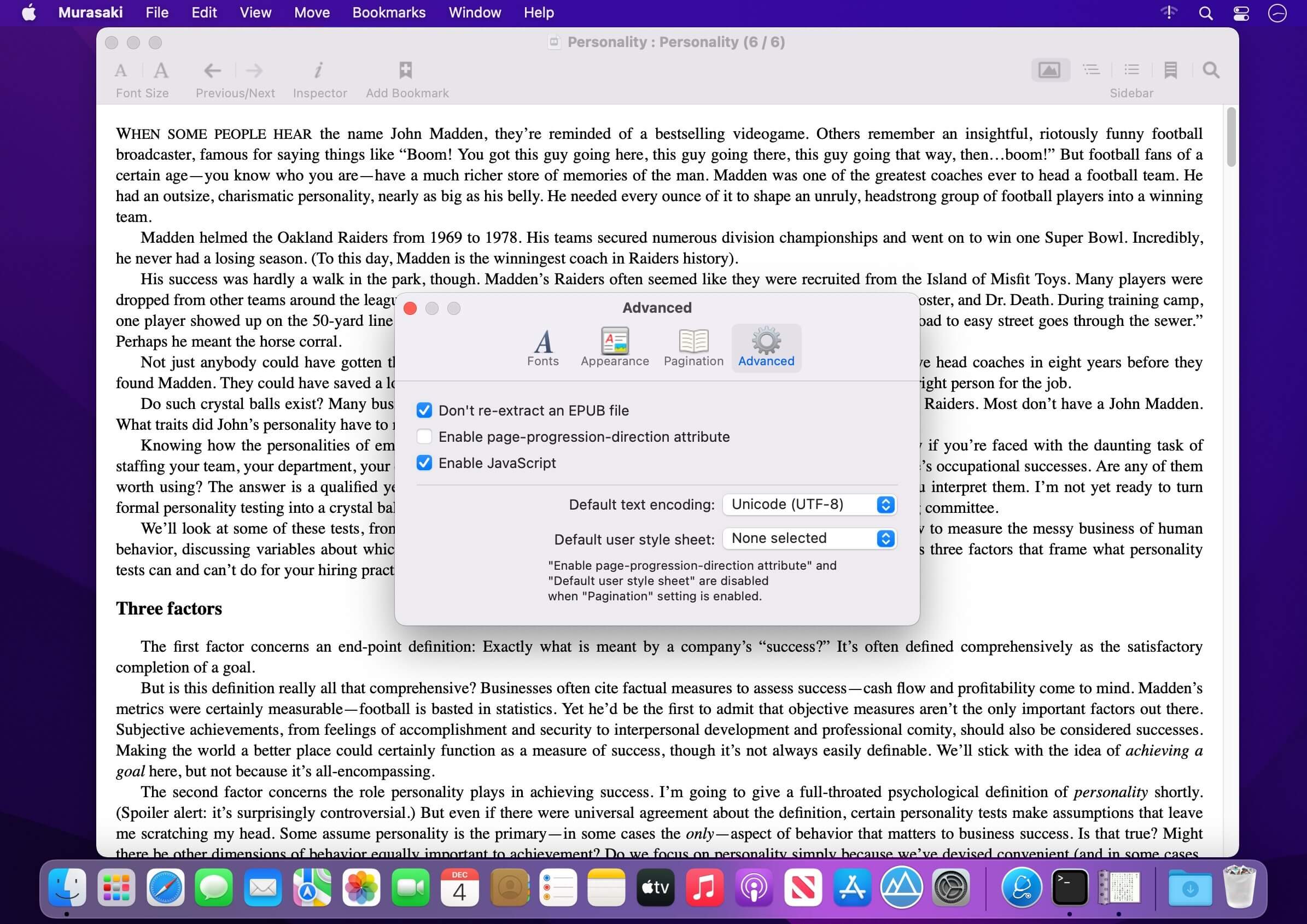
Murasaki is an EPUB reader application that has simple user interfaces and various features (CANNOT open DRM-encrypted EPUBs).
Key Features:
- Scrolling
Murasaki is a scroll-based reader like usual web browers, not a page flip-based reader like iBooks. - Pagination View Mode (horizontal writing mode only)
Murasaki supports the pagination view mode. This is a hybrid view mode which has both a free scrolling and a snapping to column (horizontal writing mode only). - Swipe Navigation
Murasaki supports two-finger swipe gesture to move between contents. To read through an EPUB, use scroll and swipe gestures on trackpad. - Multi Windows
Murasaki can open different EPUBs in multiple windows. Moreover Murasaki can open different parts of one EPUB in multiple windows at once. - Popover
By opening a link in a popover, you can check a related page, footnote, and so on quickly without moving page. - Image Panel
By opening images in panels, you can read through text with reference to these images. - Searching
You can search a word that is contained in a EPUB. - Bookmarking
You can bookmark, and can refer these pages later. - Full Screen
By entering full screen mode, you can view the EPUB contents in full screen. - User Style Sheet
Murasaki can apply user style sheets. - Popover Dictionary
You can look up a word in popover dictionary.
Version 2.4.1
- Support only macOS 12 later
- Add Spotlight/Quick Look plug-ins again
Frequently asked questions
How do I install the app?
Mount the image, drag the app into the "Applications" folder and launch it. If the system blocks the launch, allow it in "System Settings → Privacy & Security".
The app is damaged or won't launch
Reinstalling from a fresh image usually helps. Make sure your macOS version matches the one listed in the compatibility specs.
How do I update?
Download the new version from the site and install it over the current one — your settings will be preserved.
The download link doesn't work
Try a mirror or a download manager. For large files the browser often drops the connection.
How do I completely remove the app?
Use an uninstaller utility — it cleans up the service files that remain after moving the app to the trash.




Choose a download source
Murasaki - EPUB Reader 2.4.1 · 3.82 MB