
OnTime PRO 3.3.2
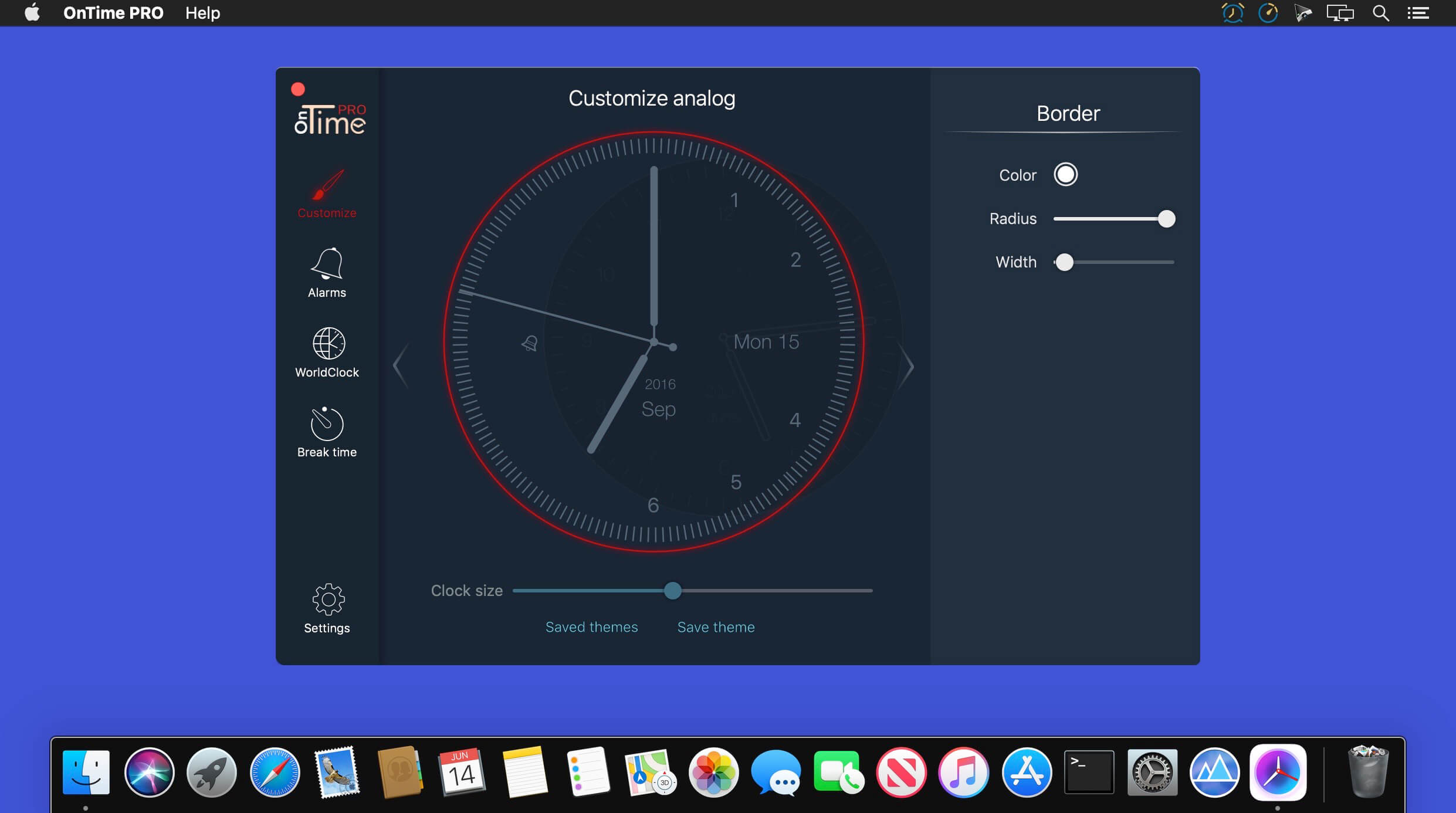

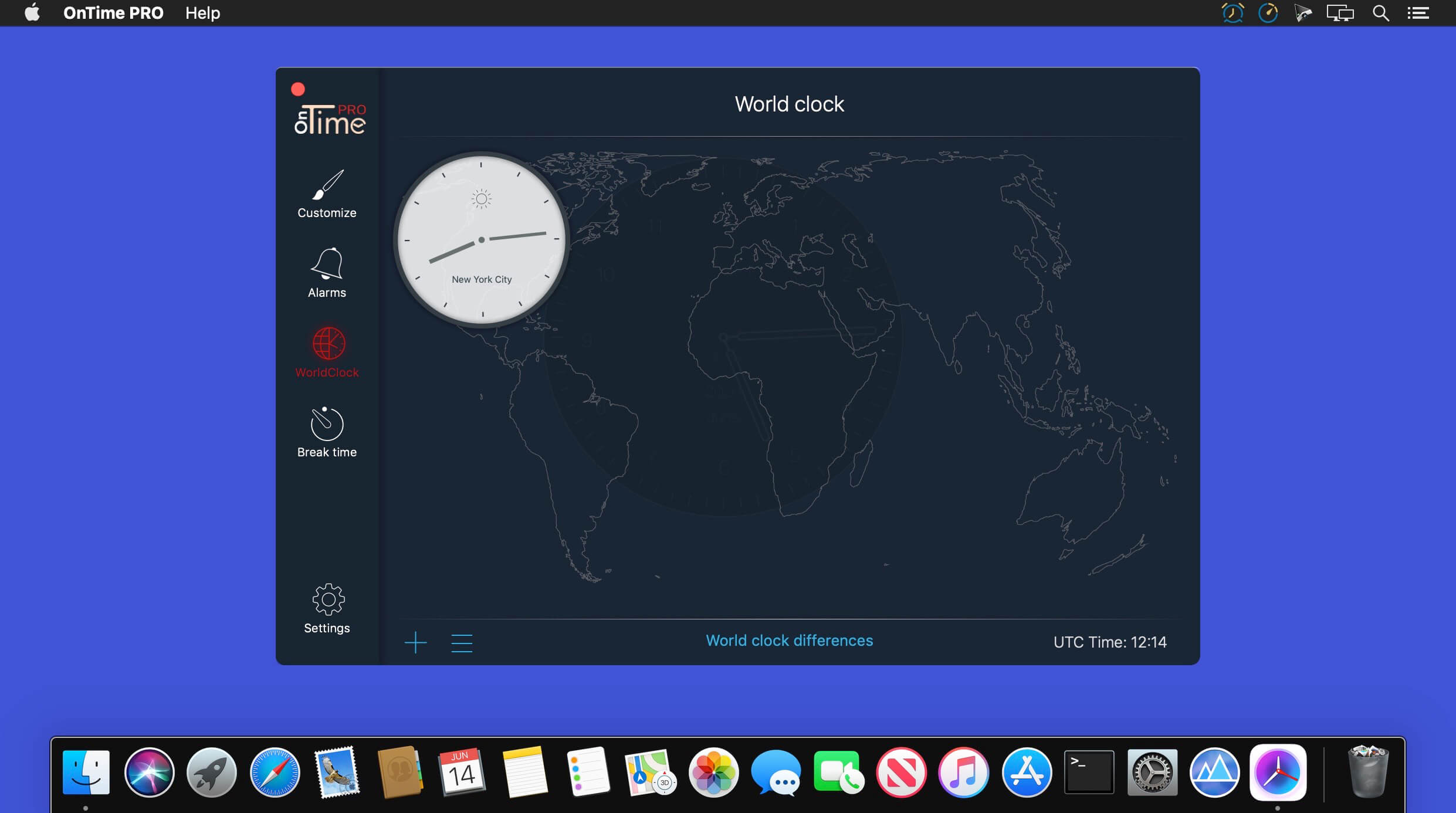
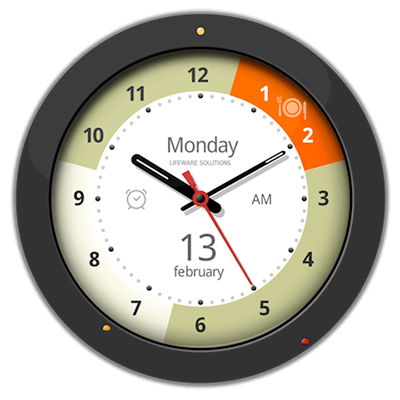
OnTime PRO is the all in one indispensable time tool that you will ever need. Using the intuitive interface you can create unlimited beautiful and useful clocks for your desktop. Don't ever forget important things that you need to do: using the alarms feature you can easily add as many alarms as you need. Use World clock to view in every moment the time in any corner of the world. It will even tell you to take short breaks while working in order to become more productive.
Key features:
Clock
- Customize every clock element
- Switch between analog, digital, fantasy, hybrid and bent clock
- Multiple analog hands to chose from
- Customize the background clock with:
- unlimited colors
- unlimited gradients
- personal pictures
- Different animations for hands movement
- See live usage of CPU,RAM and Disk
Alarm
- Set alarm to sound, voice messages or both
- Custom alarm sound
- Progressive volume
- Unlimited alarms
- Easy management for alarms using status bar icon
World clock
- Realtime sunset and sunrise
- Unlimited world clocks
- Clock background automatically changes with day or night color schemes
- Show world clocks from menu bar
- Time differences calculator
- Put world clocks on desktop
Break time
- Manage your breaks
- Force yourself to take a break
- Schedule for breaks
- Diffent appearance for breaks
- Exceptions
Smart quotes
- Random quotes
- Quiet hours
Version 3.3.2
- We update the app regularly so we can make it better for you. This version includes several bug fixes and performance improvements. Thanks for using OnTime PRO.
Frequently asked questions
How do I install the app?
Mount the image, drag the app into the "Applications" folder and launch it. If the system blocks the launch, allow it in "System Settings → Privacy & Security".
The app is damaged or won't launch
Reinstalling from a fresh image usually helps. Make sure your macOS version matches the one listed in the compatibility specs.
How do I update?
Download the new version from the site and install it over the current one — your settings will be preserved.
The download link doesn't work
Try a mirror or a download manager. For large files the browser often drops the connection.
How do I completely remove the app?
Use an uninstaller utility — it cleans up the service files that remain after moving the app to the trash.



Choose a download source
OnTime PRO 3.3.2 · 73.28 MB