Clearview 2.3.6
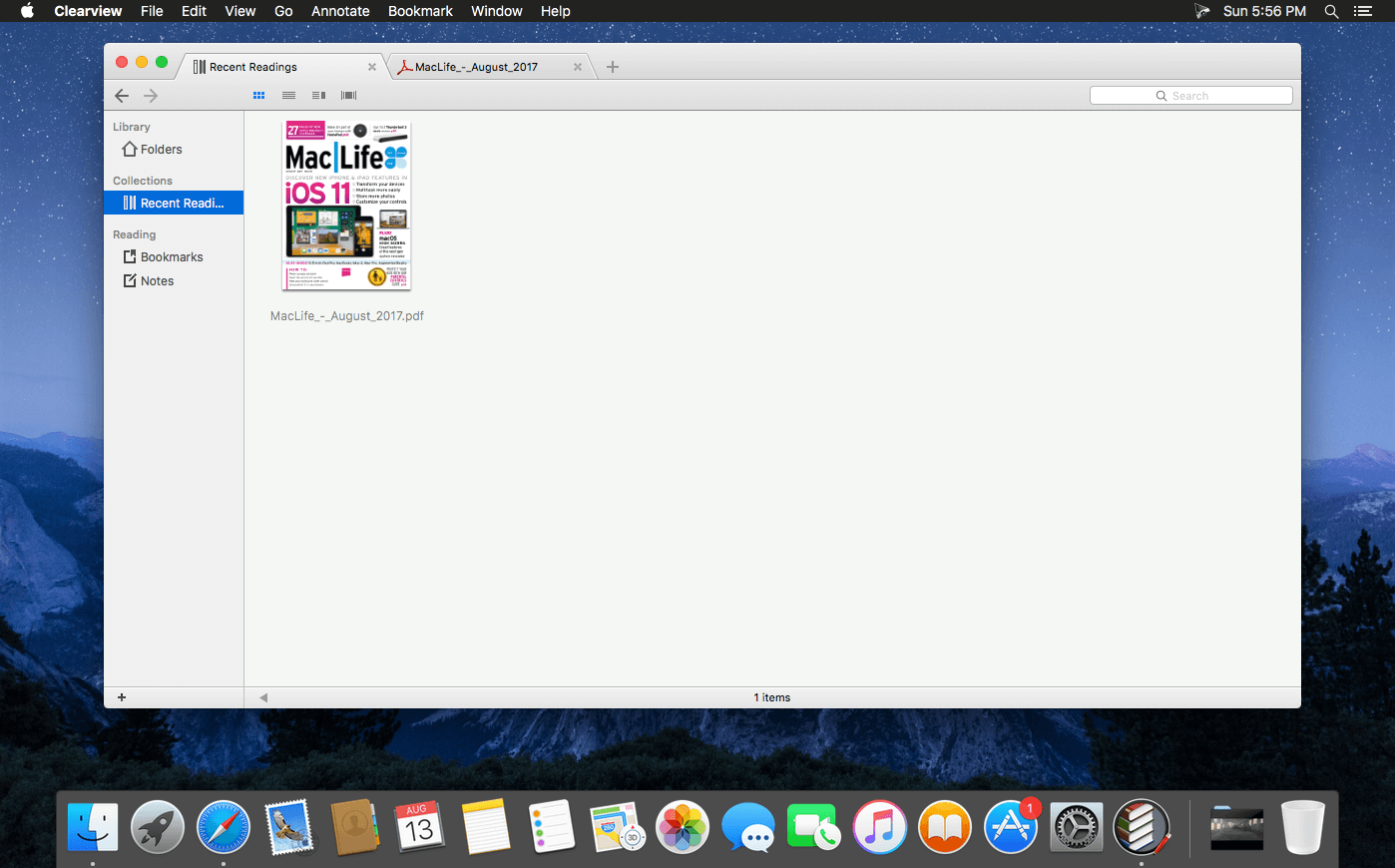
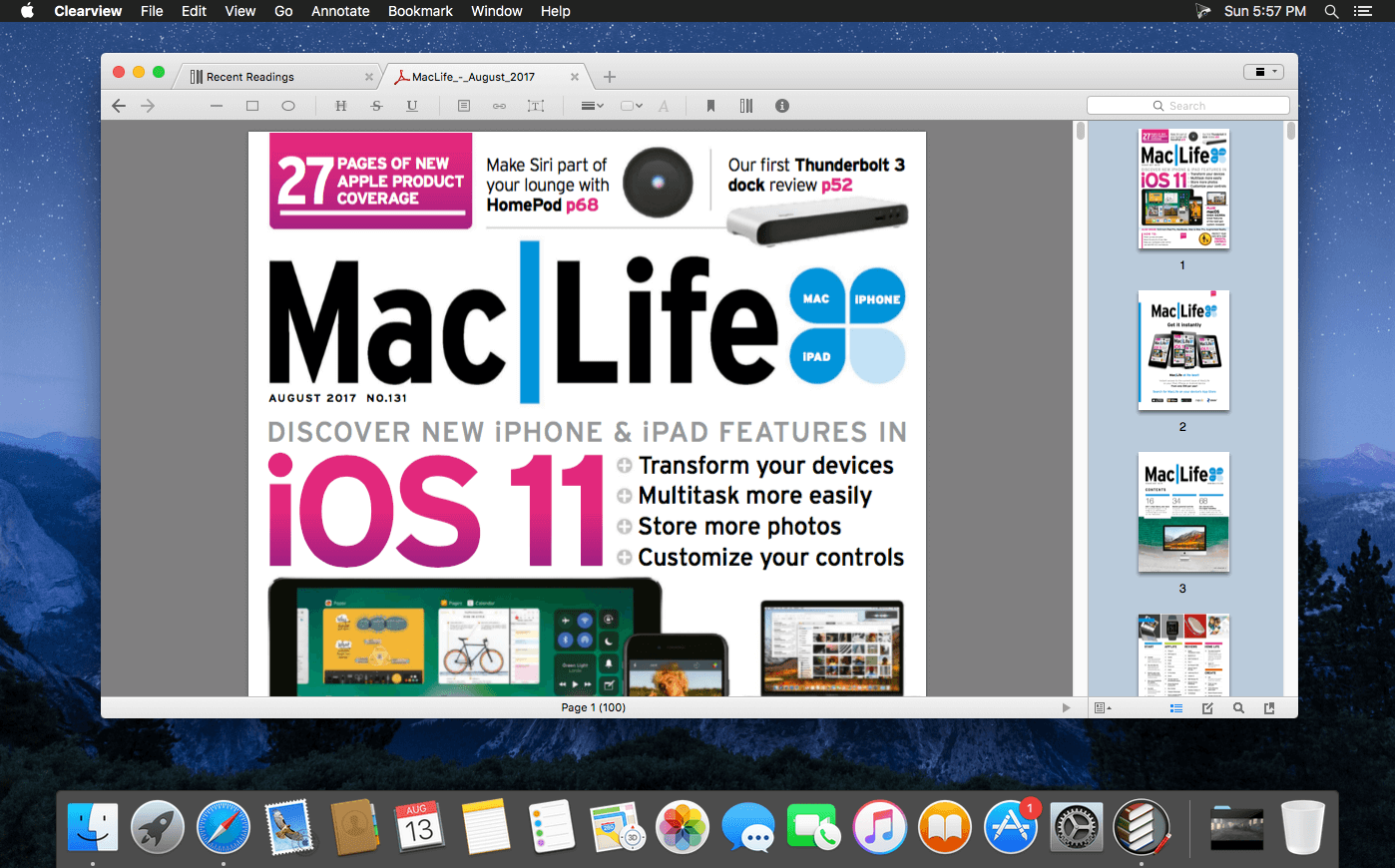
Clearview is an easy-to-use tabbed-style ebook reader, equipped with library shelf, supports popular ebook formats as PDF, EPUB (DRM free), CHM, and MOBI. You can make annotations, insert bookmarks, and do searching freely.
Easy and intuitive books management
Just drag the folders containing e-book files from finder and drop on the Clearview shelf, all the files information will be imported to the library quickly, then you can browse, search and read the books from shelf easily. With books folders and reading lists cooperating together, you will find that books organization is such an easy thing.
Tabbed style window make reading smooth and efficient
With several related books organized in the same window, you do not have to look for and switch between the book windows everywhere. further more, with a shelf tab and book file tabs living in the same window, browsing and reading is so easy. Restore multiple closed tabs, too!
Powerful searching capabilities
You can find a book by keywords quickly, and can also search in a book for specified texts, and sort search results by page or rank.
Other features:
- Popular book formats support, PDF, EPUB, CHM and MOBI, with almost the same excellent reading experiences.
- Cover flow preview of books.
- Drag and drop from library or finder to construct reading list.
- Thumbnails display of book pages.
- Book page color themes (Normal, Sepia, Night time).
- Text fonts adjustment (Size and font family).
- Printing support for all book formats.
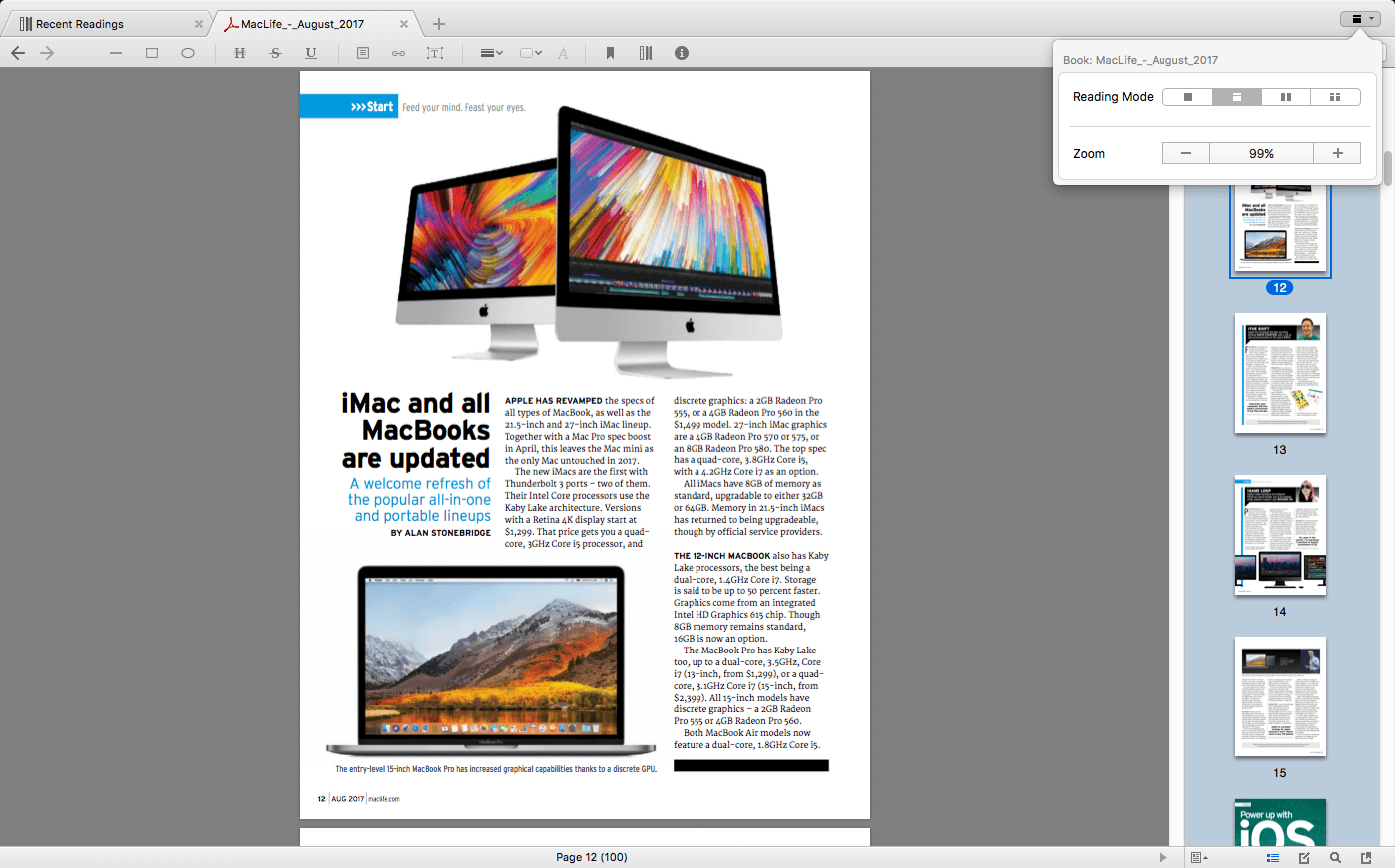
- Each of 4 book formats can be presented in four reading layouts. Page flip or continuous scrolling, single page or two columns.
- Yes, you can read a EPUB, MOBI or CHM book like a PDF book in a continuous mode, by scrolling pages quickly, you do not have to flip page and a page, and no need to pause to click the next chapter.
- Annotations and bookmarks support on all 4 book formats.
- Revisions will be saved in library database automatically, not on the original book files, so "save changes" prompt dialog won't appear in your smooth reading.
- Line, arrow, rectangle, ellipse, highlight, strike, underline, free text, comments - for PDF annotations;
- Note/Comment, highlight, strike, underline - for EPUB, MOBI, CHM annotations;
- Customizable annotation colors and line width;
- Export PDF with annotations;
- Customizable shelf background (Linen, Wood, Color)
Version 2.3.6
- Bug fix for chm
- Totally redesigned new Clearview X released!
Version 2.0:
- Improved UI
- Improved search in shelf
- rename bookmarks
- more color tags
- collection group to organize collections
Frequently asked questions
How do I install the app?
Mount the image, drag the app into the "Applications" folder and launch it. If the system blocks the launch, allow it in "System Settings → Privacy & Security".
The app is damaged or won't launch
Reinstalling from a fresh image usually helps. Make sure your macOS version matches the one listed in the compatibility specs.
How do I update?
Download the new version from the site and install it over the current one — your settings will be preserved.
The download link doesn't work
Try a mirror or a download manager. For large files the browser often drops the connection.
How do I completely remove the app?
Use an uninstaller utility — it cleans up the service files that remain after moving the app to the trash.




Choose a download source
Clearview 2.3.6 · 9.2 MB
Previous versions
Clearview 2.3.6
Previous versions are available to registered users.