Aiseesoft Mac PDF to ePub Converter 3.3.8
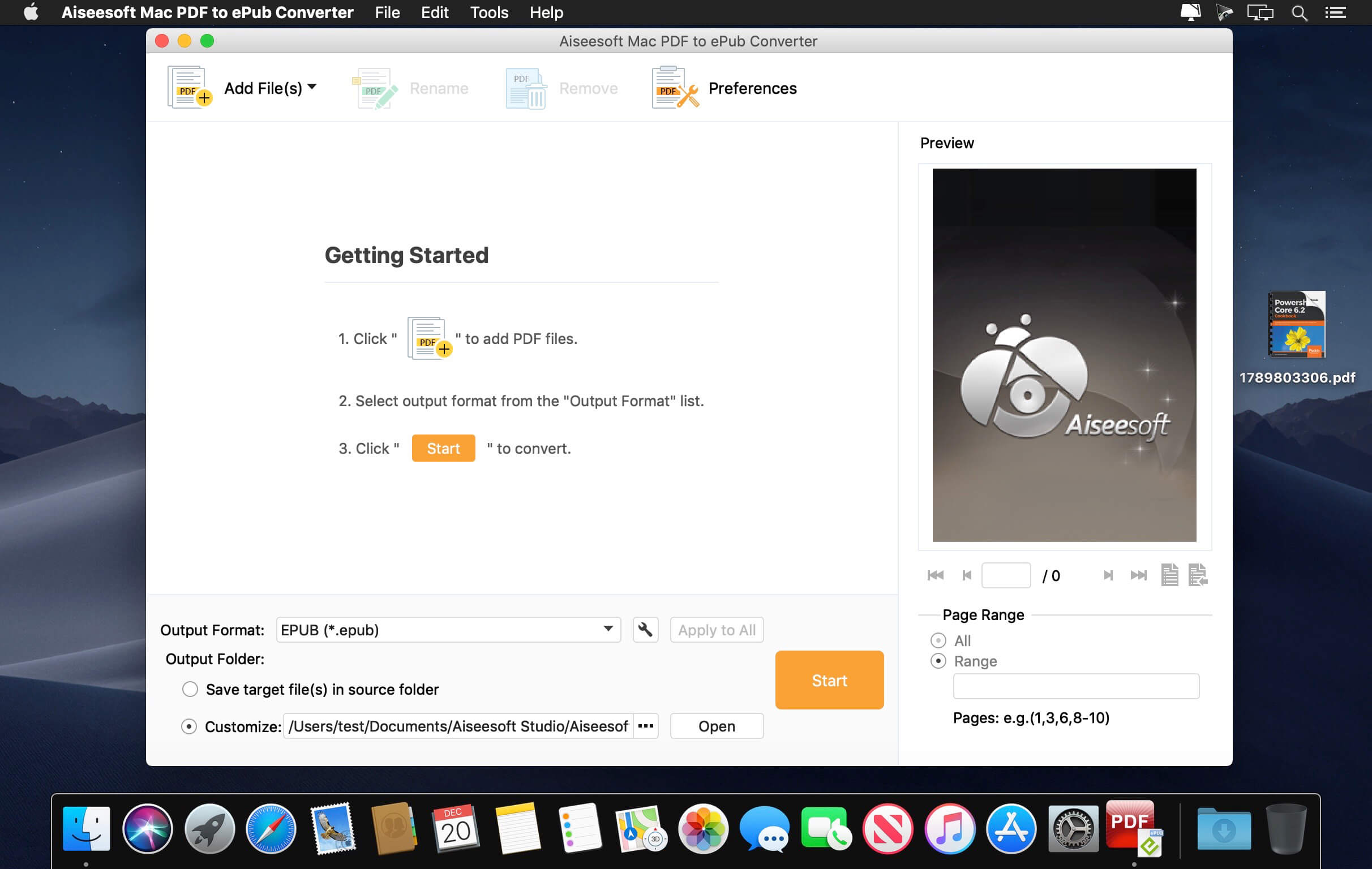
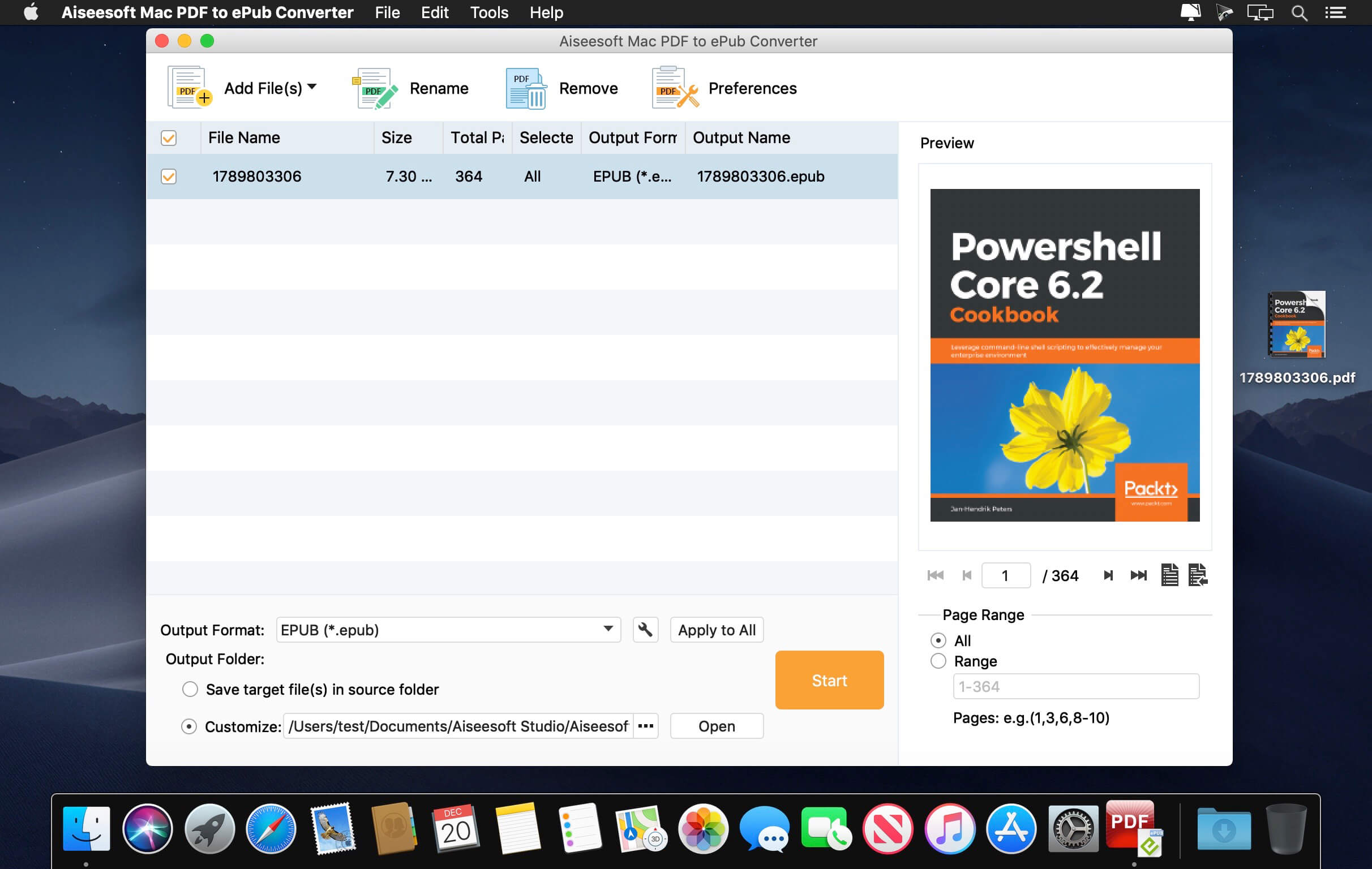
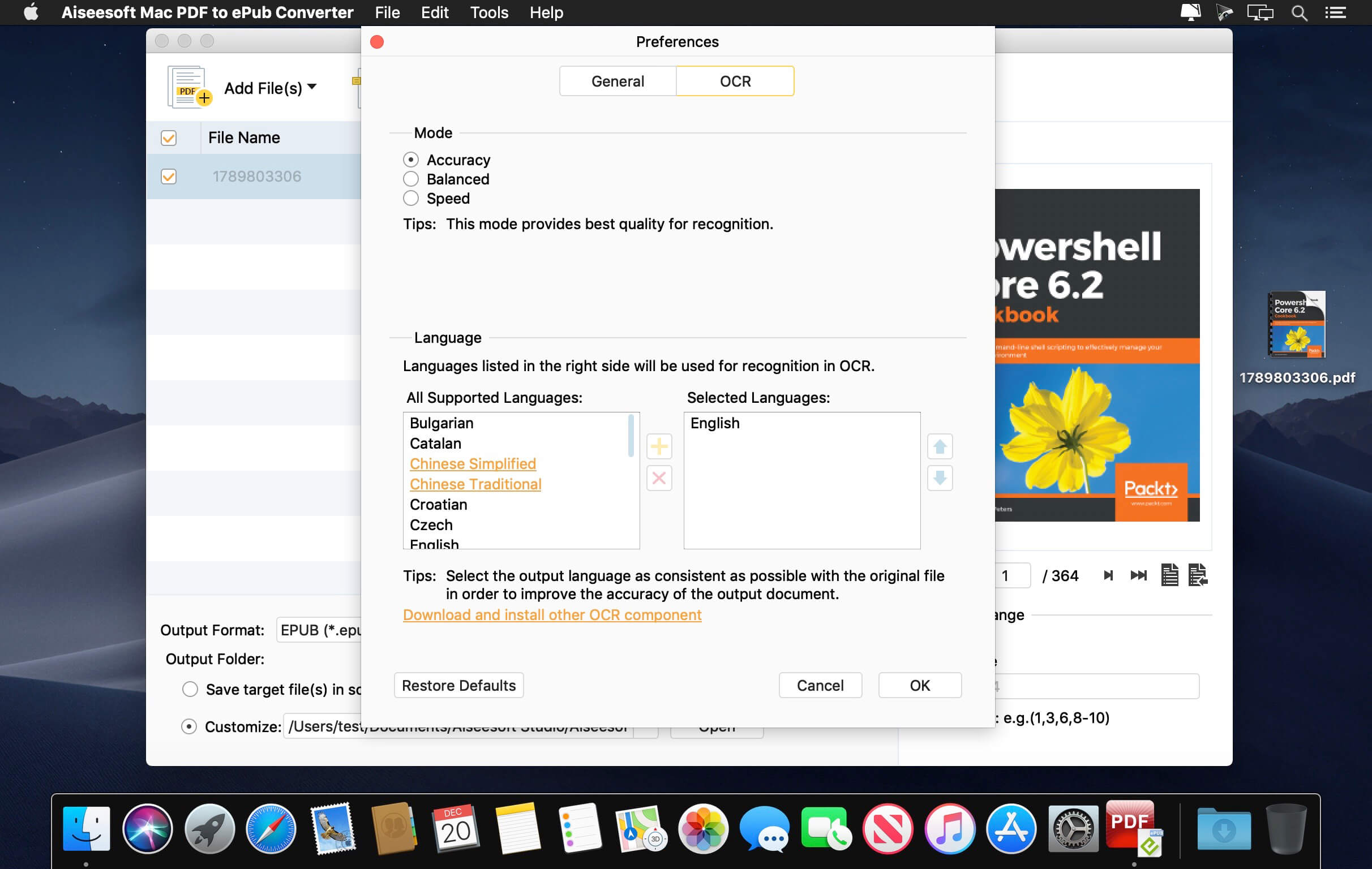
Aiseesoft PDF to ePub Converter is the professional PDF to ePub converting software which can help you to convert PDF to ePub with high accuracy and super fast speed. You can handily view the ePub files on your iPhone, iPad, iPod and eBook readers.
Best PDF to ePub converting software to convert eBooks from PDF to ePub format with the superlative output quality to let you read eBooks more easily on your iPad, iPhone, iPod touch, Sony Reader or other eBook Readers.
As a readable e-book format, ePub can be downloaded on eBook readers, tablets, computers, and smart phones. When text is the most important part of your document, you can convert PDF eBook to ePub format with Aiseesoft PDF to ePub Converter and transfer the ePub files to iPad, iPhone, iPod touch, Android phones, Sony Reader, and other e-readers for better reading experience.
With the OCR technology, the most accurate technology to recognize national languages, artificial languages, programming languages in scanned PDF documents, it's even easier to convert image-based scanned PDF files to ePub, you can save the time and trouble of having to retype text.
More importantly, the OCR technology of this PDF to ePub converter guarantees you the conversion accuracy. The converted ePub files will carry exactly the original contents in PDF documents.
Version 3.3.8:
- Release notes were unavailable when this listing was updated.
Frequently asked questions
How do I install the app?
Mount the image, drag the app into the "Applications" folder and launch it. If the system blocks the launch, allow it in "System Settings → Privacy & Security".
The app is damaged or won't launch
Reinstalling from a fresh image usually helps. Make sure your macOS version matches the one listed in the compatibility specs.
How do I update?
Download the new version from the site and install it over the current one — your settings will be preserved.
The download link doesn't work
Try a mirror or a download manager. For large files the browser often drops the connection.
How do I completely remove the app?
Use an uninstaller utility — it cleans up the service files that remain after moving the app to the trash.
VersionAiseesoft Mac PDF to ePub Converter 3.3.8
DeveloperAiseesoft
CompatibilityOS X 10.9 or later 64bit
LanguageEnglish
IncludesK'ed by TNT
Information
Visitors in the group Guests cannot leave comments on this publication.
Choose a download source
Aiseesoft Mac PDF to ePub Converter 3.3.8 · 158.03 MB