
SideNotes 1.6.6
SideNotes — Always-on-Top Notes App for Focused Work
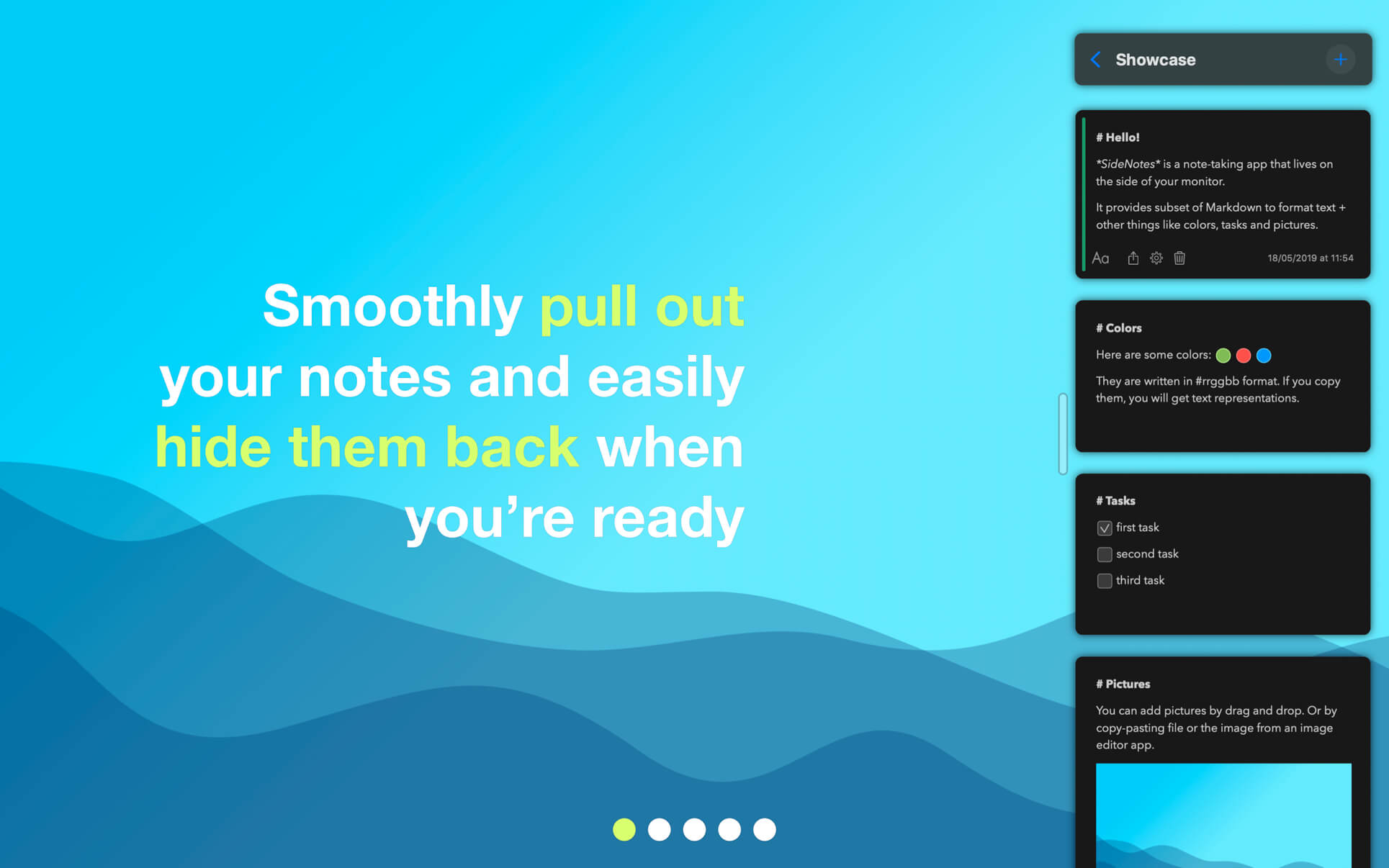

Stop switching between windows to find a note. SideNotes stays on top of everything else and slides out from the edge of your screen with one click or a keyboard shortcut — so your notes are always in reach and never in the way.
- Pull notes out instantly — slide them in from outside your monitor and hide them again just as smoothly, no window-hunting required.
- Stay organized at a glance — mark notes with colors and group them into folders so everything has its place.
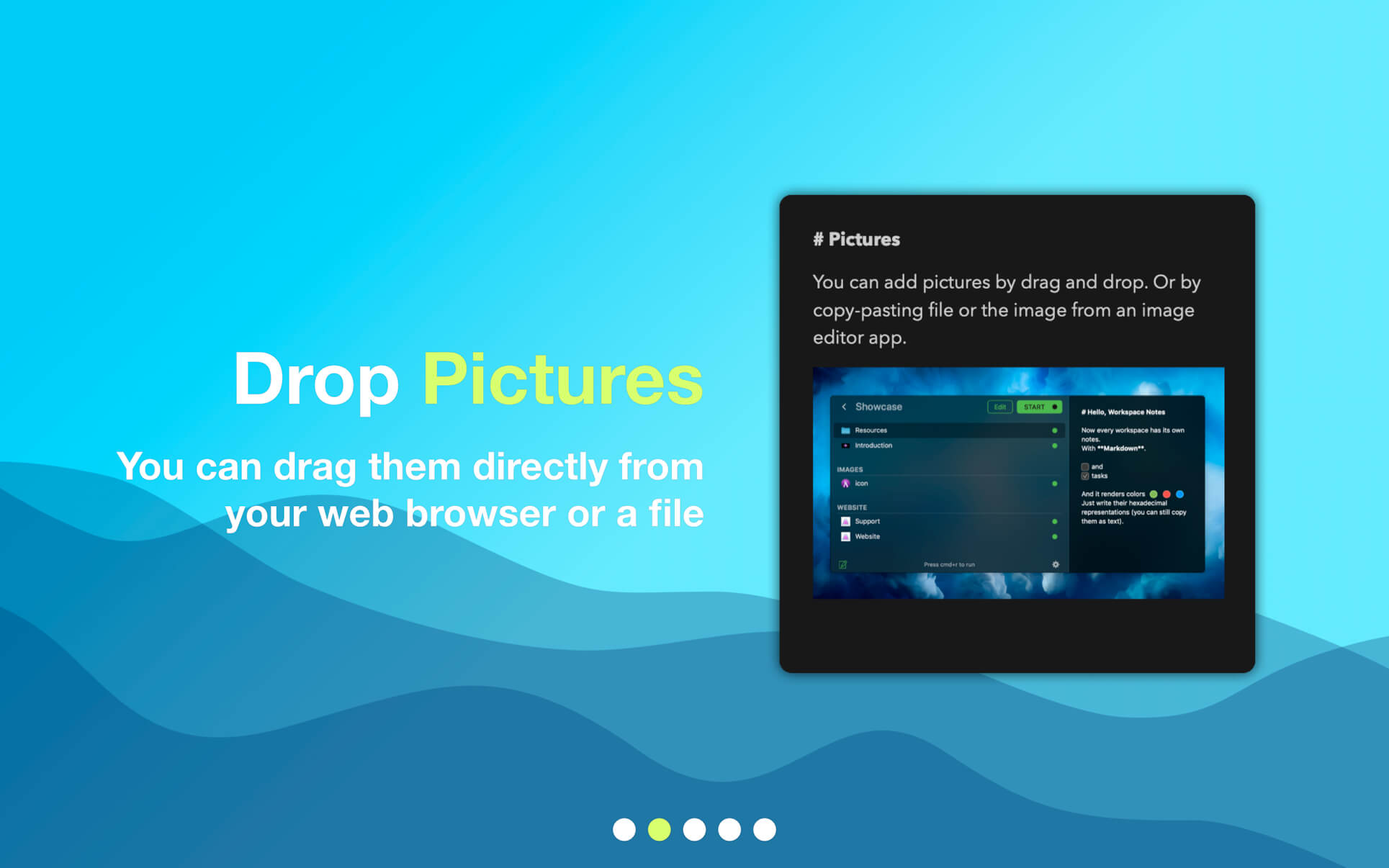
- Drag images straight from your browser — drop pictures directly into a note without saving them first.
- Keep links, code, and colors handy — save snippets, URLs, or color values right alongside your other notes.
- Track tasks in place — create task lists and check items off as you finish them.
- Capture from your clipboard — create a new note directly from whatever you just copied.
- Drop in text files or folders — bring existing files into SideNotes without extra steps.
- Write the way you want — switch between Markdown, Plain Text, and Code formatting modes.
Version 1.6.6:
Bug Fixes
- Fixed an issue that could make SideNotes open automatically after opening the new Siri app on macOS 27.
Frequently asked questions
How do I install the app?
Mount the image, drag the app into the "Applications" folder and launch it. If the system blocks the launch, allow it in "System Settings → Privacy & Security".
The app is damaged or won't launch
Reinstalling from a fresh image usually helps. Make sure your macOS version matches the one listed in the compatibility specs.
How do I update?
Download the new version from the site and install it over the current one — your settings will be preserved.
The download link doesn't work
Try a mirror or a download manager. For large files the browser often drops the connection.
How do I completely remove the app?
Use an uninstaller utility — it cleans up the service files that remain after moving the app to the trash.





Choose a download source
SideNotes 1.6.6 · 21.1 MB
Previous versions
SideNotes 1.6.6
Previous versions are available to registered users.