Things 3.24.1
Things task management app with tags, filters, and focus
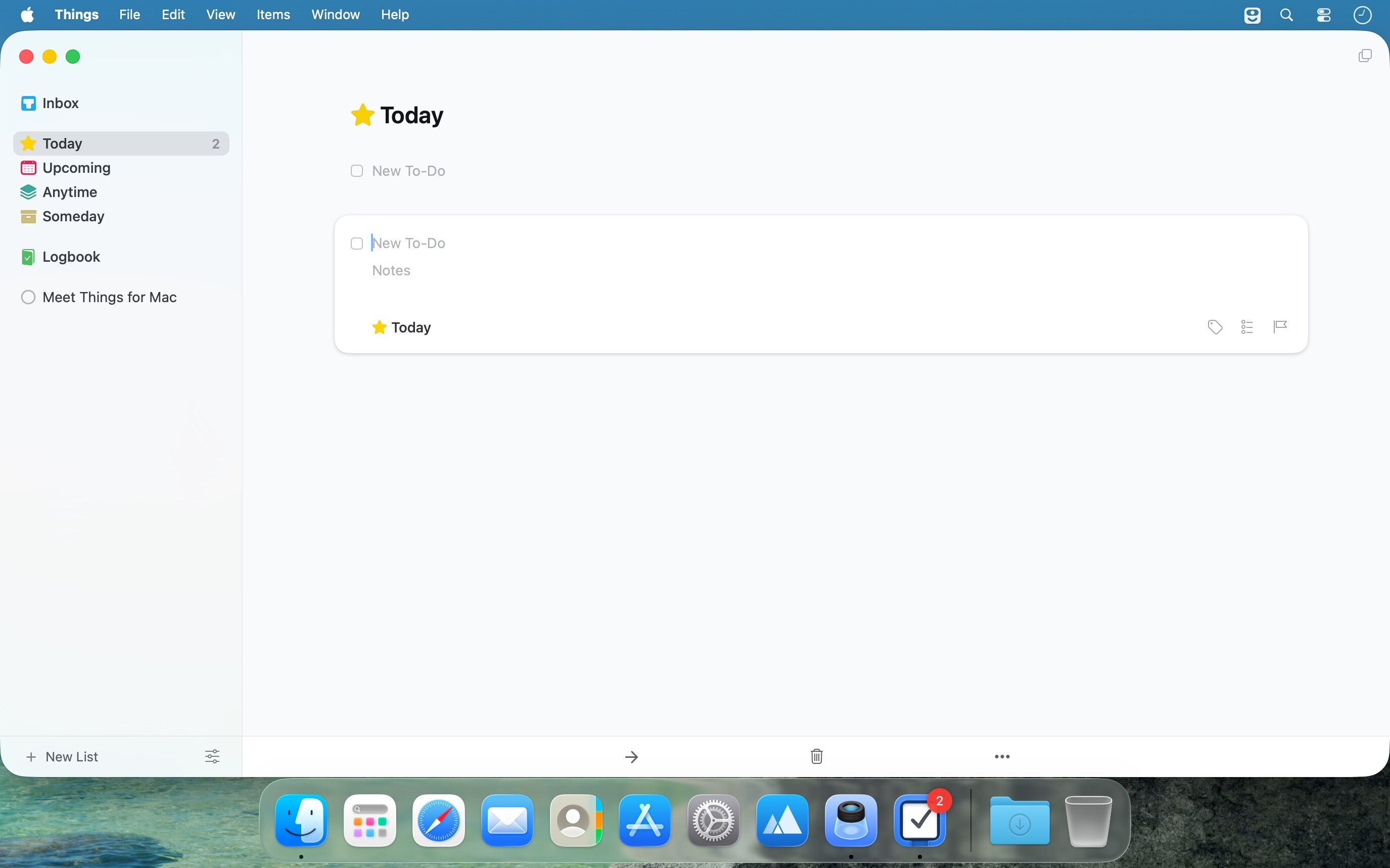
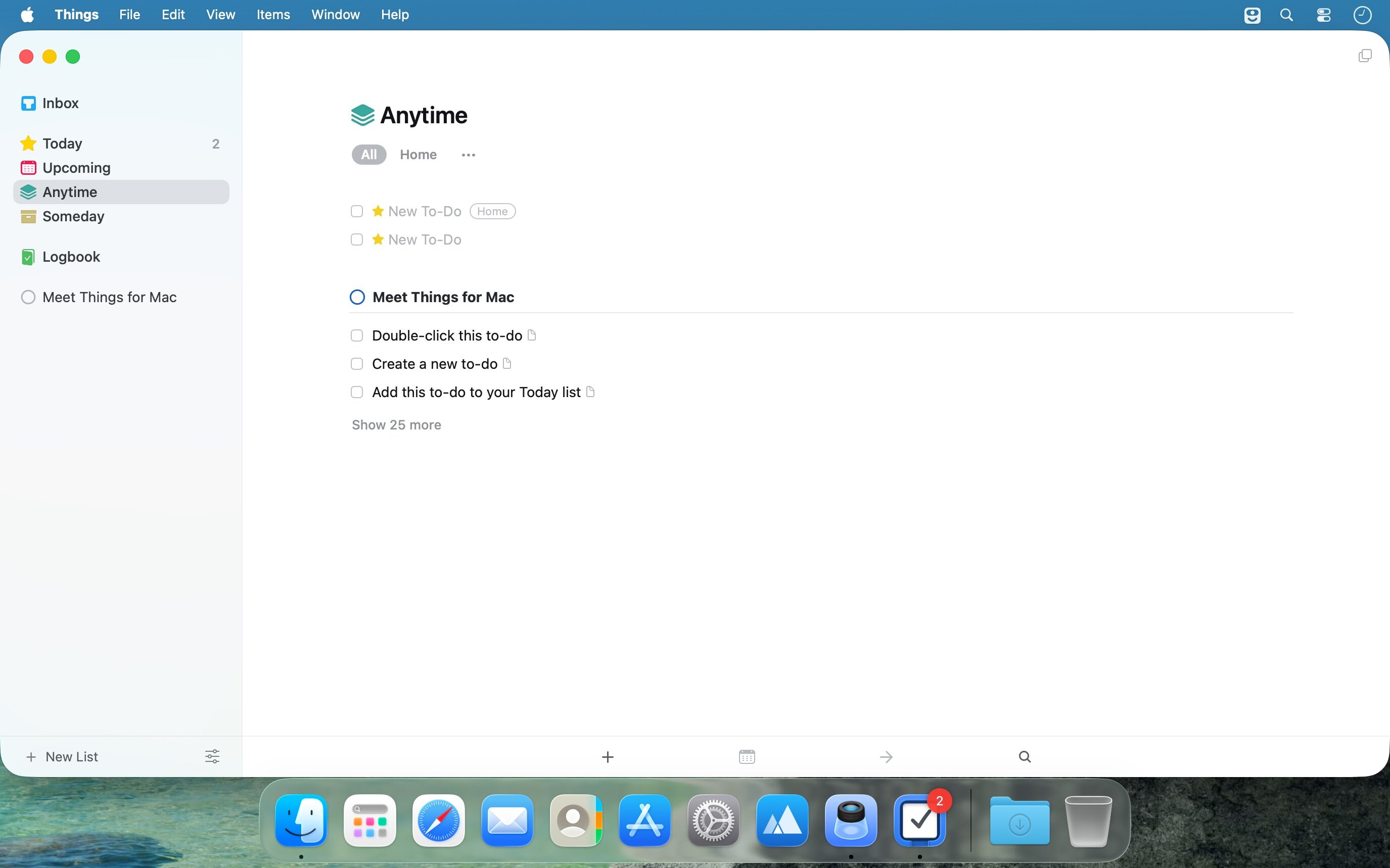
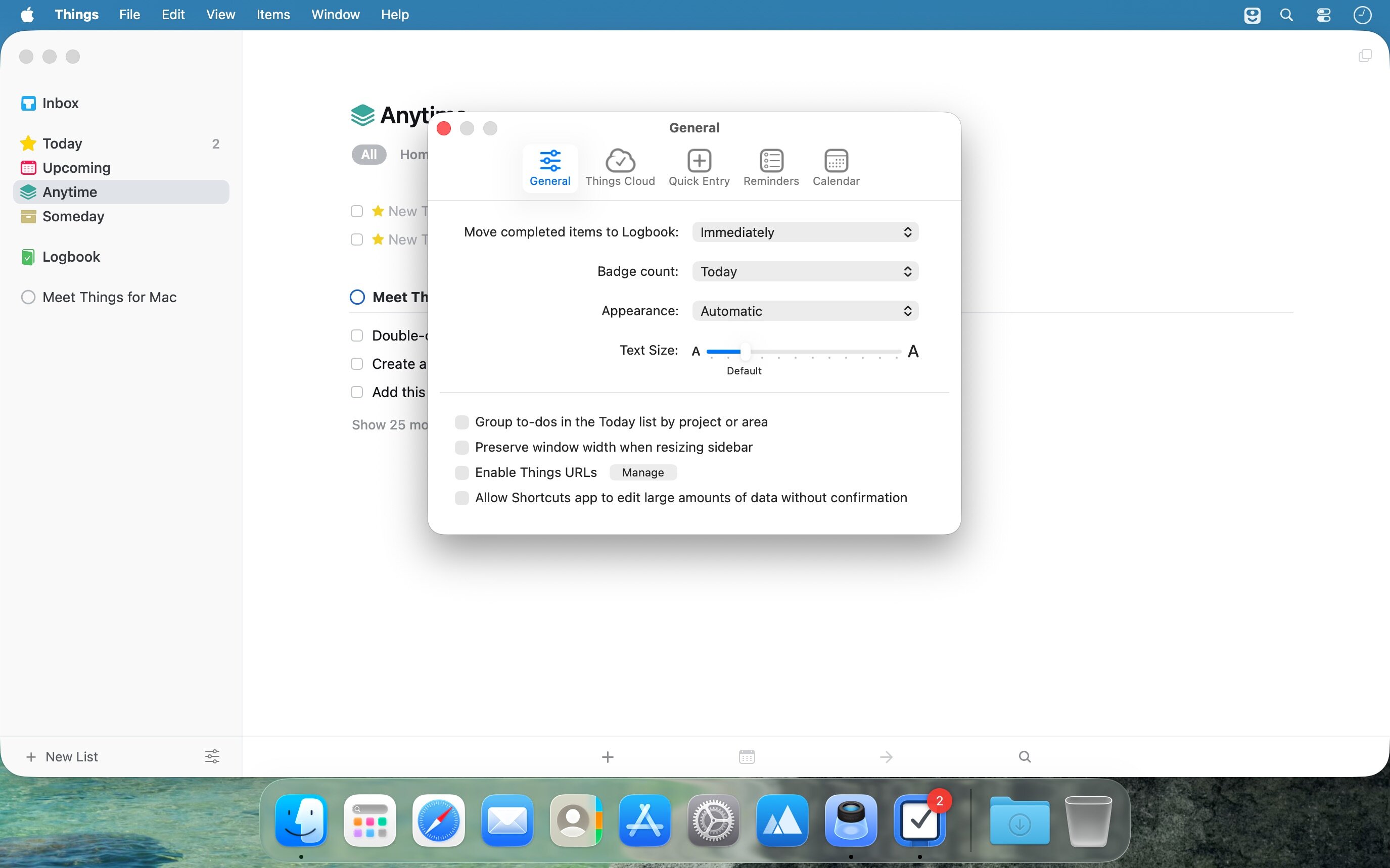
Things is a task management solution that helps to organize your tasks in an elegant and intuitive way. Things combines powerful features with simplicity through the use of tags and its intelligent filter bar. A Leopard style source list allows for quick and easy focusing. Together with a beautiful user interface, Things aims at the seemingly impossible: making task management both easy and fun.
Our screencast is a great introduction.
- The big picture. A Leopard-style source list lets you easily focus without ever switching view modes or wrapping your head around filter criteria.
- A magical tag bar automatically appears when needed and adapts to the currently displayed list. It lets you drill down even the longest list of To-Dos. Hierarchical tags? We got you covered!
- Teamwork. Things offers convenient collaboration features. Easily delegate tasks to members of your team. (This is work in progress.)
- No columns! Whether it's multiple tags, dates or notes, To-Do items display their information on an as needed basis. No more space wasted by empty or irrelevant column cells!
- Out of your head, out of your way. A quick entry HUD lets you enter any idea the moment it hits you. Never let the thought of an unfinished business distract you again.
- Yours forever. We won't lock you in. Things will use an open XML file format to store your data. (Not yet activated.)
- Things even supports GTD, so if you're familiar and comfortable with GTD concepts, you'll feel right at home.
Version 3.24.1
- Added "Ask Siri" to the context menu when right-clicking a to-do or project in a list.
- Improved the appearance of results in the new Siri.
- Refined the spacing of the notes and checklist in an expanded to-do.
- Improved performance of Quick Find.
- Improved performance when selecting a to-do in Apple Shortcuts.
- Improved the timing of the haptic feedback when completing a checklist item.
- Tweaked the layout of the title bar in the Tags window on macOS 26 and later.
- Restored the behavior where deleting all checklist items leaves an empty item ready for typing.
- Fixed a bug where right-clicking a to-do's checkbox didn't show its context menu.
- Fixed a bug where Cmd-clicking a checklist item's reorder handle didn't add the item to the selection.
- Fixed a bug where pasting a single line of text into a checklist also pasted the blank lines around it.
- Fixed a bug where dropping an email could create a to-do with missing spaces in its title.
- Fixed a bug where adding many tags to a project or area could make them overlap its notes.
- Fixed the wording of the repeat rule for a project that repeats after completion.
- Fixed a crash that could occur when deleting a project via Apple Shortcuts.
- Fixed a crash that could occur when clicking the ••• button in a tag list while editing an expanded to-do.
- Fixed a crash that could occur when dragging a project into another project.
THINGS 3.24
- Things is ready for macOS Golden Gate 27, with great new system integrations:
- Full integration with the new Siri (where available).
- Full integration with Spotlight, your device's built-in search.
- More snooze options for notifications, with better-suited durations.
- A new extra-tall widget to see longer lists.
- Other compatibility improvements for the new OS.
Frequently asked questions
How do I install the app?
Mount the image, drag the app into the "Applications" folder and launch it. If the system blocks the launch, allow it in "System Settings → Privacy & Security".
The app is damaged or won't launch
Reinstalling from a fresh image usually helps. Make sure your macOS version matches the one listed in the compatibility specs.
How do I update?
Download the new version from the site and install it over the current one — your settings will be preserved.
The download link doesn't work
Try a mirror or a download manager. For large files the browser often drops the connection.
How do I completely remove the app?
Use an uninstaller utility — it cleans up the service files that remain after moving the app to the trash.
Choose a download source
Things 3.24.1 · 38.24 MB
Previous versions
Things 3.24.1
Previous versions are available to registered users.