
Rocket Typist Pro 2.4.4
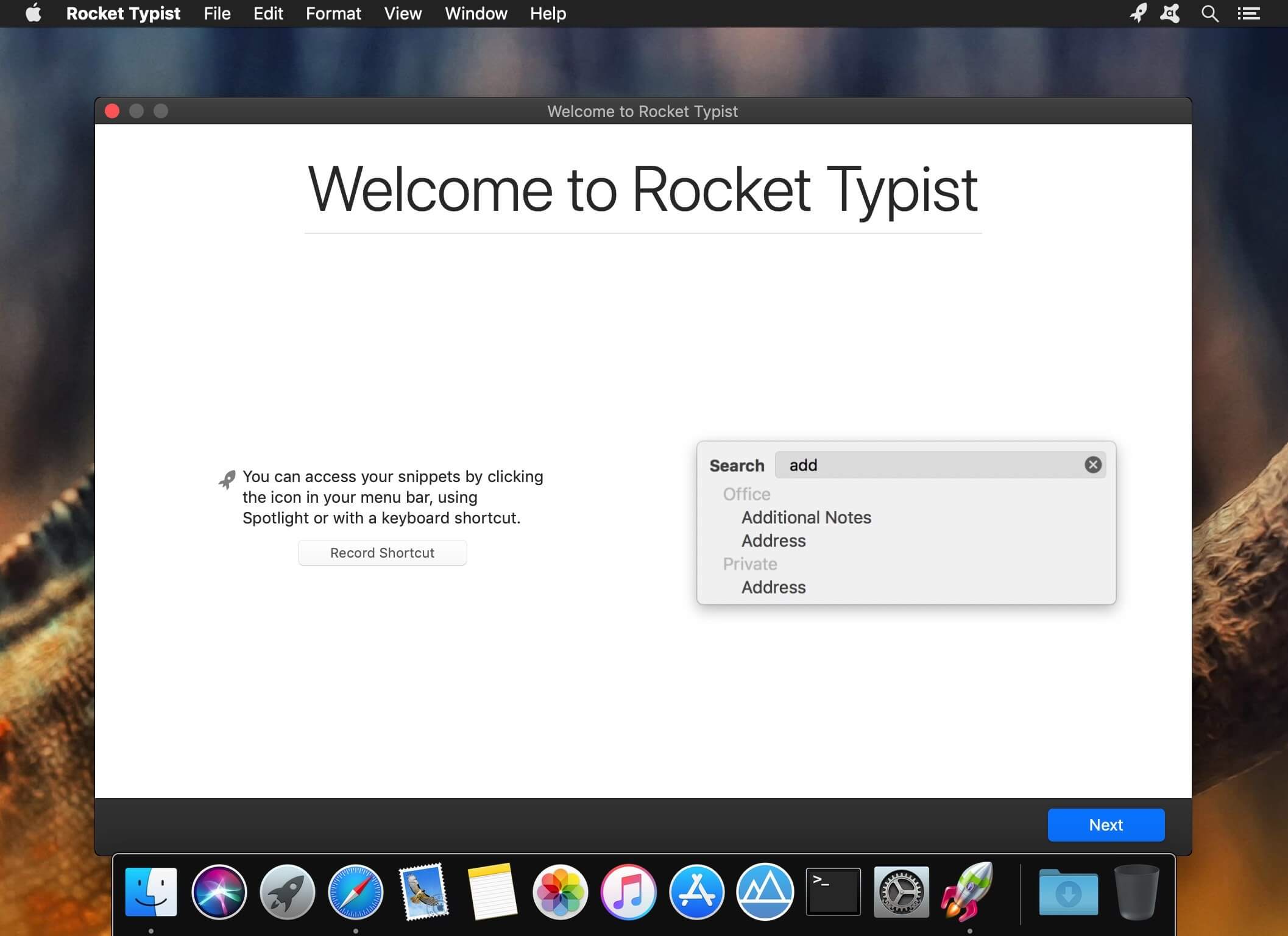
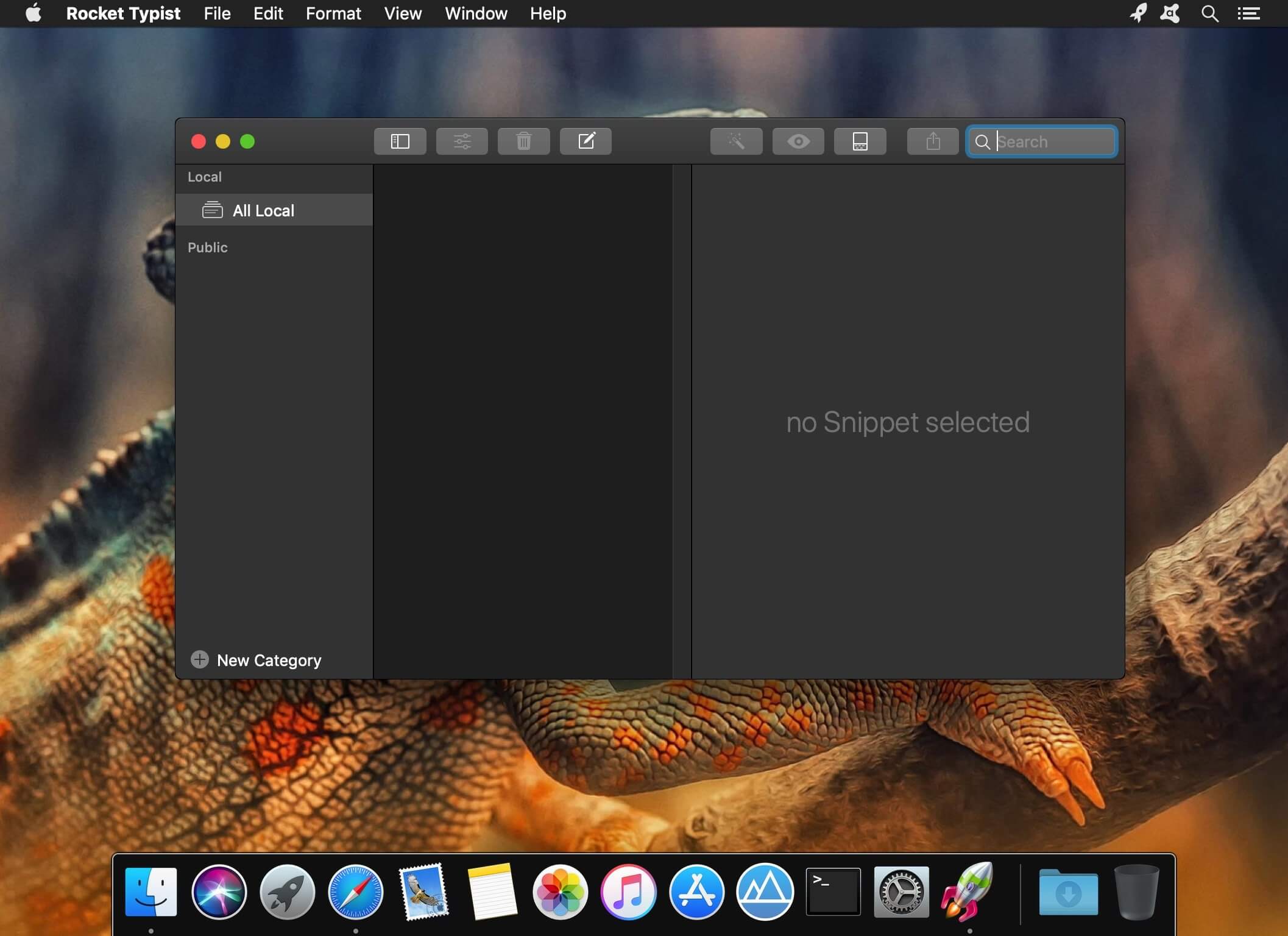
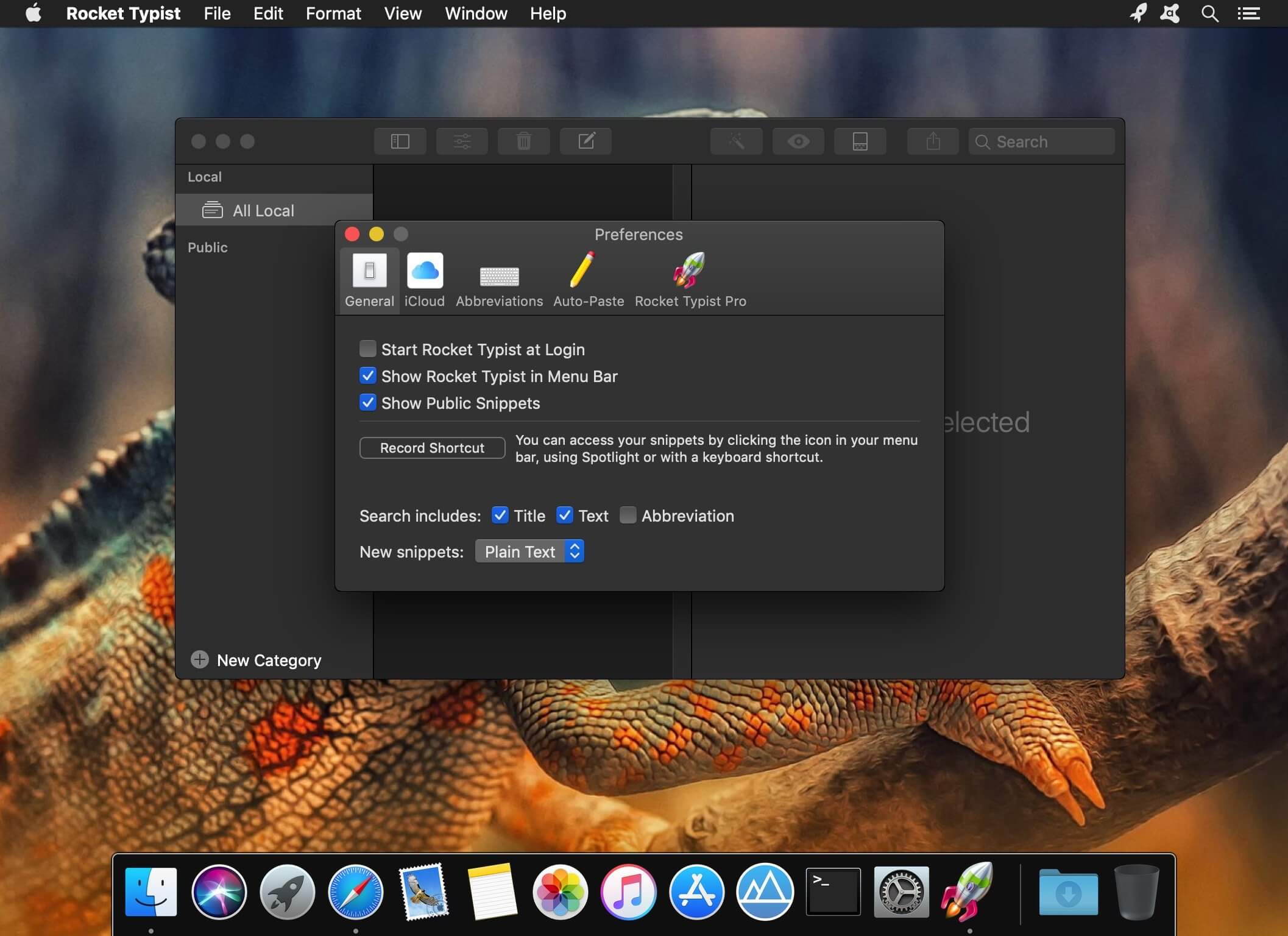
Rocket Typist is a modern Mac application, created with simplicity in mind. During a regular day, most of us type the same text over and over again, wasting an enormous amount of time in the process. Why not let your computer do some of that work for you? Once you have collected your snippets, you will never have to type them again. Here are just a few examples:
- Commonly repeated phrases such as "How are you?"
- Signatures with or without images
- Current date and time
- Names, addresses and other contact details
- Hard to remember technical terms
- Support replies to your customers
- Code snippets for developers
Features
- Type an abbreviation and expend it into a snippet
- Use macros to make your snippets more dynamic
- Snippets can either be plain or rich text
- Select snippets from your Mac's Touch Bar
- Export and import snippets
*** You need to disable the System Integrity Protection (SIP) to perform the selected Application.
Version 2.4
New Features
- The app is now ready for macOS 13 Ventura including a workaround for a bug in Ventura that Apple has not fixed yet.
- Apple Silicon is not supported without Rosetta.
- Preparations for the next big update (Rocket Typist 3) have been made in the background.
- The Setapp integration has been improved.
- The new minimum OS is now macOS 12.
Frequently asked questions
How do I install the app?
Mount the image, drag the app into the "Applications" folder and launch it. If the system blocks the launch, allow it in "System Settings → Privacy & Security".
The app is damaged or won't launch
Reinstalling from a fresh image usually helps. Make sure your macOS version matches the one listed in the compatibility specs.
How do I update?
Download the new version from the site and install it over the current one — your settings will be preserved.
The download link doesn't work
Try a mirror or a download manager. For large files the browser often drops the connection.
How do I completely remove the app?
Use an uninstaller utility — it cleans up the service files that remain after moving the app to the trash.





Choose a download source
Rocket Typist Pro 2.4.4 · 18.42 MB
Previous versions
Rocket Typist Pro 2.4.4
Previous versions are available to registered users.