ScreenFloat 1.5.22
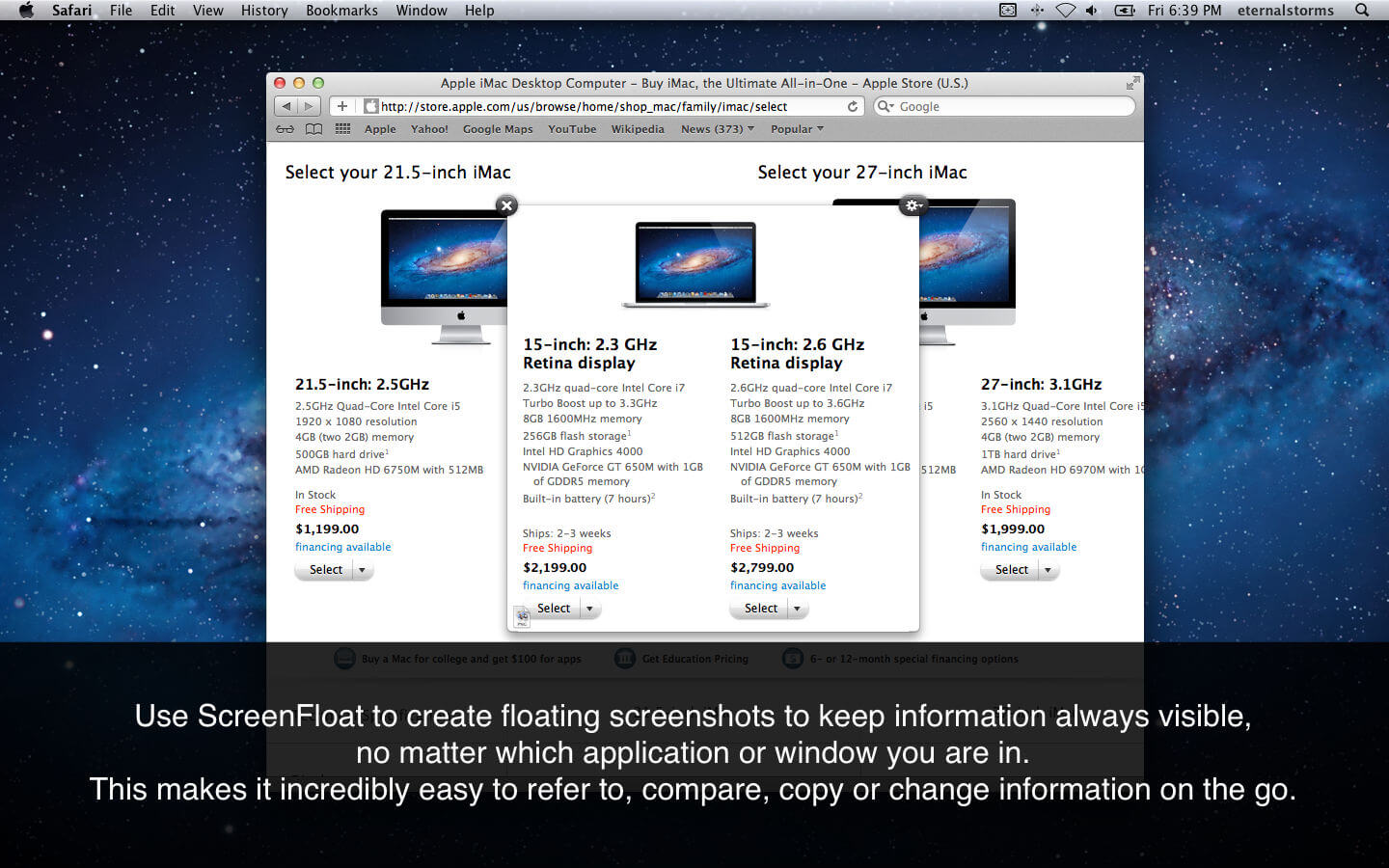
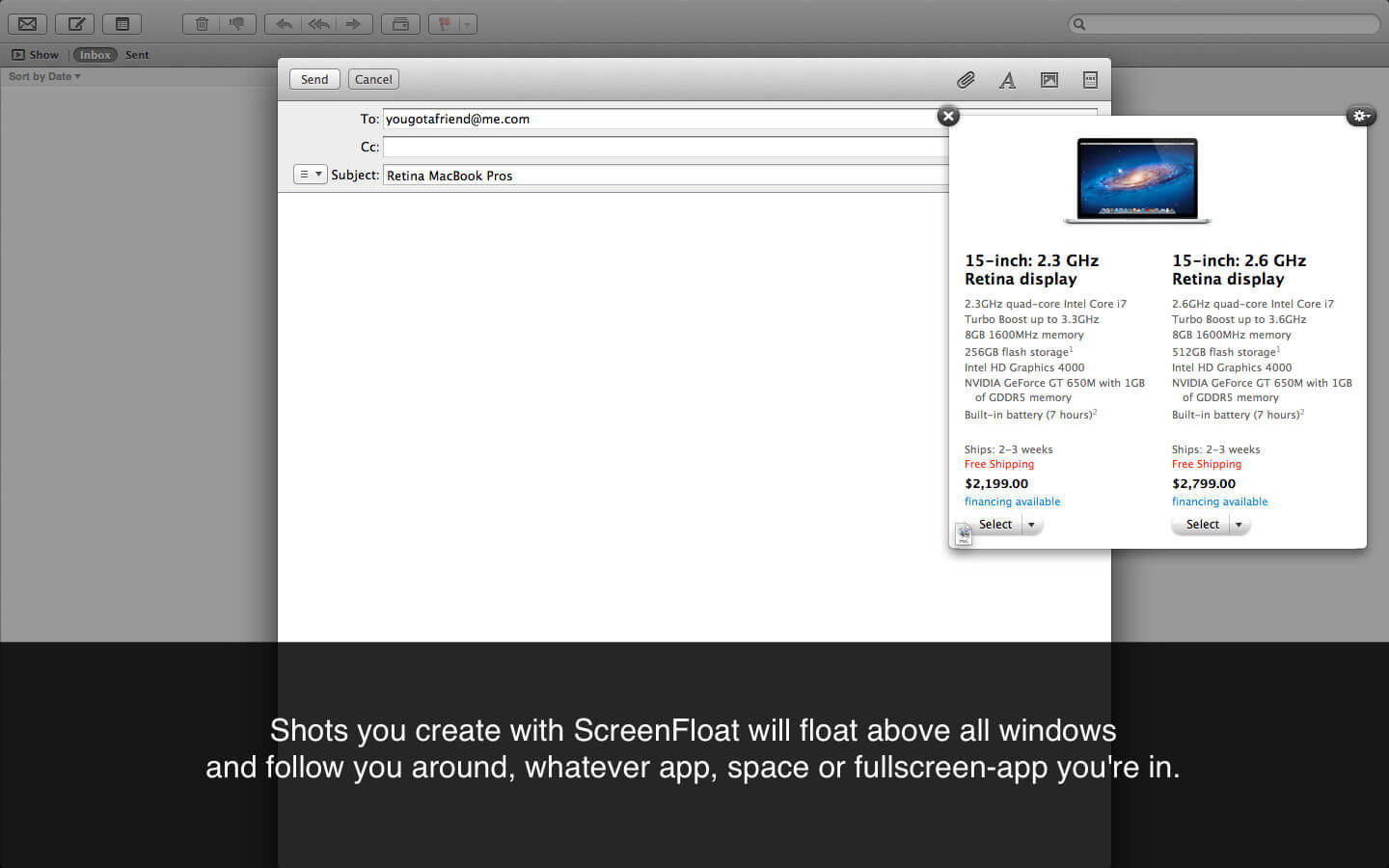
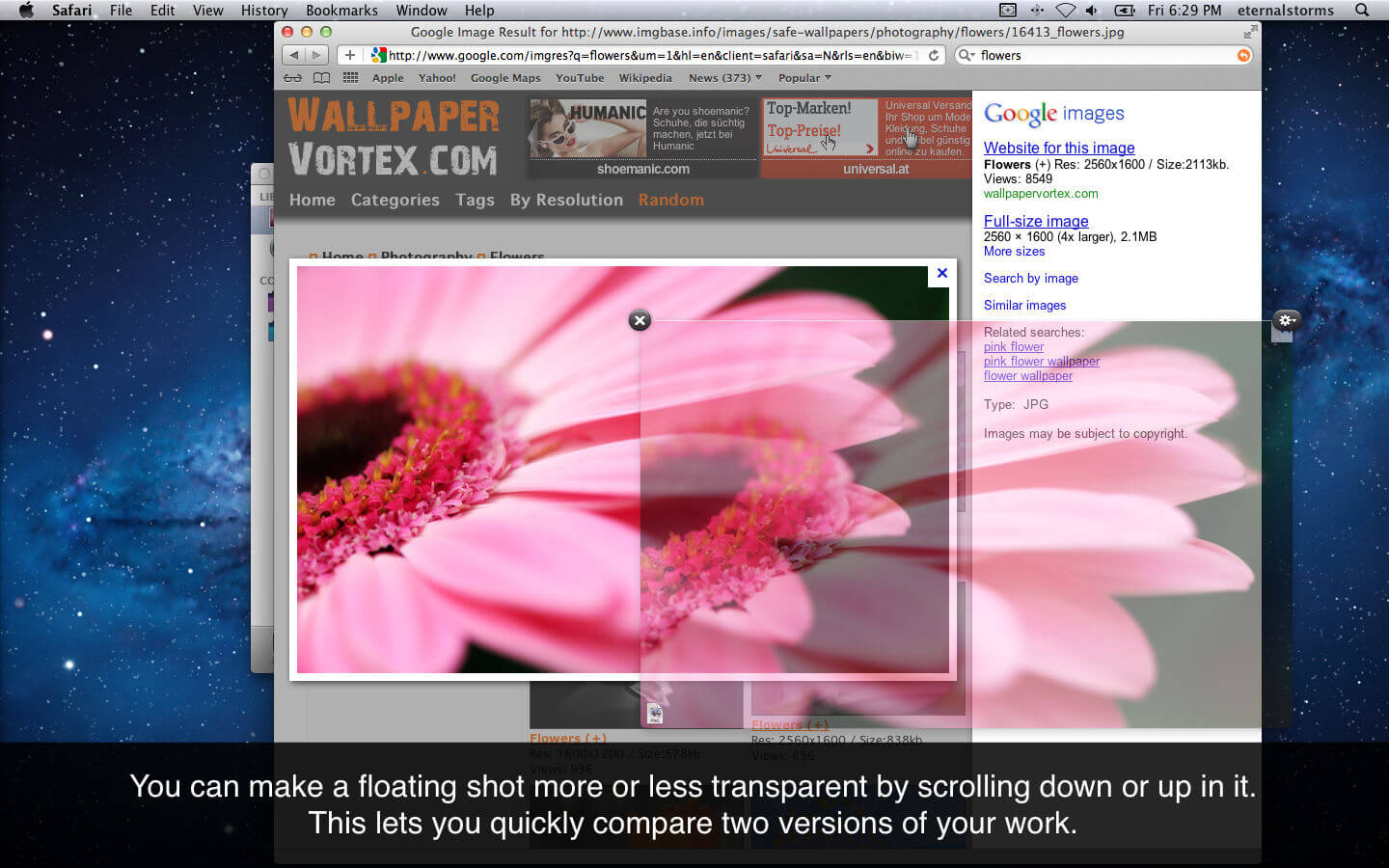
ScreenFloat allows you to create screenshots which float above all other windows so that information is always readily available.
- ScreenFloat is the ideal choice for anyone tired of moving and resizing windows around just to access a piece of information hidden behind them.
- It is a great way to transfer not copy-paste-able information to another application.
- It is also an excellent tool to store information for later use.
ScreenFloat offers you a great way to organize your shots with the built-in "Shots Browser", which lets you tag and name shots and organize them in "Collections" and "Smart Collections", sorted by criteria you specify.
Version 1.5.22
- Fixes an issue where a taken screenshot might take a long while to show up as a floating shot.
Frequently asked questions
How do I install the app?
Mount the image, drag the app into the "Applications" folder and launch it. If the system blocks the launch, allow it in "System Settings → Privacy & Security".
The app is damaged or won't launch
Reinstalling from a fresh image usually helps. Make sure your macOS version matches the one listed in the compatibility specs.
How do I update?
Download the new version from the site and install it over the current one — your settings will be preserved.
The download link doesn't work
Try a mirror or a download manager. For large files the browser often drops the connection.
How do I completely remove the app?
Use an uninstaller utility — it cleans up the service files that remain after moving the app to the trash.




Choose a download source
ScreenFloat 1.5.22 · 7.36 MB
Previous versions
ScreenFloat 1.5.22
Previous versions are available to registered users.
Comments 1