
TypeIt4Me 6.0.1 (137)
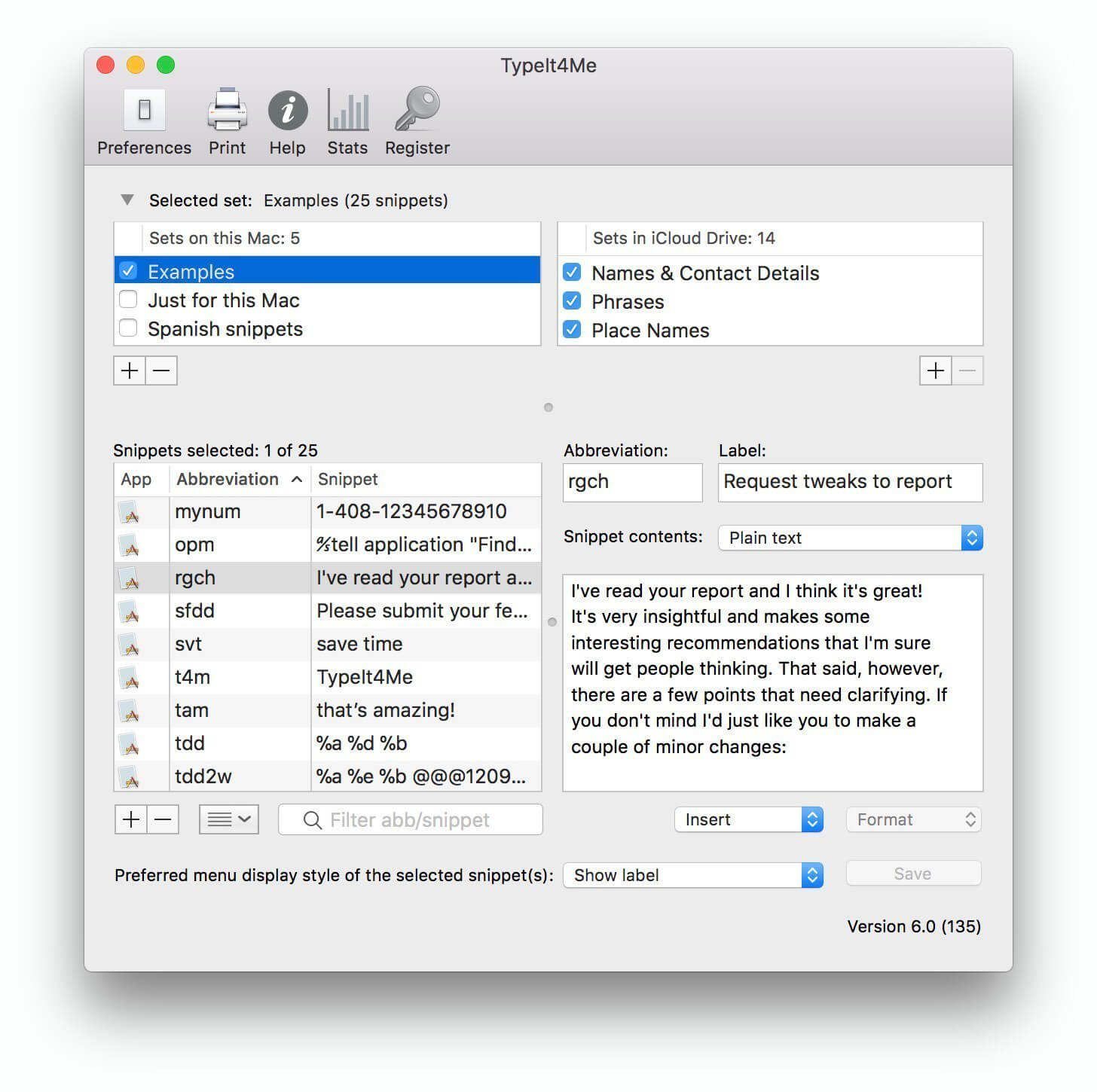
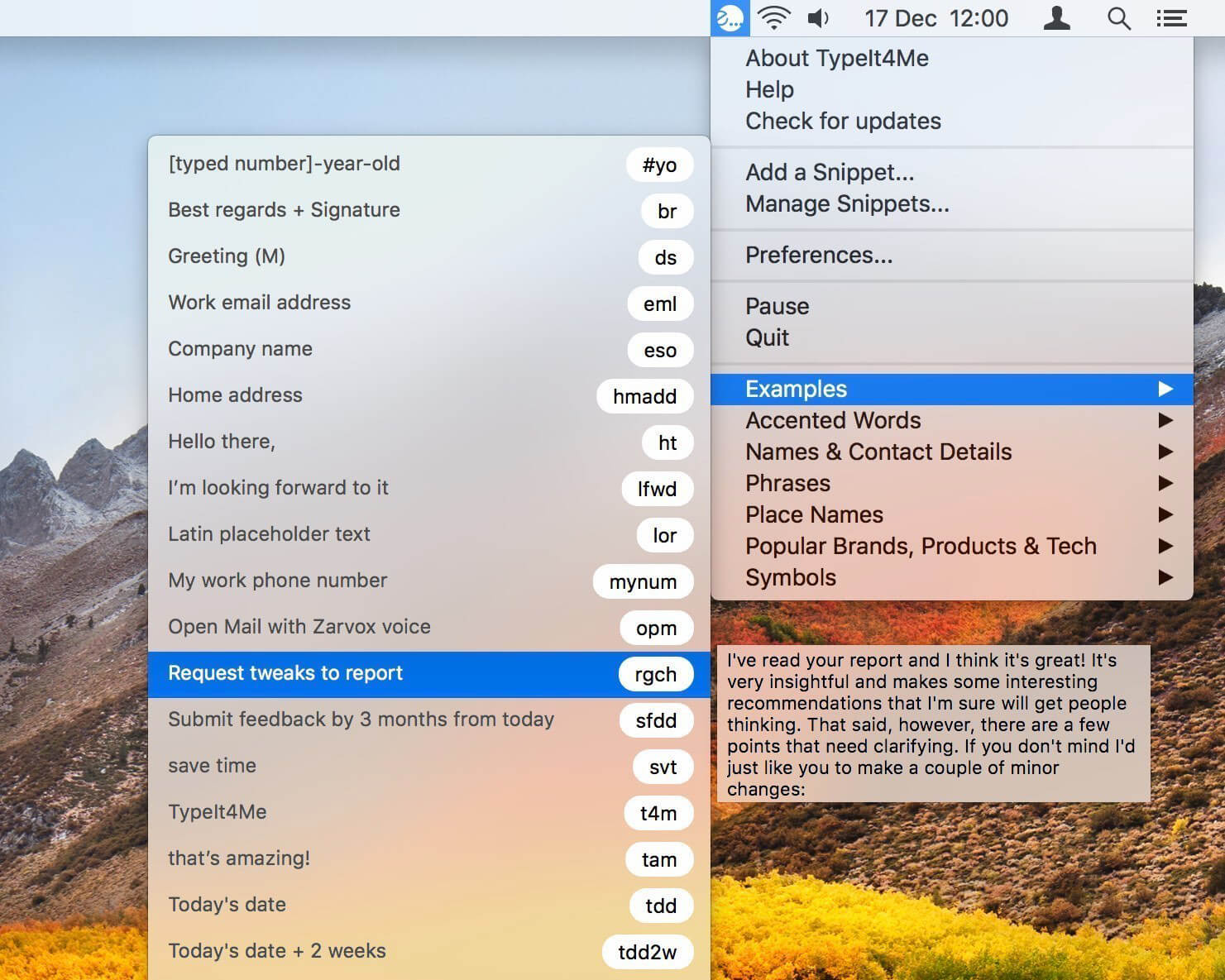
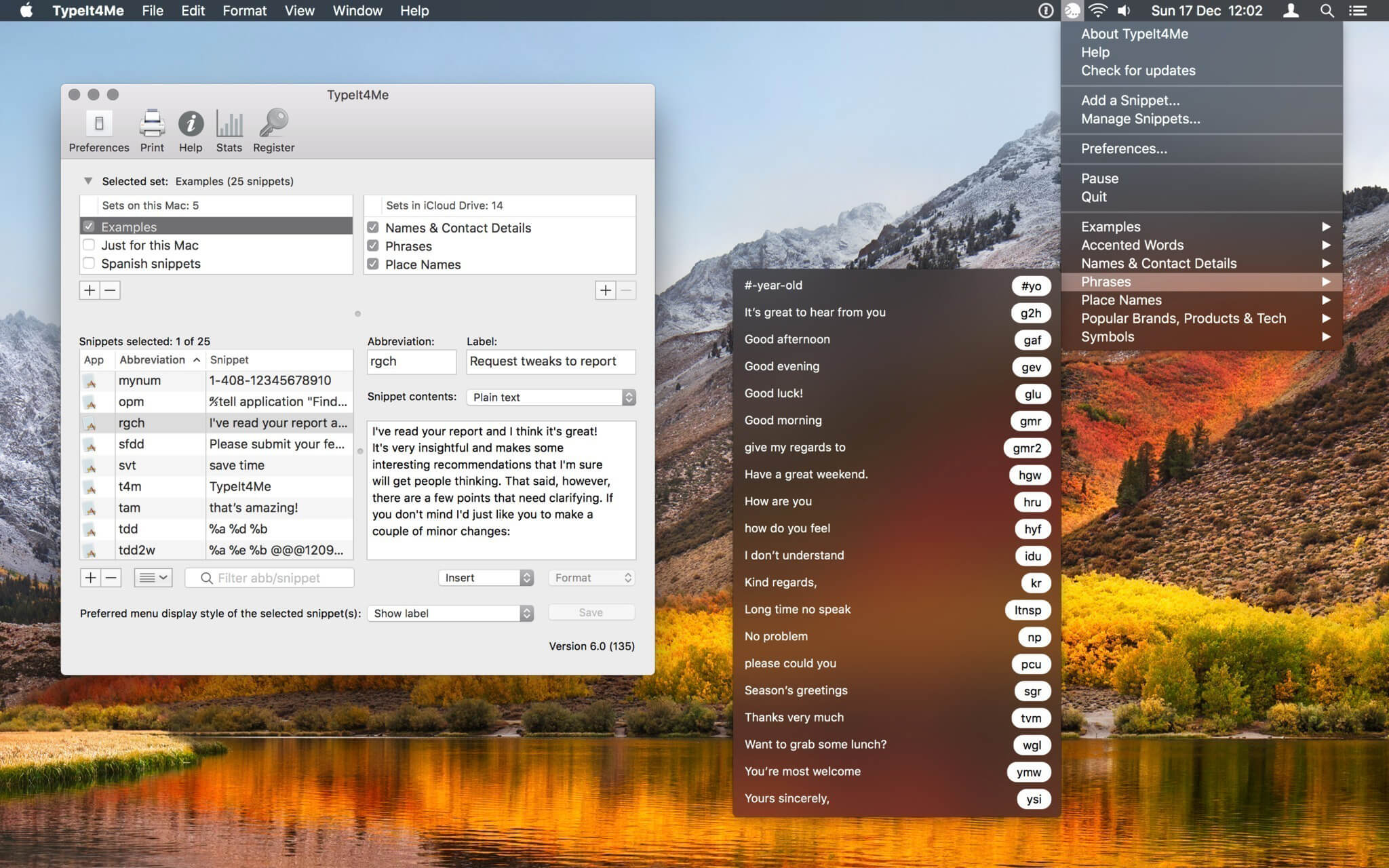
TypeIt4Me expands your abbreviations as you type, and works in all applications, not just one. It also lets you define meaningful abbreviations, so you can type them naturally, as part of your writing, without memorizing - or reaching for - obscure ⌃⌘xyz combinations.
Anytime you enter text in your Mac by typing it at the keyboard, TypeIt4Me can help you do it faster and more accurately. First you define a number of abbreviations and the full text entries that they represent, then you watch the Mac expand them on the fly even as you continue typing!
Version 6.0:
New or Changed Features
New or Changed Features
- Unlimited active snippet sets (checkboxes to enable / disable)
- Snippet search-and-insert floating window (hotkey toggled)
- Non-clipboard text expansion option
- iCloud sync with the TypeIt4Me Touch iOS app
- Drag-and-drop import of TextExpander and CSV files
- Refined UI for creating, saving and editing snippets
- Improved menu UI for point-and-click snippet picking
- New secure Sparkle software update protocol implemented
- Lots of rewritten code for under-the-hood performance improvements
- Addresses issues creating picture snippets via Add a Snippet menu / hotkey
- Fixes bugs affecting the snippet filter
- "Play sound on expansion" sound picker now works again
- Eliminates glitches with "Case sensitive" and "Strip s for plurals" expansion preferences
- Fixes a bug that would cause hyperlinks to be converted to unlinked plain text
- Eliminates glitch that caused hyperlink snippets to "bleed" into other snippets in the list display, making those also appear to be linked
- Improves accuracy of Created/Modified/Expanded meta data in the snippets list
- New and changed "Apps" preferences are now saved without requiring a TypeIt4Me relaunch
- Snippet sets can now be renamed in situ by clicking in the set list and editing them directly
- Corrects lots of minor bugs, glitches and performance hiccups
Frequently asked questions
How do I install the app?
Mount the image, drag the app into the "Applications" folder and launch it. If the system blocks the launch, allow it in "System Settings → Privacy & Security".
The app is damaged or won't launch
Reinstalling from a fresh image usually helps. Make sure your macOS version matches the one listed in the compatibility specs.
How do I update?
Download the new version from the site and install it over the current one — your settings will be preserved.
The download link doesn't work
Try a mirror or a download manager. For large files the browser often drops the connection.
How do I completely remove the app?
Use an uninstaller utility — it cleans up the service files that remain after moving the app to the trash.
VersionTypeIt4Me 6.0.1 (137)
DeveloperEttore Software Limited
CompatibilityOS X 10.9 or later, 64-bit processor
LanguageEnglish
IncludesSerial





Information
Visitors in the group Guests cannot leave comments on this publication.
Choose a download source
TypeIt4Me 6.0.1 (137) · 17.81 MB