ArchCommander 2.4
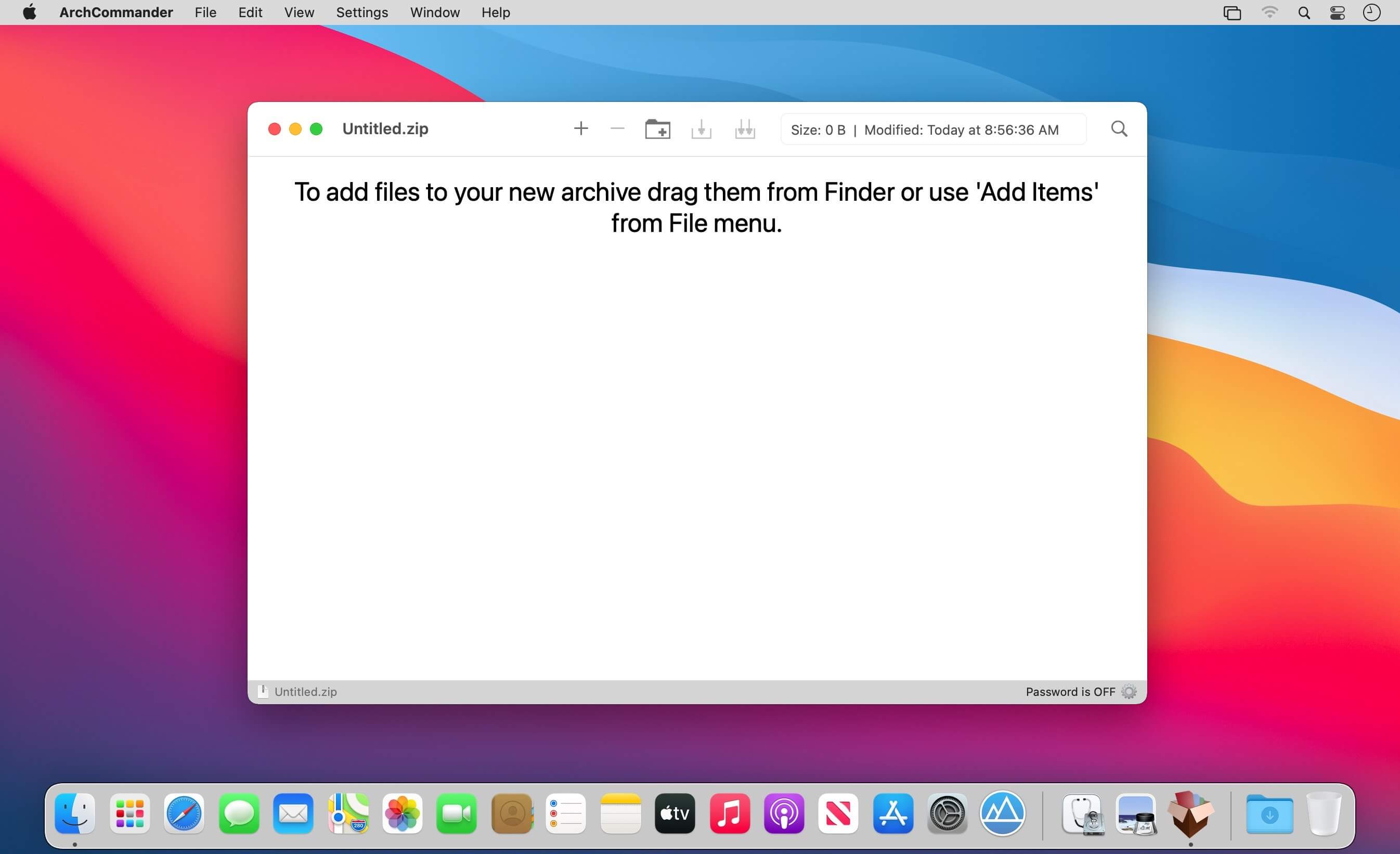

Do you really need to unpack the entire archive when you need to see a single file or just browse its content? Not with the ArchCommander app...
ArchCommander is a tool that helps you manage your archive files.
It allows you to perform many operations without unpacking the entire archive file. That includes:
- browsing files and folders
- viewing files from archives in Quick Look
- opening and editing files from archives in other applications
- searching for files in archives
And of course, you can unpack selected files or everything, and create brand new archives as well as adding or removing files from existing archives (if they support modification).
Unpacking and create archives is also possible directly from the Finder - just select the files and use the context menu to select the operation.
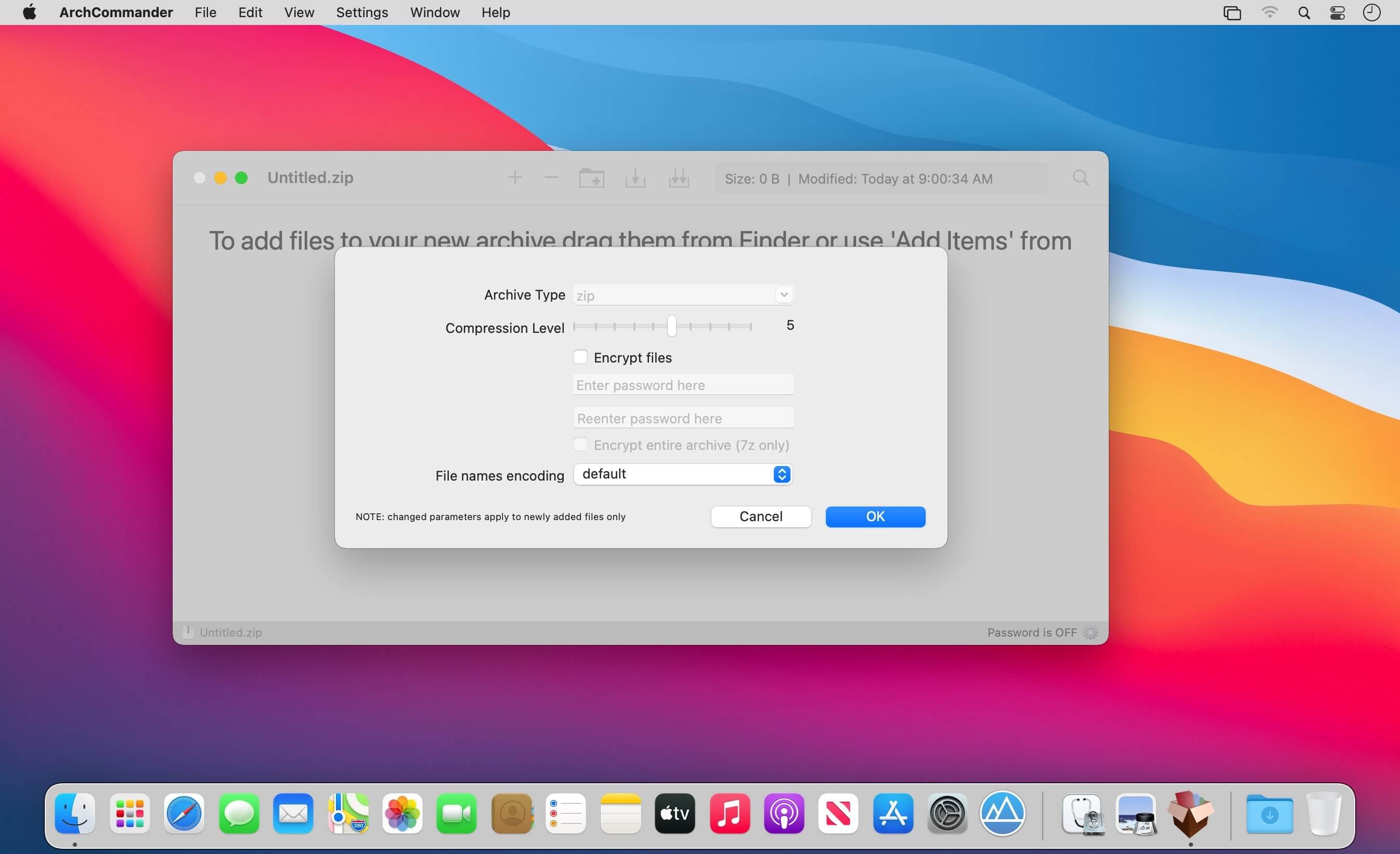
The archives can be encrypted and protected with a password.
If you have an archive file created on an operating system that does not use Unicode you can open it in ArchCommander and select the right characters encoding for file names (available for arj, lha/lzh, zip, rar and tar archives).
ArchCommander delivers its Quick Look plugin that allows you to display archive files content directly from the Finder - just hit a space bar.
ArchCommander supports the following archive formats for read-write (browse, unpack, create, modify) :
- zip
- 7z
- jar
- tar (excluding files/folders removal)
- wim
You can also create, but not modify, the following archives:
- tgz
- tbz2
- taz
- gz
- bz2
- xz
The following archive formats are supported for read-only (browse, unpack):
- rar, arj, lha, lzh, iso, xar, cpio, rpm, cab, z, lzma
- vdi, vmdk, vhd, msi, hfs, fat, sfs, chm
Version 2.4
- Improved calculation of an operation speed and estimated time to complete
- BUGFIX: After changing sort column with having „..” selected, the table no longer shows „..” on top
- BUGFIX: Selecting newly created folder does not work well
Frequently asked questions
How do I install the app?
Mount the image, drag the app into the "Applications" folder and launch it. If the system blocks the launch, allow it in "System Settings → Privacy & Security".
The app is damaged or won't launch
Reinstalling from a fresh image usually helps. Make sure your macOS version matches the one listed in the compatibility specs.
How do I update?
Download the new version from the site and install it over the current one — your settings will be preserved.
The download link doesn't work
Try a mirror or a download manager. For large files the browser often drops the connection.
How do I completely remove the app?
Use an uninstaller utility — it cleans up the service files that remain after moving the app to the trash.



Choose a download source
ArchCommander 2.4 · 18.64 MB
Previous versions
ArchCommander 2.4
Previous versions are available to registered users.