
Bigasoft WTV Converter 5.7.0.8427
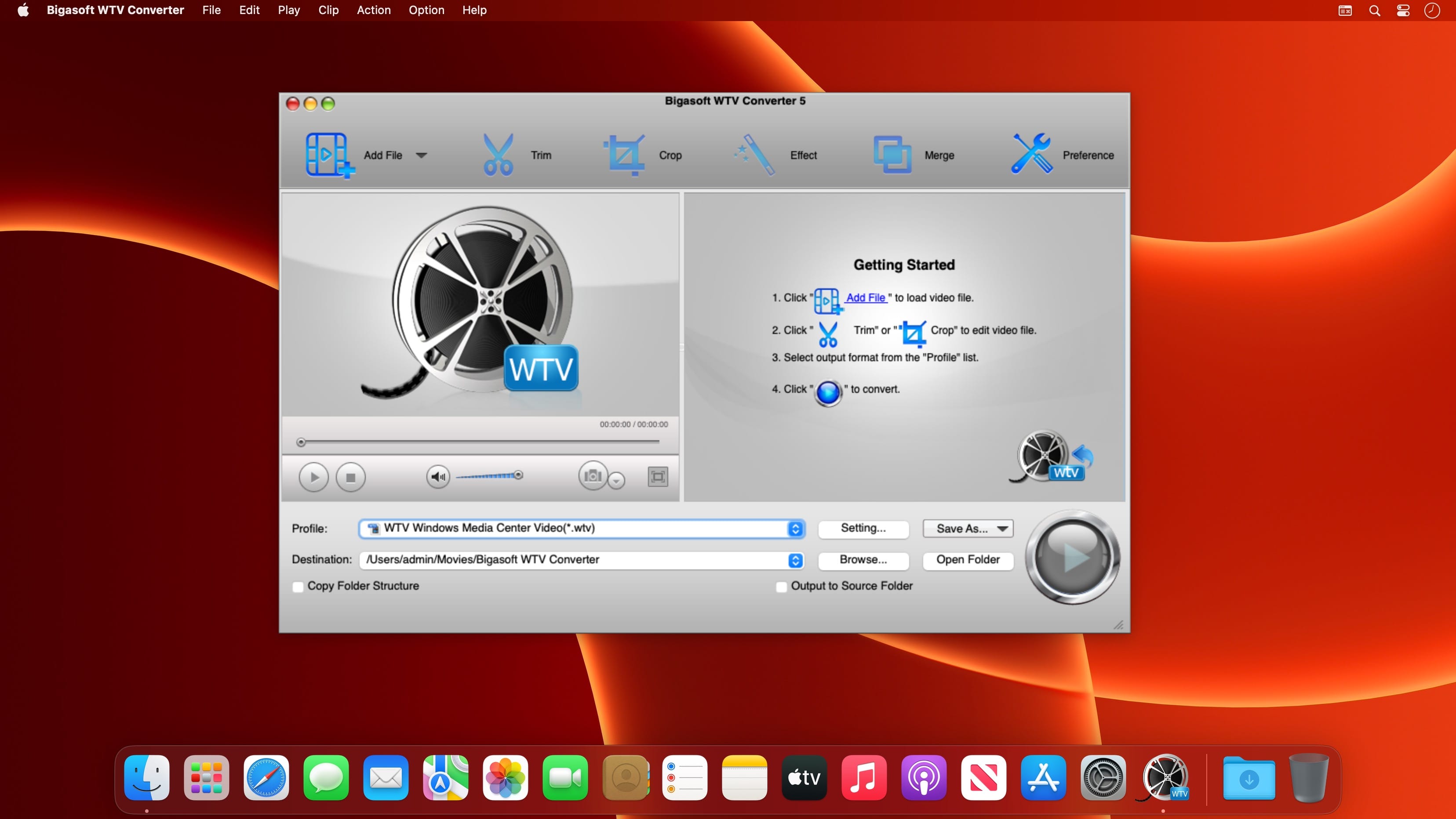
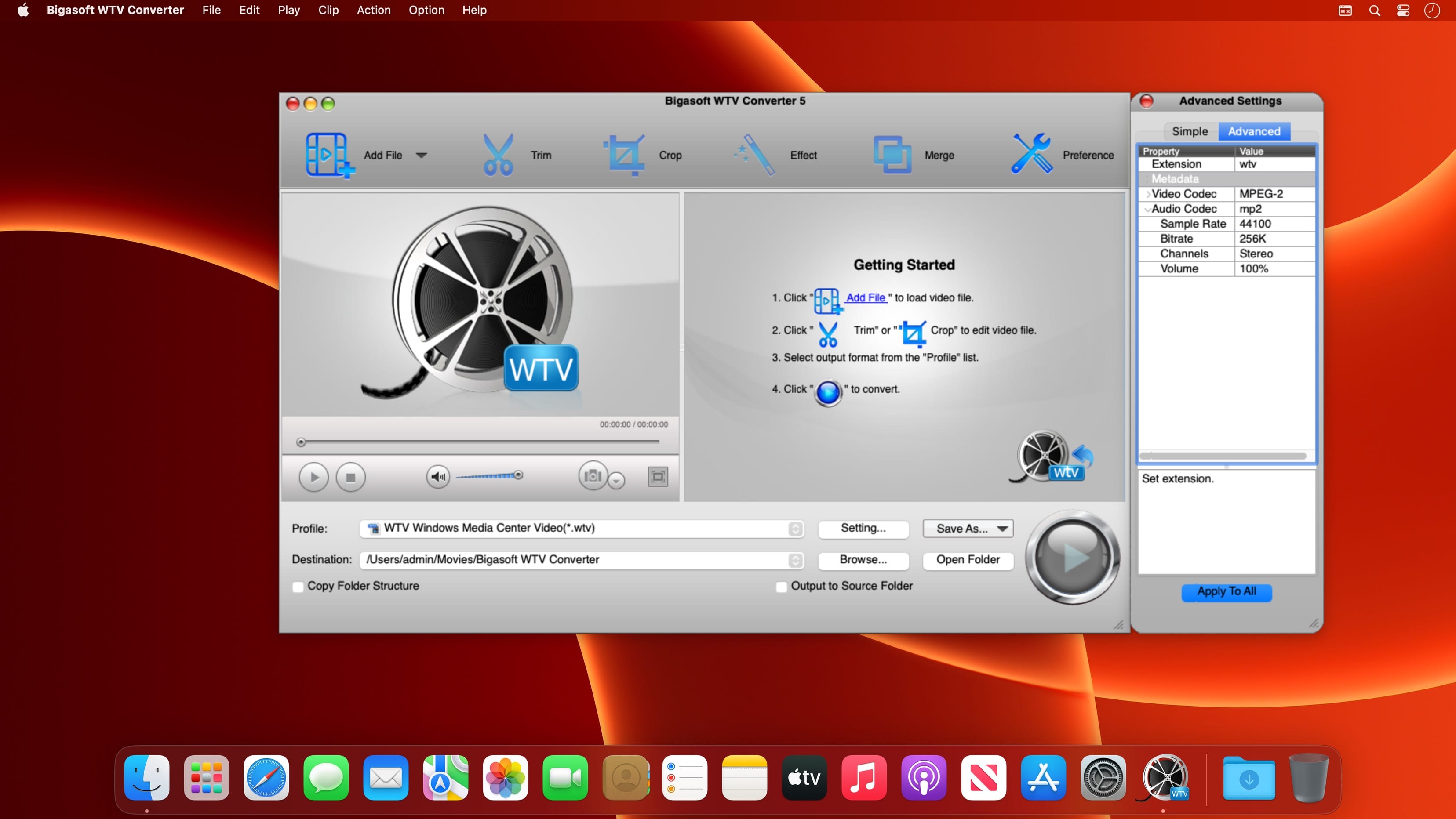

Bigasoft WTV Converter for Mac provides an easy and applied way to convert and edit WTV files on Mac. It can handle all kinds of Window Media Center WTV files, including standard definition WTV files, HD WTV files and WTV files with H.264 content.
Bigasoft WTV Converter for Mac converts WTV files, HD WTV files, and H.264 WTV files to broad video and audio formats on Mac. It converts WTV to MP4, converter WTV to MOV, convert WTV to H.264 and convert WTV to DV, MPG, MKV, FLV, 3GP, 3GPP, AVI, DivX, Xvid, MPEG-1, MPEG-2, ASF, RM, WebM, VP8, MOD, TOD, MTS, TS, 720p, 1080p,HD videos and more. The WTV Converter is ideal WTV to MP3 Converter which can extract WTV to MP3 and convert WTV to WAF, AIFF, M4A, AAC and more.
Bigasoft WTV Converter presets optimized videos for a variety of portable devices including iPad, iPad 2, iPhone, iPhone 5S, iPhone 5C, iPhone 5/4, iPod, iPod touch, Apple TV , Zune, Android phones, PSP, Xbox 360, Wii, Smart Phones, BlackBerry, Archos, Creative Zen, iRiver, Pocket PC, PDA, etc.
Bigasoft WTV Converter is WTV conversion as well as excellent WTV editing tool. With the smart WTV editor, you can remove commercials, crop black bars, split to small segments add water mark, and adjust video size, aspect ratio, frame rate, bitrates, audio channels and more.
Key Features:
- Convert WTV to broad video, audio and image formats
- Convert WTV to MP4, H.264, MOV, AVI, WMV and other SD video formats
- Convert WTV to HD videos, HD WTV to HD videos including HD MP4, HD H.264, HD MOV, HD MKV, DV and more;
- Convert WTV to MP3 and other audios WAV, AAC, M4A, AIFF, WMA, AC3, MP2, AU, OGG and RA
- Capture and convert WTV to images including JPG, JIF, PNG, and BMP
Convert WTV files for iPad, iPhone, iPod and other portable devices.
Bigasoft WTV Converter presets ready playable general videos and HD videos for diverse devices. Watching recorded TV shows on portable devices has never been so easy.
Smart WTV Editor for WTV editing
With Bigasoft WTV Converter, you can cut and crop to the good parts. It is that easy to remove commercials, crop black bars, split to small segments, and merge several WTV files to one file. With the WTV editor, you can also add watermark, subtitles, adjust video size, aspect ratio, frame rate, bitrates, audio channels and more.
Support loading files by folder and batch conversion
Just drag the folder where your WTV files are; the WTV Converter will fast load all your WTV video files and the smart WTV Converter will automatically convert them one by one.
Preview video and real-time video editing preview
Automatically log off or shut download your Mac after finishing the WTV conversion.
Available in multi languages
Bigasoft Mac WTV Converter supports multiple languages and you can choose from English, German, French, Spanish, Japanese, Arabic, Italian and Chinese.
Version 5.7.0.8427:
- Release notes were unavailable when this listing was updated.
Frequently asked questions
How do I install the app?
Mount the image, drag the app into the "Applications" folder and launch it. If the system blocks the launch, allow it in "System Settings → Privacy & Security".
The app is damaged or won't launch
Reinstalling from a fresh image usually helps. Make sure your macOS version matches the one listed in the compatibility specs.
How do I update?
Download the new version from the site and install it over the current one — your settings will be preserved.
The download link doesn't work
Try a mirror or a download manager. For large files the browser often drops the connection.
How do I completely remove the app?
Use an uninstaller utility — it cleans up the service files that remain after moving the app to the trash.





Choose a download source
Bigasoft WTV Converter 5.7.0.8427 · 48.74 MB