
RAR Extractor - Unzip 16.4.1
RAR Extractor: archive extractor for RAR, ZIP, and 7z files


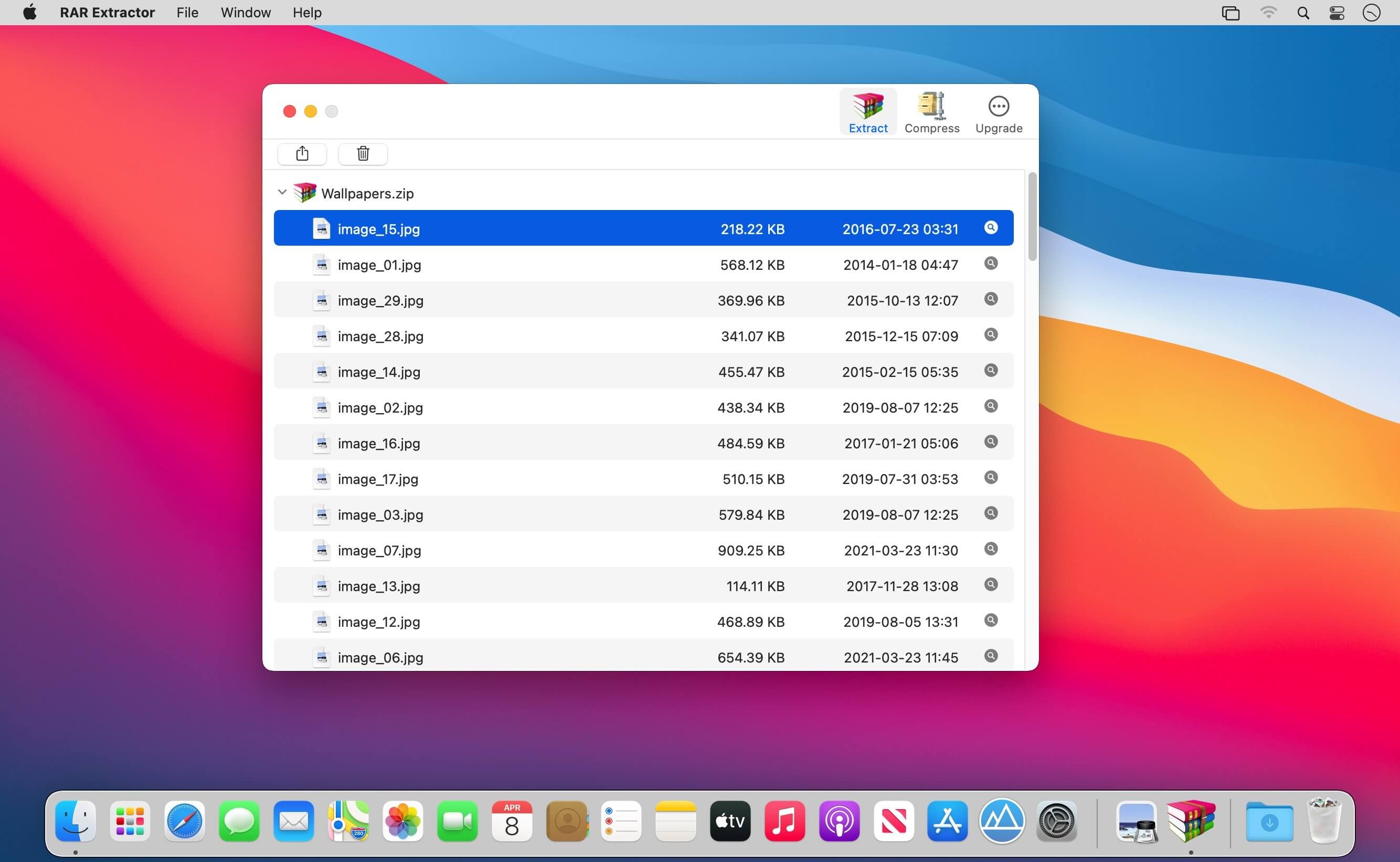
RAR Extractor can extract compressed files in all most formats(over 50 formats).
Support RAR, ZIP, 7z, pak, pkg, apk, tbz, sti, tar, xar, lha, lzh, hqx, bin, bz2, bzip2, bz, xz, iso, cid, nrg, mdf, taz,l zma, xip, ace, arj, lbr, lqr, cab, rpm, cpt, sea, exe, msi, cpio, lzx, jar, swf, pdf, nsa, dcs, spk…
Compress files to password-protected ZIP & 7Z archives
Quicklook files in archive before extraction
Features
- Extract extract compressed files in all most formats(over 50 formats).
- Unzip, unrar encrypted archives.
- Easy view an archive’s file list.
- Quicklook files in archive without extracting.
- Unarchive & unrar the selected individual file or folder in the archive.
- Double click to display or extract directly after setting this APP as default archiver.
- Drag archives to the dock icon to extract or display directly.
- Batch decompress many archives
- Create password-protected ZIP & 7Z archives.
- AES256 encryption algorithm to create ZIP & 7Z archives.
- Drag the file in archive to the desktop to extract directly
Version 16.4:
- Supports multi-selection of file entries in the file preview
Frequently asked questions
How do I install the app?
Mount the image, drag the app into the "Applications" folder and launch it. If the system blocks the launch, allow it in "System Settings → Privacy & Security".
The app is damaged or won't launch
Reinstalling from a fresh image usually helps. Make sure your macOS version matches the one listed in the compatibility specs.
How do I update?
Download the new version from the site and install it over the current one — your settings will be preserved.
The download link doesn't work
Try a mirror or a download manager. For large files the browser often drops the connection.
How do I completely remove the app?
Use an uninstaller utility — it cleans up the service files that remain after moving the app to the trash.





Choose a download source
RAR Extractor - Unzip 16.4.1 · 20.43 MB
Previous versions
RAR Extractor - Unzip 16.4.1
Previous versions are available to registered users.