
Disk Drill Enterprise 6.3.2326
Disk Drill Mac data recovery software with Recovery Vault
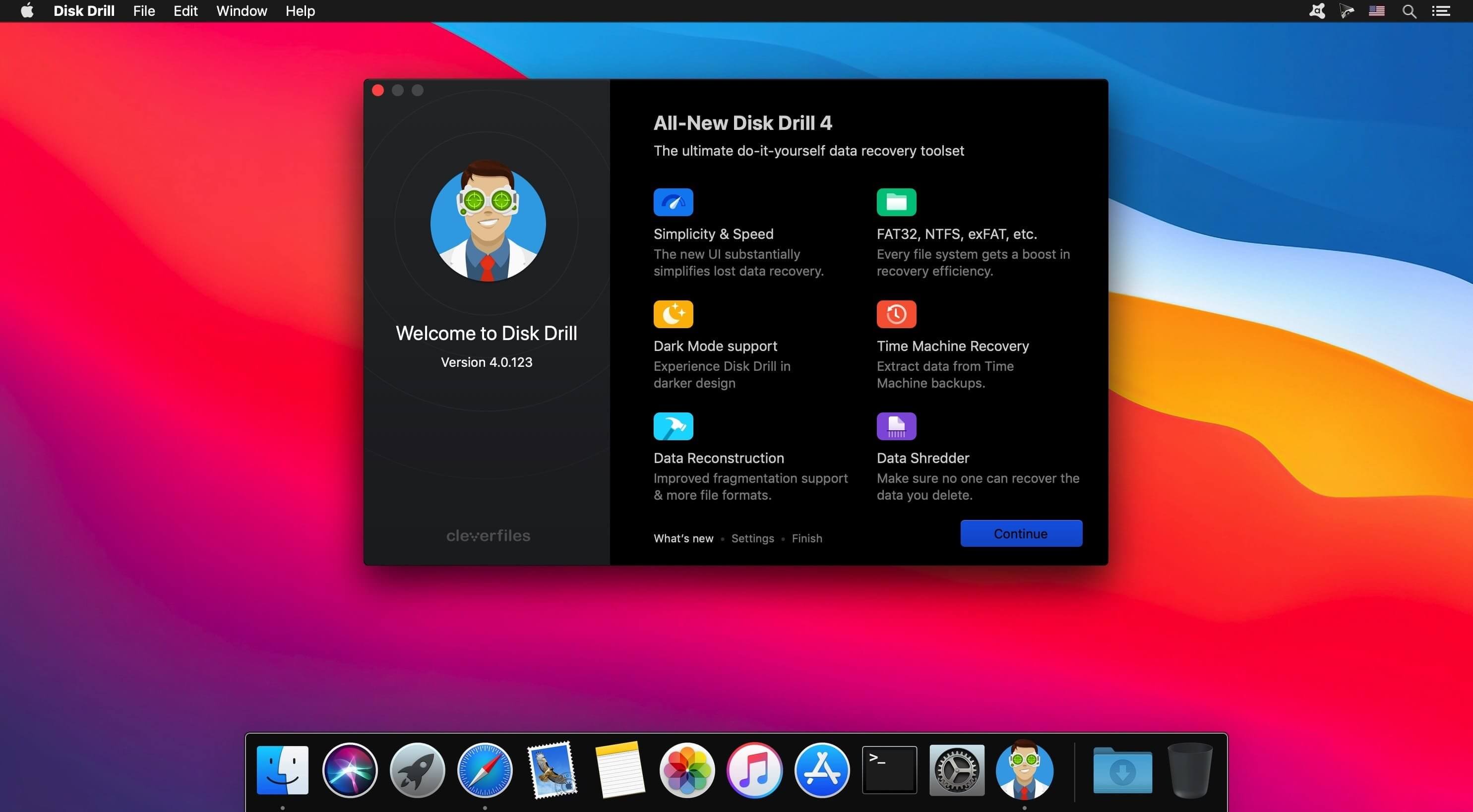
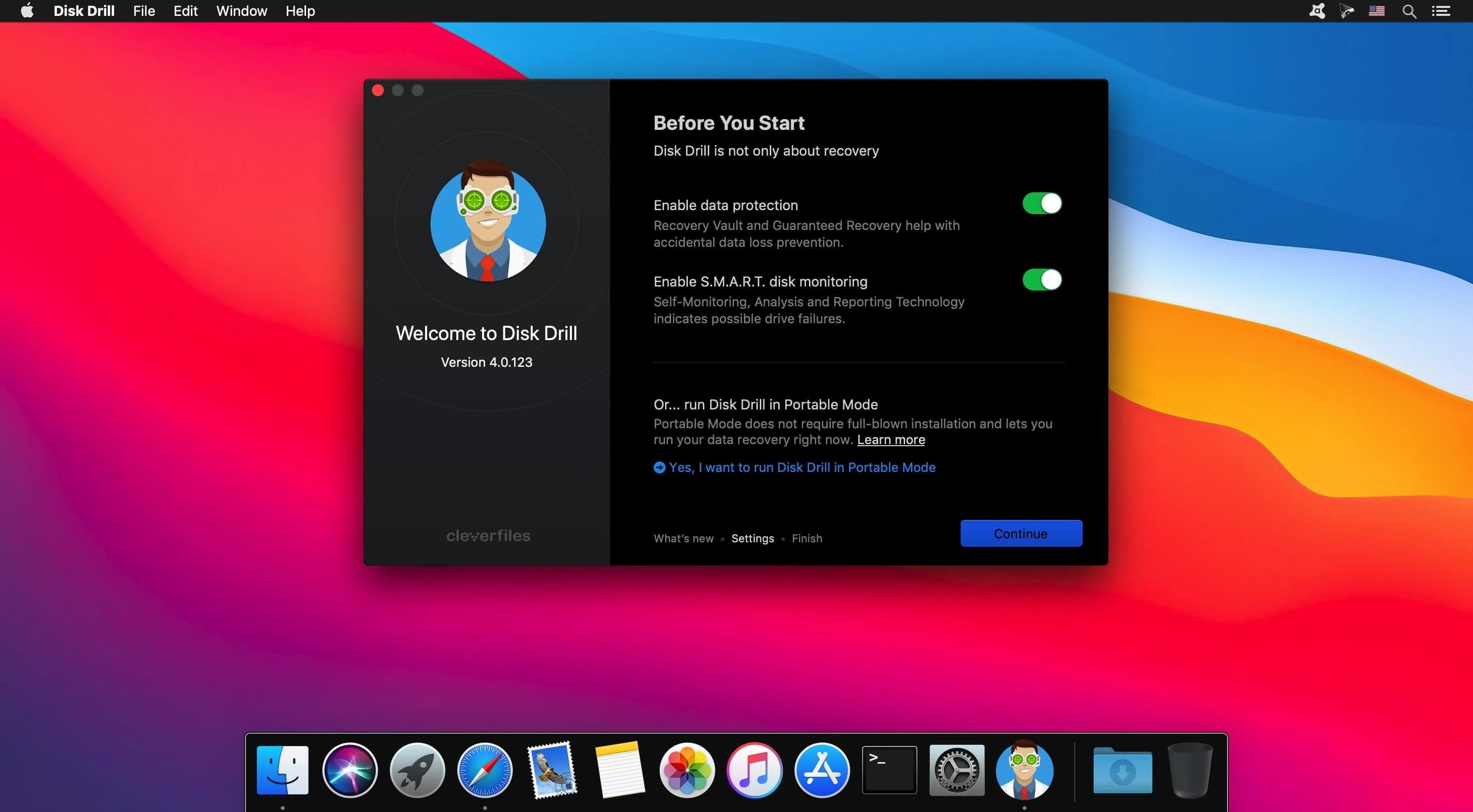
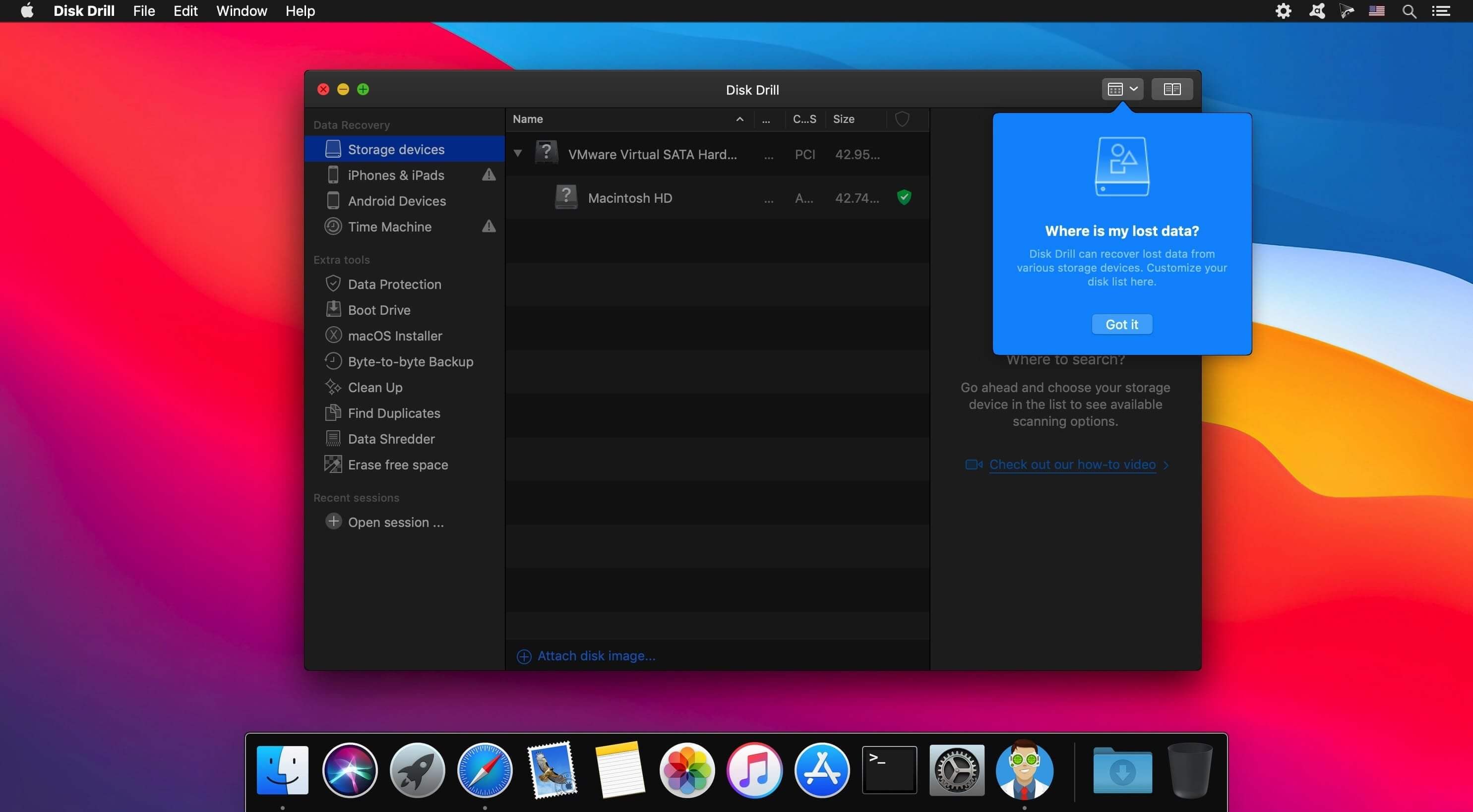
Disk Drill is a Mac data recovery software designed natively for Mac OS: easily protect your files from accidental deletion with Recovery Vault and recover lost data from Mac disks. Most of storage devices, file types and file systems are supported. You can recover deleted files from iPhone and Android devices! Disk Drill offers helpful and free tools for disk management like duplicate file finder, byte-to-byte backups, disk cleanup and space visualization, bootable data recovery drive, disk health monitoring, etc.
When something is deleted Recovery Vault makes it possible to recover not only the file itself, but also its properties, such as original file name, location, etc. So you will always be able to recover data from Mac files system (HFS/HFS+) and FAT32 partitions. Disk Drill also includes powerful S.M.A.R.T. disk monitoring right out-of-the-box; you can monitor your disks' hardware status and get automatic notifications of potential failures or other issues. If a disk or partition is failing, you can easily backup it into a disk image (DMG) which can later be mounted for recovery.
Disk Drill PRO also features a number of advanced scanning modes for data recovery of FAT, NTFS, HFS/HFS+, other file systems and formatted (initialized) drives. Using Quick Scan you can locate deleted items on FAT and NTFS disks, this scanning method is fast and accurate, but is unlikely to find data deleted long ago. With Deep Scan you can try to recover data from any disk or memory card regardless of their file system. This recovery method is long and thorough, it scans your disk in a binary mode and is capable of finding deleted files even after formatting.
Version 6.3:
- New: Detection and recovery of the lost BitLocker partitions
- New: .p8 (PKCS#8 with ASN.1 DER) and .pfx (Personal Information Exchange) are now supported
- New: .m4a files support in the ACR module
- New: Recovered encrypted files are now sorted into a corresponding group
- Improved: ACR module has multiple stability and performance improvements
- Improved: Better reconstruction of insta360 files in ACR module
- Improved: The Ricoh cameras detection has been enhanced in ACR module
- Improved: Enhanced video reconstruction from Uniden cameras in ACR module
- Improved: .rwl files recovery is now possible in ACR module
- Improved: Better detection of ReFS partitions, including those with sparse filesBetter detection of ReFS partitions, including those with sparse files
- Improved: DeepFAT32 scanning speeds have been optimized to provide an even faster experience
- Improved: New versions of .rw2 (Panasonic RAW photos) are supported
- Improved: .dng RAW photos detection has been improved
- Improved: .tiff files detection speed and stability has been improved
- Fixed: A failure to detect .dng files
Frequently asked questions
How do I install the app?
Mount the image, drag the app into the "Applications" folder and launch it. If the system blocks the launch, allow it in "System Settings → Privacy & Security".
The app is damaged or won't launch
Reinstalling from a fresh image usually helps. Make sure your macOS version matches the one listed in the compatibility specs.
How do I update?
Download the new version from the site and install it over the current one — your settings will be preserved.
The download link doesn't work
Try a mirror or a download manager. For large files the browser often drops the connection.
How do I completely remove the app?
Use an uninstaller utility — it cleans up the service files that remain after moving the app to the trash.




Choose a download source
Disk Drill Enterprise 6.3.2326 · 70.49 MB
Previous versions
Disk Drill Enterprise 6.3.2326
Previous versions are available to registered users.