
RAR Extractor - Unarchiver Pro 6.6.3
RAR Extractor - The Unarchiver: Unzip Files in One Click
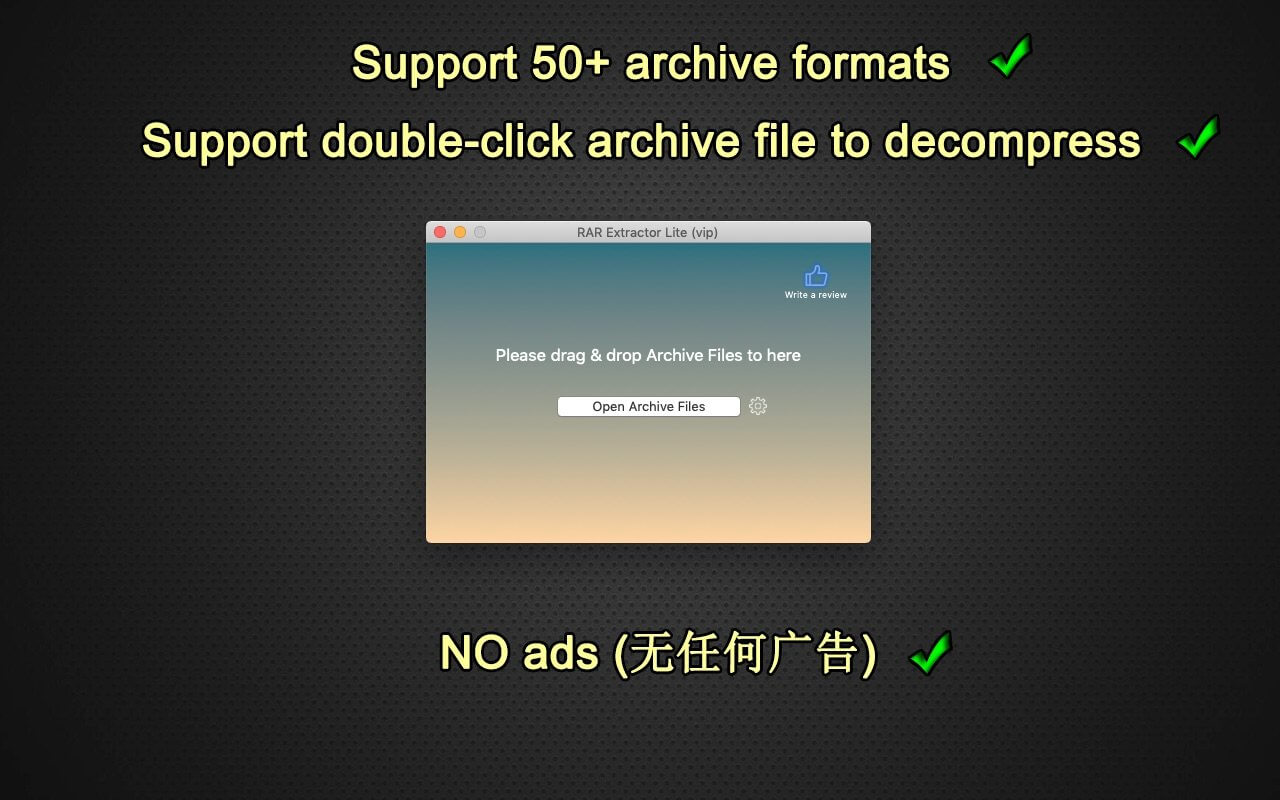
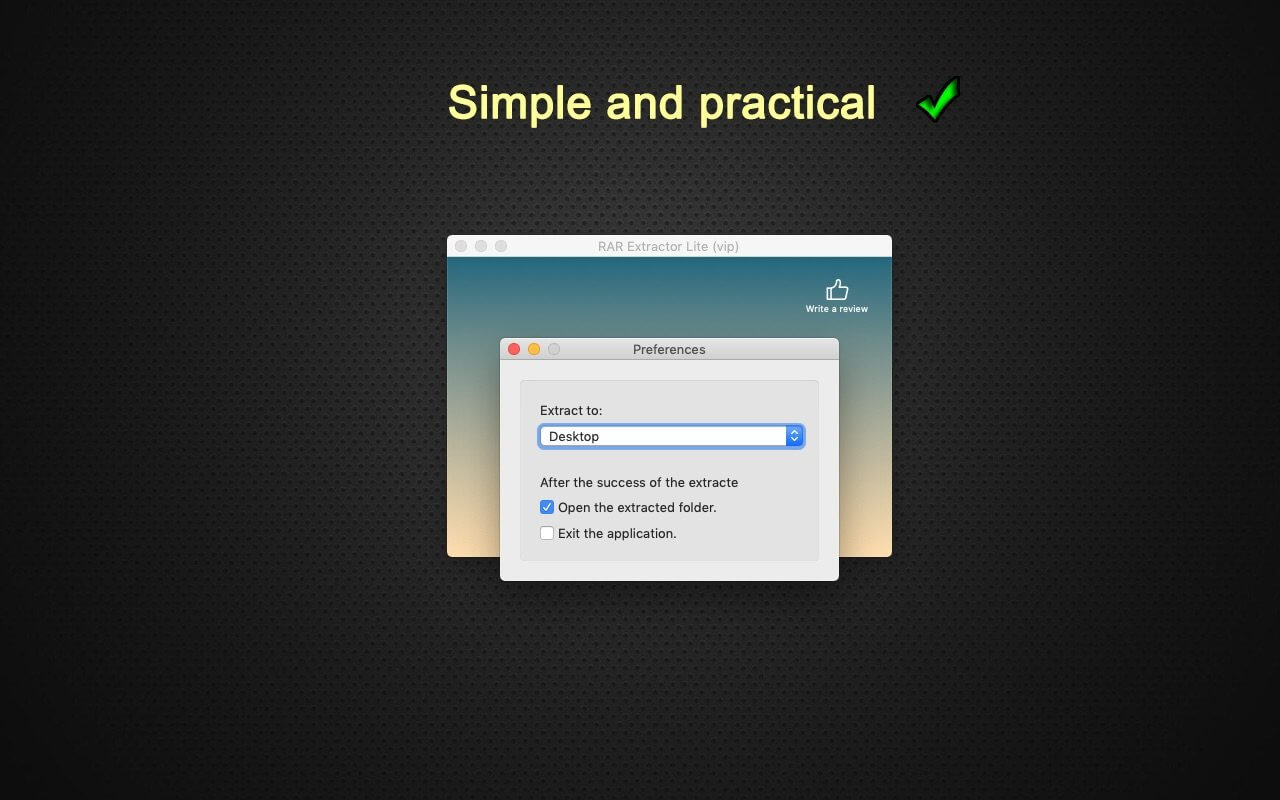

WinRAR & Unzip & Open any file. RAR Extractor - The Unarchiver is a specialized application program which aims at Rar,Zip,Tar,7-zip,Gzip,Bzip2,XZ,Tar.gz,bz2,iso,pkg,swf,exe,jar,xip,dms… and dozens of other compressed files, you can use it to extract archive files conveniently, double click to decompress, fast and safely.
Key Features:
- Rar,Zip,Tar,7-zip,Gzip,Bzip2,XZ,Tar.gz,bz2,iso,pkg,swf,exe,jar,xip,dms… and dozens of other compressed files.
- Support extracting password-protected archive files,but you must know the password.
- Batch extracting.
- Double click to extract archive files to extract archive.
- Drag and drop archive files to the dock icon to extract archive.
Version 6.6.3
- Performance improvements.
Frequently asked questions
How do I install the app?
Mount the image, drag the app into the "Applications" folder and launch it. If the system blocks the launch, allow it in "System Settings → Privacy & Security".
The app is damaged or won't launch
Reinstalling from a fresh image usually helps. Make sure your macOS version matches the one listed in the compatibility specs.
How do I update?
Download the new version from the site and install it over the current one — your settings will be preserved.
The download link doesn't work
Try a mirror or a download manager. For large files the browser often drops the connection.
How do I completely remove the app?
Use an uninstaller utility — it cleans up the service files that remain after moving the app to the trash.




Choose a download source
RAR Extractor - Unarchiver Pro 6.6.3 · 9.67 MB