
BestZip 2-Unarchive 7z&rar&zip 1.6.1
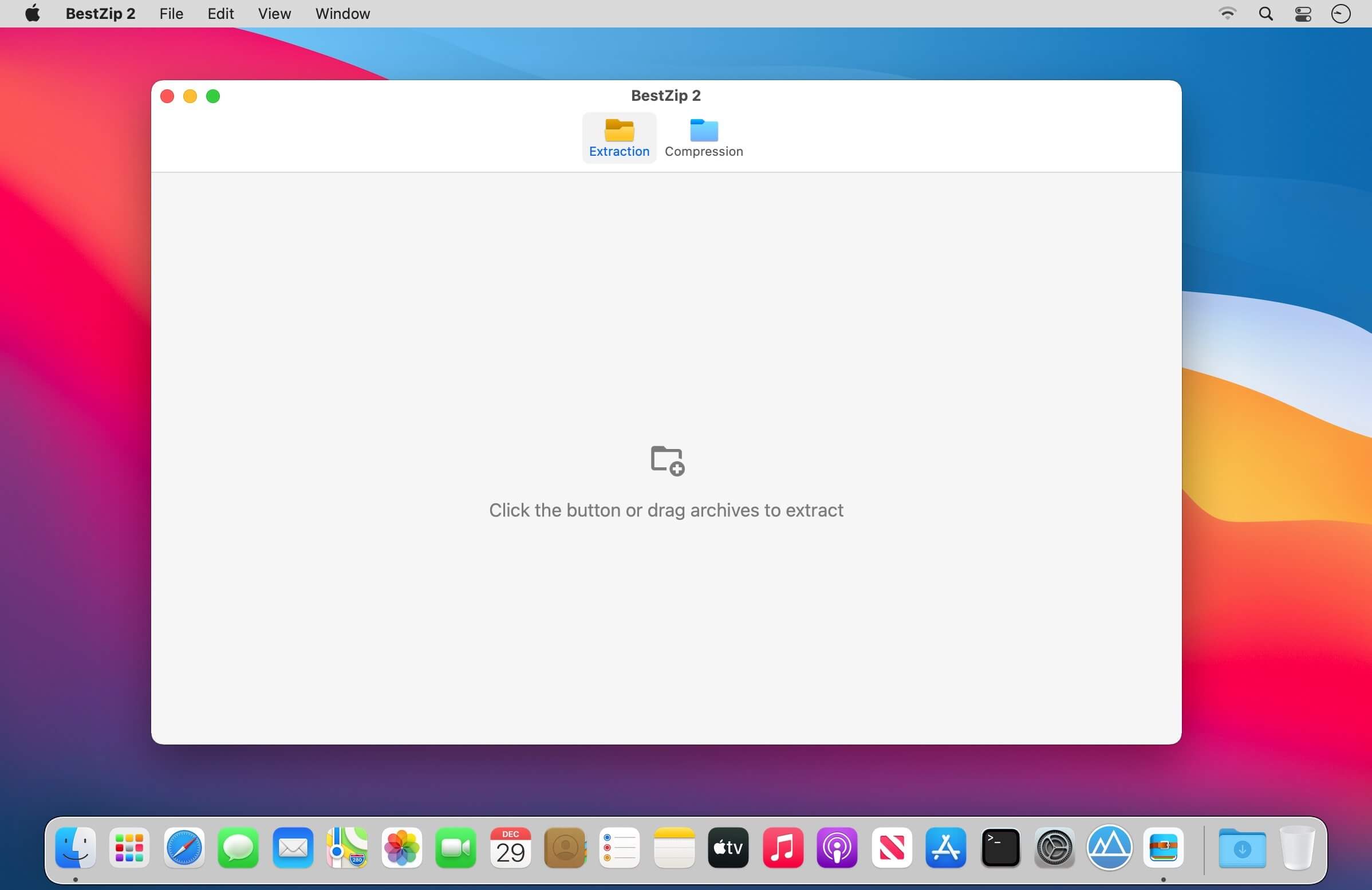
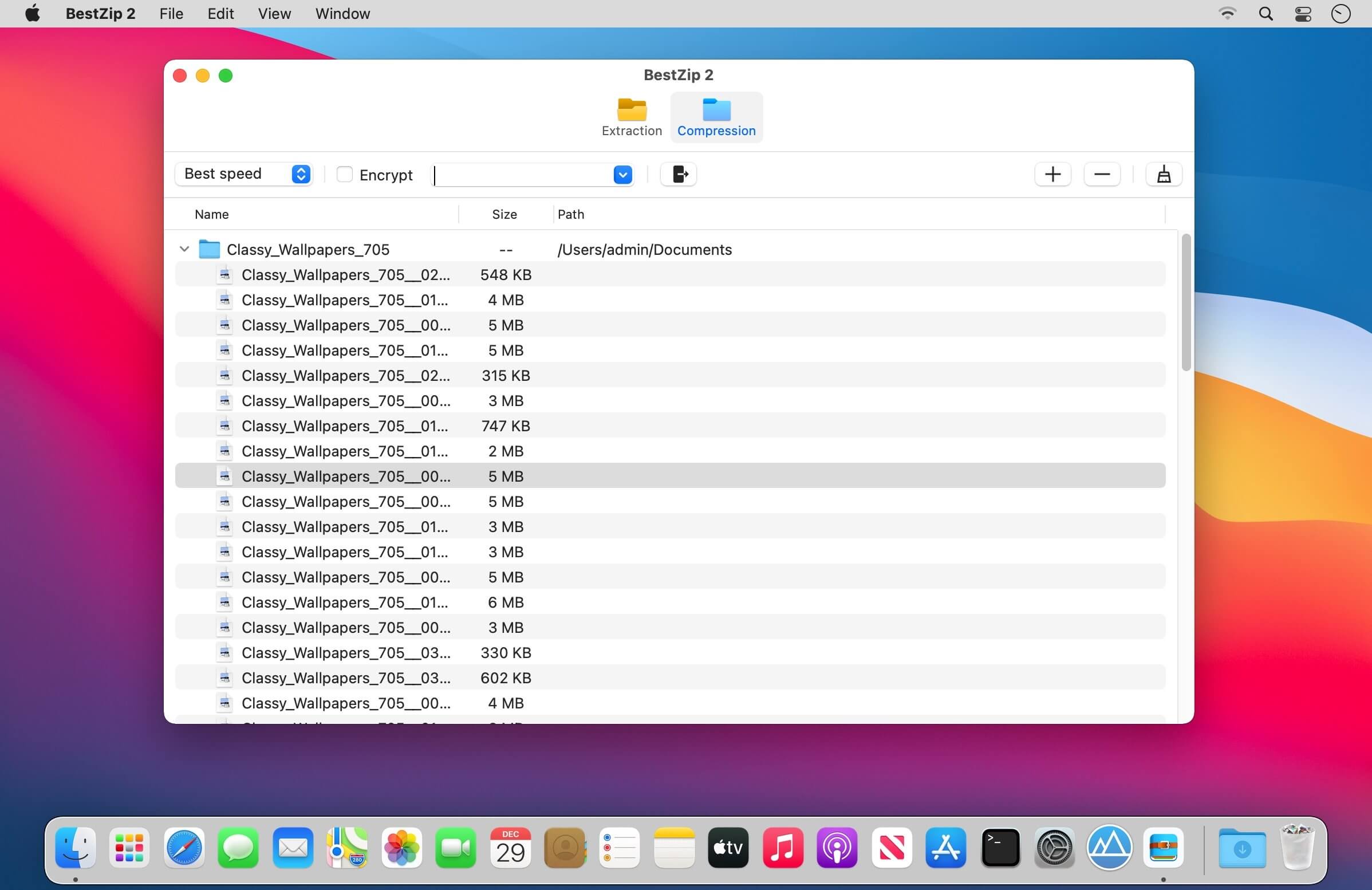
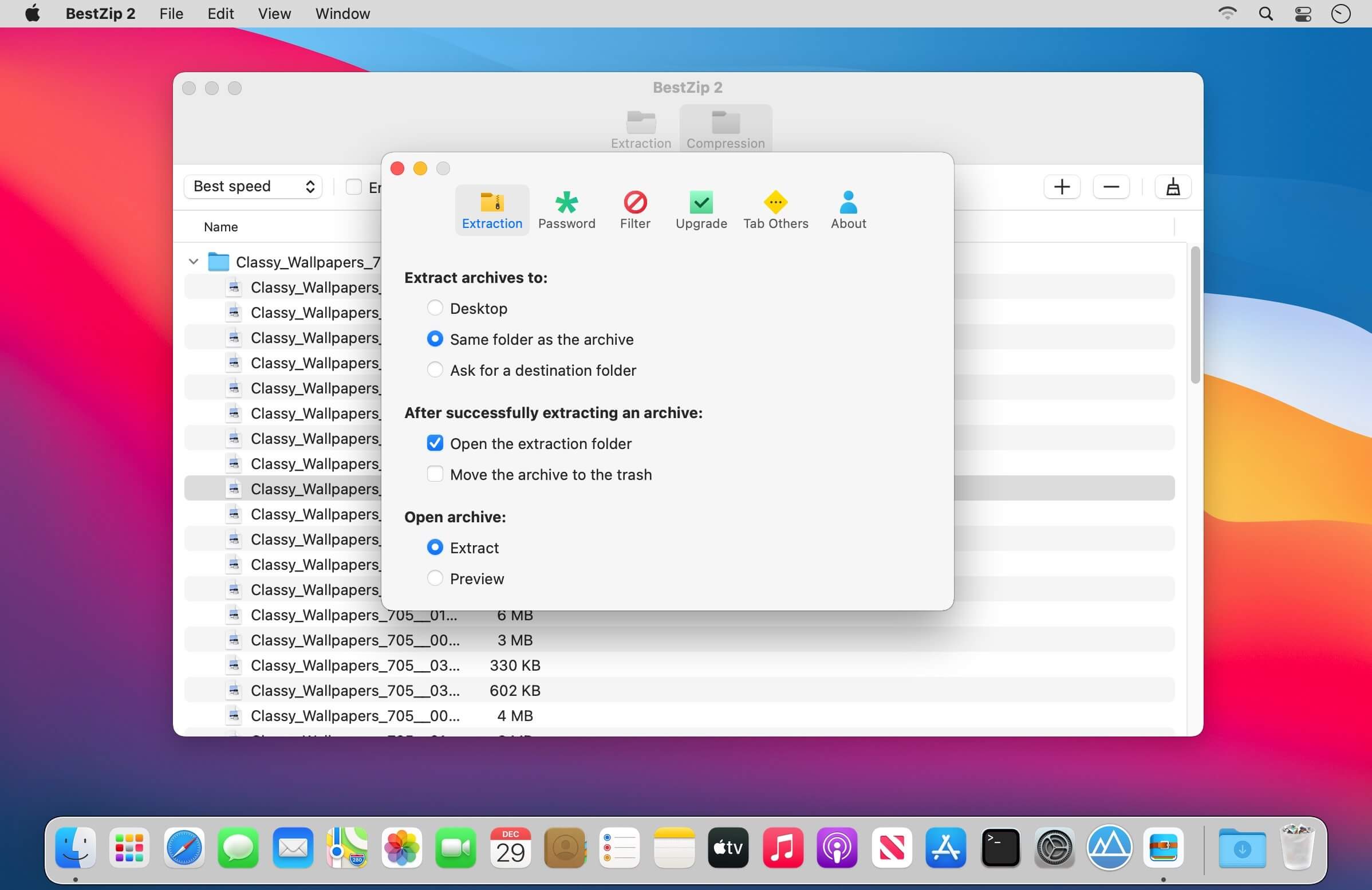
“BestZip 2" has a brand new design, and on the basis of inheriting all the advantages of “BestZip, more powerful functions are added. At the same time, the software interface is simpler and easier to use.
"Version Introduction"
- BestZip/BestZip Pro: The first-generation product, powerful and stable, has been widely praised by users.
- BestZip 2: Redesigned on the basis of the first generation BestZip, with more concise interface, richer functions, stronger compatibility, and more supported formats.
- BestZip Lite: Lightweight, with only decompression function. It is the basic version of "BestZip 2" and is inexpensive.
"Supported Formats”
Support extract all kinds of archives, including but not limited to: RAR, ZIP, 7z, gz, sit, tbz, tar, xar, lha, lzh, hqx, bin, macbin, as, bz2, bzip2, bz, xz, iso, cdi, nrg, mdf, z, taz, tar-z, lzma, xip, ace, arj, arc, pak, spk, zoo, lbr, lqr, lzr, pma, cab, rpm, deb, alz, dd, cpt, pit, now, sea, exe, msi, cpio, cpgz, pax, warc, ha, adf, adz, dms, f, lzx, dcs, pkd, xms, zom, pp, nsa, sar, jar, nds, pkg, a, swf, pdf, alz, a01, b01, sfx
Version 1.6.0:
- Fixed some minor bigs
- Optimise the unarchive engine
Frequently asked questions
How do I install the app?
Mount the image, drag the app into the "Applications" folder and launch it. If the system blocks the launch, allow it in "System Settings → Privacy & Security".
The app is damaged or won't launch
Reinstalling from a fresh image usually helps. Make sure your macOS version matches the one listed in the compatibility specs.
How do I update?
Download the new version from the site and install it over the current one — your settings will be preserved.
The download link doesn't work
Try a mirror or a download manager. For large files the browser often drops the connection.
How do I completely remove the app?
Use an uninstaller utility — it cleans up the service files that remain after moving the app to the trash.



Choose a download source
BestZip 2-Unarchive 7z&rar&zip 1.6.1 · 13.62 MB