
Home Inventory 4.7.0
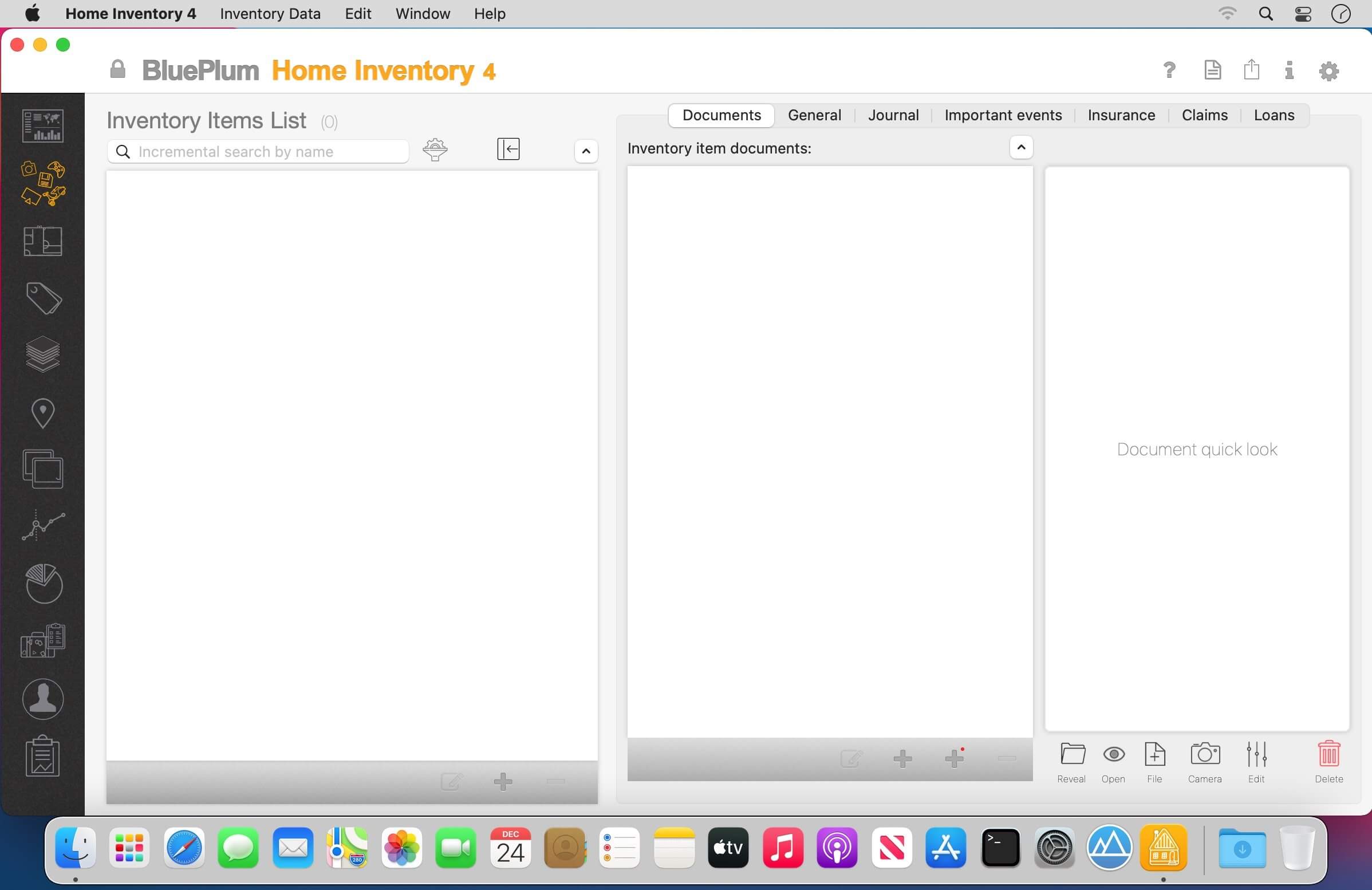
Blue Plum Home Inventory will help you make and maintain a home inventory for any property you own. It lets you organize your belongings in collections, rooms, locations and/or assign one or more tags to each one. It helps you add photos, videos, receipts, manuals, contracts and any other document related to your items.
Features:
- Remote data entry from our iOS app
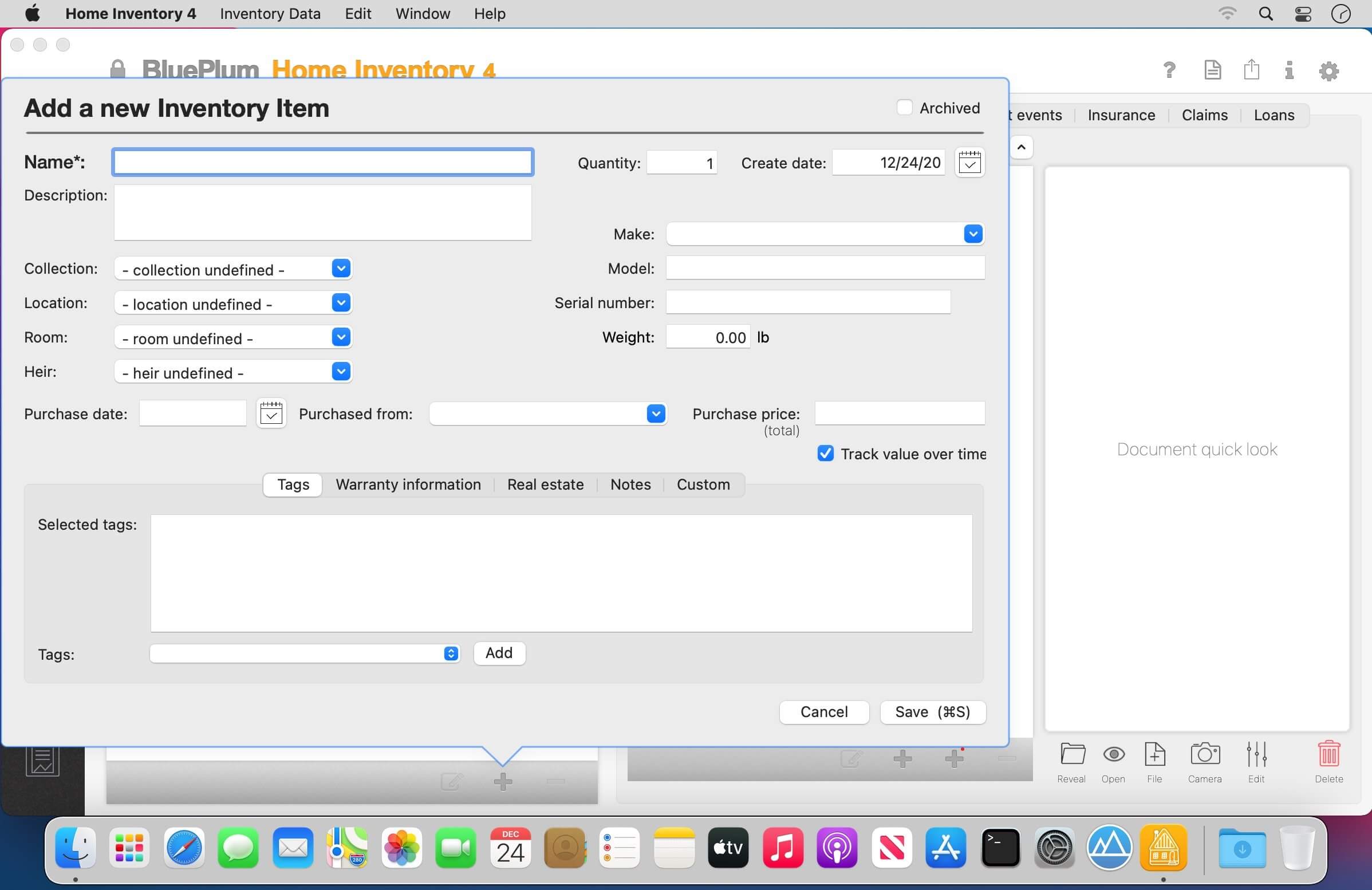
- Name, description, serial number, make, model, year, warranty information, etc
- Item's property location, room, collection and multiple tags
- Purchase price, annual depreciation rate
- Inventory item journals and events
- Multiple photos, videos or any other type of electronic document assigned to any inventory item
Version 4.7.0
- Release notes were unavailable when this listing was updated.
Frequently asked questions
How do I install the app?
Mount the image, drag the app into the "Applications" folder and launch it. If the system blocks the launch, allow it in "System Settings → Privacy & Security".
The app is damaged or won't launch
Reinstalling from a fresh image usually helps. Make sure your macOS version matches the one listed in the compatibility specs.
How do I update?
Download the new version from the site and install it over the current one — your settings will be preserved.
The download link doesn't work
Try a mirror or a download manager. For large files the browser often drops the connection.
How do I completely remove the app?
Use an uninstaller utility — it cleans up the service files that remain after moving the app to the trash.





Choose a download source
Home Inventory 4.7.0 · 54.26 MB