Librarian Pro 8.1.0
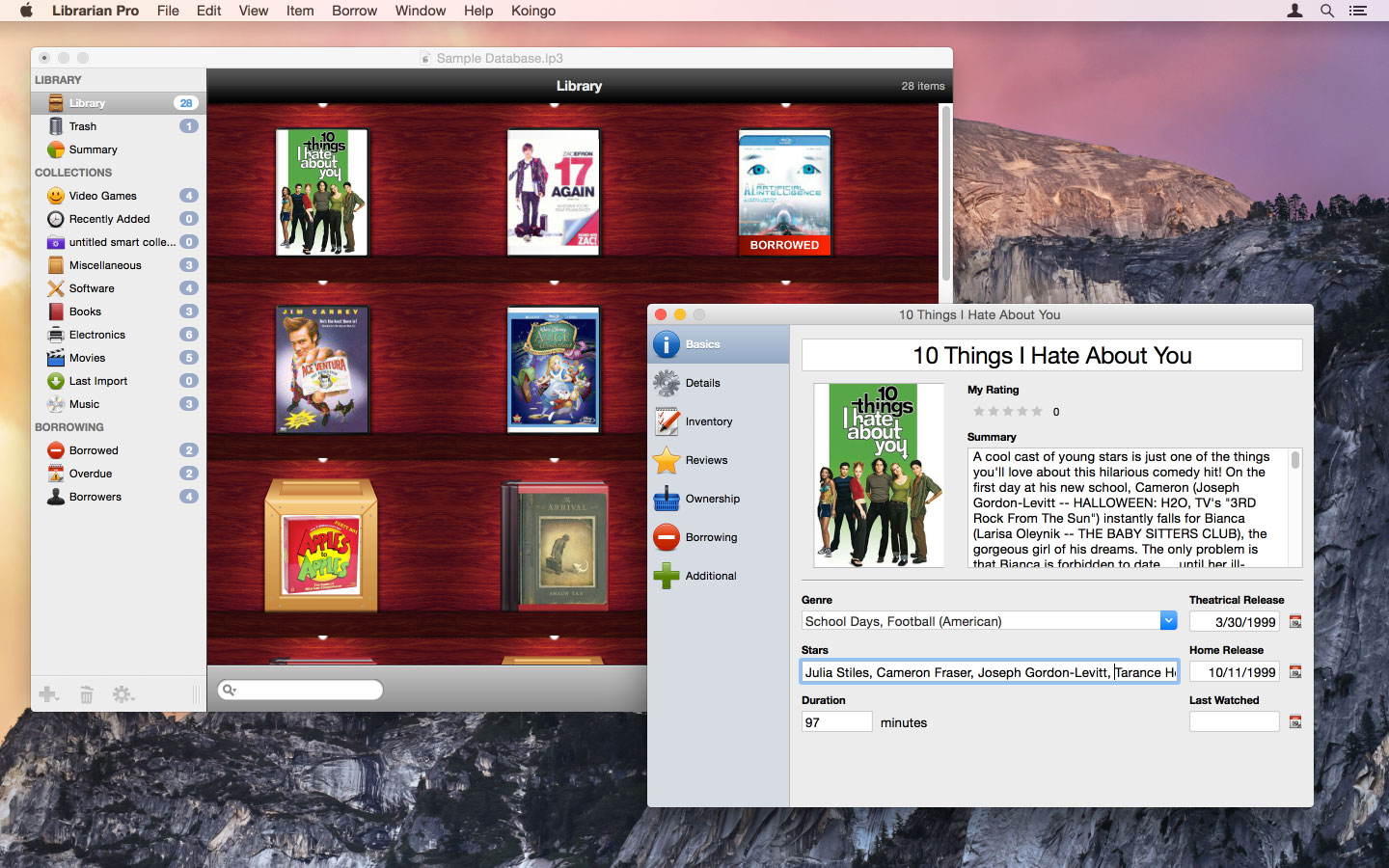
Librarian Pro helps you manage your collection of books, magazines, games, CDs, software titles, and movies. It helps you inventory and retrieve information quickly.
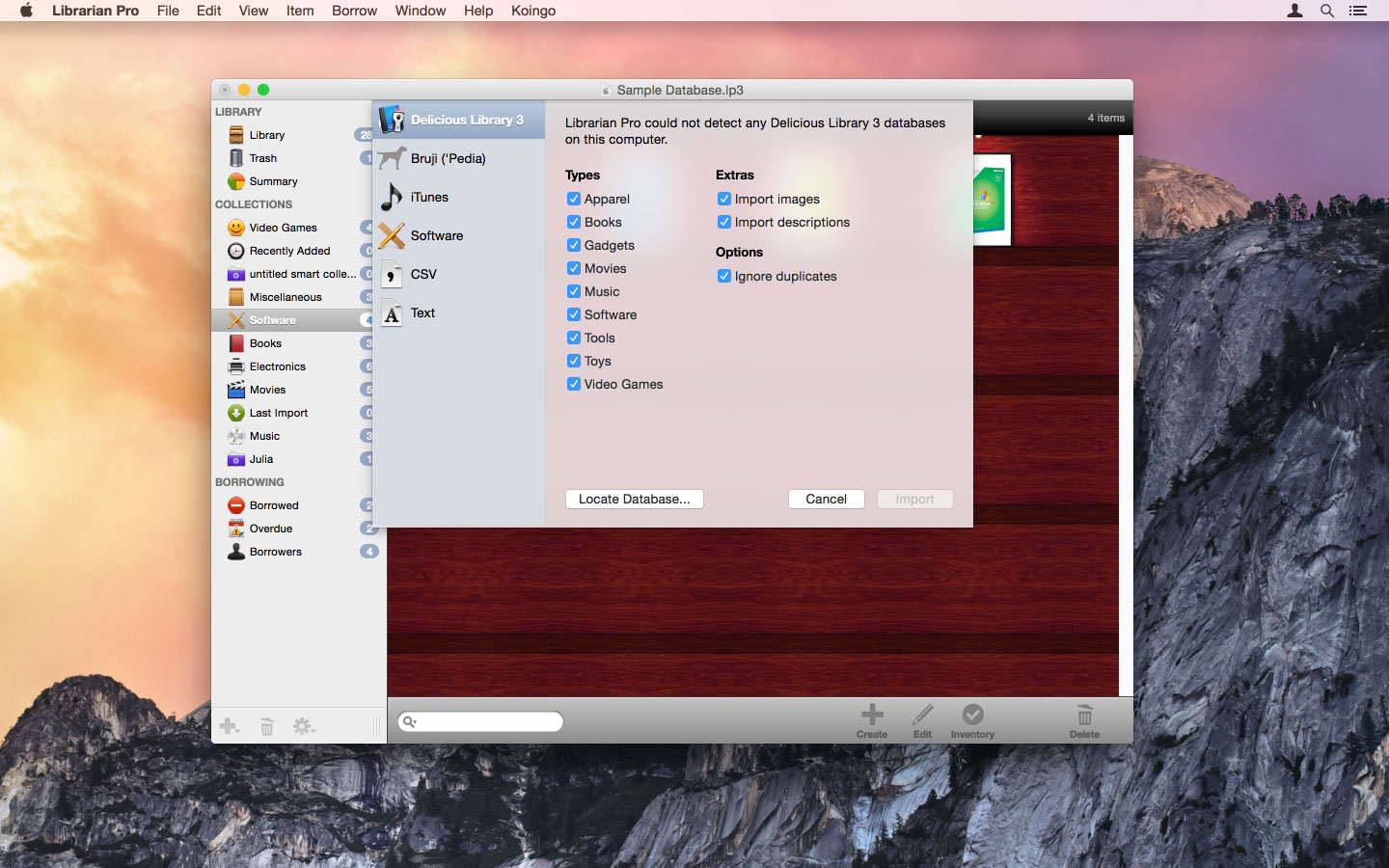
Organize items into smart collections, add them to the in-program Amazon shopping cart, mark them as lent out to friends, and even export for the web or your iPod! Librarian Pro also supports importing from other cataloging applications like Delicious Library and DVDpedia.
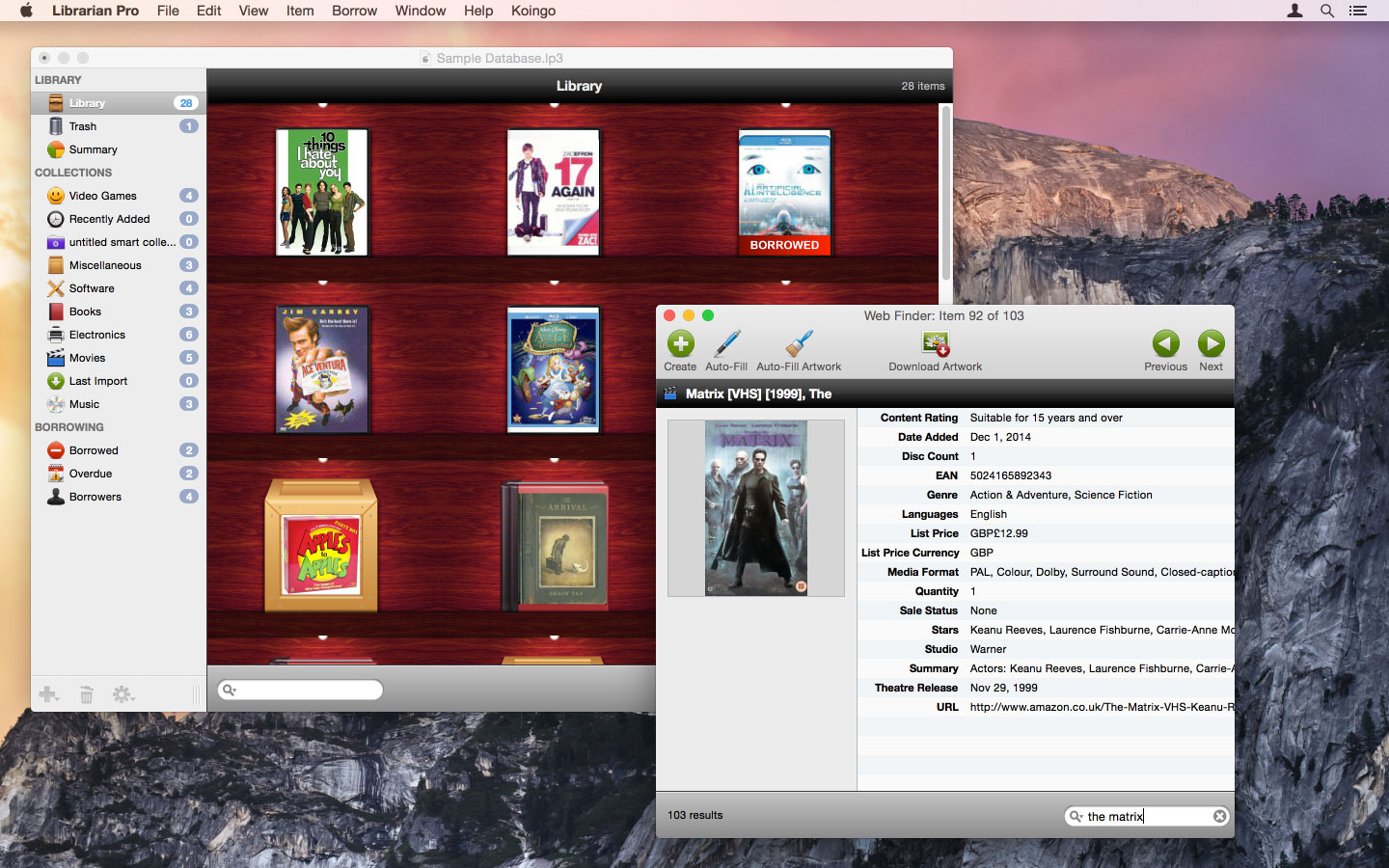
Search for items in-program on Amazon by author, artist, title, and keyword. Details will automatically fill into new items - including product images! Additionally, up to five Amazon reviews are also retrieved for your reading pleasure. Afterward, even add your own reviews!
Librarian Pro's databases are fully compatible with both the Mac OS X and Windows versions.
Features:
- Statistics
View a summary of all items in your library to compare prices and more. - Web Auto-Fill
Integrates with numerous web sites to automatically download item information. - Multi-Database Support
Create an unlimited number of separate databases. - Smart Collections
Automatically sort items by specific criteria. - Borrowers
Track item lending and charge late fees. - Export
Export to the web and a variety of other formats. - Import
Import from text, CSV, iTunes, 'pedias, Delicious Library and more! - Beautiful
View as a list, as a bookshelf, or in cover flow mode. - Duplicate Filter
Easily isolate and display duplicate items. - Details
Fill in countless details about items ranging from tracks on an album to the illustrator for a book. - Sales Tracking
Record detailed purchase and sale information for items, such as purchase location, price, original value, used value, item URL, AND MORE. - Reviews
Write internal reviews. - Barcode Scanning
Use your web cam or physical barcode scanner to add items or update inventory. - Cross-Platform
One database works on both Mac and PC. - Calendar
Track lent out items in Mac OS X's Calendar.app and send reminder e-mails or display alerts. - Auto-Complete
Auto-complete helps speed data entry by remembering entires for other items.
Version 8.1.0:
Frequently asked questions
How do I install the app?
Mount the image, drag the app into the "Applications" folder and launch it. If the system blocks the launch, allow it in "System Settings → Privacy & Security".
The app is damaged or won't launch
Reinstalling from a fresh image usually helps. Make sure your macOS version matches the one listed in the compatibility specs.
How do I update?
Download the new version from the site and install it over the current one — your settings will be preserved.
The download link doesn't work
Try a mirror or a download manager. For large files the browser often drops the connection.
How do I completely remove the app?
Use an uninstaller utility — it cleans up the service files that remain after moving the app to the trash.




Choose a download source
Librarian Pro 8.1.0 · 79.16 MB
Previous versions
Librarian Pro 8.1.0
Previous versions are available to registered users.