

Duplicate Finder and Remover 2.1
Screenshots
Click to enlarge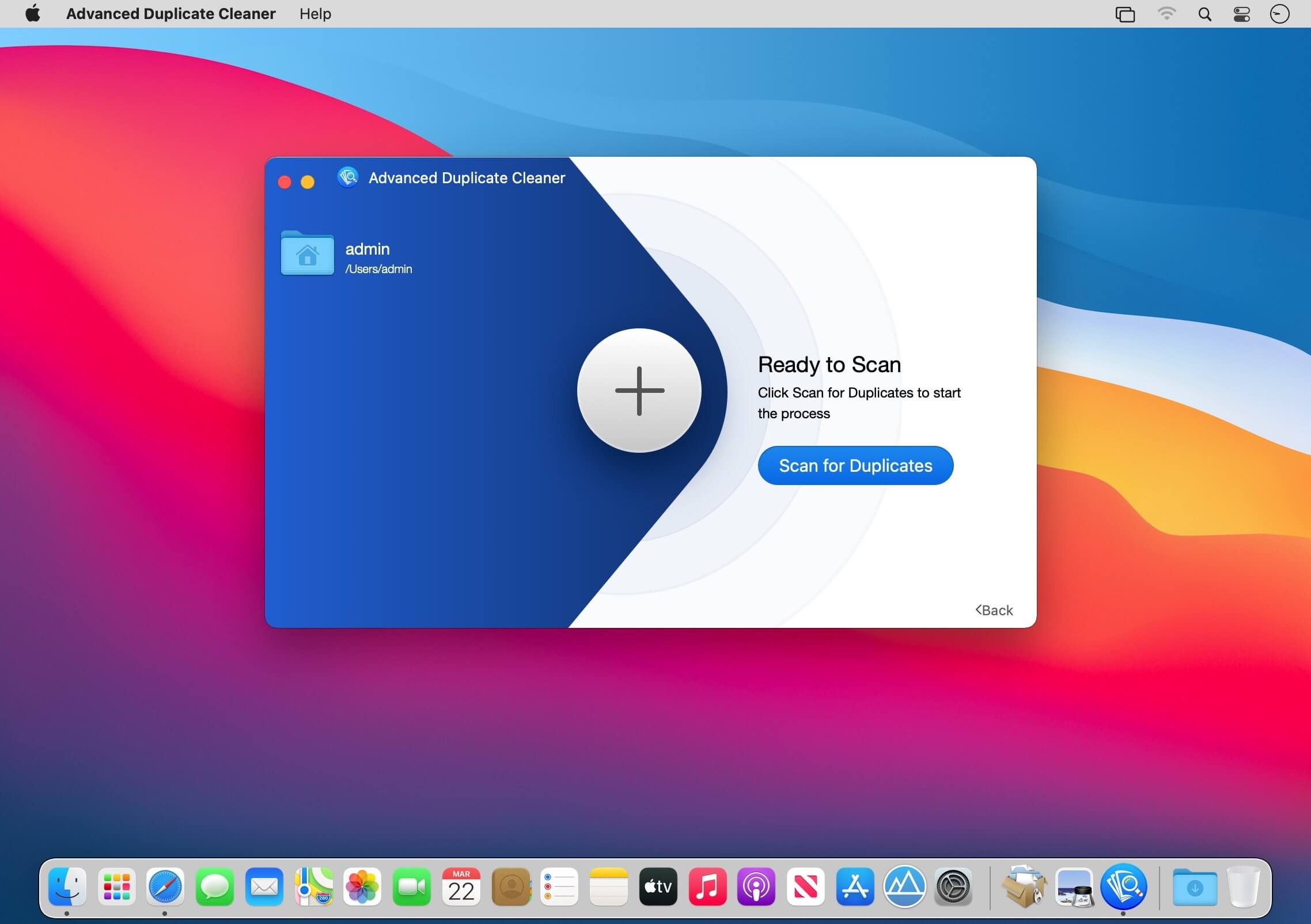
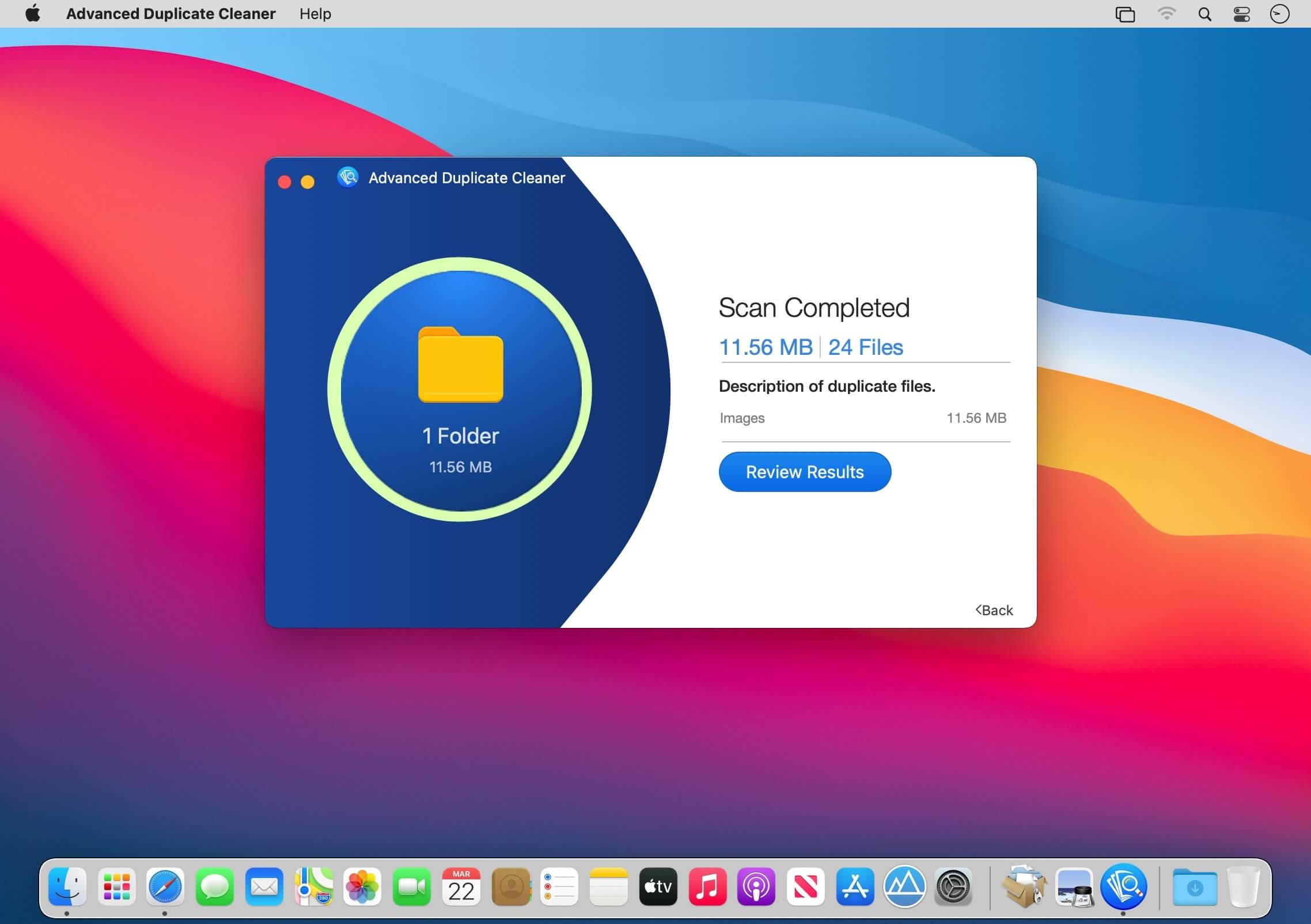
Advanced Duplicate Cleaner is a smart & intelligent tool to identify and remove duplicate & similar files. It scans your entire Mac for files, photos, videos, music, apps, etc. that are duplicate & similar. To perform a scan, you can either pick from the recommended locations or can add a folder of your choice. Whatsoever is the file format, Advanced Duplicate Cleaner accurately finds and categorizes them as duplicate and similar. For people who fear getting around with duplicates, Advanced Duplicate Cleaner is the right tool for you.
Benefits
- Nothing is deleted permanently – Advanced Duplicate Cleaner moves duplicates to Trash/Bin. This means you can recover them if required.
- Easy to use- this is what users love about this duplicate removal app. Using Advanced Duplicate Cleaner is just like ABC.
- Smart detection – finding duplicate and similar images manually aren’t easy. But with Advanced Duplicate Cleaner, it becomes a breeze. The app smartly locates space-hogging duplicates & similar files
- Spots and Scraps duplicates, similar apps, photos - this is what makes it stands apart from other duplicate cleaner and remover apps on the marketAccurate scan results - uses an advanced scan engine to detect duplicate and similar files
- Simple user interface - no training required to use it.
What Makes Advanced Duplicate Cleaner the Best and Awesome duplicate remover?
This intelligently designed app is amazing. It scans every nook and corner for your Mac for both duplicates and similar looking photos, apps.
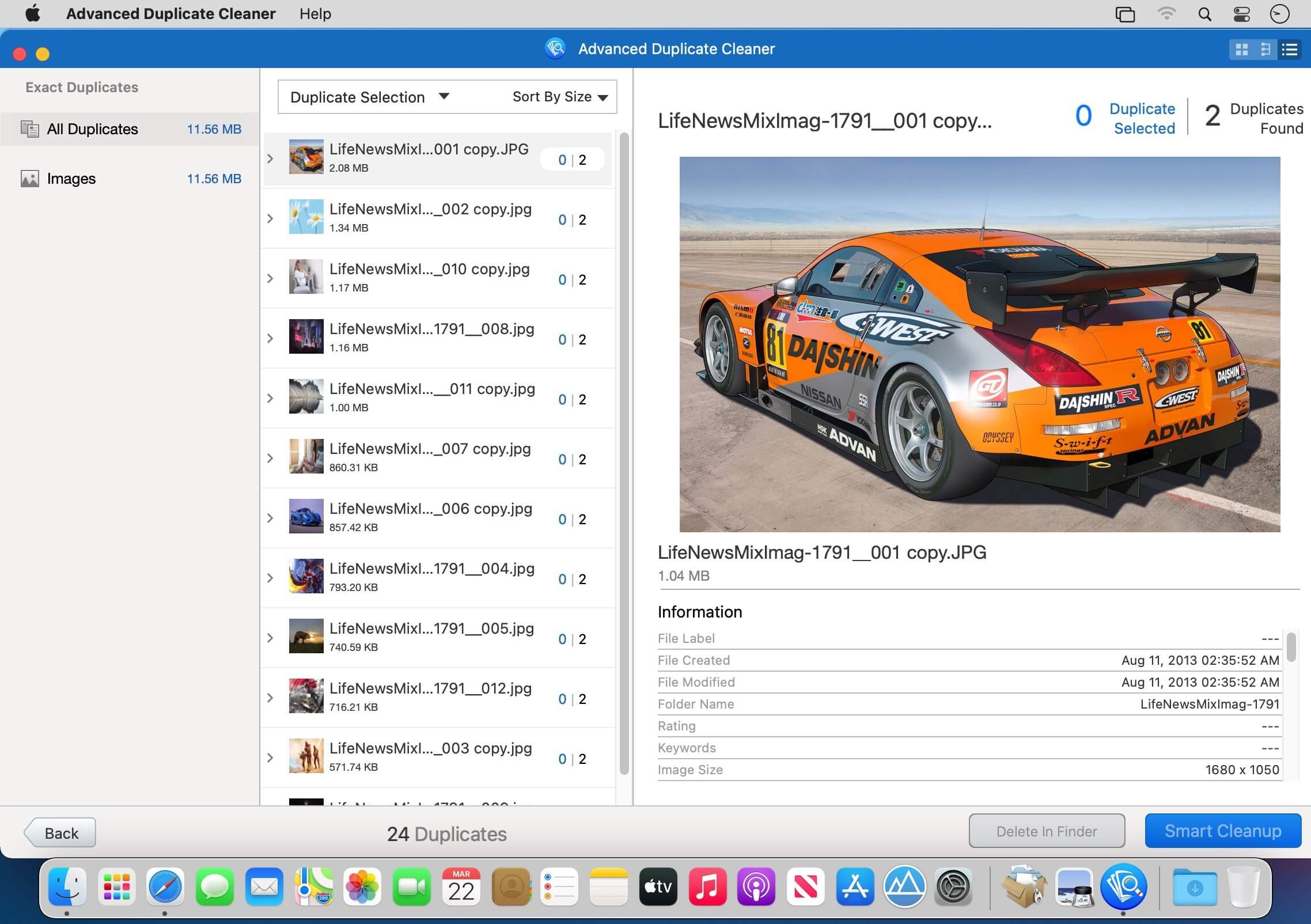
For ease of use scan results are divided into two sections:
- Duplicates
- Similar
This helps users decide which files to remove and keep thereby recovering valuable storage space.
How to use Advanced Duplicate Cleaner on Mac and detect duplicates?
Using this no-nonsense program is very easy. As soon as you download and install the app, you can start looking for duplicate and similar images.
- Drag & Drop a folder or choose from the recommended list.
- Click “Scan for Duplicate” and wait for the scan to complete.
- You will now see scan results divided into categories – Duplicates and Similar. Expand sections and select the files, photos, and videos, audio from the right pane to delete.
- Click “Smart Cleanup” & remove all detected duplicates & similar images.
Version 2.0
- minor bug fixes and improvements.
Comments
No comments yet. Be the first.