
AYVY 1.23.0
Fast image viewer for RAW photos, videos and PDFs

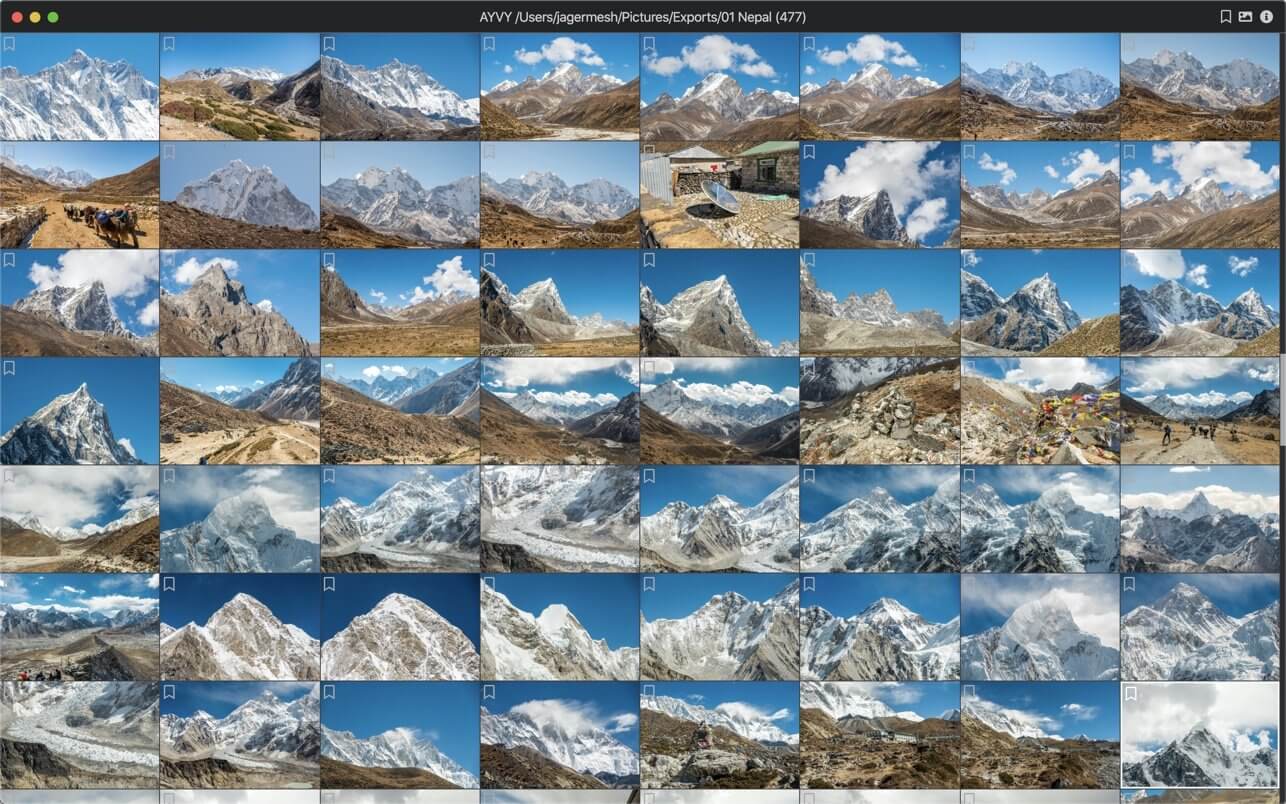
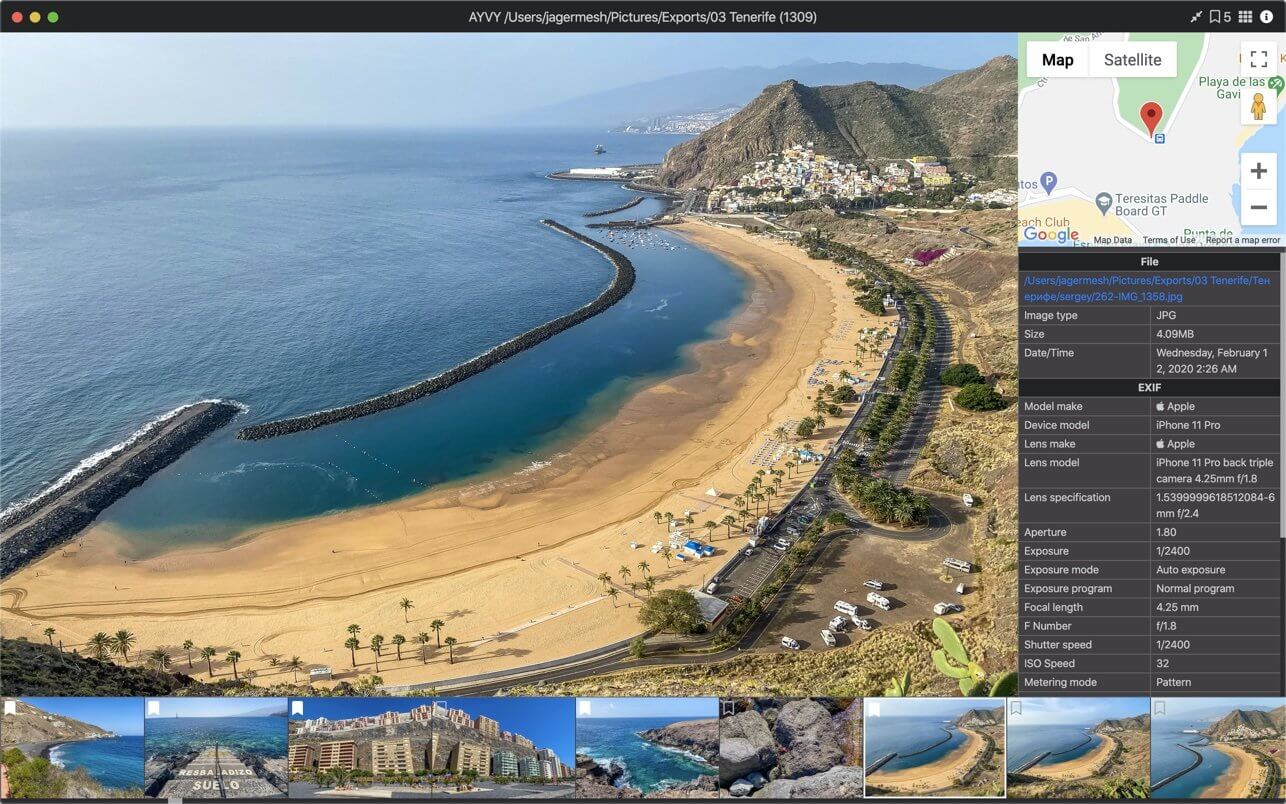
AYVY is a beautifully simple image viewer that opens everything fast, from a single snapshot to a folder of thousands of RAW photos.
No clutter, no waiting. Just your images, the moment you need them.
Lightning fast
Browse folders with thousands of files without a hint of lag. AYVY is built for speed, so you spend your time looking at photos instead of loading screens.
Clean, friendly design
A minimal, carefully crafted interface that stays out of the way and puts your images front and center.
Export in a click
Convert any supported file to JPEG or PNG and set the exact resolution you need, perfect for sharing, uploading or archiving.
One app for all your files
Photos, animations, videos, PDFs and professional RAW files all open in the same place. No more switching between apps.
Supported formats
- Images: PNG, JPG, SVG, TIFF, GIF, BMP, WEBP, ICNS, PSD, AVIF
- Video: MP4, WEBM
- Documents: PDF
RAW photos:
- Apple: HEIC, HEIF, ProRAW
- Canon: CR2, CR3, CRW
- Nikon: NEF, NRW
- Sony: ARW, SRF, SR2
- Fujifilm: RAF
- Leica: DNG, RWL
- Hasselblad: 3FR, FFF, PPM
- Panasonic: RW2
- Olympus: ORF
- Pentax: PEF
- Samsung: SRW
- Minolta: MRW
- Epson: ERF
- Kodak: RAW, KDC, DCR
- Leaf: MOS
- Mamiya: MEF
Whether you're a professional photographer sorting a shoot or just want a fast, good-looking way to view your pictures, AYVY has you covered.
Version 1.23.0
- Stability improvements
Frequently asked questions
How do I install the app?
Mount the image, drag the app into the "Applications" folder and launch it. If the system blocks the launch, allow it in "System Settings → Privacy & Security".
The app is damaged or won't launch
Reinstalling from a fresh image usually helps. Make sure your macOS version matches the one listed in the compatibility specs.
How do I update?
Download the new version from the site and install it over the current one — your settings will be preserved.
The download link doesn't work
Try a mirror or a download manager. For large files the browser often drops the connection.
How do I completely remove the app?
Use an uninstaller utility — it cleans up the service files that remain after moving the app to the trash.




Choose a download source
AYVY 1.23.0 · 190.35 MB