
LilyView 1.7.0
Browse folders fast with a lightweight image viewer
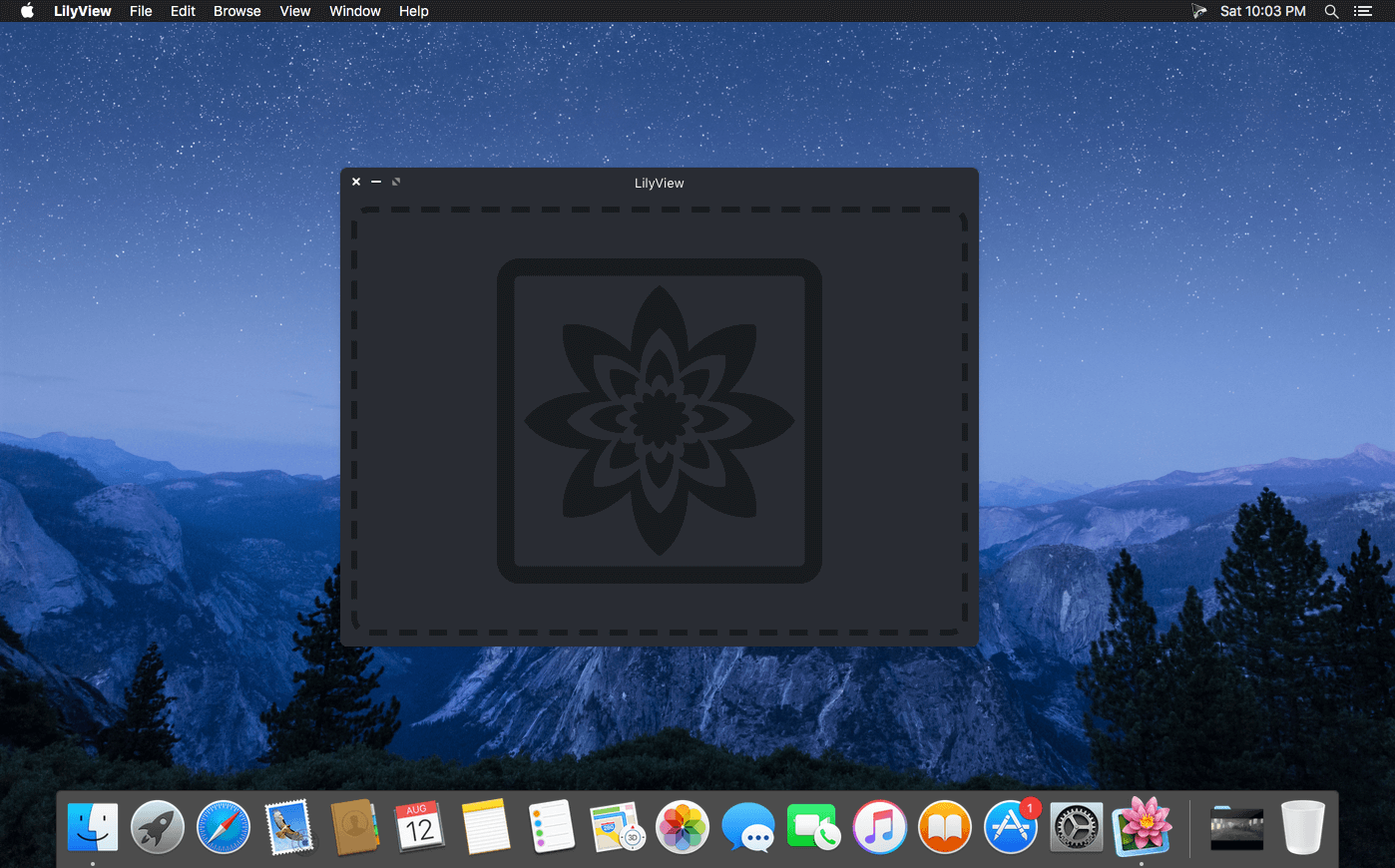

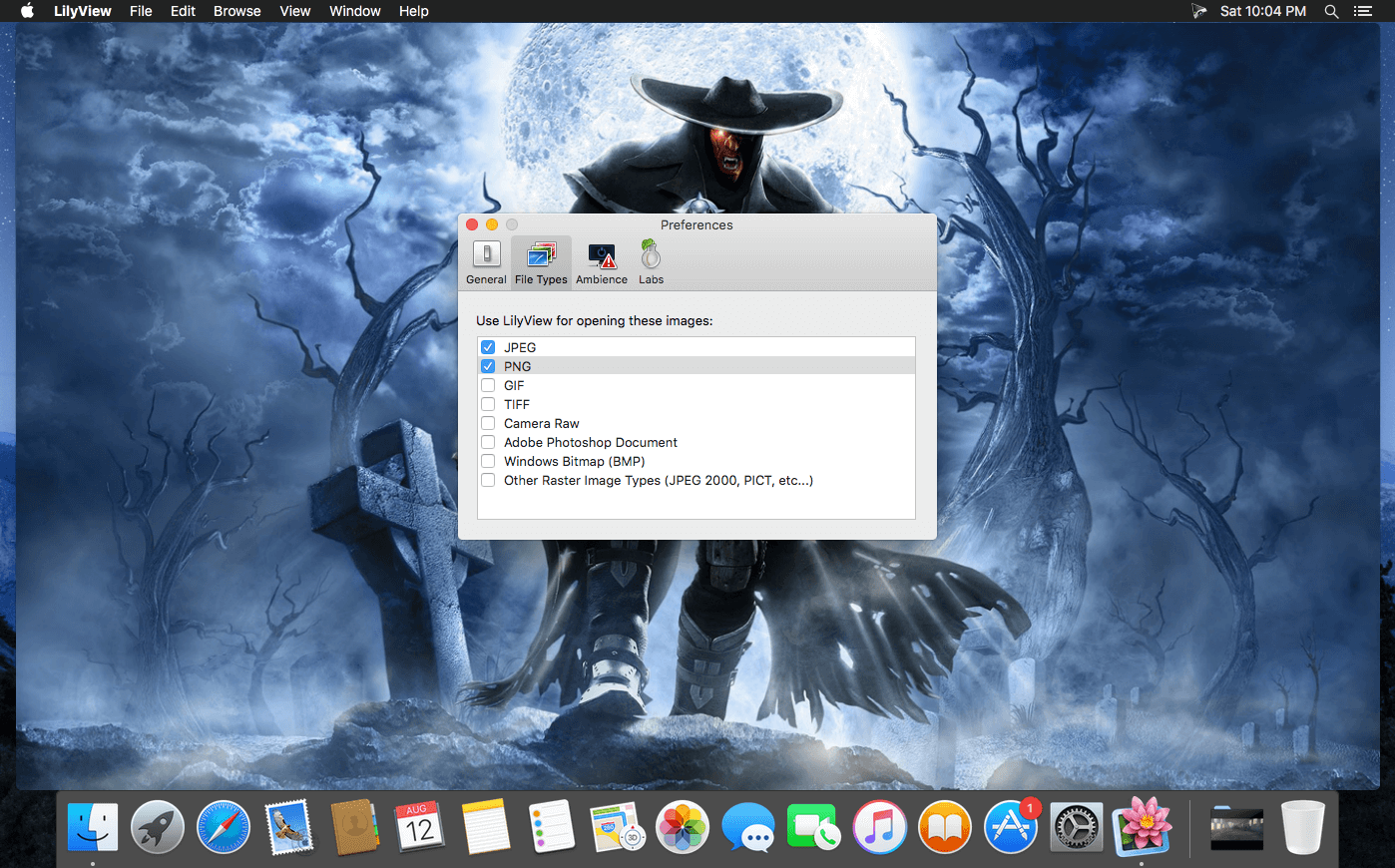
LilyView gets out of your way. Open a folder and browse your images instantly — no library to load, no clutter, no waiting.
- Lightweight design — skips loading an image library, so you go straight to browsing a folder.
- Chromeless interface — controls stay hidden until you actually need them, keeping the view clean.
- Multi-Touch friendly — touch and navigate images directly on a trackpad.
- Works with keyboard and mouse too — no trackpad required, use whatever you have.
Version 1.7
- Fixed compatibility issues with the new macOS 27 Golden Gate
Frequently asked questions
How do I install the app?
Mount the image, drag the app into the "Applications" folder and launch it. If the system blocks the launch, allow it in "System Settings → Privacy & Security".
The app is damaged or won't launch
Reinstalling from a fresh image usually helps. Make sure your macOS version matches the one listed in the compatibility specs.
How do I update?
Download the new version from the site and install it over the current one — your settings will be preserved.
The download link doesn't work
Try a mirror or a download manager. For large files the browser often drops the connection.
How do I completely remove the app?
Use an uninstaller utility — it cleans up the service files that remain after moving the app to the trash.





Choose a download source
LilyView 1.7.0 · 5.45 MB
Previous versions
LilyView 1.7.0
Previous versions are available to registered users.