
Pixea Plus 8.3.0
Browse RAW photos and comics in an image viewer for Mac
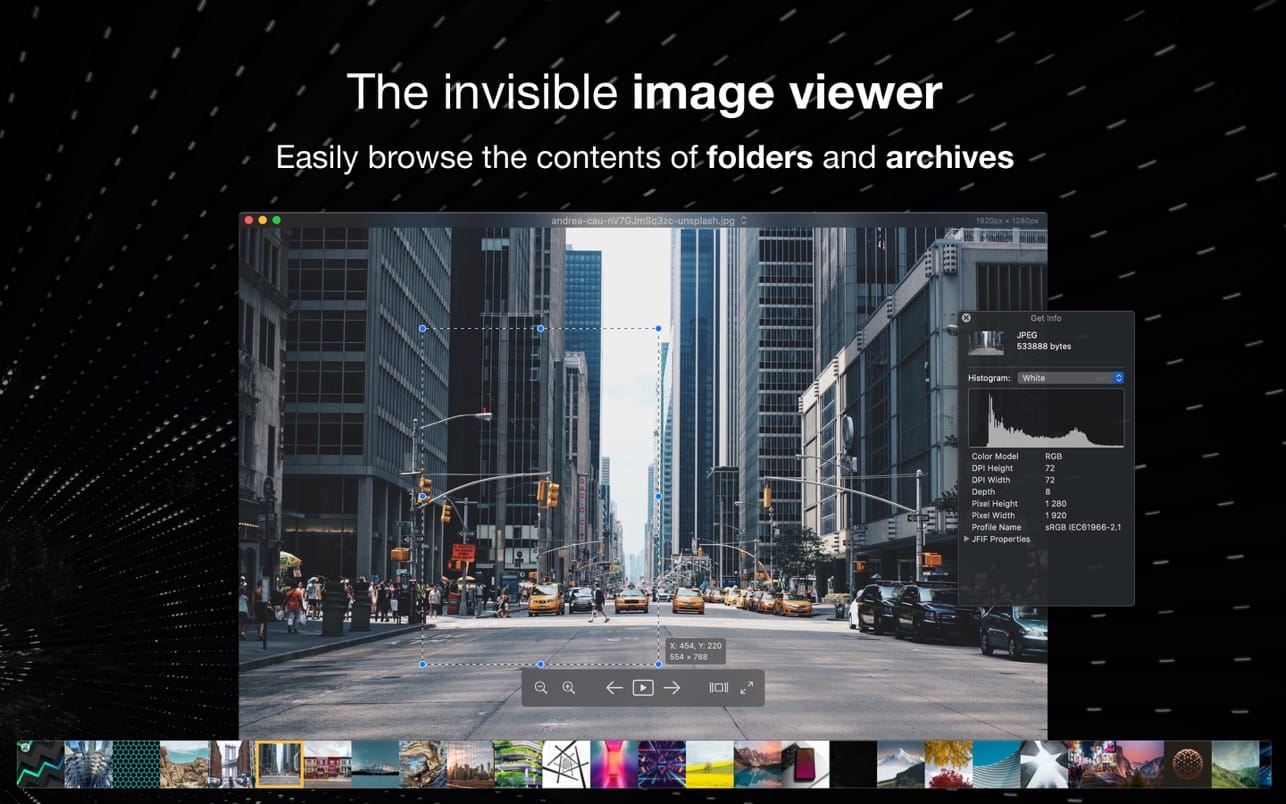

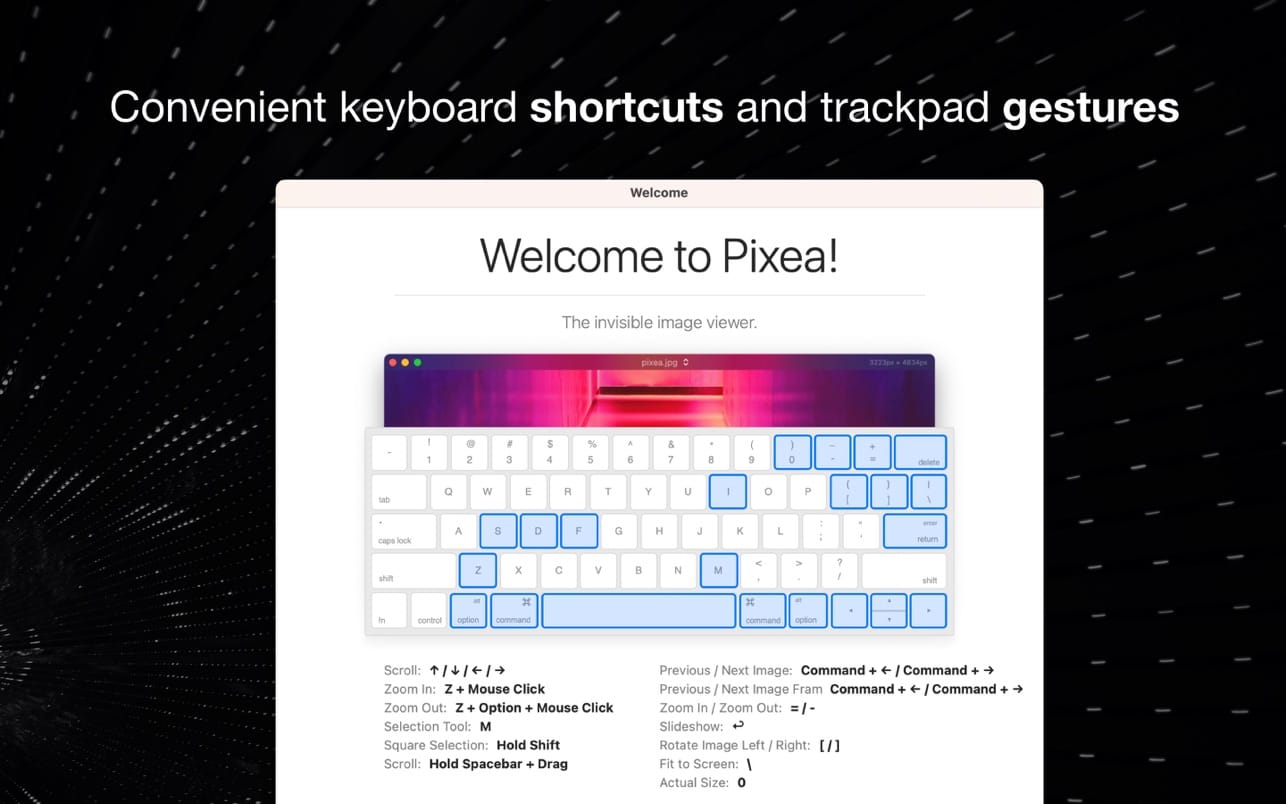
A folder of RAW shots from your camera, a few HEIC files, a ZIP archive, some MKV clips. Pixea Plus 8 is an image viewer for Mac that opens all of them in one window. You look through everything, pick the good ones and fix them without switching apps.
- Search, filter, sort or shuffle a folder, photo library or archive to find the shot you want
- Keyboard shortcuts and trackpad gestures move you from file to file
- Sliders for exposure, contrast, hue, saturation, temperature and tint handle most light and color fixes
- For finer color work there are LUT filters, color curves and HSL per channel
- Click on an area to make a mask, then change exposure, hue or saturation only there
- A tilted horizon, a skewed building or lens distortion can all be corrected
- Focus and depth-based adjustments for shots where the background needs work
- Unwanted objects, people or defects come out with the built-in removal tools
- Small image. Upscale it 2x or 4x
- Edit many images at once, or convert a whole batch to another format
Exports to JPEG XL, AVIF, WebP, HEIC and six other formats.
Version 8.3
Masks
- Create masks and adjust exposure, hue, and saturation of the masked region
- Point-and-click to create a new mask
Pixea Image format
- Save masks, non-destructive adjustments, and additional data for further editing
- Quick look and thumbnails support
Other improvements
- Undo/Redo actions
- Optimized image loading and thumbnail caching
- Automatically update open folders option
- Export as HDR/SDR option
- 12-bit HDR export to AVIF
- 10-bit HDR export to HEIC
- Export metadata to JPEG XL
- Folder tags in hierarchy view
- Improved HDR support
- Improved RAW compatibility
- Optimized memory usage when upscaling images
- UI/UX improvements
- macOS 27 support
Frequently asked questions
How do I install the app?
Mount the image, drag the app into the "Applications" folder and launch it. If the system blocks the launch, allow it in "System Settings → Privacy & Security".
The app is damaged or won't launch
Reinstalling from a fresh image usually helps. Make sure your macOS version matches the one listed in the compatibility specs.
How do I update?
Download the new version from the site and install it over the current one — your settings will be preserved.
The download link doesn't work
Try a mirror or a download manager. For large files the browser often drops the connection.
How do I completely remove the app?
Use an uninstaller utility — it cleans up the service files that remain after moving the app to the trash.




Choose a download source
Pixea Plus 8.3.0 · 288.44 MB
Previous versions
Pixea Plus 8.3.0
Previous versions are available to registered users.