
EdgeView 5.9.6
EdgeView 5: image viewer and file browser for Mac
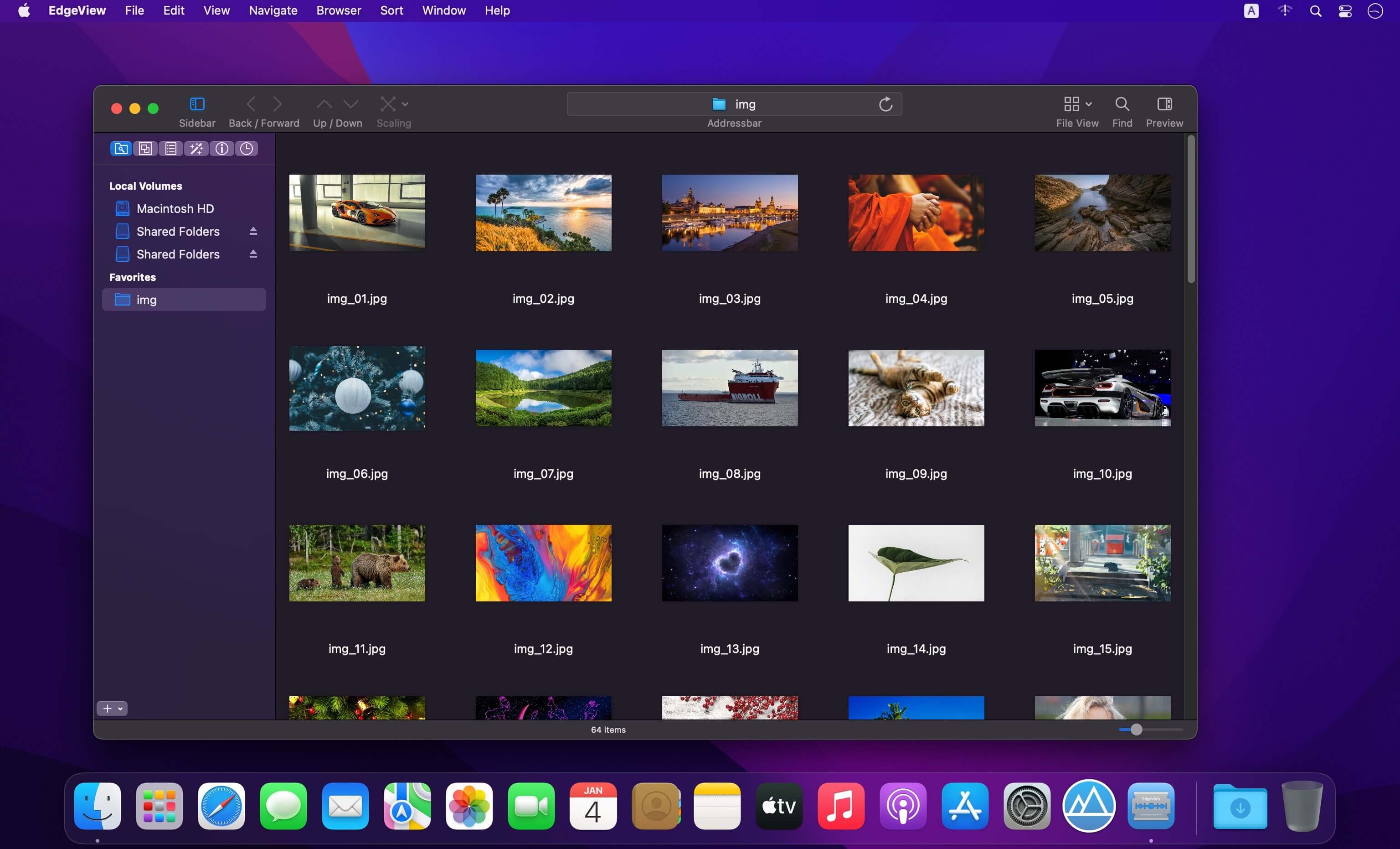
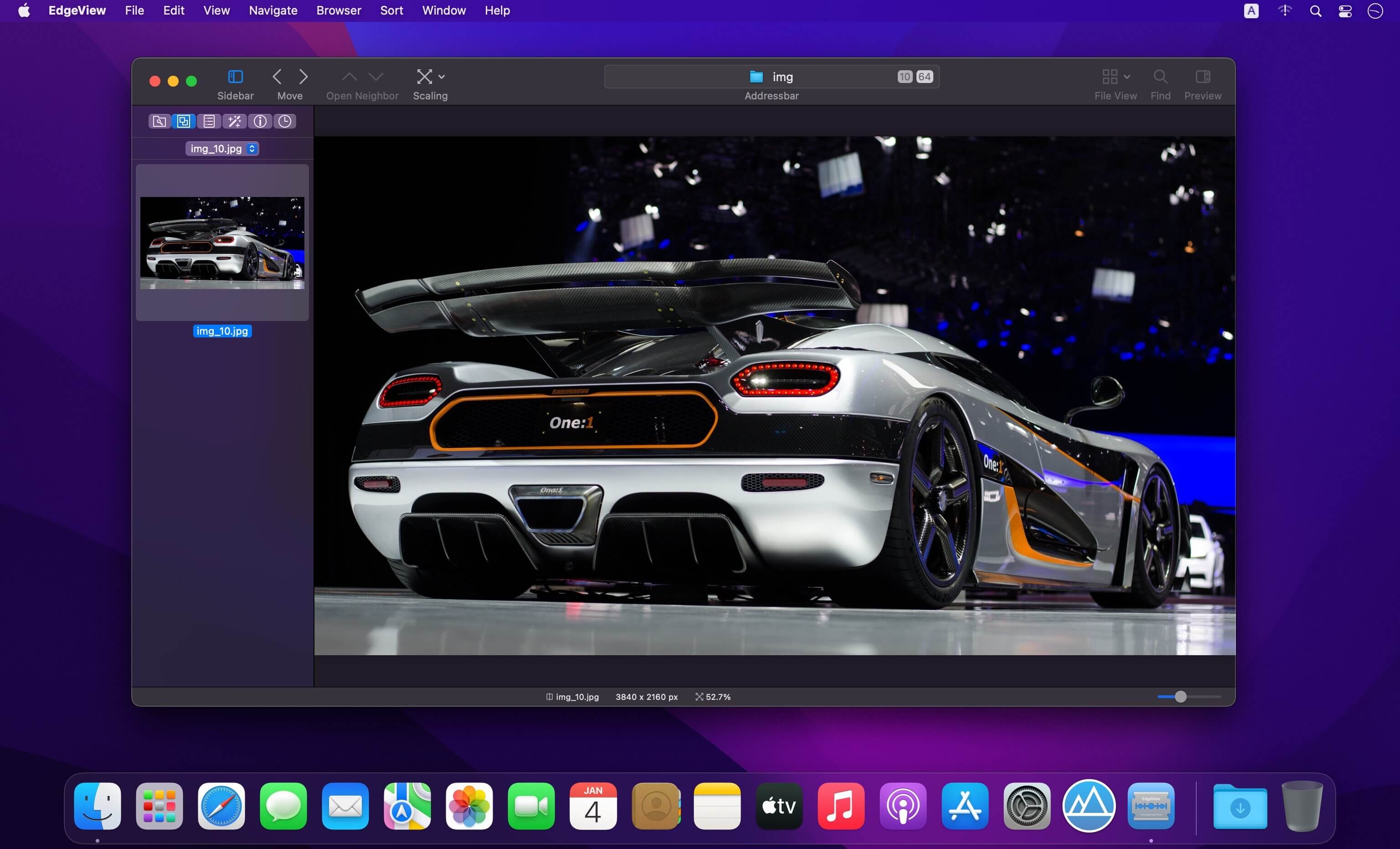
EdgeView 5 is fast image viewer has elegant user interface. EdgeView 5 is developed and designed for modern MacOS. It can open various image files such as JPEG, PNG, TIFF, BMP, and RAW file of DSLR, EPS and PDF, AI(Adobe Illustrator). Can open image files in archive directly without extraction.
User can open files, rename files, delete files from EdgeView's file browser. Also can access to SMB/AFP/FTP network volume.
User can navigate images quickly by using keyboard shorcut, mouse wheel, trackpad gesture. EdgeVew show EXIF information, play animation GIF/PNG/WebP smoothly. Save last status to history, and restore when reopen file.
EdgeView will be the best choice when viewing and managing image files.
Features
- Rewrote full code as Swift for improve performance.
- Support m1 CPU Mac.
- Has easy UI, can control main function at Sidebar.
- Support English/Korean/Japanese/Chinese(Simplified).
Image Viewer
- Supporting image files such as JPG, GIF, BMP, PSD, TIFF, RAW, WEBP and PDF, EPS, AI(Adobe Illustrator), OpenEXR, HDR, TGA.
- Can play animation GIF/PNG/WebP. User can control animation with floating animation controller.
- Dispaly internal image(or frame) of animation GIF/PNG/WebP or HEIC that has multiple internal image.
- Can read and show images of major archive formats (such as ZIP, RAR, CBZ, CBR, 7-zip) without extraction. Of course, can open ZIP file that 4GB over.
- Can read encrypted archive file.
- Can read archive file in archive file recursively
- Improved draw speed by rebuilt image cache system and drawing engine.
- Draw images as high quality.
- Provide suitable functions for comic reading such as 'Two-Page Spread', 'Continuous Scroll mode', 'Right to Left', etc.
- Provide multiple navigation functions like as 'Move', 'Skip', 'Shift', etc.
- User can navigate images and check whole thumbnails at Thumbnailsbar.
- User can navigate images by using keyboard shortcut, mouse wheel, trackpad gesture.
- Can rotate and flip images. Orientation will be saved to history.
- User can select part of images, and copy it or save as file.
- Can zoom in/out image freely.
- Built-in loupe function to make it easier to magnify part of image.
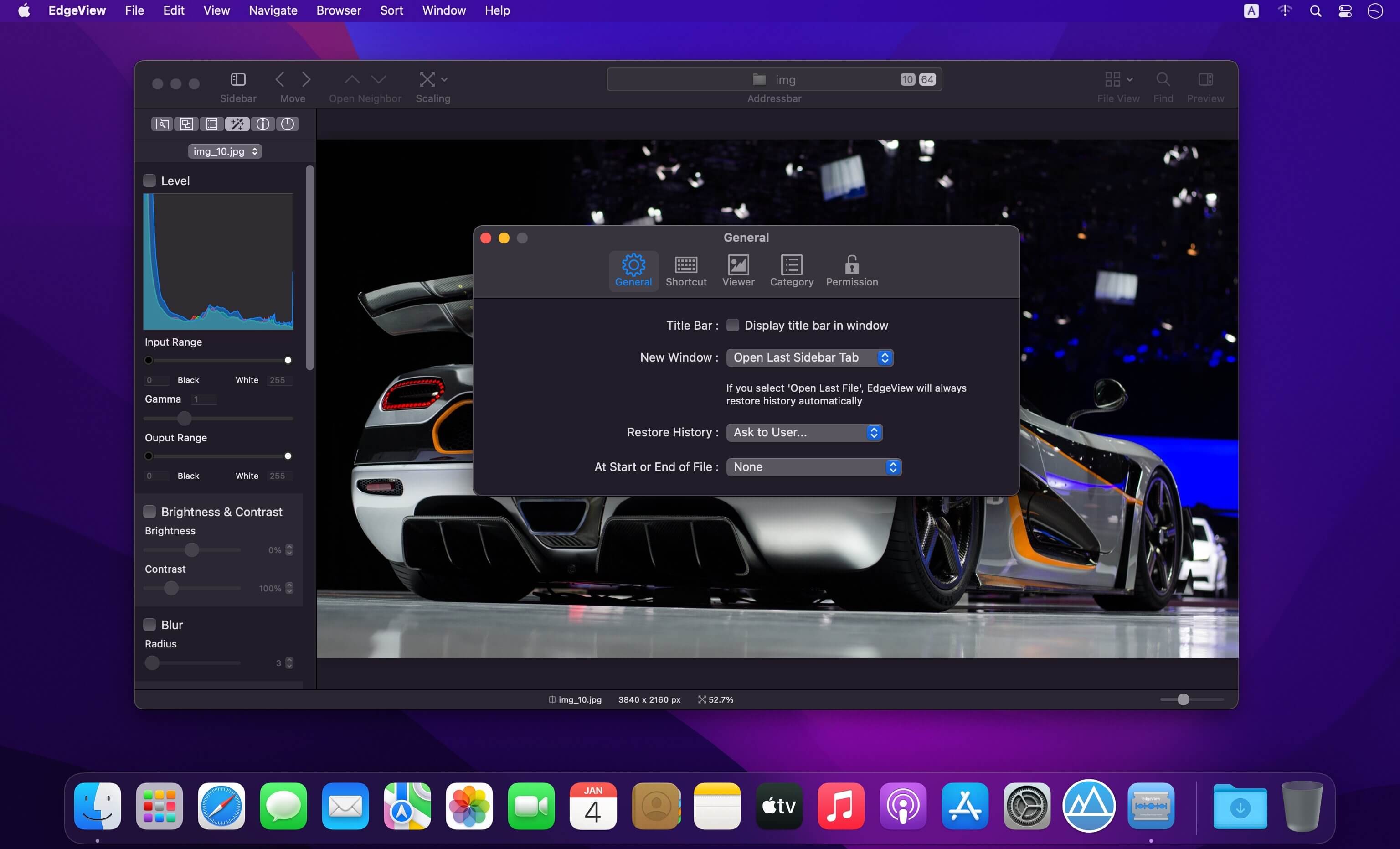
- Show histogram.
- Show neighbor files list. And can open neighbor file.
- Support history feature for saving and restoring last status of file.
- Can reopen file or remove history at history list.
- Can rate image files.
File Browser
- Built-in file browser can show and open files from local drive or AFP/SMB/FTP network drive.
- Can display files as lists or icon.
- Show images in folder/archive file at preview panel.
- Generate thumbnails of archive files and folders.
- Support powerful search feature.
- Show category and writer information.
- User can sort files by various options, and can delete or rename files.
- Can rate files or folders.
Others
- Support customizing feature. Also user can change shortcuts.
- Built-in Quick Look Extension generate thumbnails and preview of archive files at Finder.
Version 5.9.6
File Browser
- Fix a bug that crash while connect and disconnect network drive rapidly.
Extension
- Reduce CPU usage while making thumbnails.
Frequently asked questions
How do I install the app?
Mount the image, drag the app into the "Applications" folder and launch it. If the system blocks the launch, allow it in "System Settings → Privacy & Security".
The app is damaged or won't launch
Reinstalling from a fresh image usually helps. Make sure your macOS version matches the one listed in the compatibility specs.
How do I update?
Download the new version from the site and install it over the current one — your settings will be preserved.
The download link doesn't work
Try a mirror or a download manager. For large files the browser often drops the connection.
How do I completely remove the app?
Use an uninstaller utility — it cleans up the service files that remain after moving the app to the trash.





Choose a download source
EdgeView 5.9.6 · 141.32 MB
Previous versions
EdgeView 5.9.6
Previous versions are available to registered users.