
Squeezer 2.9.6
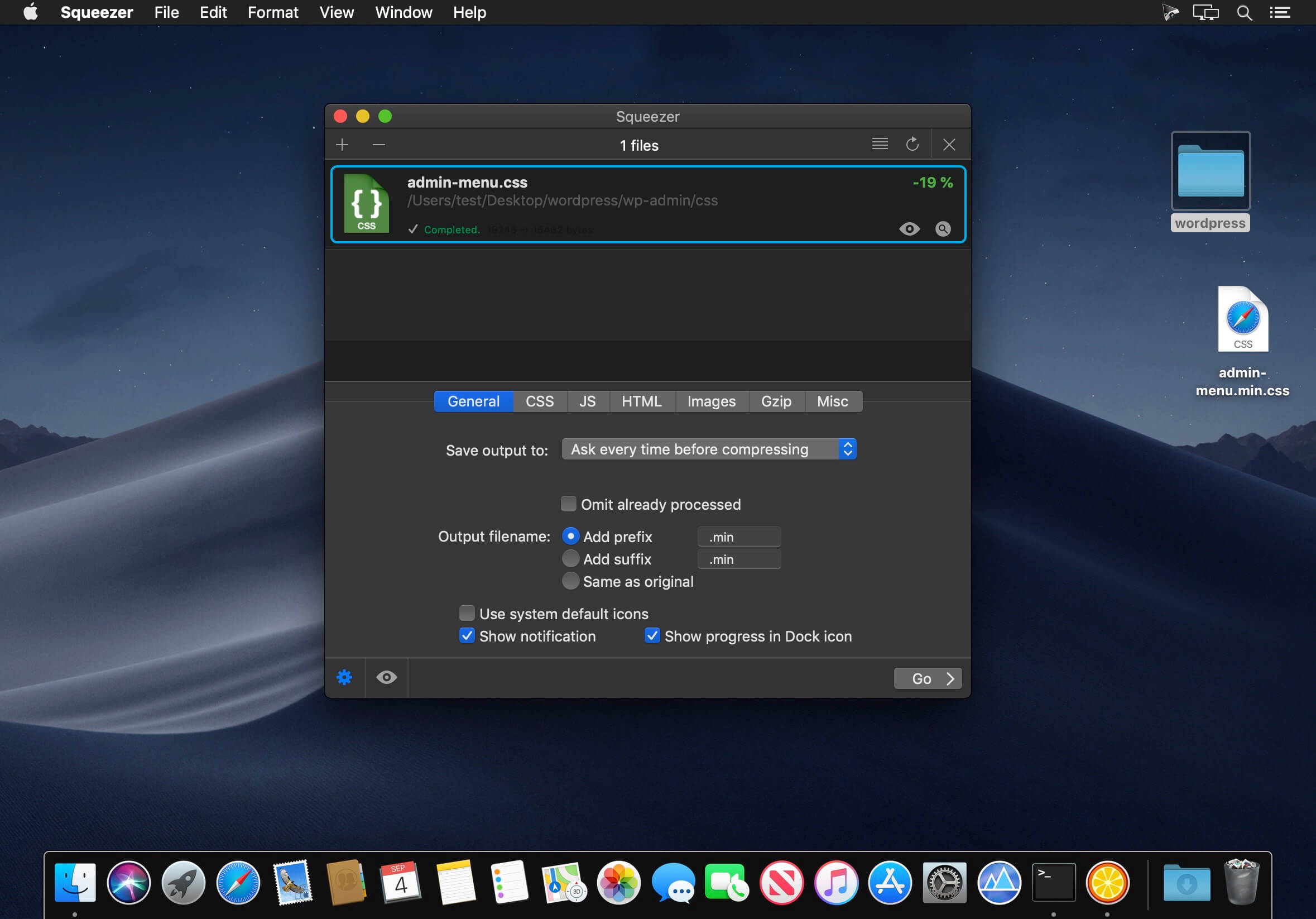
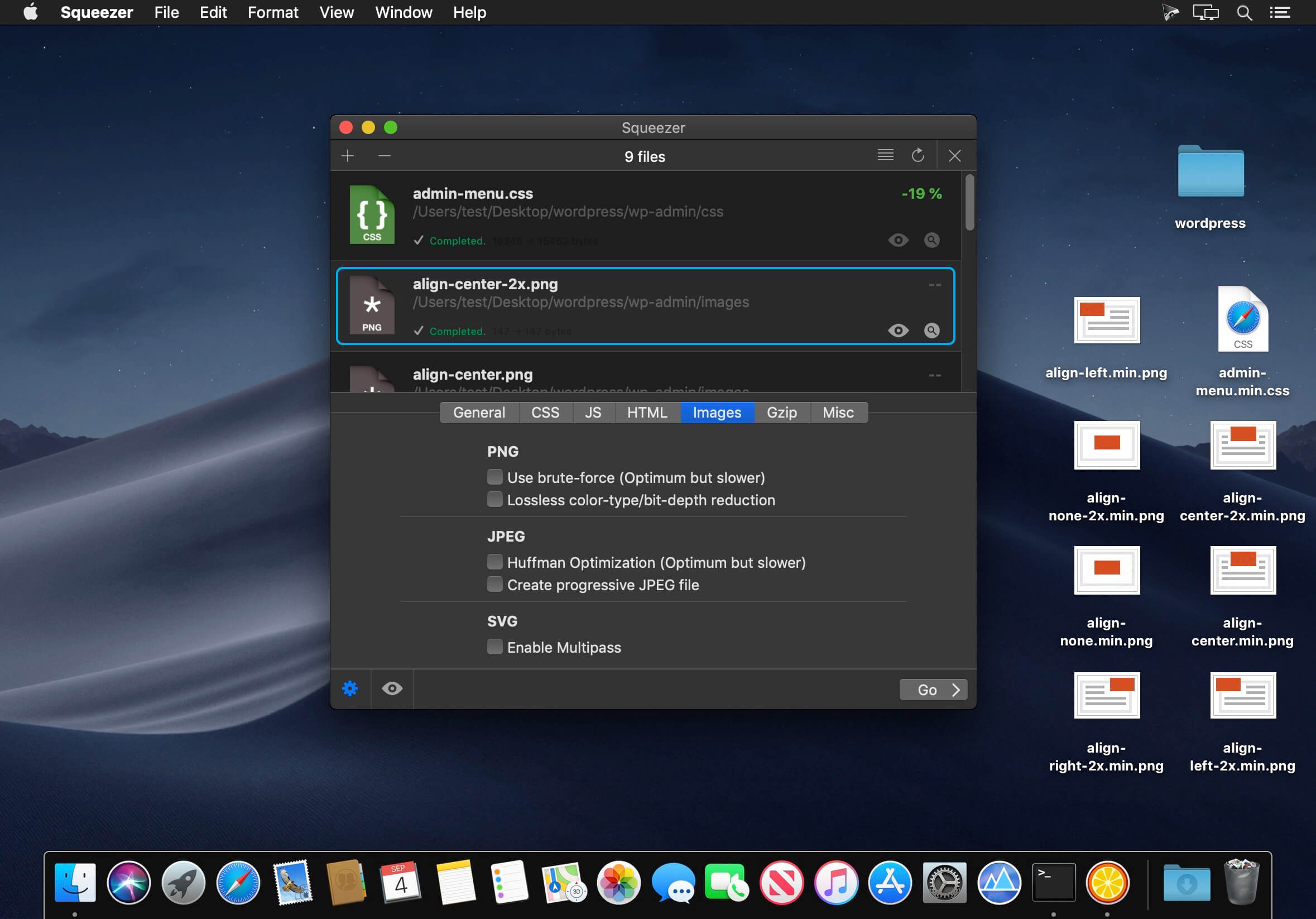

Squeezer is the Web developer's pal. It can compile your scripts, optimize your images, and shave unnecessary file bulk to speed site load times. Just drag-and-drop your files, and Squeezer will take care of the rest!
- Easy-to-use, intuitive UI
- Batteries-included: You don't need to install anything. It just works.
- Add or drag-and-drop your files/folders
- Works with a single click
- Two view options: mini or extended
- Tons of custom preferences, to make Squeezer suit your particular needs
- Minify sources: HTML, CSS, jаvascript
- Optimize/Compress images: PNG, JPG, SVG
- Compile (and minify): LESS, Stylus, SCSS, Sass, CoffeeScript, Literate CoffeeScript, TypeScript, Babel/ES6
- Option to .gzip final output
- Get useful info on each converted document
- Open or view (in Finder) all of your converted documents
- Smart background notifications so as not to disturb your workflow
Files supported:
- HTML
- CSS
- LESS
- Stylus
- Sass
- SCSS
- jаvascript
- CoffeeScript
- Literate CoffeeScript
- TypeScript
- Babel/ES6
- PNG
- JPG
- SVG
Version 2.9.6:
- Release notes were unavailable when this listing was updated.
Frequently asked questions
How do I install the app?
Mount the image, drag the app into the "Applications" folder and launch it. If the system blocks the launch, allow it in "System Settings → Privacy & Security".
The app is damaged or won't launch
Reinstalling from a fresh image usually helps. Make sure your macOS version matches the one listed in the compatibility specs.
How do I update?
Download the new version from the site and install it over the current one — your settings will be preserved.
The download link doesn't work
Try a mirror or a download manager. For large files the browser often drops the connection.
How do I completely remove the app?
Use an uninstaller utility — it cleans up the service files that remain after moving the app to the trash.





Choose a download source
Squeezer 2.9.6 · 29.37 MB
Previous versions
Squeezer 2.9.6
Previous versions are available to registered users.