Alternote the Note-taking App 1.0.18

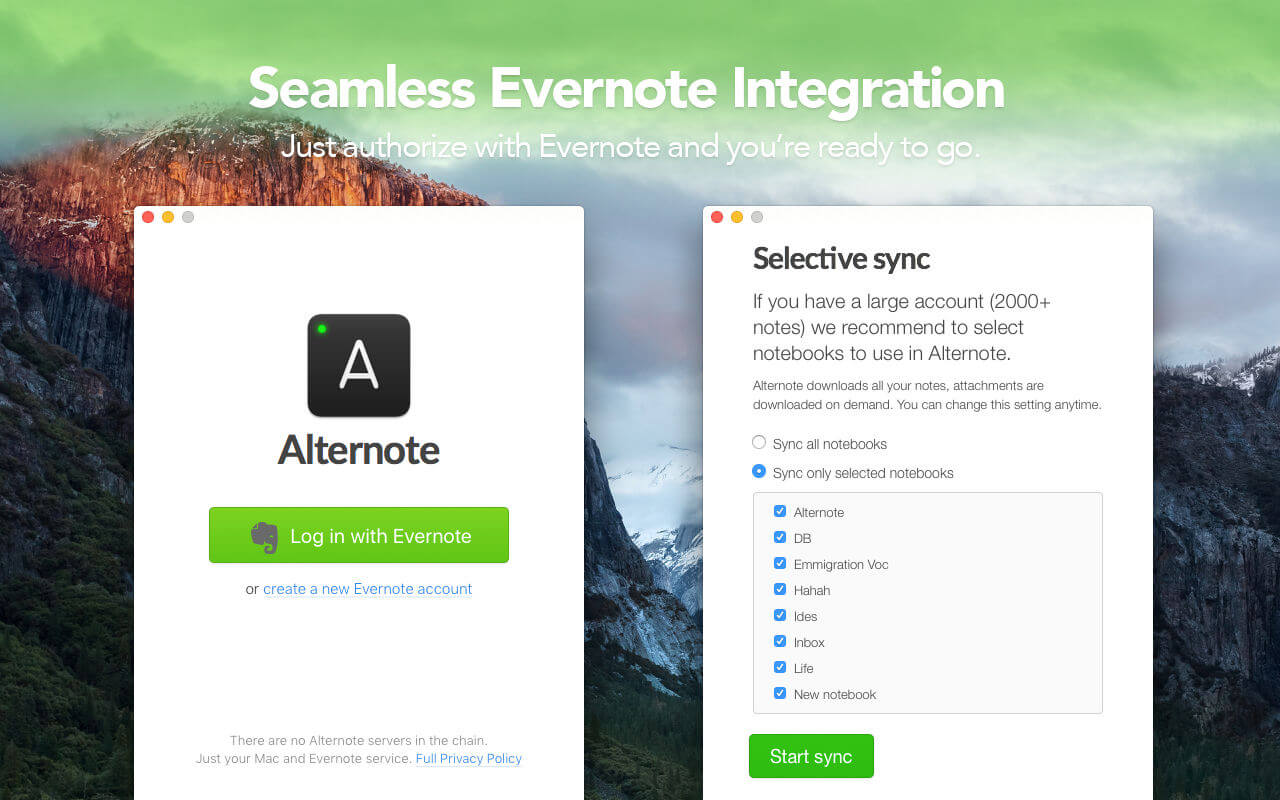
Alternote is a gorgeous macOS note-taking app that integrates with Evernote. Designed to be the most convenient and natural way to make notes, collect information, write down your ideas, feelings and memories.
Alternote is totally secure. There are no Alternote servers in the chain, just you, your Mac and Evernote backend.
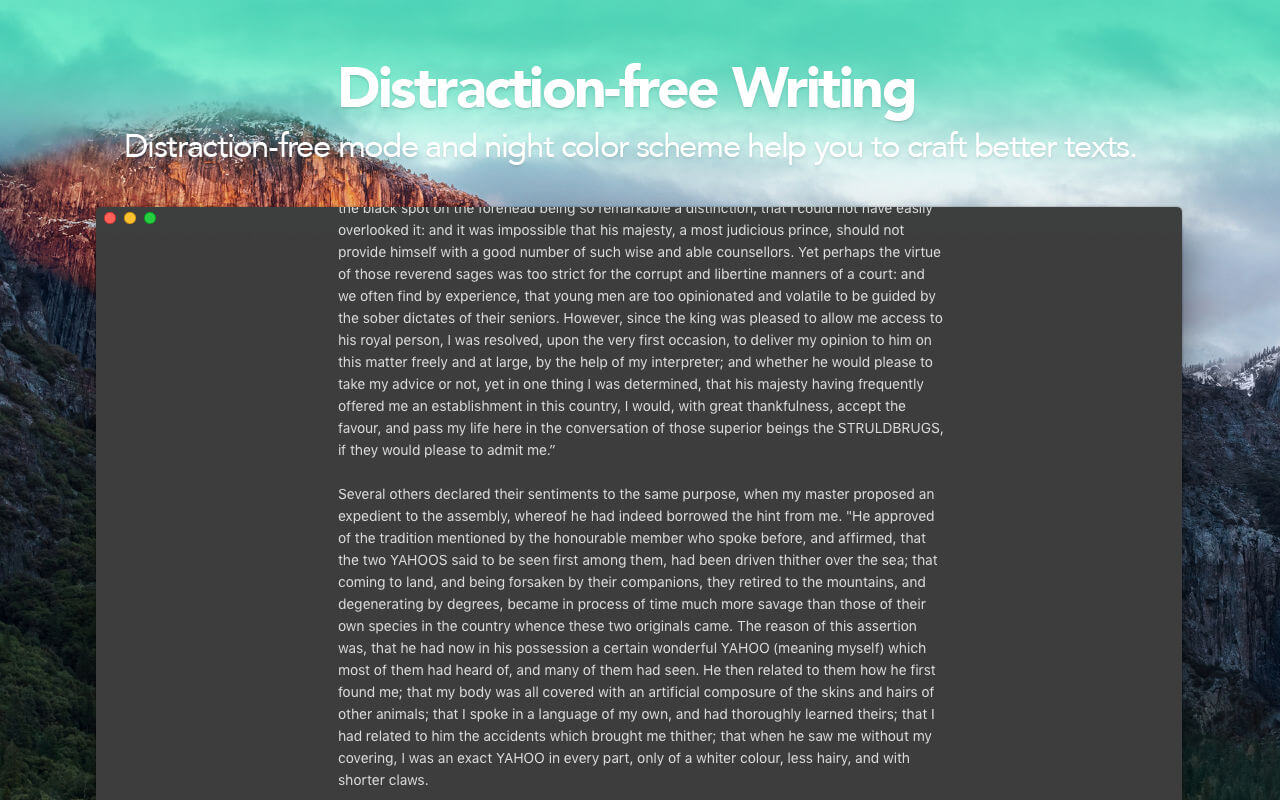
Distraction-free
Interface slightly dims as you start typing. Now just focus on writing.
Night mode & font settings
Change sidebar background, color scheme and font settings as you like.
Robust search
Search through note title and contents as-you-type. Start searching just as you launch Alternote, no more focusing search field.
Backed by Evernote
Alternote is an alternative Evernote client for Mac. You can use Evernote mobile apps and clippers. All your data will be in sync.
Retina-ready & smooth
You will make use of every pixel of Alternote. It’s retina-ready and has smooth, optimized scrolling. No matter how long your note is.
WYSIWYG, when you need it
Text styling controls don’t bother you and appear when you select something.
Compact mode
Hide sidebar and show notes in one line.
- Yinxiang Biji support
- Colored tags
- Attachments support
- Print to PDF
- Intuitive shortcuts
- To-do lists
- and many more!
Version 1.0.18
- Got rid of annoying error on launch — sorry for that! It was hurting only analytics, not your data, by the way.
- Fixed search that might not working on the newer macOS versions.
Frequently asked questions
How do I install the app?
Mount the image, drag the app into the "Applications" folder and launch it. If the system blocks the launch, allow it in "System Settings → Privacy & Security".
The app is damaged or won't launch
Reinstalling from a fresh image usually helps. Make sure your macOS version matches the one listed in the compatibility specs.
How do I update?
Download the new version from the site and install it over the current one — your settings will be preserved.
The download link doesn't work
Try a mirror or a download manager. For large files the browser often drops the connection.
How do I completely remove the app?
Use an uninstaller utility — it cleans up the service files that remain after moving the app to the trash.
VersionAlternote the Note-taking App 1.0.18
DeveloperMABee Arts Ltd
CompatibilityOS X 10.9 or later, 64-bit processor
LanguageEnglish
IncludesK'ed by TNT





Information
Visitors in the group Guests cannot leave comments on this publication.
Choose a download source
Alternote the Note-taking App 1.0.18 · 4.79 MB