Note-Icy Notes 1.42
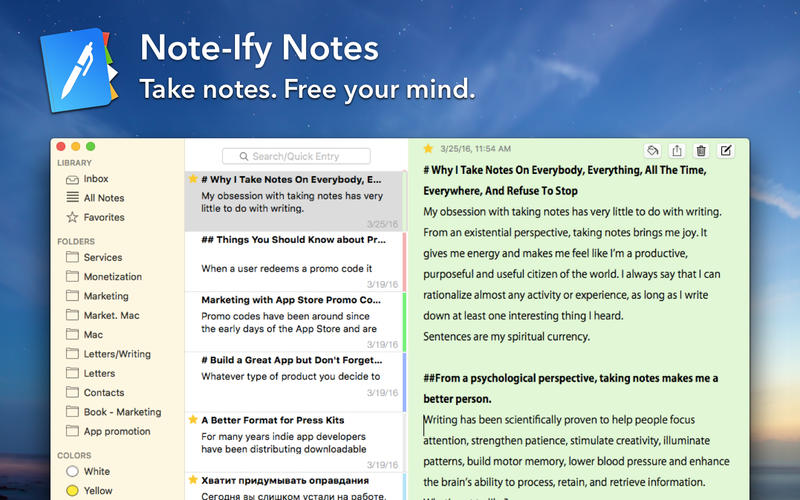
Write down ideas while you work. Keep a diary. Write memos and practice "freewriting". Note-ify — universal notebook for all of your thoughts.
KEY FEATURES
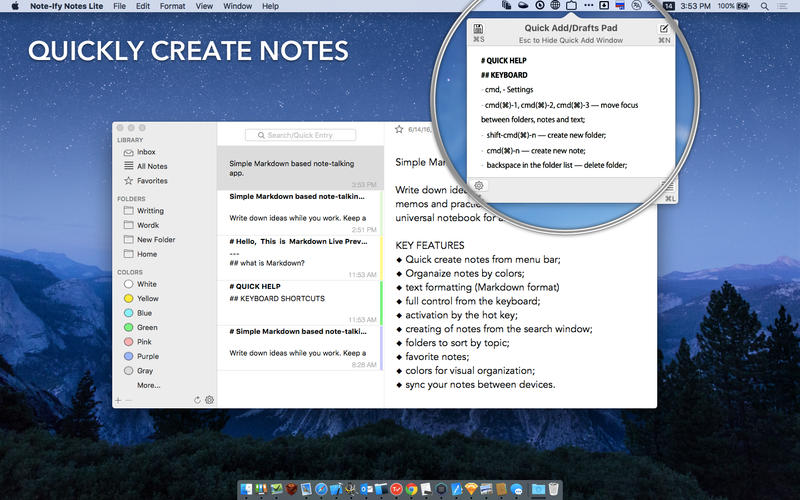
- Quick create notes from menu bar;
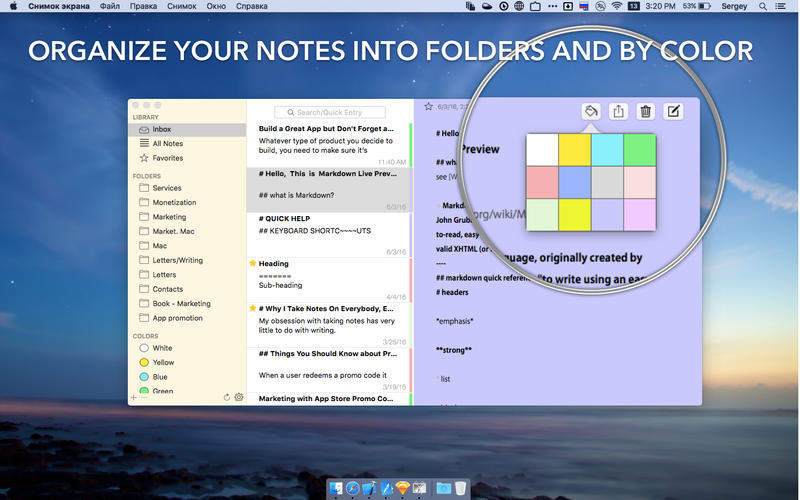
- Organaize notes by colors;
- Text formatting (Markdown format)
- Full control from the keyboard;
- Activation by the hot key;
- Creating of notes from the search window;
- Folders to sort by topic;
- Favorite notes;
- Colors for visual organization;
- Sync your notes between devices.
KEYBOARD SHORTCUTS
- alt-cmd-1, alt-cmd-2, alt-cmd-3 — move focus between folders, notes and text;
- shift-cmd-n — create new flolder;
- cmd-n — create new note;
- backspace in the folder list — delete folder;
- cmd-backspace in the note list — delete note;
- cmd-L — swatch to search box;
- enter — make a note from the search field;
- cmd-escape — move to the note list.
WHAT’S NEW
Version 1.42
- critical bugs fixed
- improved interface
Screenshots
Frequently asked questions
How do I install the app?
Mount the image, drag the app into the "Applications" folder and launch it. If the system blocks the launch, allow it in "System Settings → Privacy & Security".
The app is damaged or won't launch
Reinstalling from a fresh image usually helps. Make sure your macOS version matches the one listed in the compatibility specs.
How do I update?
Download the new version from the site and install it over the current one — your settings will be preserved.
The download link doesn't work
Try a mirror or a download manager. For large files the browser often drops the connection.
How do I completely remove the app?
Use an uninstaller utility — it cleans up the service files that remain after moving the app to the trash.
VersionNote-Icy Notes 1.42
DeveloperSergii Gerasimenko © Note-Ify Apps
CompatibilityOS X 10.10 or later, 64-bit processor
LanguageEnglish
IncludesPre-K'ed





Information
Visitors in the group Guests cannot leave comments on this publication.
Choose a download source
Note-Icy Notes 1.42 · 5.21 MB