macFUSE 5.3.3
macFUSE — FUSE file system support for flexible macOS file systems.
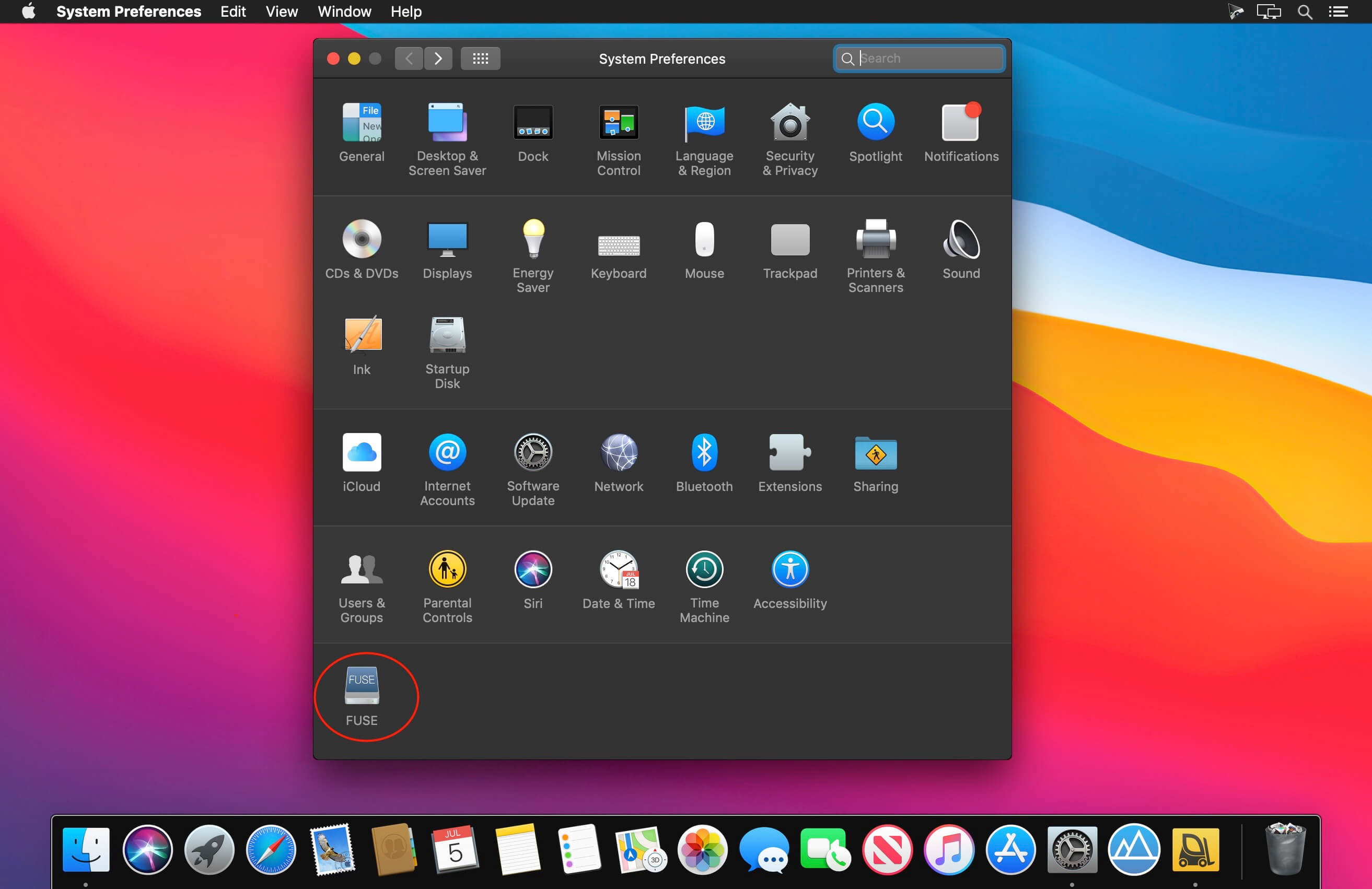
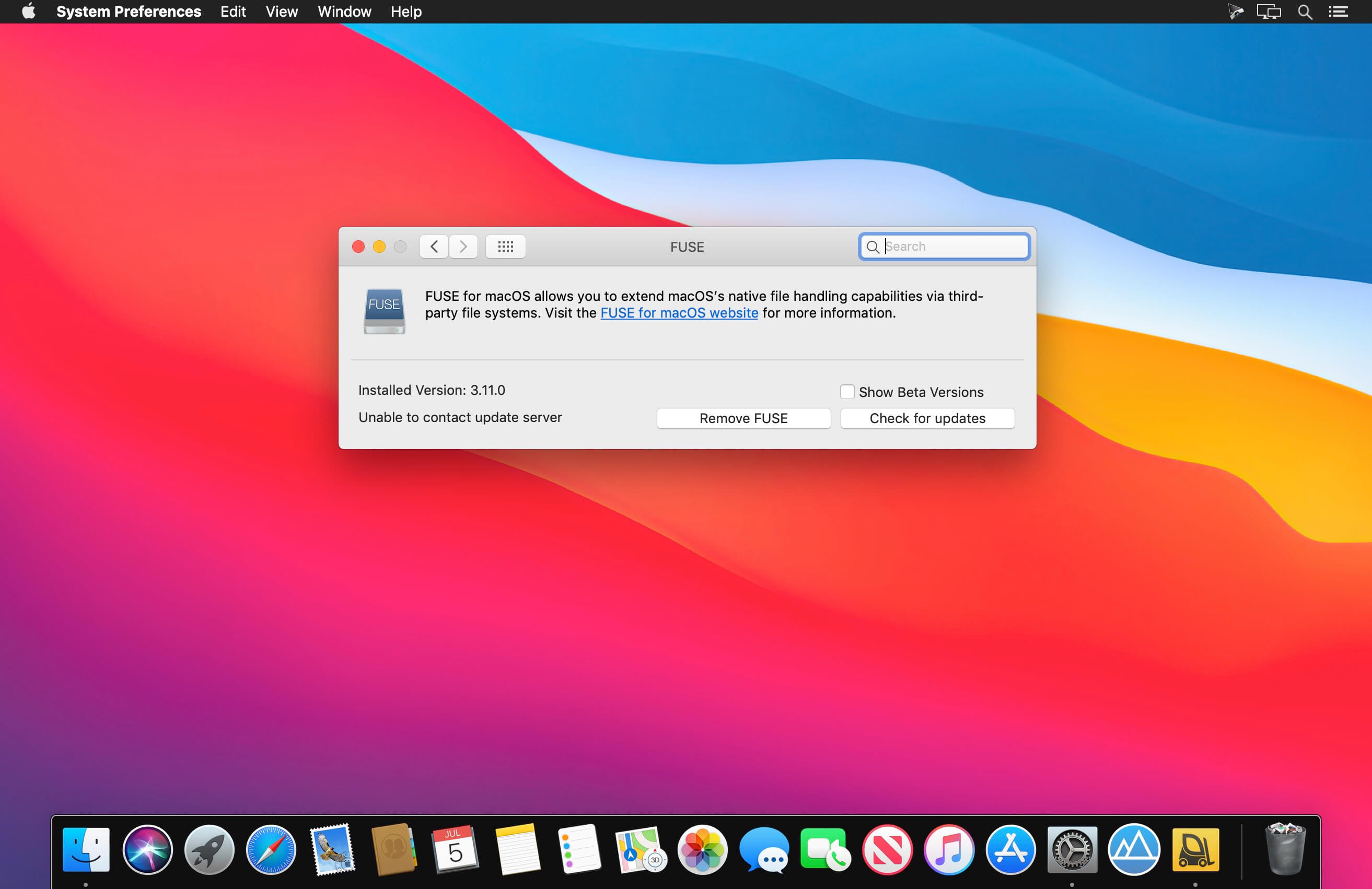
macFUSE brings support for FUSE file systems to macOS, enabling third-party file systems to run as flexible user-space applications.
With the new FSKit backend in macFUSE, supported file systems can run entirely in user space on macOS 26. No rebooting into Recovery Mode is required to enable the macFUSE kernel extension, making installation faster and setup more seamless.
For Users
Install macFUSE to use compatible third-party FUSE file systems on your Mac. File systems are installed separately and can provide access to local storage, network resources, virtual data, and more.
For Developers
Use the macFUSE APIs and SDK to build custom file systems as regular macOS applications. Because FUSE file systems run in user space, development is easier, faster, and more flexible than building traditional in-kernel file systems.
You can use familiar programming tools, debuggers, and libraries, along with third-party bindings for languages such as Python, Java, C#, jаvascript, Go, and Rust.
FUSE file systems are also available across multiple platforms, including macOS, Linux, and Windows through third-party implementations. Build portable file systems with shared code and a consistent user experience across operating systems.
Whether you are using an existing file system or creating something new, macFUSE provides the foundation for extending how macOS works with files and data.
Version 5.3.3:
General:
- Update build process to use Xcode 26.6 (macOS 26.5 SDK)
- Improve daemonization compatibility for file systems using the FSKit backend through libfuse and libfuse3
Kernel Extension (Kernel Backend):
- Update the kernel extension version to 5.3.3
- Add support for interrupting readers blocked on the FUSE device
- This is used by MFMount.framework to wake worker threads during teardown.
MFMount.framework:
- Add function MFChannelInterrupt()
- This allows callers to interrupt threads blocked in MFChannelCopyNextMessage() and MFChannelWaitForNextMessage() without closing the channel. When interrupted, both functions return an error and set errno to EINTR.
- Make channel receives interruptible by SIGHUP, SIGINT, SIGTERM, and SIGPIPE
- Add a cancel-safe C trampoline for Swift API entry points
- Swift code now runs with pthread cancellation disabled. Pending cancellation is delivered after returning from Swift to the C trampoline in the framework.
- Use XPC lightweight code requirements on macOS 14.4 and later when verifying the mount service
- Please note that parts of the MFMount.framework API may still change in future releases.
libfuse:
- Defer the actual macOS mount process until first session use
- This prevents XPC, DiskArbitration, CoreFoundation, and MFMount state from being created before daemonization in the normal fuse_main() flow.
- Avoid forking in fuse_daemonize() after the macOS mount process has started
- Improve signal handling on macOS by requesting an interrupt from the signal handler and performing the actual unmount from regular library code
- Improve multithreaded loop teardown by interrupting the MFChannel after cancelling worker threads
- Replace dispatch_semaphore_t with a pthread-based fallback and use timed waits where signal responsiveness is required
libfuse3:
- Defer the actual macOS mount process until first session use
- This prevents XPC, DiskArbitration, CoreFoundation, and MFMount state from being created before daemonization in the normal fuse_main() flow.
- Avoid forking in fuse_daemonize() after the macOS mount process has started
- Improve signal handling on macOS by routing interrupts through the normal unmount path
- For custom_io sessions, interrupts fall back to the regular session-exit behavior because libfuse3 does not own the mount lifecycle.
- Improve multithreaded loop teardown by interrupting the MFChannel after cancelling worker threads
- Replace dispatch_semaphore_t with a pthread-based fallback and use timed waits where signal responsiveness is required
Frequently asked questions
How do I install the app?
Mount the image, drag the app into the "Applications" folder and launch it. If the system blocks the launch, allow it in "System Settings → Privacy & Security".
The app is damaged or won't launch
Reinstalling from a fresh image usually helps. Make sure your macOS version matches the one listed in the compatibility specs.
How do I update?
Download the new version from the site and install it over the current one — your settings will be preserved.
The download link doesn't work
Try a mirror or a download manager. For large files the browser often drops the connection.
How do I completely remove the app?
Use an uninstaller utility — it cleans up the service files that remain after moving the app to the trash.





Choose a download source
macFUSE 5.3.3 · 12.71 MB
Previous versions
macFUSE 5.3.3
Previous versions are available to registered users.