VirtualBox 7.2.16
VirtualBox: Free Open-Source Virtualization for Desktop and Server
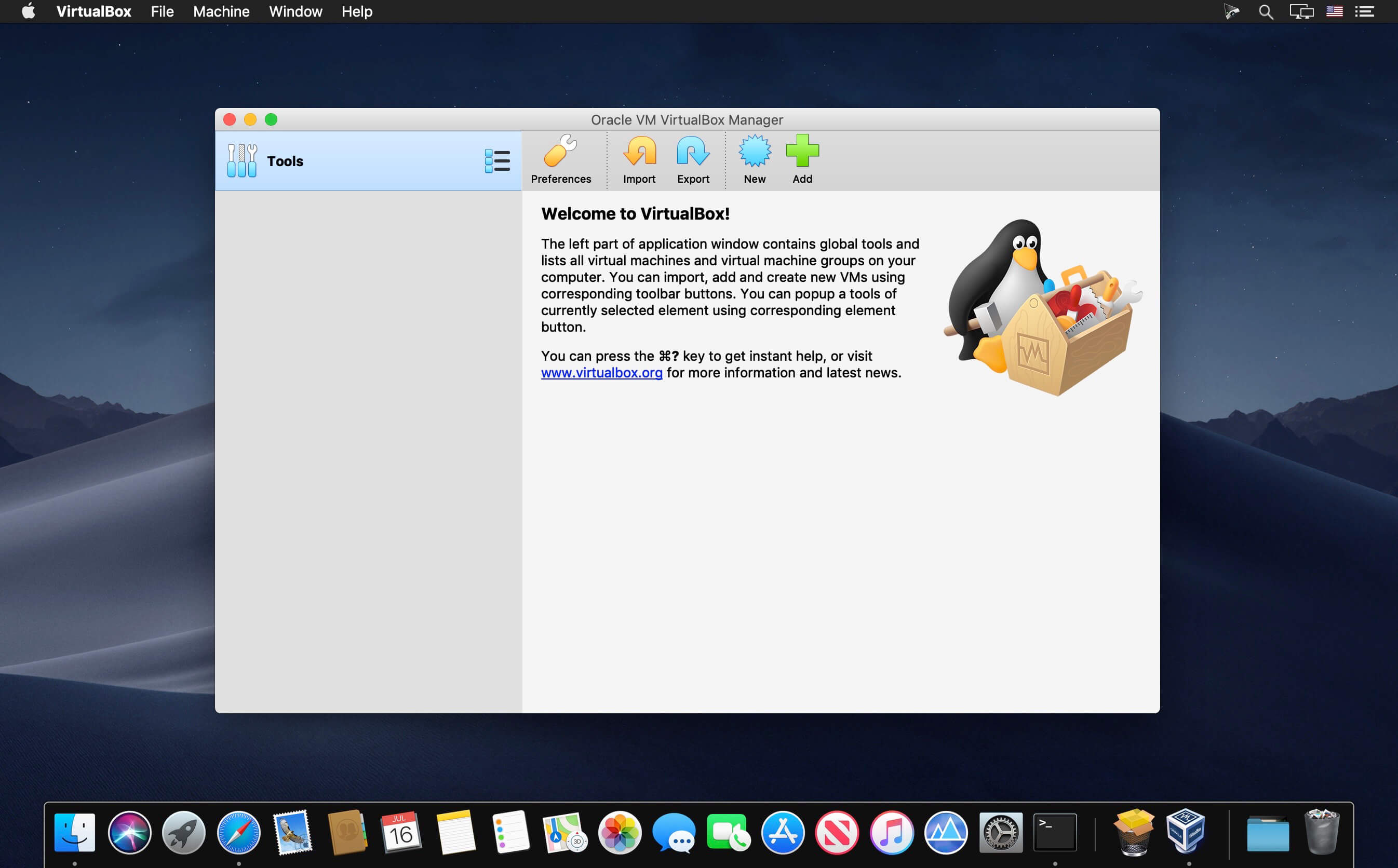
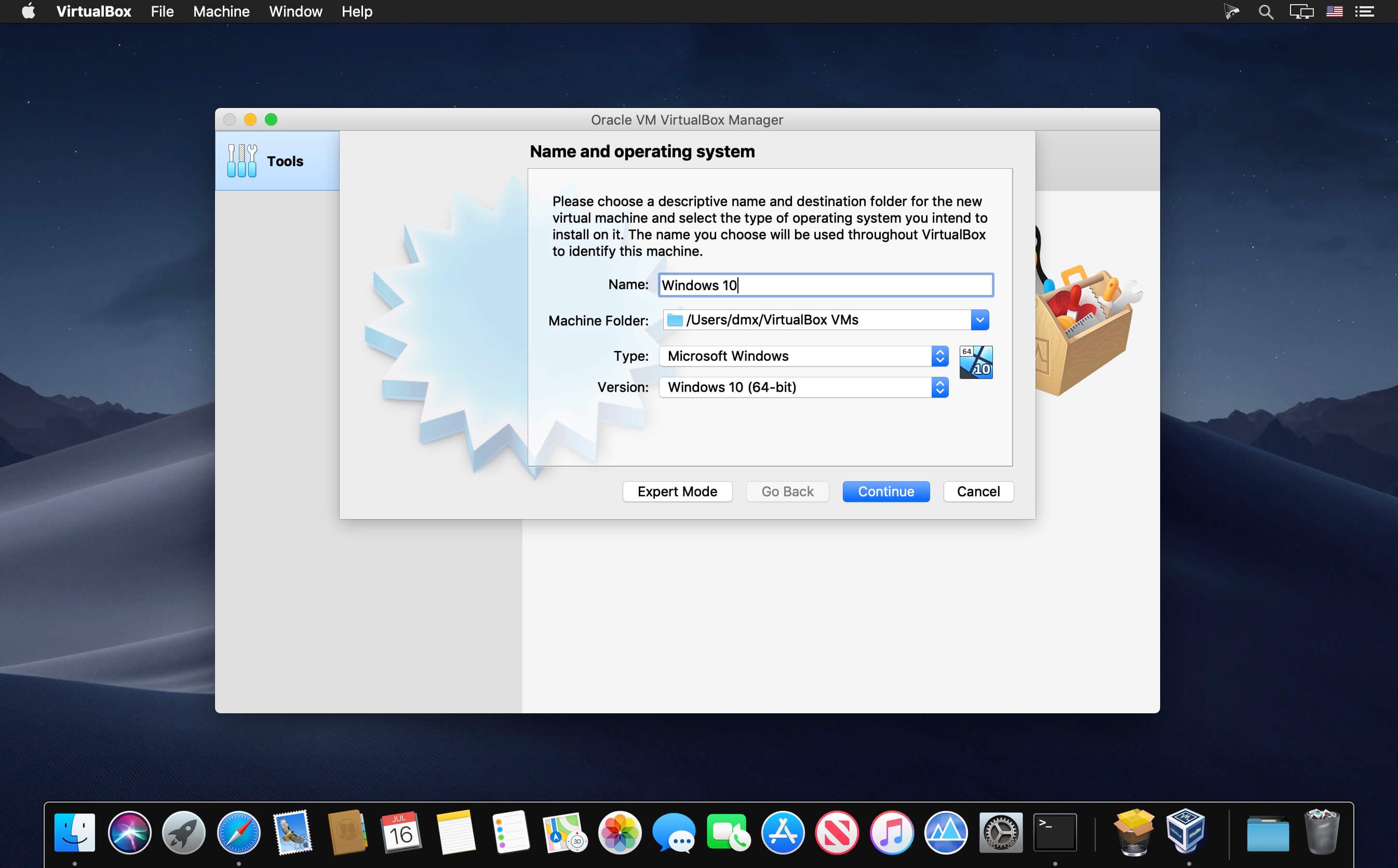
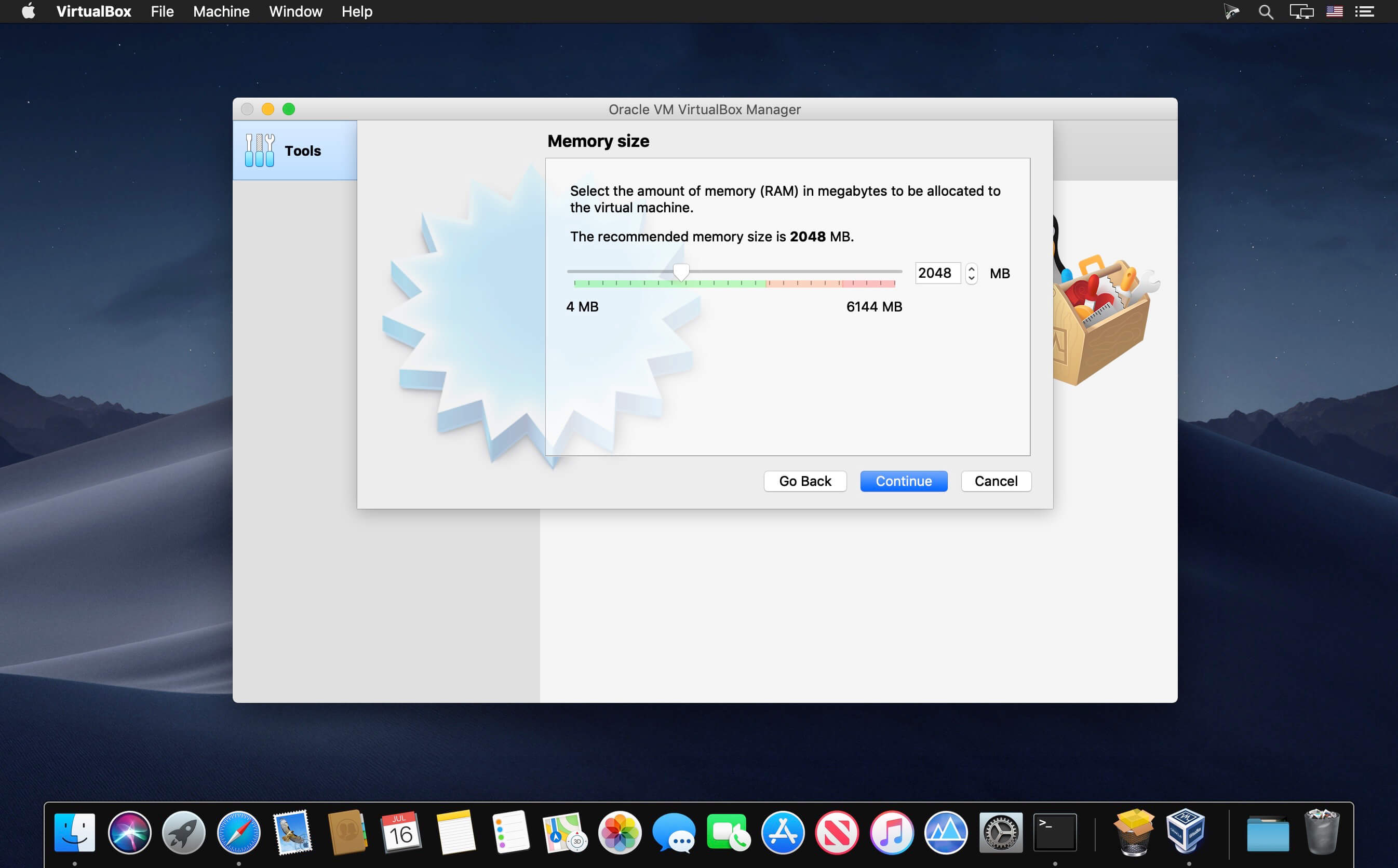
Oracle VM VirtualBox is an open source and cross-platform virtualization utility that makes it possible to extend your computer's capabilities so that it can be used to run a large number of operating systems (inside multiple virtual machines), using the same hardware you use for your daily tasks.
Operating system virtualization solution for multiple-platforms
Thus, with the help of Oracle VM VirtualBox, users can easily have Windows and Linux applications running on a Mac, have Windows Server 2008 running on a Linux server, run Linux programs on a Windows based PC, and so on.
Moreover, Oracle VM VirtualBox is designed to enable you to install and run as many operating systems on as many virtual machines as you need.
The only physical and practical limitations in the number of virtualized OSs and virtual machines that you can run at the same time, is your computer's limited memory and disk space.
Virtualize any OS on embedded, desktop or cloud-based environments
More importantly, the Oracle VM VirtualBox virtualization app is very simple to use, yet it also packs a vast selection of powerful tools and features, making it easy for one to run it on almost any platform, from small desktop class machines and embedded systems, all the way up to massive data centers and even Cloud-based environments.
Oracle VM VirtualBox’s most important advantage is that it can be used to run software belonging other operating systems on Mac OS X, Windows, Linux, and Solaris hosts.
Support for a diverse range of OSs and a large variety of virtualization uses
Thus, Oracle VM VirtualBox comes with extensive support for a substantial number of guest operating systems including, but absolutely not limited to, Mac OS X (10.5 or later), DOS/Windows 3.x, Linux (2.4 and 2.6), Windows (NT 4.0, 2000, XP, Server 2003, Vista, Windows 7), Solaris and OpenSolaris, OpenBSD, and OS/2.
Besides effortlessly virtualizing a large assortment of operating systems on any platform, Oracle VM VirtualBox can also be employed for installing and configuring a virtual appliance, test software within a controlled and easy to alter platform.
As an added bonus, if needed, Oracle VM VirtualBox can also be used to drastically reduce energy and hardware costs by using the same computers to run multiple computing platforms on the same physical hardware platforms.
Powerful and open source virtualization solution
On the whole, Oracle VM VirtualBox should be the virtualization software of choice to anyone with a focus on open source solutions.
Furthermore, although it is a community-driven project, Oracle VM VirtualBox is designed to provide you with any tool you may need to successfully virtualize almost any operating system on a vast array of hardware.
Version 7.2.16:
- GUI: Updated Catalan translations
- GUI: Fixed OVF import warning visibility
- GUI: Added graceful handling of inaccessible VMs
- Graphics: VMSVGA 3D performance improvements
- Video Recording: Fixed a hang when stopping recording after a large number of display updates
- Host: OpenSSL 4.0 build fixes (github:gh-794)
- Linux Host: Support for FRED (github:gh-784)
- Linux Host and Guest: Improvements in shared clipboard handling in Wayland
- Linux Guest: Fixed support for RHEL 9.8 kernels (github:gh-732, github:gh-771)
Frequently asked questions
How do I install the app?
Mount the image, drag the app into the "Applications" folder and launch it. If the system blocks the launch, allow it in "System Settings → Privacy & Security".
The app is damaged or won't launch
Reinstalling from a fresh image usually helps. Make sure your macOS version matches the one listed in the compatibility specs.
How do I update?
Download the new version from the site and install it over the current one — your settings will be preserved.
The download link doesn't work
Try a mirror or a download manager. For large files the browser often drops the connection.
How do I completely remove the app?
Use an uninstaller utility — it cleans up the service files that remain after moving the app to the trash.
Choose a download source
VirtualBox 7.2.16 · 152.59 MB
Previous versions
VirtualBox 7.2.16
Previous versions are available to registered users.