MacTracker 8.2.3
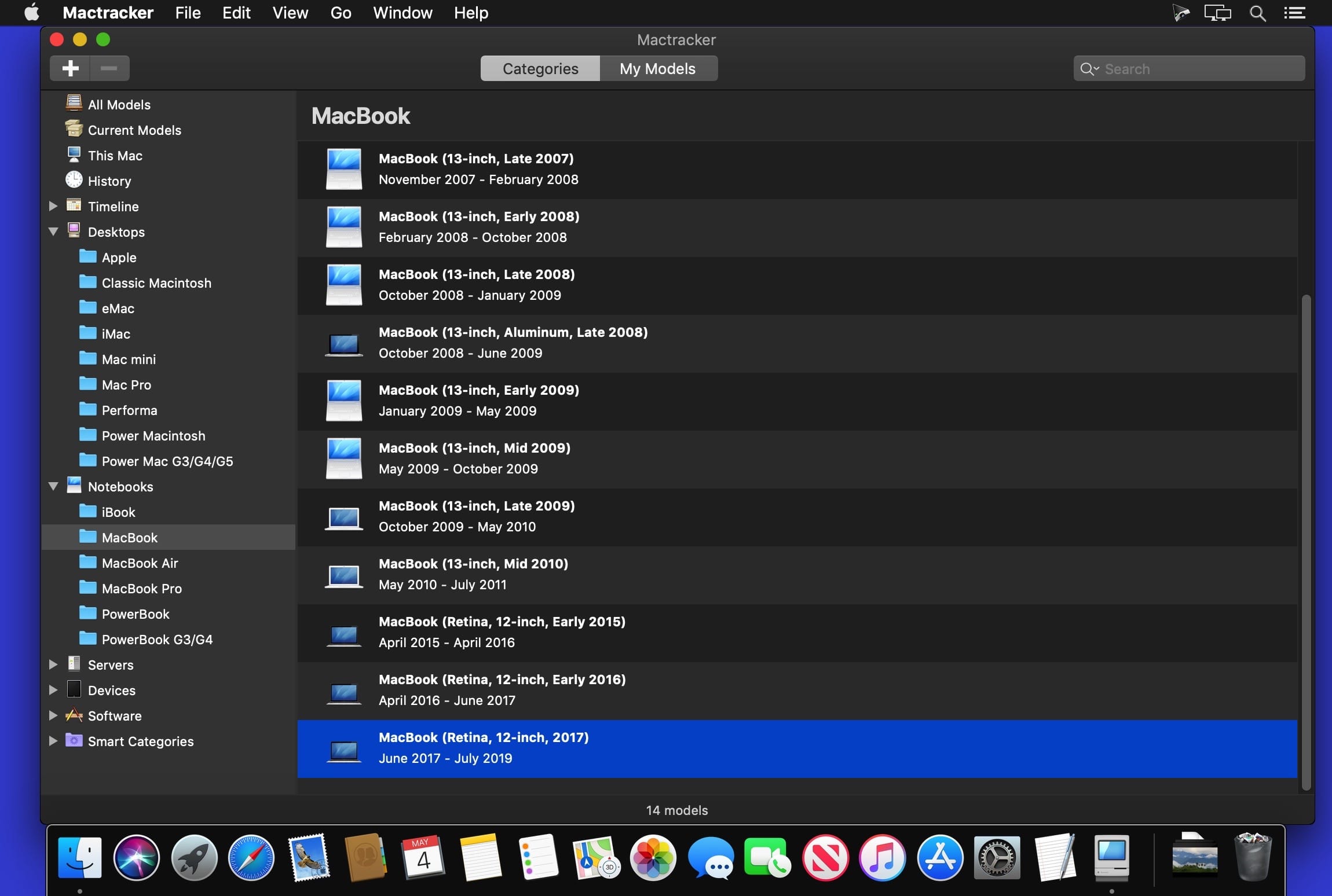

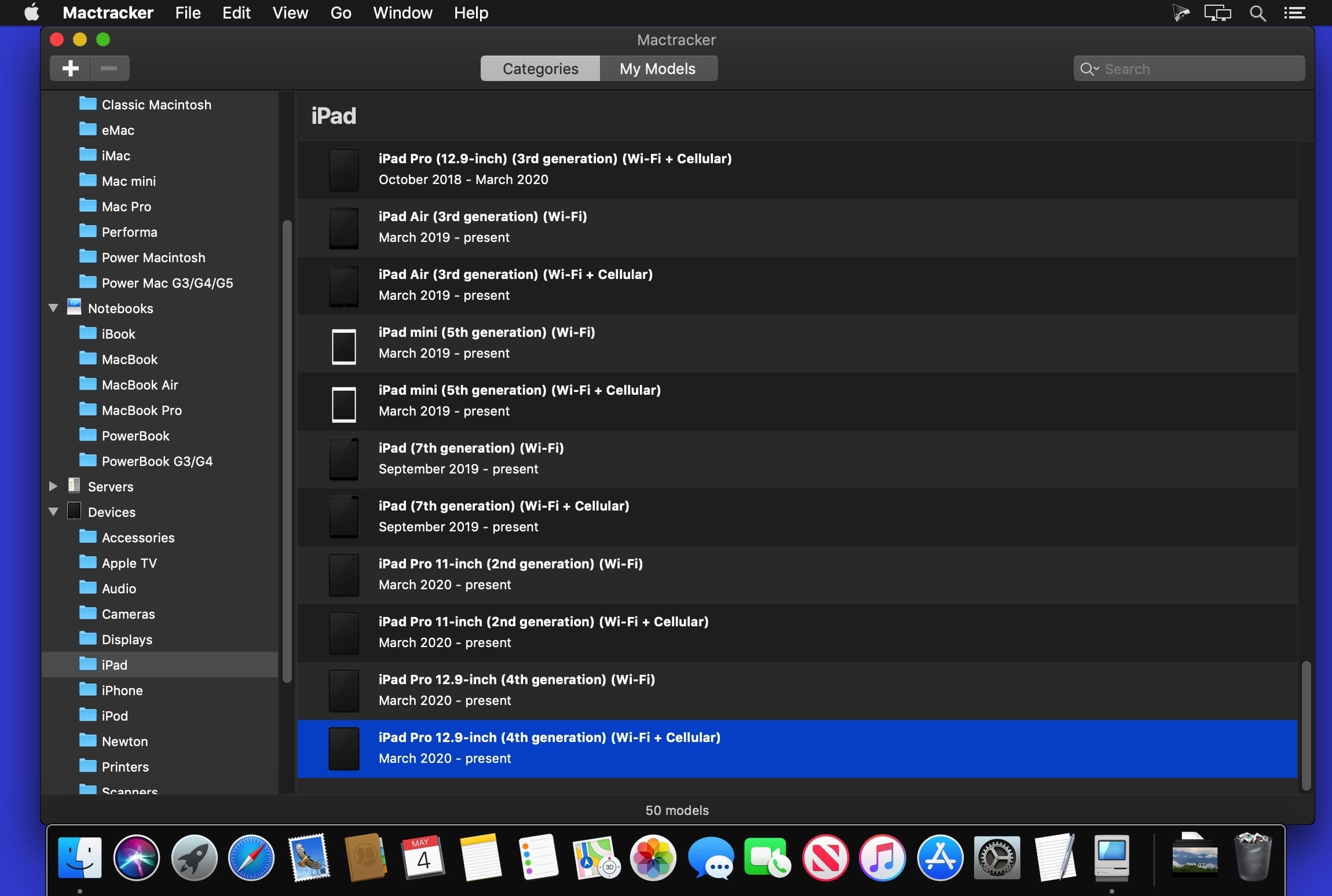
Mactracker provides detailed information on every Mac computer ever made, including items such as processor speed, memory, optical drives, graphic cards, supported macOS versions, and expansion options.
Also included is information on Apple mice, keyboards, displays, printers, scanners, digital cameras, iPod, Apple TV, iPhone, iPad, Wi-Fi Cards and Base Stations, Newton, and macOS versions.
Version 8.2.3:
- Adds Omni-Directional Microphone
- Adds Newton Keyboard
- Adds Newton Fax Modem
- Adds Power Macintosh Processor Upgrade Card and Macintosh PowerBook DVD-Video Kit
- Adds category for Components
- Fixes an issue with exporting "My Models"
- Adds details on latest OS releases
- Other minor changes and additions
Frequently asked questions
How do I install the app?
Mount the image, drag the app into the "Applications" folder and launch it. If the system blocks the launch, allow it in "System Settings → Privacy & Security".
The app is damaged or won't launch
Reinstalling from a fresh image usually helps. Make sure your macOS version matches the one listed in the compatibility specs.
How do I update?
Download the new version from the site and install it over the current one — your settings will be preserved.
The download link doesn't work
Try a mirror or a download manager. For large files the browser often drops the connection.
How do I completely remove the app?
Use an uninstaller utility — it cleans up the service files that remain after moving the app to the trash.


Choose a download source
MacTracker 8.2.3 · 255.07 MB