Geekbench AI 1.8.0
Geekbench AI cross-platform AI benchmark for CPU, GPU, and NPU
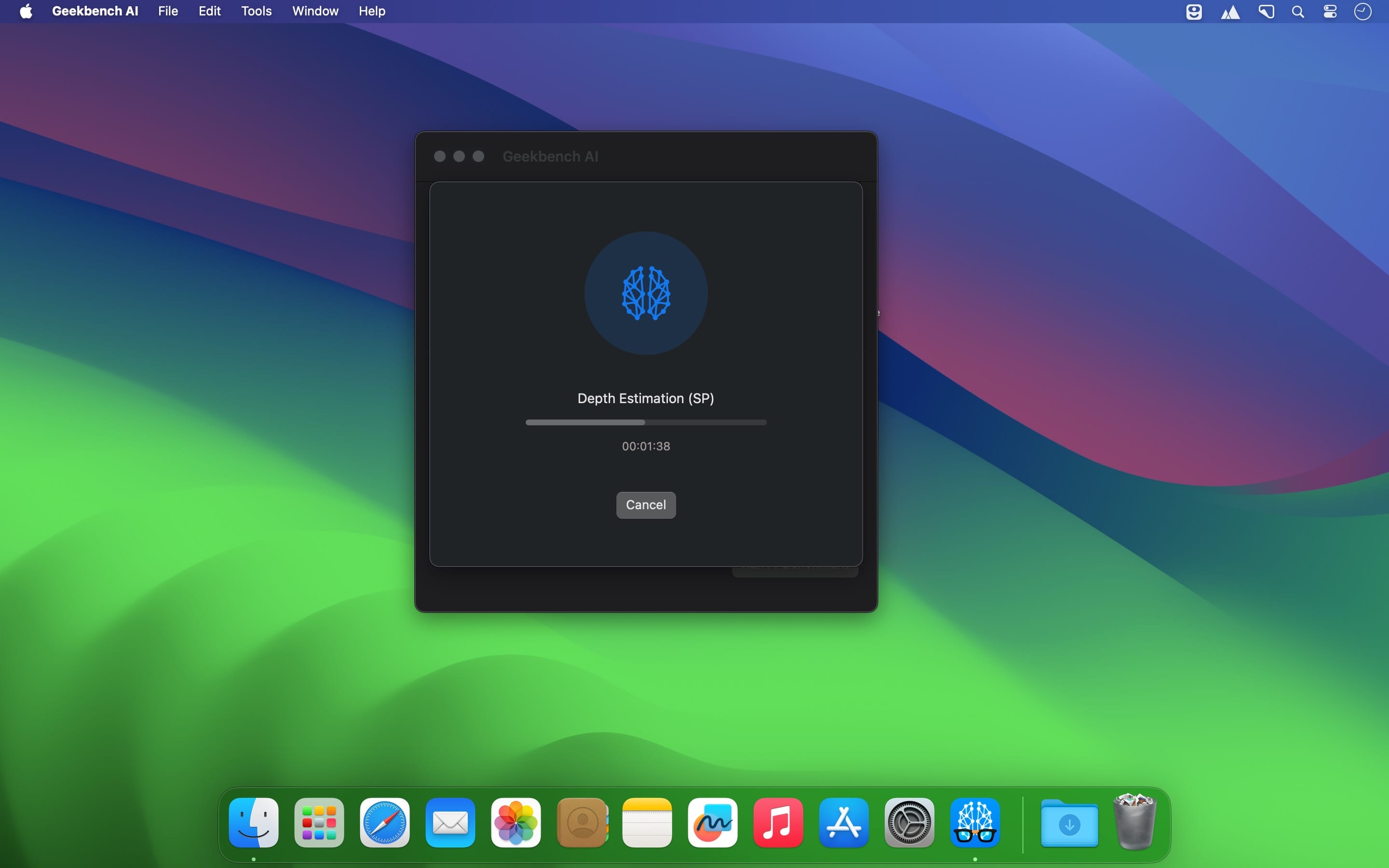
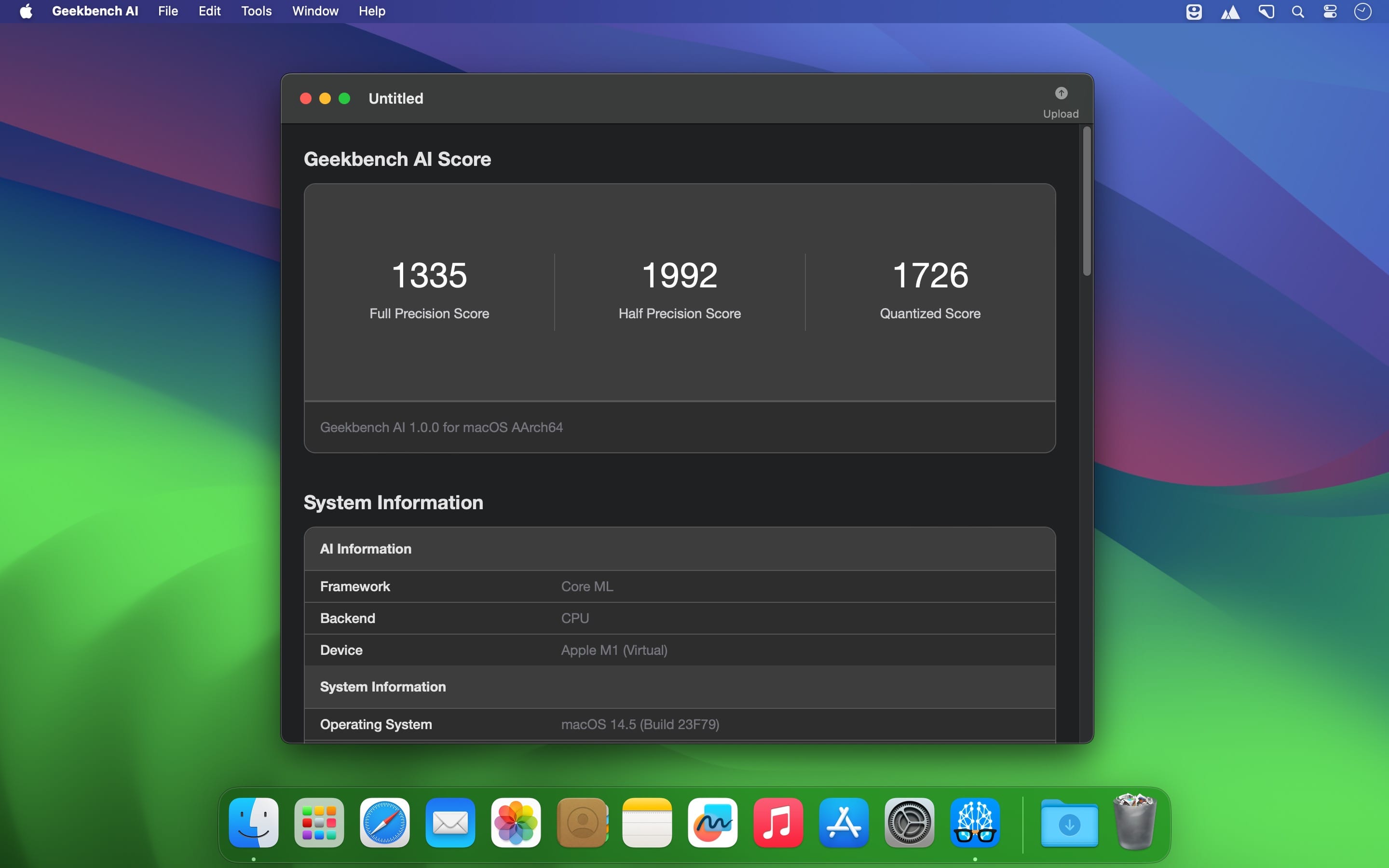
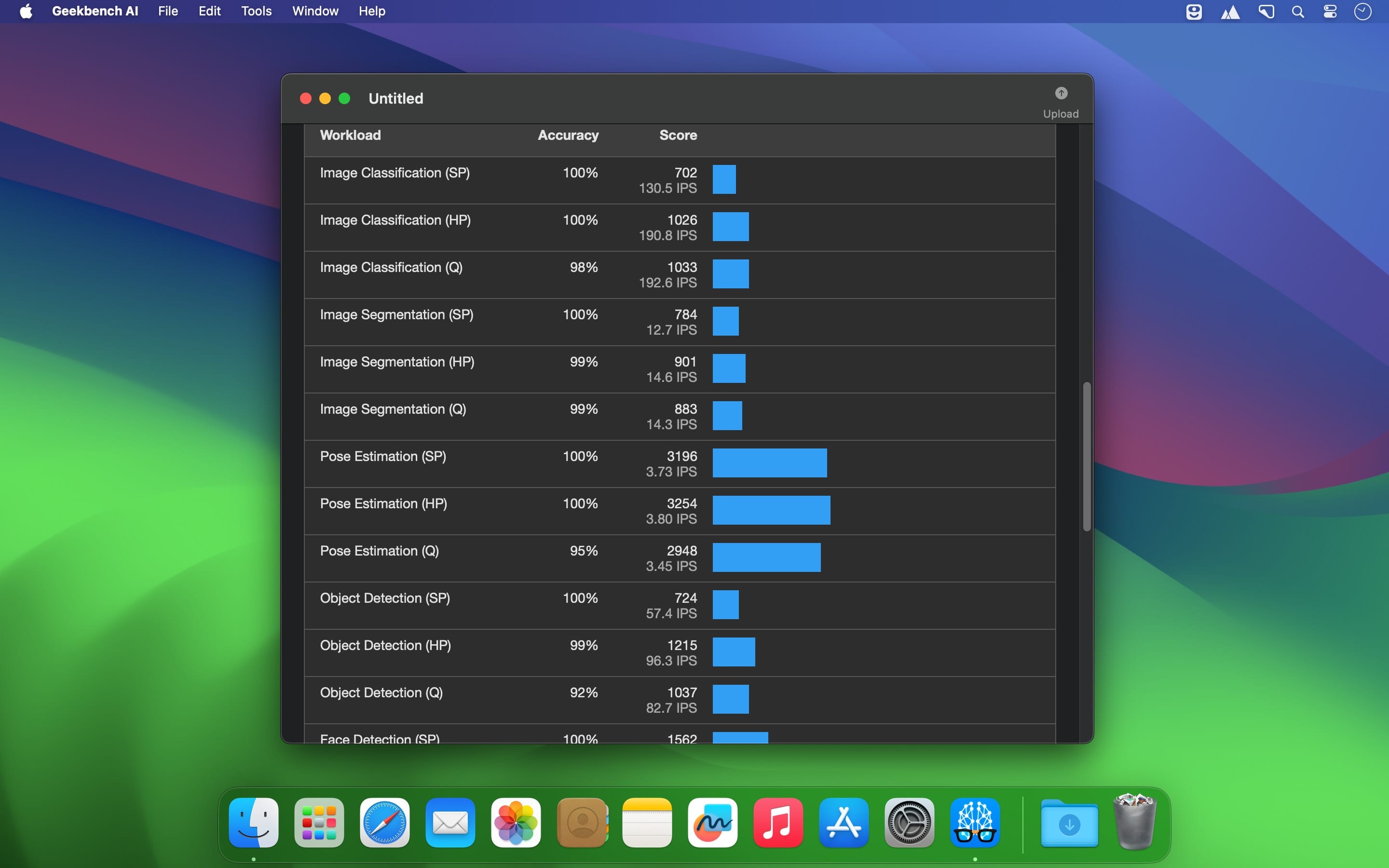
Geekbench AI is a cross-platform AI benchmark that uses real-world machine learning tasks to evaluate AI workload performance. Geekbench AI measures your CPU, GPU, and NPU to determine whether your device is ready for today's and tomorrow's cutting-edge machine learning applications.
Real-World AI Performance
Geekbench AI runs ten AI workloads, each with three different data types, giving you a multidimensional picture of on-device AI performance. Using large datasets that mimic real-world AI use cases, both developers and consumers can measure on-device AI performance in just a few minutes with Single Precision, Half Precision, and Quantized scores.
Measure AI on CPU, GPU, or NPU
Geekbench AI breaks down AI performance across the hardware stack – select the GPU, CPU, or your device's dedicated NPU for testing. You can also choose from available AI frameworks on your device, like Core ML or QNN. Developers can determine the best combination of frameworks and models for particular workloads, and consumers can easily quantify the impact of dedicated AI hardware.
Compare AI Performance Across Platforms
Geekbench AI runs identical workloads on Android, iOS, Windows, macOS, and Linux. Our benchmark is built for hardware across the capability spectrum, whether you're testing a smartphone with an ultra-low-power NPU or a dedicated workstation with a kilowatt-plus of dedicated AI compute. Instantly compare results using our Geekbench AI results browser.
Version 1.8.0:
- This update includes updates to several AI frameworks, improving compatibility with the latest hardware.
Frequently asked questions
How do I install the app?
Mount the image, drag the app into the "Applications" folder and launch it. If the system blocks the launch, allow it in "System Settings → Privacy & Security".
The app is damaged or won't launch
Reinstalling from a fresh image usually helps. Make sure your macOS version matches the one listed in the compatibility specs.
How do I update?
Download the new version from the site and install it over the current one — your settings will be preserved.
The download link doesn't work
Try a mirror or a download manager. For large files the browser often drops the connection.
How do I completely remove the app?
Use an uninstaller utility — it cleans up the service files that remain after moving the app to the trash.

Choose a download source
Geekbench AI 1.8.0 · 442.19 MB
Previous versions
Geekbench AI 1.8.0
Previous versions are available to registered users.