

Geekbench 7.1.0
Geekbench 7 cross-platform benchmark for real-world CPU and GPU performance
Screenshots
Click to enlarge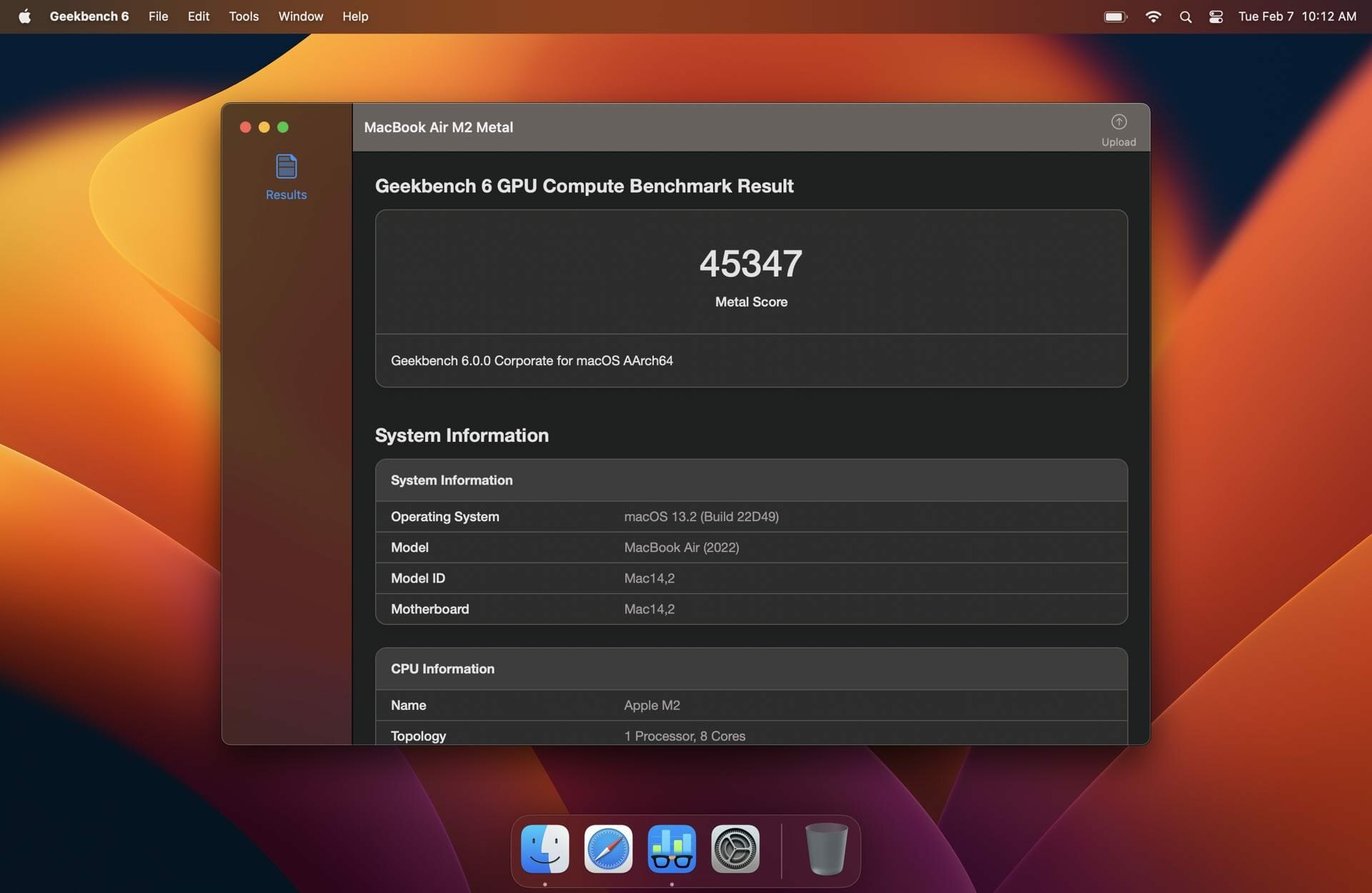
Description
Measure your device’s real-world performance with Geekbench 7, the easy-to-use cross-platform benchmark for CPU and GPU power.
Test everything from everyday tasks like browsing and photo editing to demanding workloads involving artificial intelligence, augmented reality, audio, video, and game physics. Geekbench 7 uses practical workloads and realistic data sets to deliver results that reflect how your device performs in the tasks you use every day.
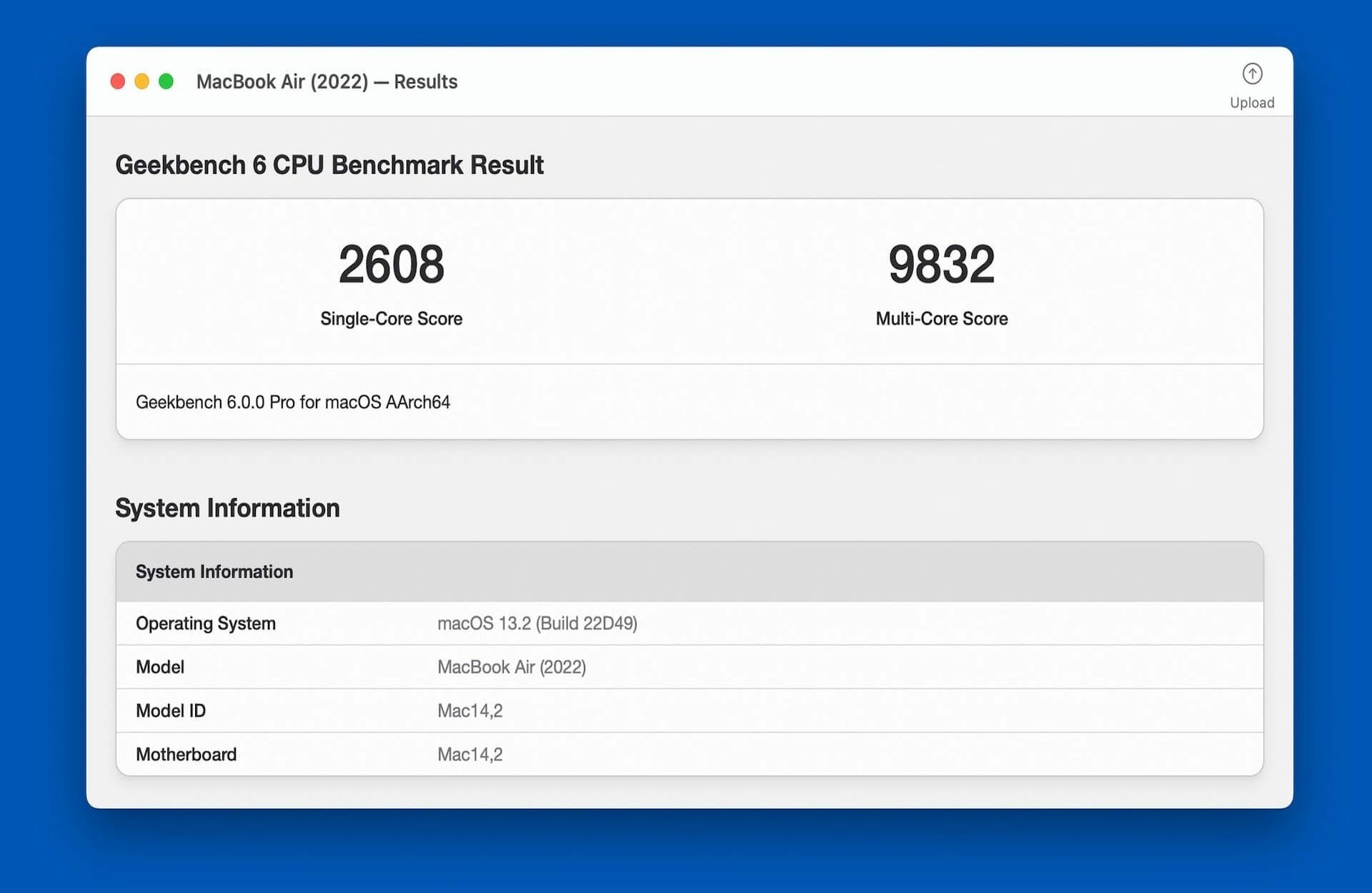
CPU Benchmark
Measure single-core and multi-core performance with workloads based on real-world applications, including:
- Photo editing and image processing
- File compression
- PDF viewing
- Web browsing
- Augmented reality
- Machine learning
- Game physics
- Audio and video encoding, decoding, and processing
The redesigned multi-core benchmark reflects how modern applications actually use multiple threads, giving you a more relevant picture of everyday performance.
GPU Compute Benchmark
Test your GPU’s performance for gaming, creative work, image processing, video editing, and machine learning. Geekbench 7 supports:
- OpenCL
- CUDA
- Vulkan
- Metal
GPU workloads include RAW image processing, video color grading, path tracing, fluid simulation, image upscaling, face tracking, and real-time background effects.
New Media Workloads
Geekbench 7 measures performance in modern audio and video tasks, including:
- AV1 video encoding for screen sharing
- Opus audio compression for voice memos and podcasts
- Video and audio decoding with live caption generation using the Whisper speech recognition model
Real-World Tests
Every test is based on practical tasks and realistic data sets, helping ensure that your scores are meaningful and relevant to the way people use their devices today.
Cross-Platform Comparisons
Compare performance across devices, operating systems, and processor architectures. Geekbench 7 supports Android, iOS, macOS, Windows, and Linux, making it easy to compare phones, tablets, computers, and more.
Geekbench Browser and Charts
Upload your results to the Geekbench Browser to share them with others and keep track of your benchmark history. Explore performance charts based on results from real users and real-world devices to help evaluate hardware and make informed purchasing decisions.
Whether you’re comparing devices, testing an upgrade, or exploring your system’s capabilities, Geekbench 7 gives you a fast, reliable way to measure performance.
Comments
No comments yet. Be the first.