
LogTail 4.3.1
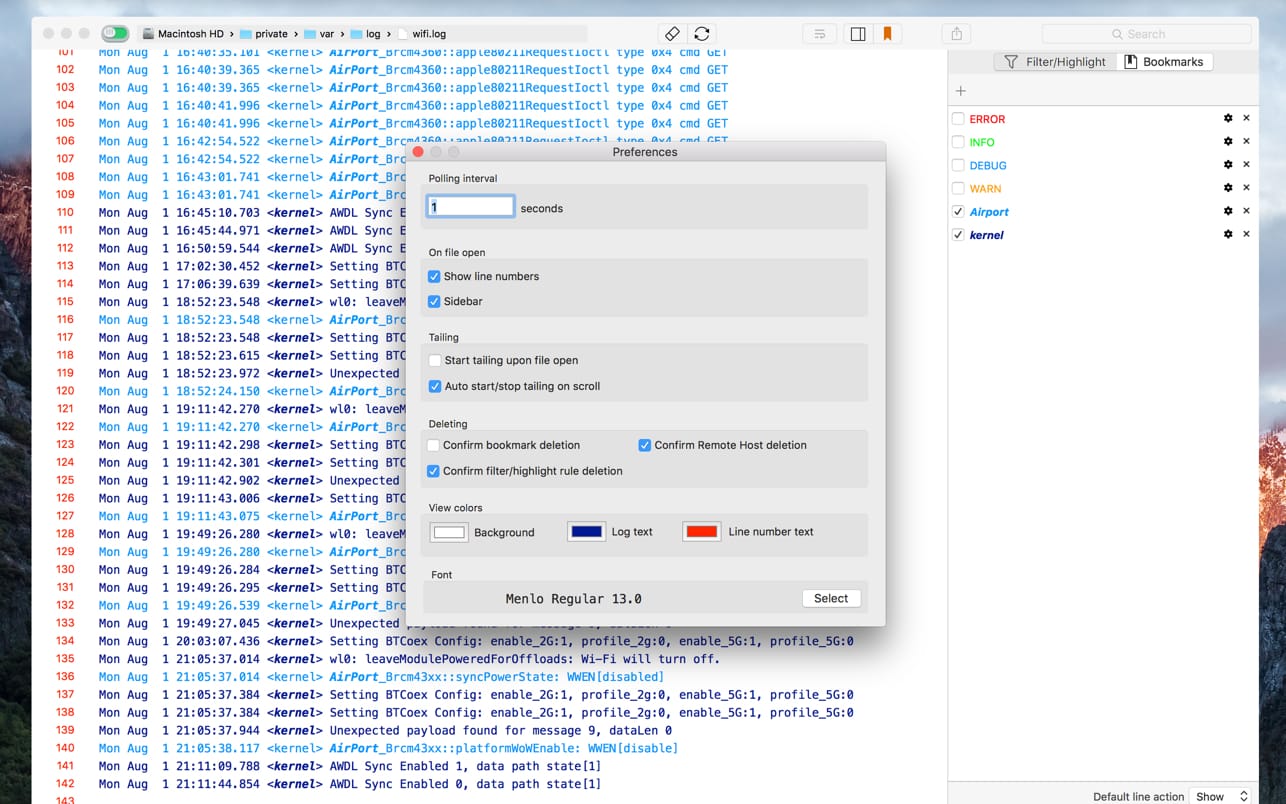
LogTail is an macOS app to view and monitor local and remote log files on linux servers (using SSH) or any plain text file in a simple, clean and unified interface!
It reads log files and outputs their contents as they change, and can follow or "tail" the file in a way similar to the Unix 'tail' utility (tail -f)
LogTail is helpful in monitoring application and system log files which are updated constantly at runtime.
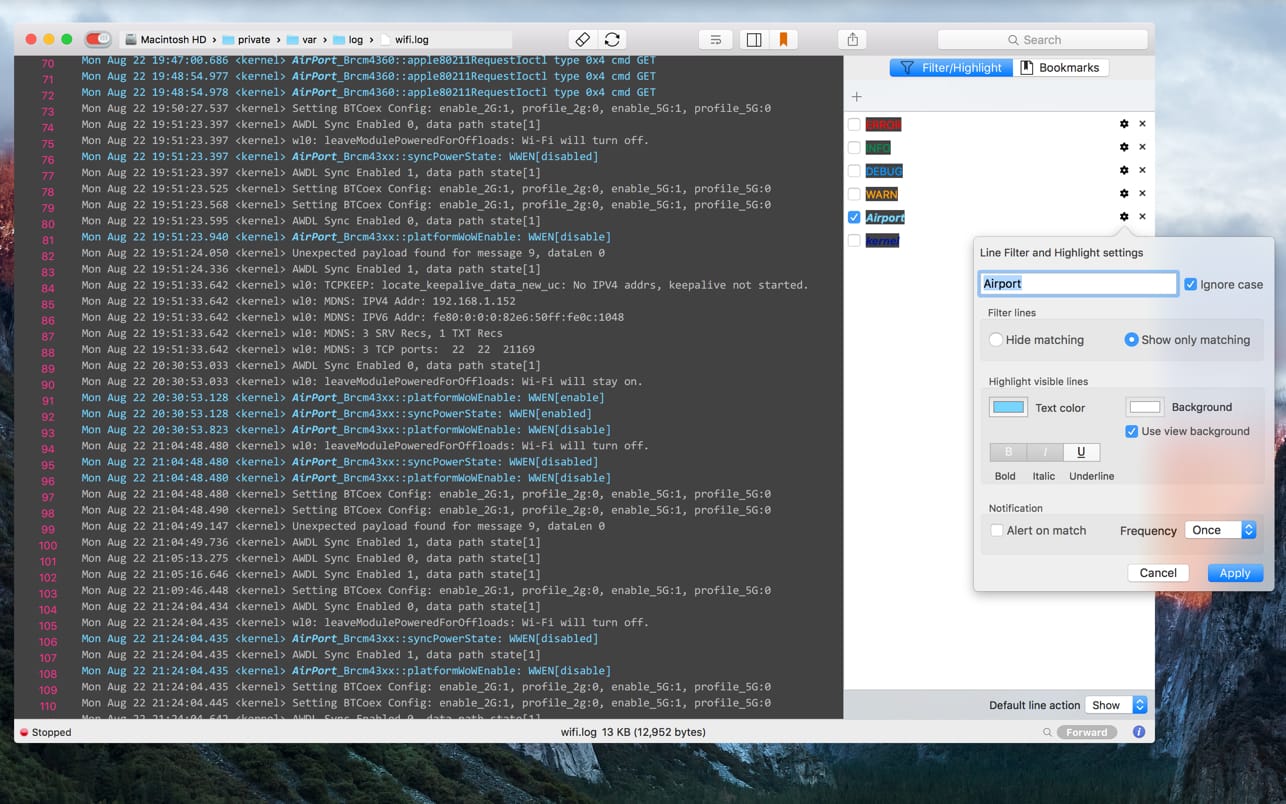
It allows you to set up filter and highlight rules that can be used to hide or colorize lines with matching search terms. This allows you to focus on the important data in your log files! You can also enable notifications to be alerted when matching text is found in the log file.
In addition you can:
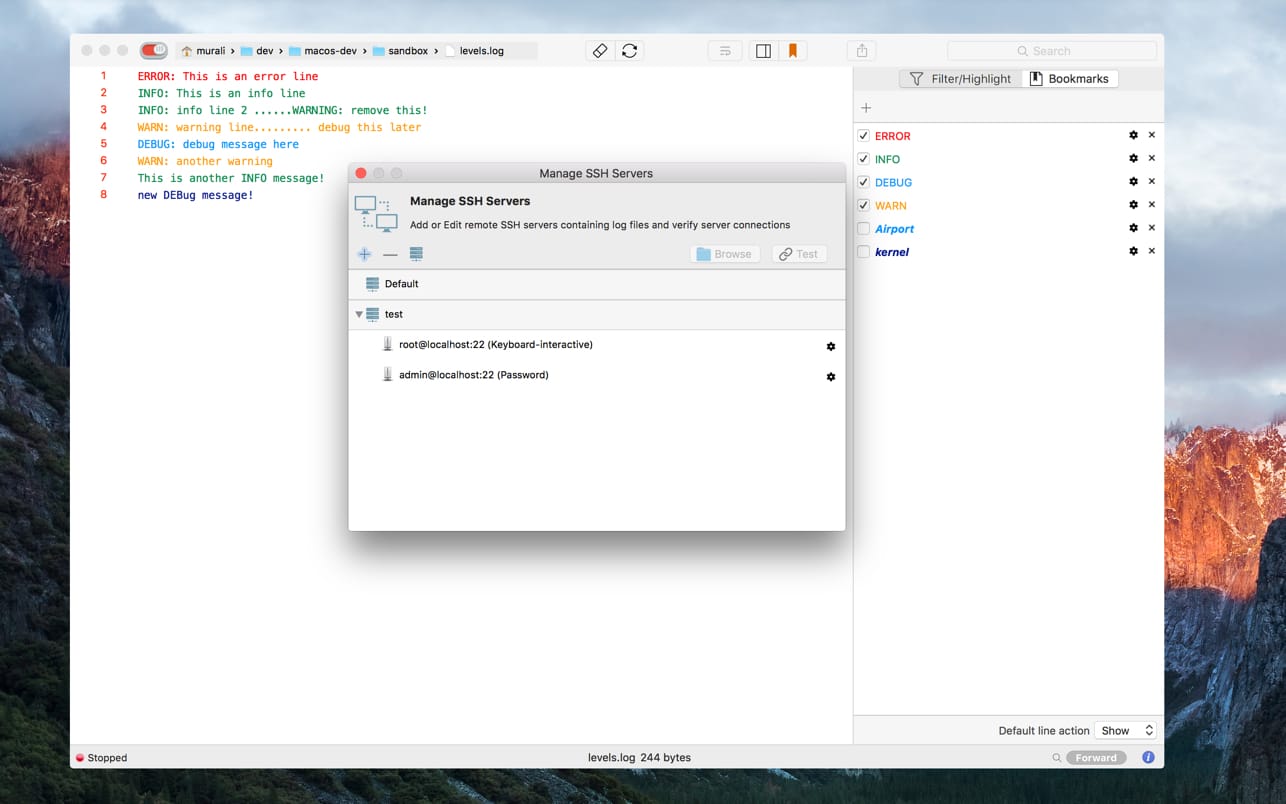
- Manage and browse remote SSH server hosts
- Bookmark and Search remote log files
- Share local log files as Mail message attachment or Messages instant message (or via AirDrop or add to Notes (Sharing toolbar item))
- Bookmark lines within a file
Version 4.3.1
Bug fixes:
- Fix bug in True Filtering feature
- Fix performance issue when loading lines
Frequently asked questions
How do I install the app?
Mount the image, drag the app into the "Applications" folder and launch it. If the system blocks the launch, allow it in "System Settings → Privacy & Security".
The app is damaged or won't launch
Reinstalling from a fresh image usually helps. Make sure your macOS version matches the one listed in the compatibility specs.
How do I update?
Download the new version from the site and install it over the current one — your settings will be preserved.
The download link doesn't work
Try a mirror or a download manager. For large files the browser often drops the connection.
How do I completely remove the app?
Use an uninstaller utility — it cleans up the service files that remain after moving the app to the trash.





Choose a download source
LogTail 4.3.1 · 14.33 MB
Previous versions
LogTail 4.3.1
Previous versions are available to registered users.